1. Úvod
This manual provides essential information and instructions for the safe and efficient use of your new XIAOMI Redmi Pad 2 tablet. Please read this manual thoroughly before operating the device and retain it for future reference.
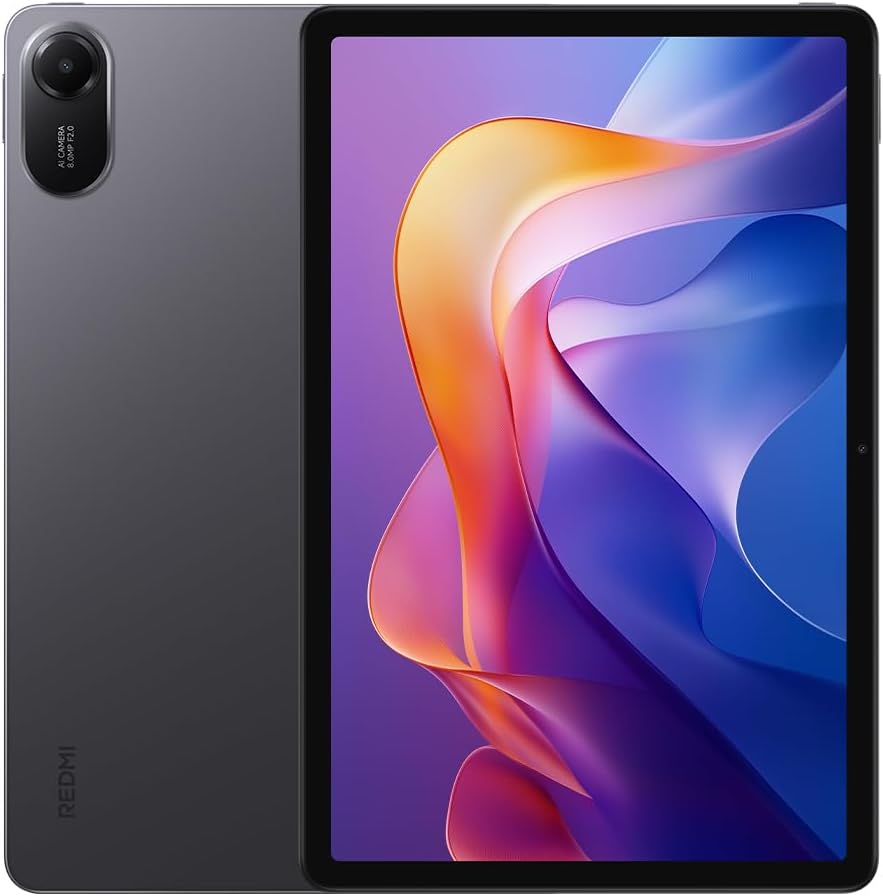
Obrázek 1: Přední a zadní strana view of the Redmi Pad 2 tablet.
2. Co je v krabici
Ověřte, zda jsou v balení produktu přítomny všechny položky:
- Tablet Redmi Pad 2
- USB-C kabel
- Napájecí adaptér
- Rychlý průvodce
3. Nastavení
- Nabijte zařízení: Before first use, connect the tablet to the power adapter using the provided USB-C cable and charge it fully. The battery indicator will show charging status.
- Zapnutí: Press and hold the power button located on the side of the tablet until the XIAOMI logo appears.
- Počáteční konfigurace: Follow the on-screen prompts to select your language, connect to a Wi-Fi network, sign in with your Google account, and set up security features.
4. Operating Your Redmi Pad 2
4.1 Displej
The Redmi Pad 2 features an 11-inch 2.5K crystal-clear display, supporting 1.07 billion colors. This display delivers rich, vibrant hues and exquisite detail, enhancing both immersive entertainment and daily use.
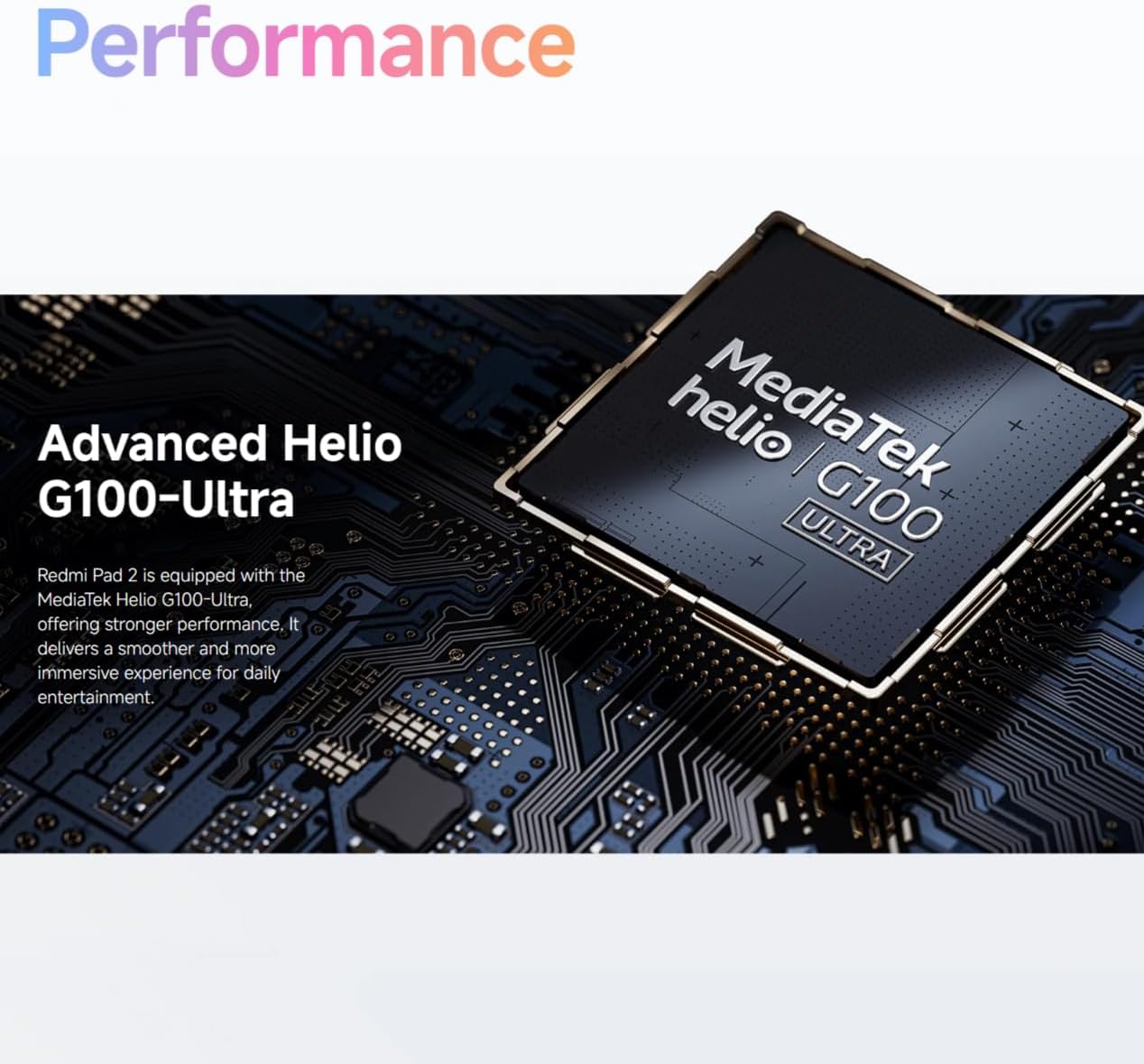
Figure 2: Visual representation of the Redmi Pad 2's 11-inch 2.5K display capabilities.
4.2 Baterie
Equipped with a massive 9000 mAh (typical) battery, the Redmi Pad 2 is designed for extended endurance. This allows for prolonged reading, gaming sessions, and video playback without frequent recharging.

Figure 3: Illustration of the Redmi Pad 2's 9000 mAh battery capacity.
4.3 Výkon
The Redmi Pad 2 is powered by the MediaTek Helio G100-Ultra processor, delivering robust performance. This ensures a smoother and more immersive experience for daily entertainment and multitasking.

Figure 4: Close-up of the MediaTek Helio G100-Ultra processor, central to the tablet's performance.
4.4 zvuk
The tablet features four speakers and supports Dolby Atmos, providing an immersive sound experience for movies, games, and music.

Figure 5: Depiction of the Redmi Pad 2's quad speaker system with Dolby Atmos support.
4.5 design
The Redmi Pad 2 features a unibody metal design, offering a sophisticated tactile experience and enhanced durability.
5. Údržba
- Čištění: K čištění obrazovky a těla přístroje používejte měkký hadřík, který nepouští vlákna. Nepoužívejte abrazivní materiály ani agresivní chemikálie.
- Skladování: Tabletu skladujte na chladném a suchém místě mimo dosah přímého slunečního záření a extrémních teplot.
- Péče o baterie: Chcete-li prodloužit životnost baterie, vyvarujte se častého úplného vybíjení baterie. Zařízení pravidelně nabíjejte.
- Aktualizace softwaru: Pravidelně kontrolujte a instalujte aktualizace systému, abyste zajistili optimální výkon a zabezpečení.
6. Řešení problémů
- Zařízení se nezapíná: Ensure the battery is charged. Connect to a power source and try again. If unresponsive, press and hold the power button for 10-15 seconds to force a restart.
- Obrazovka nereaguje: Restart the device. If the issue persists, check for software updates.
- Problémy s připojením Wi-Fi: Restartujte Wi-Fi router a tablet. Zapomeňte na síť a znovu se připojte.
- Applications Crashing: Clear the cache of the problematic application or reinstall it. Ensure your system software is up to date.
7. Specifikace
| Funkce | Detail |
|---|---|
| Číslo modelu | 25040RP0AE |
| Rozměry (D x Š x V) | 25.4 x 16.6 x 0.77 cm |
| Hmotnost | 840 gramů |
| Zobrazit | 11-inch 2.5K (2560x1600) |
| Procesor | MediaTek Helio G100-Ultra |
| Kapacita baterie | 9000 mAh (typické) |
| Barva | Šedá |
| Jazyk | angličtina |
8. Záruka a podpora
For detailed warranty information, please refer to the warranty card included with your product or visit the official XIAOMI website. For technical support, contact XIAOMI customer service through their official channels.


