Zavedení
This manual provides detailed instructions for the setup, operation, maintenance, and troubleshooting of your Tera Pro Series 6900 1D Laser Barcode Scanner. Please read this manual thoroughly before using the device to ensure proper functionality and to prevent damage.
Bezpečnostní informace
- Do not look directly into the scanning light beam.
- Udržujte zařízení mimo dosah vody a jiných kapalin.
- Zabraňte pádu skeneru ani jeho vystavování silným nárazům.
- Do not attempt to disassemble or repair the scanner yourself. Contact support if service is required.
Obsah balení
Ověřte, zda jsou v balení přítomny všechny položky:
- Tera Pro Series 6900 1D Laser Barcode Scanner
- USB kabel
- Smart Stand (for automatic scanning mode)
- Uživatelská příručka (tento dokument)
Nastavení
1. Připojení skeneru
The Tera Pro Series 6900 scanner is a Plug & Play device, requiring no driver installation.
- Connect the USB cable to the scanner.
- Plug the other end of the USB cable into an available USB 2.0 port on your computer.
- The scanner will automatically install necessary drivers and be ready for use.

Image: The Tera 6900 Barcode Scanner connected to a laptop via USB, highlighting its Plug & Play feature and support for multiple keyboard languages.
2. Kompatibilita systému
The scanner is compatible with various operating systems and devices:
- Operační systémy: Windows, Mac OS, Linux.
- Kompatibilní zařízení: Desktop Computers, Laptops.
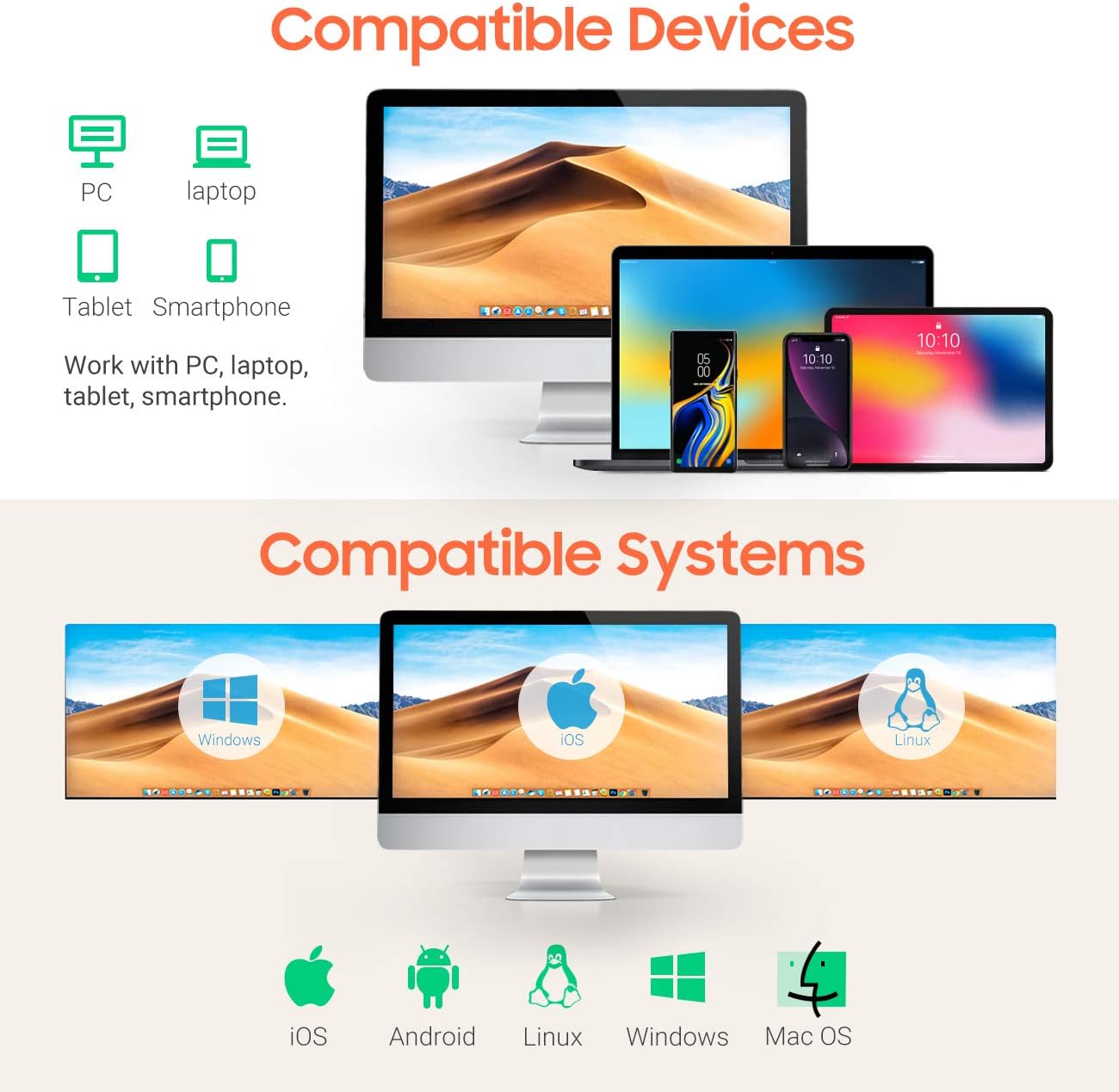
Image: Visual representation of the scanner's broad compatibility with different devices and operating systems.
Návod k obsluze
1. Režimy skenování
The Tera 6900 scanner supports three primary scanning modes:
- Sensor Activated Mode: The scanner automatically detects a barcode and activates the laser.
- Režim spouštění kláves: Stiskněte spouštěcí tlačítko pro aktivaci laseru a naskenování čárového kódu.
- Nepřetržitý režim: The laser remains continuously active, scanning any barcode that passes through its field.
2. Automatic Scanning with Smart Stand
When the scanner is placed on its intelligent Smart Stand, it automatically switches to sensor-activated mode. The laser will turn on when a barcode is detected, offering hands-free operation. Removing the scanner from the stand will revert it to key trigger mode within seconds.

Image: The scanner positioned on its Smart Stand, ready for automatic, hands-free scanning.
3. Scanning Angle
For optimal scanning performance, position the scanner within the recommended angles:
- Angle of Deflection: ±40°
- Angle of Elevation: ±40°

Image: Visual guide for positioning the scanner to achieve the best scanning results.
4. Decoding Capacity
The Tera 6900 scanner offers super decoding capabilities for various 1D barcode conditions, including:
- Damaged barcodes
- Blurred barcodes
- Scratched barcodes
- Dislocated barcodes
- Colorful barcodes
- Fuzzy barcodes
- Ultra-long and small 1D barcodes (down to 5mm)

Image: Demonstrates the scanner's ability to read difficult-to-scan 1D barcodes.
5. Supported 1D Barcode Types
The scanner supports a wide range of 1D barcode symbologies:
- CODE39, CODE39 Full ASCII, CODE128, CODE 32, CODEBAR, CODE93, EAN13, CODE11, EAN-128, EAN-8, EAN-13, UPC-A, UPC-E, MSI, ISBN, ISBN 13, Industrial 2/5, ITF14, Interleaved 2/5, Standard 2/5, Matrix 2/5, GS1.
6. Output Programmable Features
Customize the scanner's output with various programmable settings:
- Add Prefix/Suffix: Přidejte vlastní znaky před nebo za naskenovaná data.
- Hide Prefix/Suffix: Remove existing prefixes or suffixes from scanned data.
- Insert Digits: Insert specific digits at a desired position within the scanned data.
- Ovládání hlasitosti: Adjust the beep sound volume.
- Terminátor: Configure the end-of-line character (e.g., Enter, Tab).
- Konverze případu: Convert scanned data to uppercase or lowercase.

Image: Visual guide to customizing barcode output with prefixes, suffixes, and digit insertion.
7. Podpora jazyků klávesnice
The scanner supports multiple keyboard languages to ensure correct data input:
- angličtina
- španělština
- Němec
- japonský
- francouzština
- italština
- A další.
Údržba
To ensure the longevity and optimal performance of your scanner, follow these maintenance guidelines:
- Čištění: K čištění vnější strany skeneru použijte měkký, suchý hadřík. Na skenovací okénko použijte hadřík, který nepouští vlákna, lehce osušte.ampened with a mild, non-abrasive cleaner. Do not spray cleaner directly onto the device.
- Skladování: Skener skladujte na chladném a suchém místě mimo dosah přímého slunečního záření a extrémních teplot.
- Péče o kabely: Neohýbejte ani nekruťte kabel USB nadměrně.
Odstraňování problémů
| Problém | Možná příčina | Řešení |
|---|---|---|
| Scanner does not connect to computer. | Loose USB connection, faulty USB port, or system incompatibility. | Ensure the USB cable is securely connected to both the scanner and the computer. Try a different USB port or a different computer to rule out port issues. Verify your operating system is supported (Windows, Mac, Linux). |
| Skener nečte čárové kódy. | Barcode is damaged/unreadable, incorrect scanning angle, or scanner is in the wrong mode. | Ensure the barcode is clear and undamaged. Adjust the scanning angle. Check if the scanner is in the correct operating mode (e.g., Key Trigger, Sensor Activated). Refer to the "Operating Instructions" section. |
| Incorrect characters appear after scanning (e.g., special characters instead of letters). | Nesprávné nastavení jazyka klávesnice. | Configure the scanner's keyboard language to match your computer's keyboard layout. Refer to the scanner's programming guide (usually a separate barcode sheet) for language setting barcodes. |
| Skener pípá, ale žádná data se nepřenášejí. | Application not in focus, or data format issue. | Ensure the cursor is in a text field of an active application (e.g., Notepad, Word, Excel). Check programmable output settings for any unintended prefixes, suffixes, or terminators. |
Specifikace
| Značka | Tera |
| Číslo modelu | 6900 |
| Barva | Pomerančový |
| Technologie připojení | USB |
| Kompatibilní zařízení | Počítač, Notebook |
| Rychlost skenování | 100 obrázků za sekundu |
| Podporované typy čárových kódů | 1D (CODE39, CODE128, EAN, UPC, etc.) |
| UPC | 787803926279 |
Záruka
The Tera Pro Series 6900 1D Laser Barcode Scanner comes with a 1letá záruka výrobce od data nákupu. Tato záruka se vztahuje na vady materiálu a zpracování při běžném používání. Nevztahuje se na škody způsobené nesprávným použitím, nehodami, neoprávněnými úpravami nebo nesprávnou instalací.
Uschovejte si prosím doklad o koupi pro uplatnění záruky.
Podpora
For technical assistance, troubleshooting not covered in this manual, or warranty inquiries, please contact Tera customer support through the official webstránky nebo vašeho prodejce.
Pro více informací navštivte Tera Brand Store.


