Zavedení
This manual provides comprehensive instructions for the HyperX Alloy Origins Mechanical Gaming Keyboard. It covers product features, setup procedures, operational guidelines, maintenance tips, troubleshooting solutions, and detailed specifications. Please read this manual thoroughly to ensure optimal performance and longevity of your keyboard.

Image: The HyperX Alloy Origins Mechanical Gaming Keyboard, showcasinjeho plné rozložení a zářivé RGB podsvícení.
Obsah balení
Ověřte, zda jsou v balení produktu přítomny všechny položky:
- Mechanická herní klávesnice HyperX Alloy Origins
- Detachable USB Type-C to Type-A Cable
- Rychlý průvodce
- Záruční list
- Welcome Card from HyperX
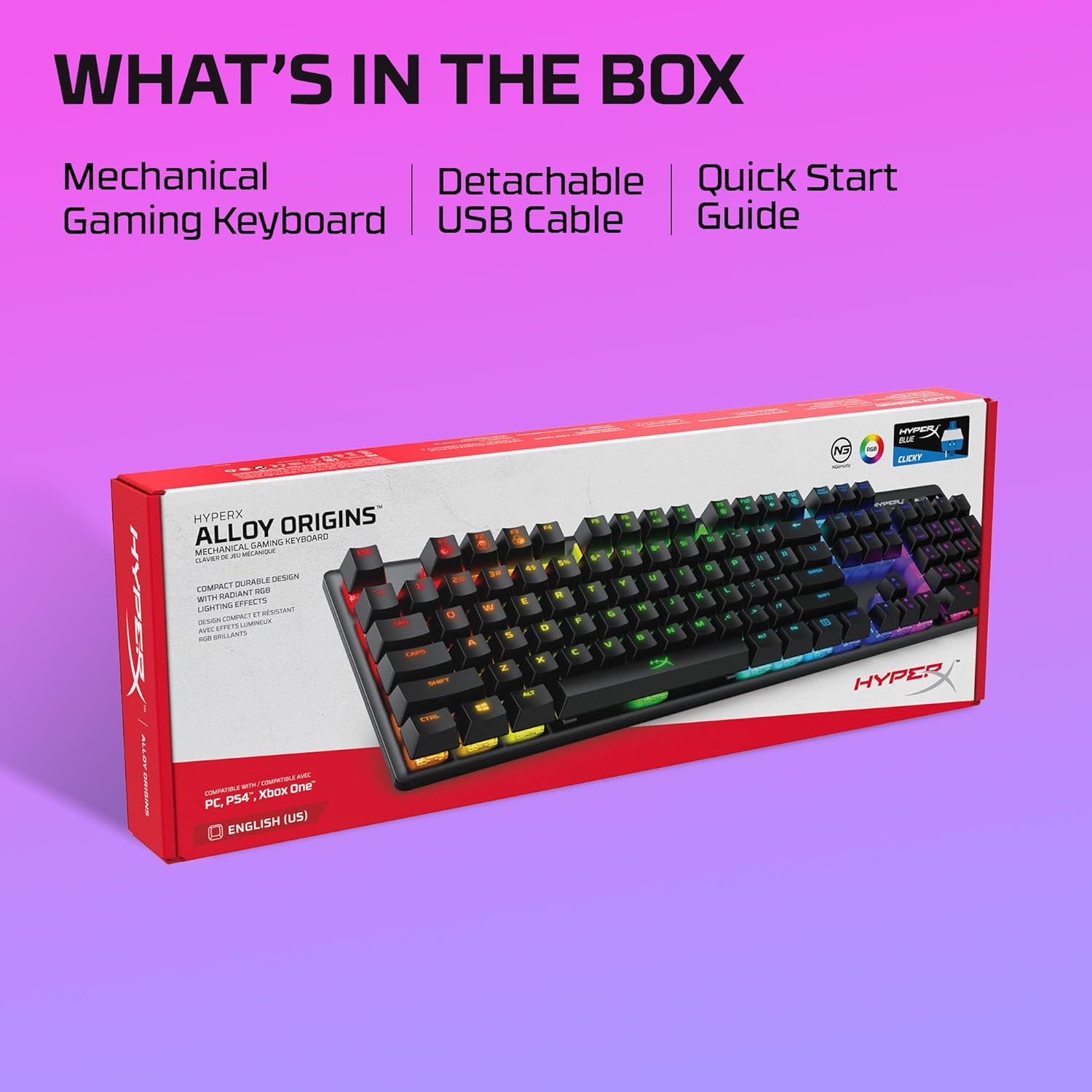
Image: The retail box for the HyperX Alloy Origins keyboard, indicating the included mechanical gaming keyboard, detachable USB cable, and quick start guide.
Nastavení
- Připojení klávesnice: Connect the detachable USB Type-C end of the provided cable to the keyboard and the USB Type-A end to an available USB port on your computer or compatible gaming console.
- Instalace ovladače: The keyboard is plug-and-play. For advanced customization, download the HyperX NGENUITY Software from the official HyperX webmísto.
- Kompatibilita: The keyboard is compatible with Windows® 10, 8.1, 8, 7; PS4; and Xbox One.

Obrázek: Detailní záběr view of the HyperX Alloy Origins keyboard's USB Type-C port and the detachable braided cable, highlighting its easy connectivity.
Návod k obsluze
Key Functions and Features
- HyperX Mechanical Switches: The keyboard features custom-designed HyperX Blue mechanical switches, known for their clicky tactile feedback and durability, rated for 80 million keypresses.
- RGB podsvícení: Enjoy per-key RGB lighting with radiant effects. The exposed LED design of the switches enhances brightness. There are 5 adjustable brightness levels.
- Palubní paměť: Ušetřete až tři vlastní profesionályfiles directly to the keyboard's onboard memory, allowing you to carry your personalized settings wherever you go.
- Nastavitelné úhly náklonu: Customize your typing or gaming posture with three adjustable keyboard tilt angles (3°, 7°, or 11°) using the two-step keyboard feet.
- Herní režim: Activate Game Mode to prevent accidental interruptions during gameplay, such as minimizing the game by pressing the Windows key.
- 100% Anti-Ghosting and N-Key Rollover: These features ensure that every keypress is registered accurately, even during rapid, simultaneous inputs.

Image: The HyperX Alloy Origins keyboard displaying its vibrant RGB lighting effects, alongside a screenshot of the HyperX NGENUITY software interface for customization.
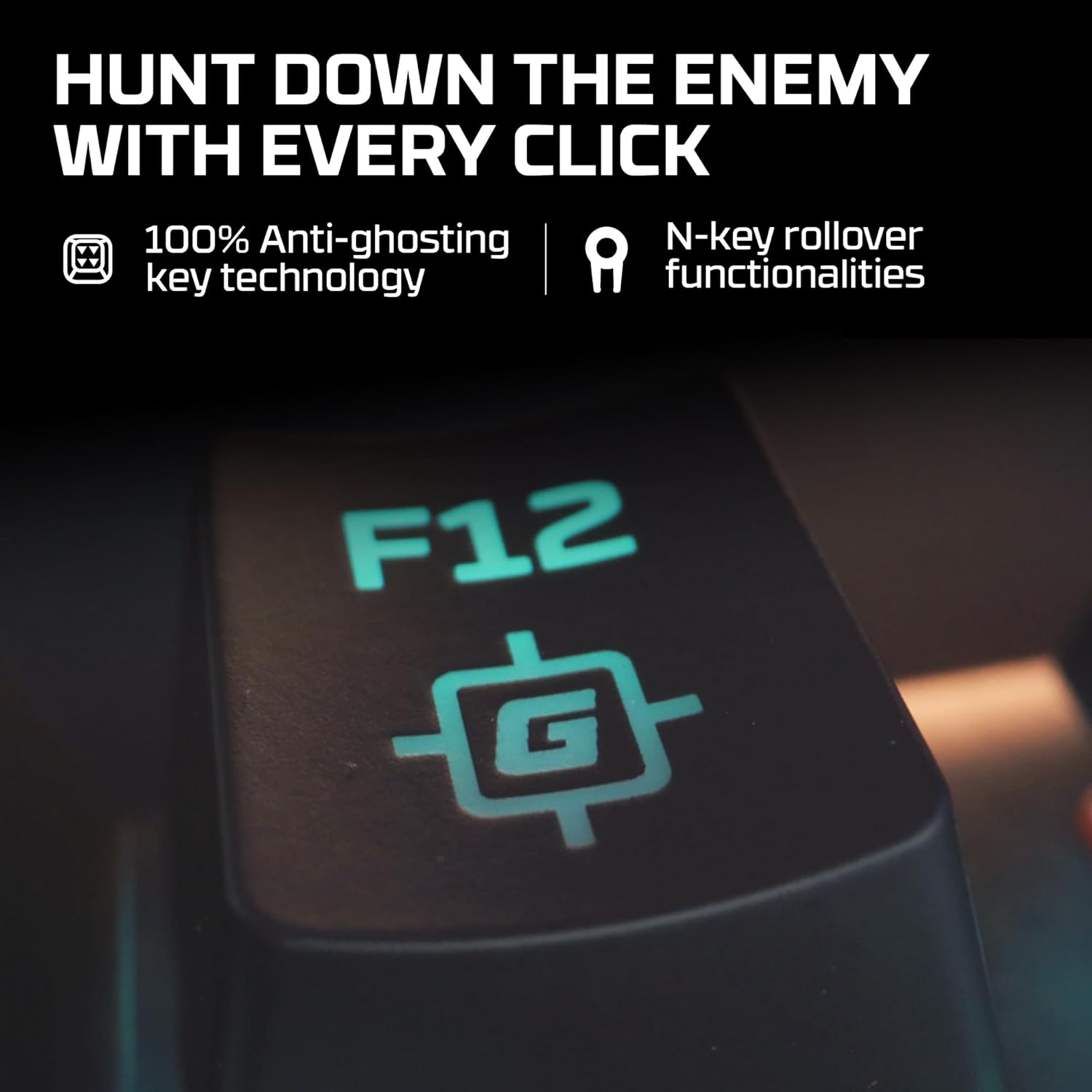
Image: A close-up of the F12 key on the HyperX Alloy Origins keyboard, featuring a gaming icon, symbolizing the 100% anti-ghosting and N-key rollover technologies.

Image: The HyperX Alloy Origins keyboard in use, demonstrating its compatibility with PlayStation and Xbox consoles, as well as Windows PC.
Customization with HyperX NGENUITY Software
The HyperX NGENUITY software provides advanced customization options for your keyboard:
- Světelné efekty: Create and apply custom RGB lighting patterns and effects for individual keys or zones.
- Vytvoření makra: Program complex key sequences and assign them to single keys for quick execution.
- Nastavení herního režimu: Configure which keys are disabled in Game Mode to prevent accidental presses.
- Profile Řízení: Manage and save your custom settings as profiles, which can be stored on the keyboard's onboard memory.
Download the latest version of HyperX NGENUITY from the official HyperX website for the full range of customization features.
Údržba
To maintain the performance and appearance of your HyperX Alloy Origins keyboard, follow these guidelines:
- Čištění: Use a soft, lint-free cloth to wipe the keyboard surface. For deeper cleaning, use compressed air to remove dust and debris from between the keycaps. Avoid using harsh chemicals or abrasive materials.
- Demontáž krytky kláves: If necessary, keycaps can be carefully removed using a keycap puller for thorough cleaning. Exercise caution to avoid damaging the switches.
- Péče o kabely: Ensure the detachable USB cable is not bent sharply or subjected to excessive strain to prevent damage.
Odstraňování problémů
If you encounter issues with your HyperX Alloy Origins keyboard, refer to the following common solutions:
- Klávesnice nereaguje:
- Ensure the USB cable is securely connected to both the keyboard and the computer/console.
- Zkuste připojit klávesnici k jinému USB portu.
- Test the keyboard on another computer or console to rule out system-specific issues.
- RGB osvětlení nefunguje/je nesprávné:
- Check the brightness settings on the keyboard (usually via function keys).
- Ensure the HyperX NGENUITY software is updated to the latest version.
- Reset the keyboard to factory defaults (refer to the Quick Start Guide for specific instructions).
- Klíče se neregistrují:
- Clean around the affected key to ensure no debris is obstructing the switch.
- If using NGENUITY, ensure no macros or key reassignments are interfering with the key's function.
- Problémy se softwarem:
- Reinstall the HyperX NGENUITY software.
- Ujistěte se, že máte aktuální operační systém.
For further assistance, visit the official HyperX support webnebo kontaktujte zákaznický servis.
Specifikace
| Značka | HyperX |
| Název modelu | HyperX Alloy Origins |
| Číslo modelu | HX-KB6BLX-US (4P5P0AA#ABA) |
| Typ klávesnice | Mechanická herní klávesnice |
| Typ přepínače | HyperX Blue Mechanical Switches (Clicky) |
| Konektivita | USB Type-C to Type-A (Detachable Cable) |
| Materiál | Full Aircraft-Grade Aluminum Body |
| Rozměry (DxŠxV) | 44.2 x 13.2 x 3.8 cm (17.4 x 5.2 x 1.5 palce) |
| Hmotnost | 1.09 kg (2.4 lb) |
| Podsvícení | Per-key RGB LED |
| vestavěnou paměť | 3 Profiles |
| Speciální funkce | Ergonomic design, Game Mode, 100% Anti-Ghosting, N-Key Rollover, Adjustable Tilt Angles |
| Kompatibilní zařízení | Windows® 10, 8.1, 8, 7; PS4; Xbox One |

Image: A diagram illustrating the dimensions (width, depth, height) and weight of the HyperX Alloy Origins keyboard.

Obrázek: Podrobný view of a HyperX Blue mechanical switch, highlighting its click-style mechanism and design.
Záruka a podpora
The HyperX Alloy Origins Mechanical Gaming Keyboard comes with a 2-letá záruka. This warranty covers manufacturing defects and ensures free technical support during the warranty period.
For warranty claims, technical assistance, or additional product information, please visit the official HyperX support webnebo se obraťte na jejich zákaznický servis. Uschovejte si doklad o koupi pro ověření záruky.


