Zavedení
The Ring Video Doorbell Wired provides 1080p HD video surveillance for your front door, offering advanced motion detection, two-way talk, and real-time alerts. This device requires existing doorbell wiring for continuous power and operates on a 2.4 GHz Wi-Fi connection. It integrates seamlessly with the Ring app and compatible Alexa devices to enhance your home security and convenience.
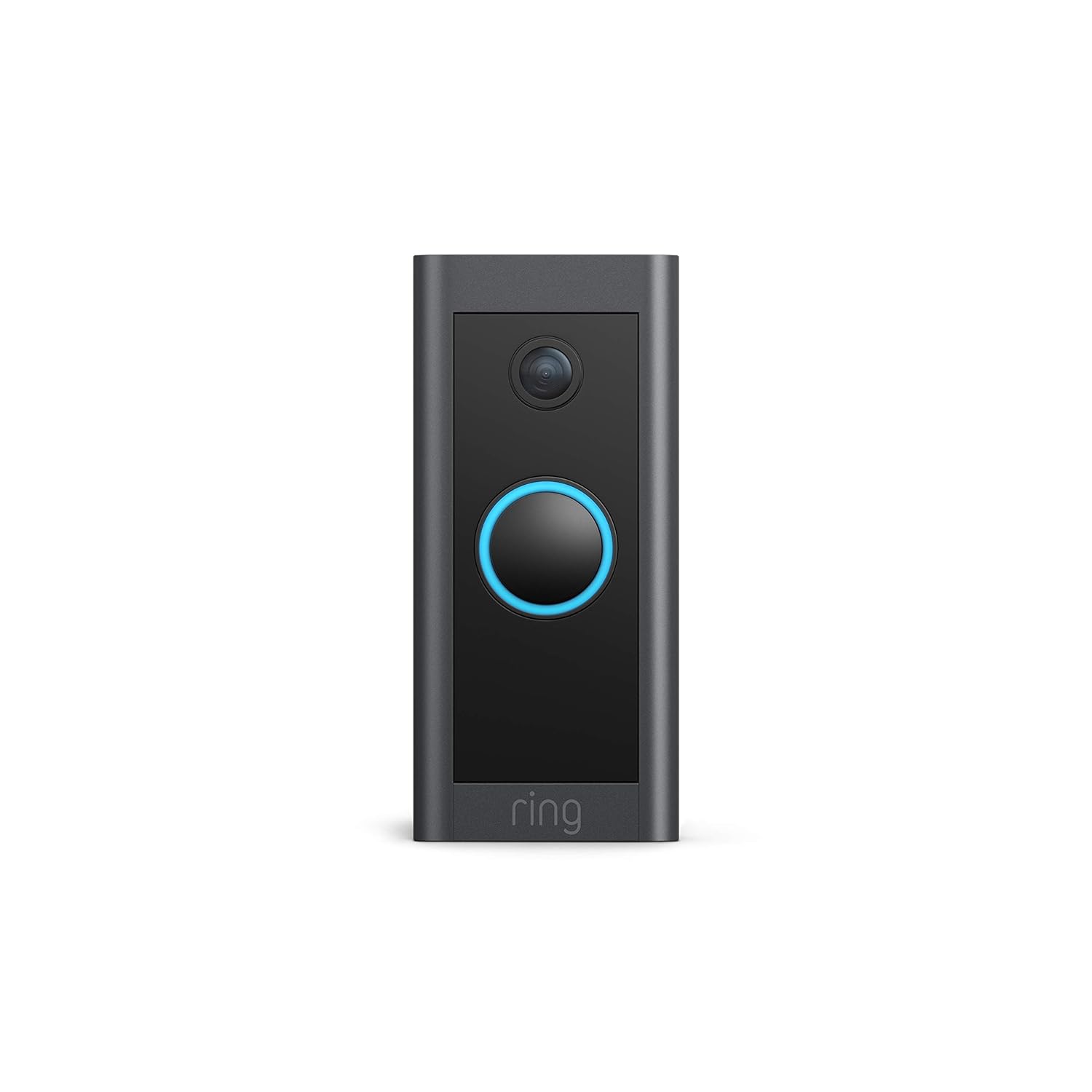
Image: The Ring Video Doorbell Wired, a sleek black device with a blue illuminated button, mounted on a door frame, ready for use.
Co je zahrnuto
Your Ring Video Doorbell Wired package contains the following items:
- Ring Video Doorbell Wired unit
- Instalační nástroje a šrouby
- Uživatelská příručka (tento dokument)
- Průvodce rychlým startem
- Bezpečnostní nálepky
Nastavení a instalace
The average installation time for the Ring Video Doorbell Wired is approximately 15 minutes. This device requires hardwiring to an existing doorbell system or a compatible transformer.
Požadavky na napájení:
- Existing doorbell system (10-24 VAC, 40VA max, 50/60Hz)
- Ring plug-in adapter
- Compatible transformer (24VDC, 0.5A, 12W)
Note: Halogen or garden-lighting transformers are not compatible. The doorbell will bypass your existing indoor chime; a Ring Chime or compatible Alexa device is required for in-home audio notifications.
Kroky instalace:
- Vypnout napájení: Before beginning, ensure the power to your existing doorbell system is turned off at the breaker.
- Remove existing doorbell: Carefully detach your old doorbell button from the wall.
- Připojte kabeláž: Connect the existing doorbell wires to the terminals on the back of the Ring Video Doorbell Wired using the provided tools. Ensure a secure connection.
- Mount the doorbell: Secure the Ring Video Doorbell Wired to your wall using the included screws and anchors.
- Obnovení napájení: Znovu zapněte napájení na jističi.
- In-app setup: Download the Ring app, create an account (if you don't have one), and follow the on-screen instructions to connect your doorbell to your 2.4 GHz Wi-Fi network.

Image: A person's hands are shown connecting red and white wires to the terminals on the back of the Ring Video Doorbell Wired, illustrating the hardwiring process.
Návod k obsluze
The Ring Video Doorbell Wired offers a range of features to monitor your front door effectively.
Klíčové vlastnosti:
- 1080p HD video: Enjoy clear, high-definition video of your doorstep, day or night.
- Žít View: Access a real-time video feed from your doorbell at any time via the Ring app.
- Obousměrný rozhovor: Speak to visitors at your door from anywhere using your smartphone or a compatible Alexa device.
- Pokročilá detekce pohybu: Customize motion zones to receive alerts when activity is detected in specific areas.
- Noční vidění: The doorbell provides sharp contrast night vision, ensuring clear video even in low-light conditions.
- Upozornění v reálném čase: Receive instant notifications on your phone when someone rings the doorbell or motion is detected.
- Integrace Alexa: Connect with Alexa to hear motion alerts on compatible Echo devices or view a živě View on Echo Show, Fire TV, or Fire Tablet. You can also initiate two-way talk via Alexa commands.
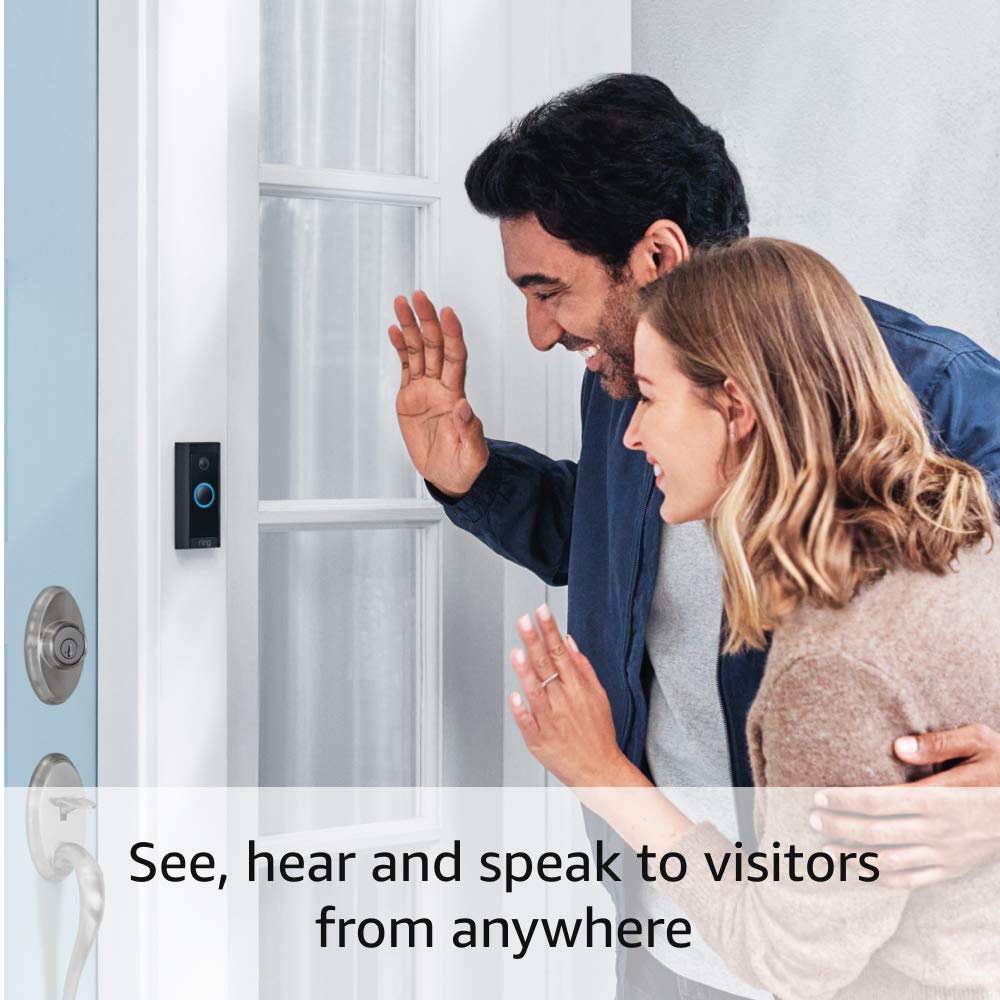
Image: A man and a woman are shown waving at the Ring Video Doorbell Wired, demonstrating the two-way talk feature where users can interact with visitors.
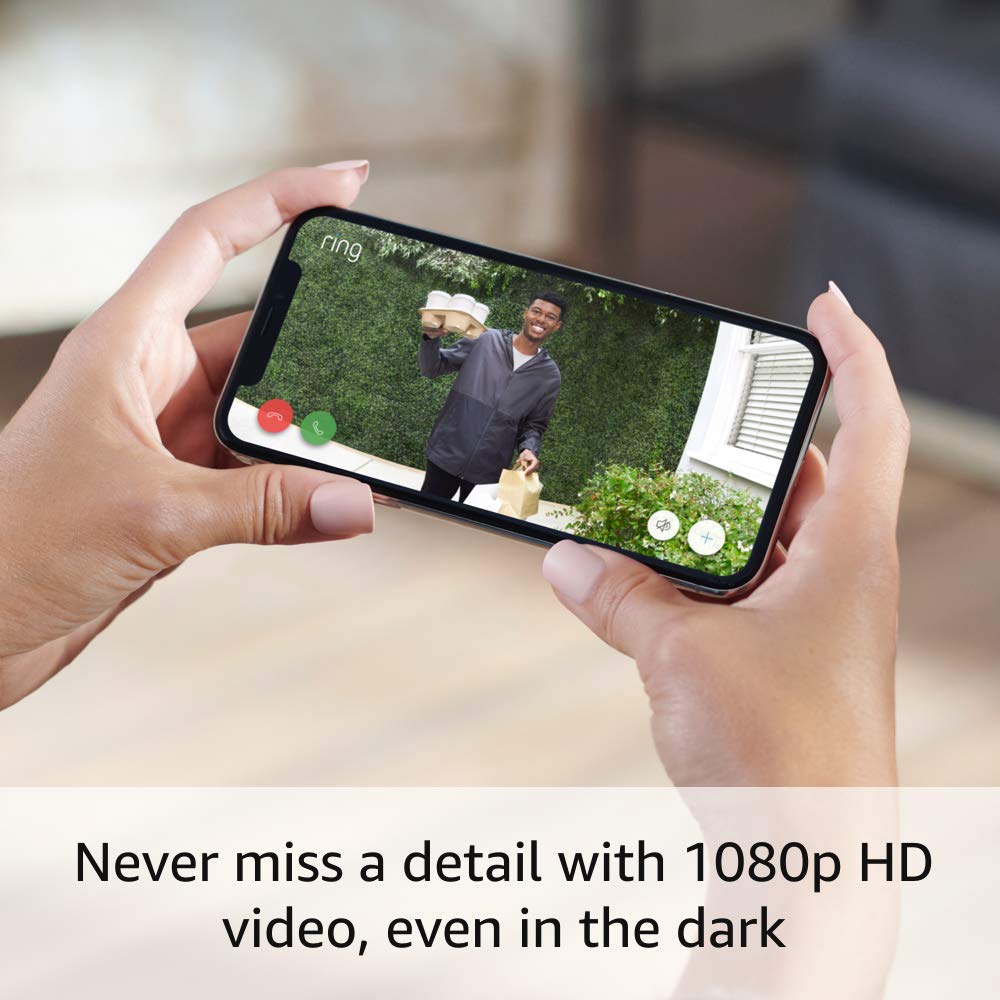
Image: A smartphone screen displays a clear 1080p HD video feed from the Ring doorbell, showing a person holding packages, highlighting the video quality.

Image: An Amazon Echo Show device displays a live video feed from the Ring doorbell, with a text bubble stating "Alexa, talk to the front door.", illustrating Alexa integration.
Ring App Functionality:
The Ring app is your central hub for managing your doorbell. It allows you to:
- View live video and recorded events (with Ring Protect subscription).
- Adjust motion detection settings and privacy zones.
- Manage device settings and user access.
- Arm and disarm your Ring system (with eligible Ring Home subscription).

Image: A smartphone screen displays the Ring App interface, showing options like 'Disarmed', 'Home', 'Away', and quick access buttons for 'Front Door', 'Lights', and 'History'.
Údržba
To ensure optimal performance and longevity of your Ring Video Doorbell Wired, consider the following maintenance tips:
- Pravidelný úklid: Pravidelně otírejte objektiv kamery a vnější část zvonku měkkým hadříkem.amp hadříkem k odstranění prachu a nečistot. Nepoužívejte abrazivní čisticí prostředky.
- Aktualizace firmwaru: Ensure your device's firmware is up to date through the Ring app. Updates often include performance improvements and security enhancements.
- Odolnost vůči počasí: The doorbell is weather-resistant, designed to operate in temperatures from -4°F to 104°F (-20°C to 40°C). However, extreme weather conditions may temporarily affect performance.
- Síla signálu Wi-Fi: Regularly check your Wi-Fi signal strength in the Ring app to ensure a stable connection. A weak signal can impact video quality and alert delivery.
Odstraňování problémů
If you encounter issues with your Ring Video Doorbell Wired, try the following solutions:
- No Power/Device Offline:
- Verify that the power to your doorbell system is on at the breaker.
- Check the wiring connections at the back of the doorbell to ensure they are secure.
- Confirm your power source meets the required specifications (10-24 VAC, 40VA max, 50/60Hz, or 24VDC, 0.5A, 12W).
- Poor Video Quality/Connectivity Issues:
- Ensure your Wi-Fi router is within a reasonable range of the doorbell. Obstructions like thick walls can weaken the signal.
- Check your internet speed. A high-speed internet connection is required for optimal performance.
- Restart your Wi-Fi router and the Ring doorbell (by turning off power at the breaker for a few seconds).
- Confirm your doorbell is connected to a 2.4 GHz Wi-Fi network.
- Motion Detection Not Working/Too Sensitive:
- Adjust motion sensitivity and customize motion zones within the Ring app.
- Ensure there are no obstructions blocking the doorbell's field of view.
- No In-Home Chime Sound:
- The Ring Video Doorbell Wired bypasses existing mechanical chimes. You need a Ring Chime or a compatible Alexa device for in-home audio alerts.
- Ensure your Ring Chime or Alexa device is properly set up and linked to your doorbell in the Ring app.
Specifikace
| Video | 1080p HD video, živě View, Noční vidění |
| Pole View | 155 ° vodorovně, 90 ° svisle |
| Detekce pohybu | Pokročilá detekce pohybu s přizpůsobitelnými zónami pohybu |
| Zvuk | Obousměrný zvuk s potlačením hluku |
| Moc | Pevné připojení (10–24 V AC, max. 40 VA, 50/60 Hz nebo 24 V DC, 0.5 A, 12 W) |
| Požadavky na internet | Vysokorychlostní internet |
| Konektivita | Wi-Fi připojení 802.11 b/g/n @ 2.4 GHz |
| Provozní podmínky | -4°F až 104°F (-20°C až 40°C), odolný vůči povětrnostním vlivům |
| Rozměry | 3.98 palce x 1.81 palce x 0.88 palce (101 mm x 45.7 mm x 22.4 mm) |
| Generace | Drátový videozvonek Ring 1. generace – vydání 2021 |
Záruka a podpora
Záruka:
The Ring Video Doorbell Wired comes with a 1letá omezená záruka. Use of the Ring Video Doorbell is subject to the terms found on the official Ring webmísto.
Aktualizace zabezpečení softwaru:
This device receives guaranteed software security updates until at least four years after the device is last available for purchase as a new unit on Ring's websites. For specific information regarding your device, visit the Software Security Updates section in the Ring Control Center.
Podpora:
For additional information, troubleshooting guides, and customer assistance, please visit the official Ring Video Doorbell Wired support page on the Ring website. You can typically find this by searching for "Ring Video Doorbell Wired support" online.


