1. Úvod
The Plugable USB-C Hub 7-in-1 is a versatile multiport adapter designed to expand the connectivity of your USB-C or Thunderbolt 3/4 enabled laptop, tablet, or smartphone. This compact and driverless hub provides essential ports for enhanced productivity and convenience.
It features a 4K HDMI display output, three USB 3.0 ports for high-speed data transfer, dedicated SD and microSD card readers, and a USB-C Power Delivery charging port, allowing you to charge your host device while using the hub.

Image: The Plugable USB-C 7-in-1 Hub showcasing its various connectivity options with connected peripherals.
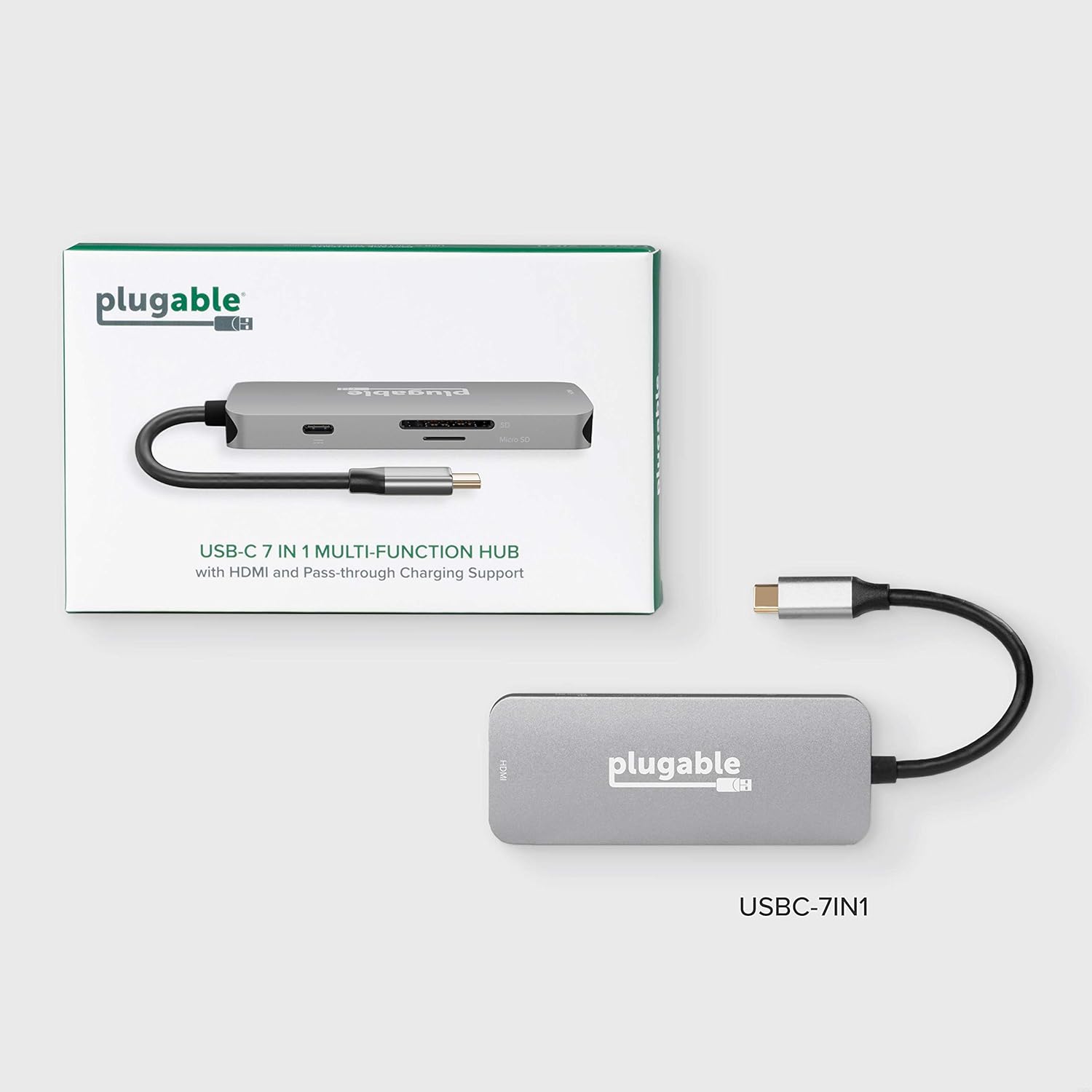
Image: The compact design of the Plugable USB-C Hub, highlighting its portability for on-the-go use.
2. Nastavení a připojení
Follow these steps to set up your Plugable USB-C Hub:
- Připojení k hostitelskému zařízení: Plug the integrated USB-C cable from the hub into an available USB-C or Thunderbolt 3/4 port on your laptop, tablet, or smartphone. The hub is driverless and should be recognized automatically by your operating system (Windows, macOS, ChromeOS, etc.).
- Připojení napájení (volitelné): If your host device requires charging or if you are connecting power-intensive peripherals, connect your original USB-C power adapter to the USB-C Power Delivery (PD) port on the hub. The hub supports up to 100W pass-through charging.
- Připojení HDMI displeje: Connect an HDMI cable from your monitor or TV to the HDMI port on the hub. Ensure your display is set to the correct input source. The hub supports resolutions up to 4K at 30Hz. For 4K 60Hz, your host device must support DisplayPort 1.4.
- Připojení USB zařízení: Plug your USB peripherals (e.g., mouse, keyboard, external hard drive, USB flash drives) into the three USB 3.0 ports on the hub. These ports offer data transfer speeds up to 5Gbps.
- Vložení paměťových karet: Insert your SD or microSD cards into the corresponding slots on the hub for data access.

Image: A detailed diagram illustrating the various ports available on the Plugable USB-C 7-in-1 Hub.

Image: Illustration of the pass-through USB-C charging feature, allowing your laptop to charge while connected to the hub.
3. Návod k obsluze
Once connected, the Plugable USB-C Hub operates seamlessly with your device. Here are key functionalities:
- HDMI Display Output: Use the HDMI port to extend or mirror your desktop to an external display. This is ideal for presentations, multitasking, or enjoying media on a larger screen. Ensure your display settings are configured correctly in your operating system.
- Přenos dat USB 3.0: The three USB 3.0 ports provide high-speed data transfer for external storage devices, ensuring quick file transfers. They are also suitable for connecting standard USB peripherals like keyboards, mice, and webvačky.
- SD and MicroSD Card Readers: Access photos, videos, and other files directly from your camera's memory cards. The hub supports simultaneous reading of both SD and microSD cards.
- Dodávka energie: The USB-C PD port allows your laptop to receive power through the hub, eliminating the need for a separate power connection to your laptop's dedicated charging port.
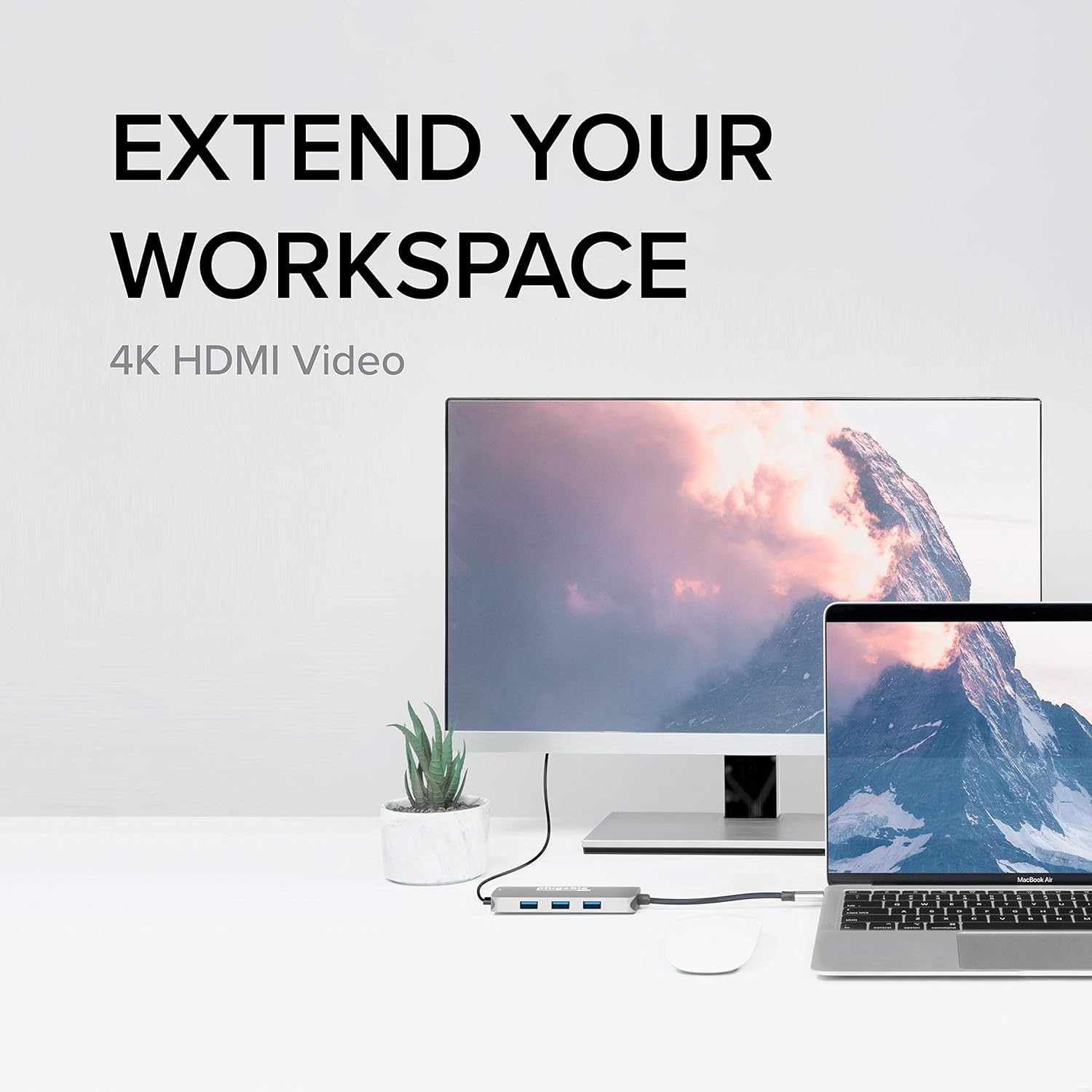
Image: The hub enabling an extended workspace by connecting a laptop to an external 4K HDMI monitor.
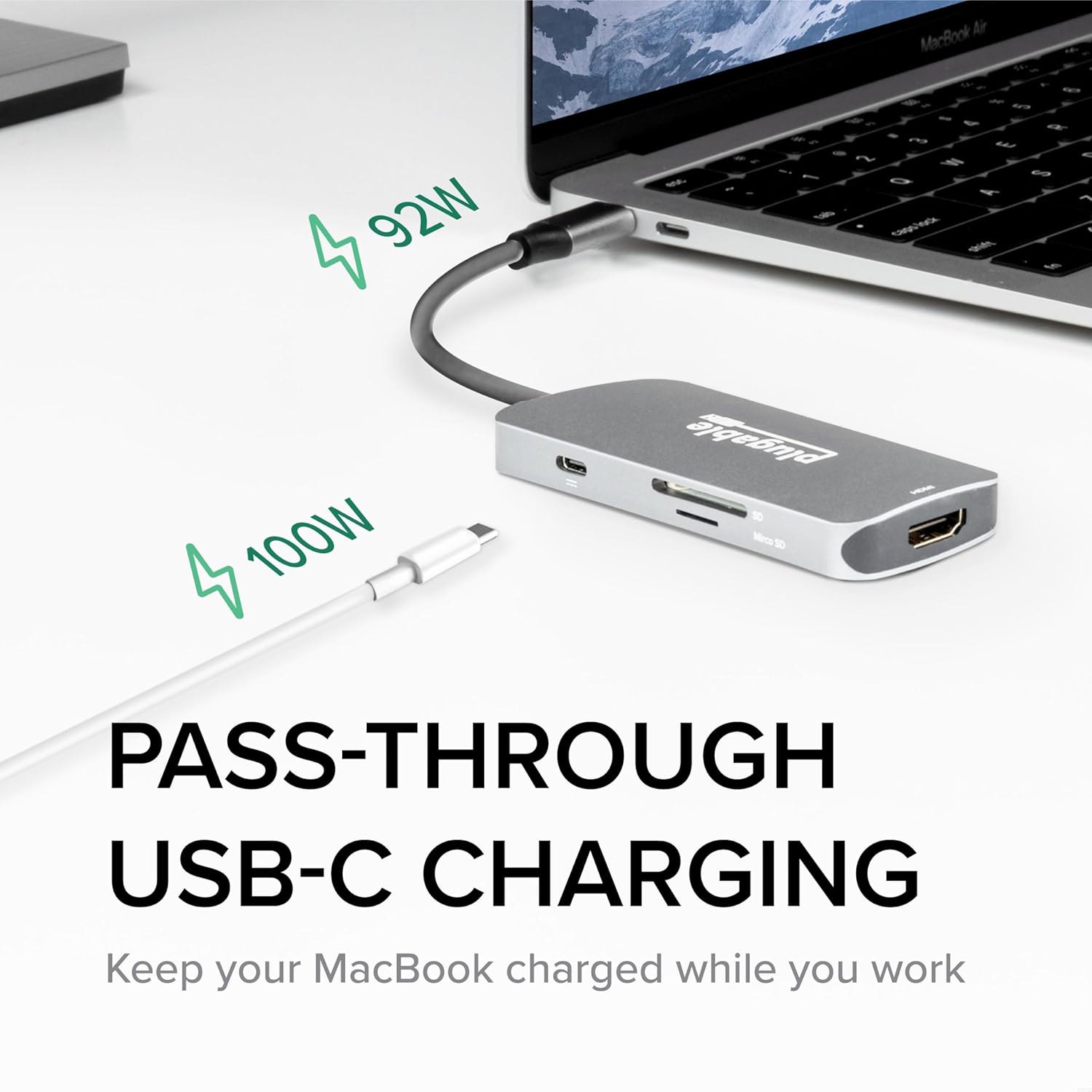
Image: The three USB 3.0 ports on the hub, capable of 5Gbps data transfer speeds, shown with USB drives connected.
4. Údržba
To ensure the longevity and optimal performance of your Plugable USB-C Hub, follow these simple maintenance guidelines:
- Čištění: Use a soft, dry, lint-free cloth to gently wipe the surface of the hub. Avoid using liquid cleaners, aerosols, or abrasive materials, as these can damage the device.
- Skladování: Pokud náboj nepoužíváte, skladujte jej na chladném a suchém místě mimo dosah přímého slunečního záření a extrémních teplot.
- Zacházení: Avoid dropping the hub or subjecting it to strong impacts. Do not bend or excessively pull the integrated USB-C cable.
- Větrání: Zajistěte dostatečné větrání rozbočovače, zejména při delším používání, aby se zabránilo jeho přehřátí.
5. Řešení problémů
If you encounter issues with your Plugable USB-C Hub, refer to the following common troubleshooting tips:
- Žádný výstup obrazu přes HDMI:
- Ujistěte se, že je kabel HDMI bezpečně připojen k rozbočovači i monitoru.
- Verify that your monitor is set to the correct HDMI input source.
- Check your computer's display settings to ensure the external display is detected and configured (e.g., extended, mirrored).
- If attempting 4K 60Hz, confirm your host device supports DisplayPort 1.4 over USB-C. The hub supports 4K 30Hz universally.
- Try a different HDMI cable or monitor to rule out external component issues.
- USB zařízení nerozpoznána:
- Ensure the USB device is fully inserted into the hub's port.
- Try connecting the USB device to a different port on the hub or directly to your computer to confirm functionality.
- For some older USB-A 2.0 devices, if connectivity is intermittent, try flipping the USB-A plug's orientation. This is a known characteristic of some USB-A/USB-C connections.
- If using power-intensive USB devices (e.g., external hard drives), ensure your host device is connected to power via the hub's PD port.
- Problémy s nabíjením:
- Verify that your USB-C power adapter is connected to the hub's PD port and is functioning correctly.
- Ujistěte se, že váš napájecí adaptér poskytuje dostatečný výkontage for your laptop and connected devices.
- Přerušované připojení:
- Ensure the hub's integrated USB-C cable is firmly seated in your host device's port.
- Try disconnecting and reconnecting the hub.
- Restartujte hostitelské zařízení.
Pokud tyto kroky váš problém nevyřeší, přečtěte si prosím další pomoc v části „Záruka a podpora“.
6. Specifikace
| Funkce | Detail |
|---|---|
| Číslo modelu | USBC-7IN1 |
| Rozměry produktu | 6.3 x 3.94 x 0.71 palce |
| Hmotnost položky | 3.52 unce |
| HDMI výstup | Up to 4K 30Hz (4K 60Hz with DisplayPort 1.4 host) |
| USB porty | 3 x USB 3.0 (5Gbps data transfer) |
| Čtečky karet | SD and microSD |
| Napájení USB-C | Up to 100W pass-through charging |
| Hardwarové rozhraní | USB typ C |
| Kompatibilní zařízení | USB-C Chromebooks, Thunderbolt 3/4 MacBooks (M1/M2/M3 and Intel-based), USB-C Microsoft Surface line, HP Spectre x360, Dell XPS, Lenovo Thinkpad T series, Huawei Matebook Pro, LG Gram, Samsung Galaxy TabPro S, iPhone 15 Pro/Plus/Max |
| Výrobce | Připojitelné |
| Země původu | Čína |
7. Záruka a podpora
Plugable stands behind the quality of its products. The Plugable USB-C Hub 7-in-1 is backed by a 2-letá záruka.
For technical assistance, troubleshooting, or warranty claims, please contact Plugable's NA-Based Technical Support team. You can find contact information and additional resources on the official Plugable webmísto:
Visit Plugable Support Webmísto
Plugable is committed to providing excellent customer service and support, as evidenced by positive customer feedback regarding their responsiveness and willingness to assist with product issues.


