1. Konec produktuview
The Qanba Q3 Obsidian Arcade Pearl Joystick is a high-performance gaming peripheral designed for competitive play. It features a durable construction, responsive controls, and broad compatibility with PlayStation 4, PlayStation 3, and PC systems. Its elegant white finish and integrated LED lighting make it a stylish addition to any gaming setup.

Obrázek 1: Nahoře view of the Qanba Q3 Obsidian Pearl Joystick, showcasinrozložení joysticku a tlačítek.
Klíčové vlastnosti:
- Curved button layout for ergonomic comfort.
- Equipped with high-quality Sanwa buttons and lever for precise input.
- Wired USB cable for reliable, low-latency connection.
- Compatible with PlayStation 4 and PlayStation 3 consoles.
- Features integrated LED lighting for enhanced aesthetics.
2. Průvodce nastavením
Connecting to Your Console/PC:
- Unpack the Joystick: Carefully remove the Qanba Q3 Obsidian Pearl Joystick from its packaging.
- Locate the USB Cable: The joystick features a built-in wired USB cable.
- Připojit k zařízení: Plug the USB cable into an available USB port on your PlayStation 4, PlayStation 3, or PC.
- Zapnutí: Ensure your console or PC is powered on. The joystick should be automatically recognized.
- Select Platform Mode (if applicable): Some joysticks may have a switch to select between PS4, PS3, or PC modes. Refer to the small control panel on the top right of the joystick for any such switches and set it to the desired platform.
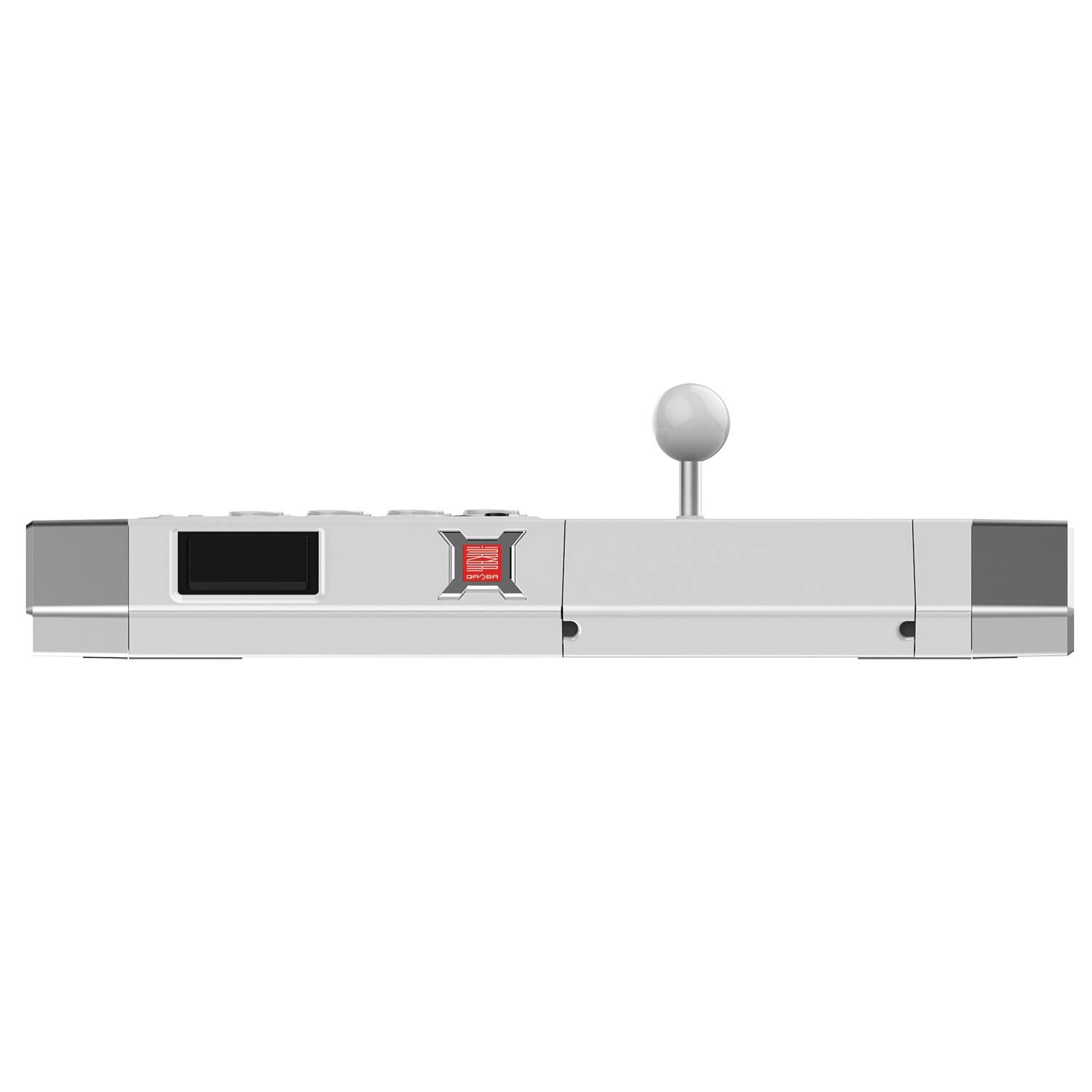
Obrázek 2: Zpět view of the joystick, showing the USB cable exit point.
3. Návod k obsluze
Základní provoz:
Once connected, the Qanba Q3 Obsidian Pearl Joystick functions as a standard controller for your selected platform. The large buttons on the main panel correspond to the action buttons (Square, Triangle, Circle, X, R1, R2, L1, L2) and the joystick controls directional input.
Platform-Specific Functions:
- PlayStation 4/PlayStation 3: The joystick includes dedicated buttons for PS button, Share, Options, L3, and R3, replicating the full functionality of a standard PlayStation controller.
- PC: The joystick will typically be recognized as a standard USB gamepad. Drivers are usually installed automatically by the operating system. For optimal performance in certain games, you may need to configure controller settings within the game or use third-party software for button remapping.

Obrázek 3: Strana view illustrating the integrated LED lighting feature.
4. Údržba
Péče a čištění:
- Čištění povrchu: Use a soft, dry cloth to wipe down the surface of the joystick. For stubborn marks, a slightly damp Lze použít hadřík s jemným mýdlem a ihned osušit. Nepoužívejte abrazivní čisticí prostředky ani rozpouštědla.
- Joystick and Buttons: Keep the joystick shaft and buttons free from dust and debris. Compressed air can be used to clear out small particles from around the buttons.
- Skladování: When not in use, store the joystick in a clean, dry place away from direct sunlight and extreme temperatures.

Obrázek 4: Spodní část view of the joystick, showing rubber feet for stability.
5. Řešení problémů
Běžné problémy a řešení:
- Joystick Not Recognized:
- Ensure the USB cable is securely plugged into both the joystick and the console/PC.
- Try a different USB port.
- Restart your console or PC.
- Verify the platform mode switch (if present) is set correctly. - Buttons/Joystick Unresponsive:
- Check the connection as described above.
- Test the joystick on a different game or application to rule out software-specific issues.
- Ensure no debris is lodged under the buttons or around the joystick shaft. - LED Lighting Not Working:
- Confirm the joystick is properly connected and powered on.
- Check if there is a dedicated switch or button for LED control on the joystick. - Vstupní zpoždění:
- Ensure you are using a direct USB connection and not through an unpowered USB hub.
- For PC, ensure your system drivers are up to date.
6. Specifikace
| Funkce | Detail |
|---|---|
| Číslo modelu | Q3-PS4-01E |
| Rozměry produktu | 11 x 18 x 5 palce |
| Hmotnost položky | 8.3 libry |
| Kompatibilita | PlayStation 4, PlayStation 3, PC |
| Buttons & Lever | Sanwa |
| Typ připojení | Kabelové USB |
| Výrobce | QANBA USA,LLC |
7. Záruka a podpora
Informace o záruce:
Qanba products are typically covered by a limited manufacturer's warranty against defects in materials and workmanship. For specific warranty terms, duration, and conditions, please refer to the warranty card included with your product or visit the official Qanba webmísto.
Zákaznická podpora:
If you encounter any issues not covered in this manual or require further assistance, please contact Qanba customer support. You can often find support contact information, FAQs, and additional resources on the official Qanba website or through their dedicated support channels.
Pro více informací navštivte Qanba Store.


