Zavedení
Thank you for choosing the Thomson WT040 Filter Coffee Machine. This appliance is designed to brew delicious filter coffee efficiently. With a 1.25-liter capacity, it can prepare 10 to 12 cups, making it suitable for both home and office use. This manual provides essential information for safe operation, proper setup, maintenance, and troubleshooting to ensure optimal performance and longevity of your coffee machine.
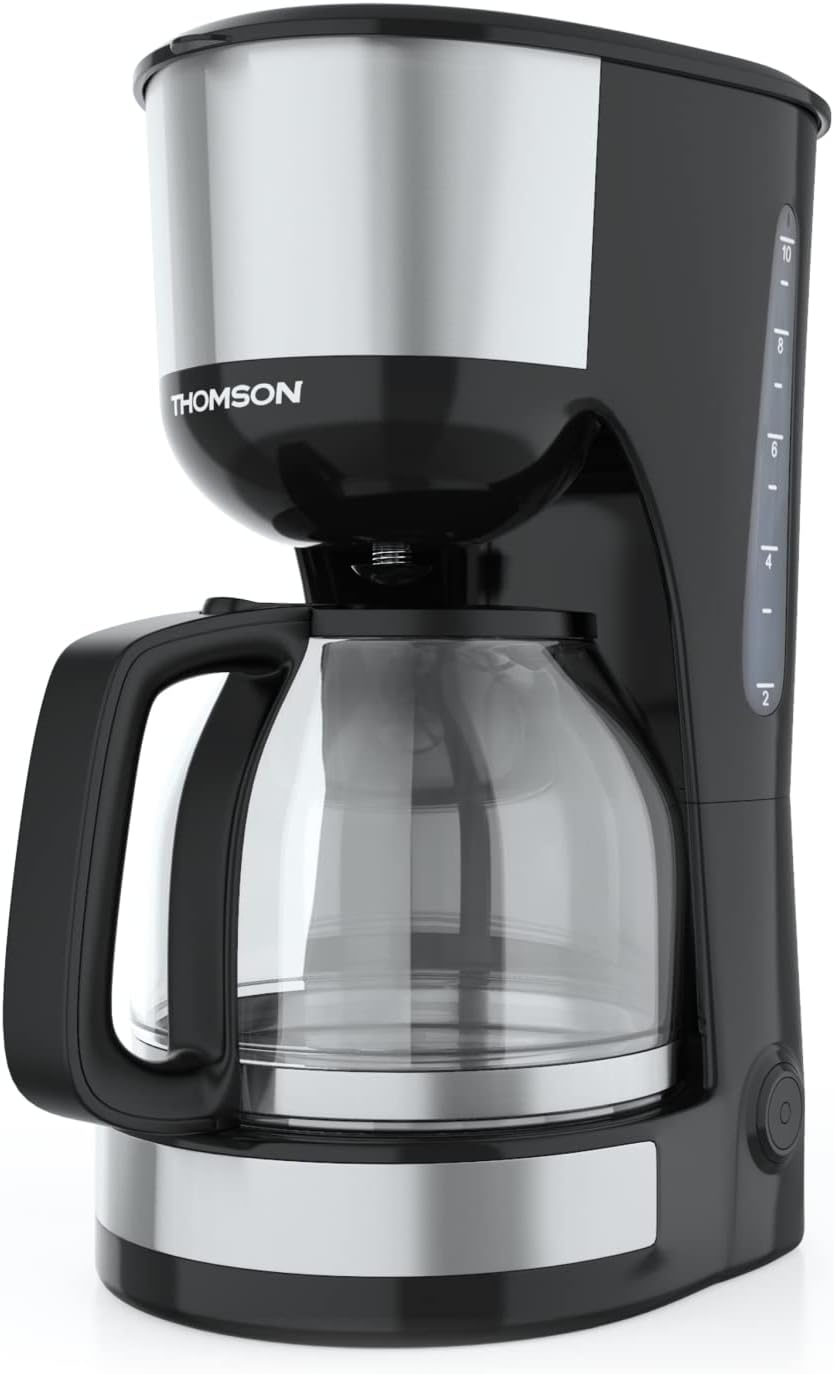
Obrázek: Přední strana view of the Thomson WT040 Filter Coffee Machine, showcasing its black and silver design with the glass carafe.
Důležité bezpečnostní pokyny
Před použitím spotřebiče si pečlivě přečtěte všechny bezpečnostní pokyny. Nedodržení těchto pokynů může vést k úrazu elektrickým proudem, požáru nebo vážnému zranění.
- Zajistěte zvtage uvedené na spotřebiči odpovídá místnímu síťovému napětítage před připojením.
- Neponořujte spotřebič, napájecí kabel ani zástrčku do vody nebo jiné tekutiny.
- Always unplug the coffee machine from the power outlet before cleaning and when not in use.
- Neprovozujte žádný spotřebič s poškozenou šňůrou nebo zástrčkou nebo poté, co spotřebič nefunguje správně nebo byl jakýmkoliv způsobem poškozen.
- Uchovávejte spotřebič mimo dosah dětí. Tento spotřebič není určen k používání osobami (včetně dětí) se sníženými fyzickými, smyslovými nebo duševními schopnostmi nebo s nedostatkem zkušeností a znalostí, pokud nejsou pod dohledem nebo pokud jim nebyly poskytnuty pokyny k používání spotřebiče osobou odpovědnou za jejich bezpečnost.
- Spotřebič používejte pouze pro domácí účely, pro které je určen.
- Zabraňte kontaktu s horkými povrchy. Používejte rukojeti nebo knoflíky.
- Nepokládejte spotřebič na horký plynový nebo elektrický hořák nebo do jeho blízkosti, ani do vyhřáté trouby.
- Nenechávejte kabel viset přes okraj stolu nebo pultu ani se dotýkat horkých povrchů.
- Always ensure the carafe lid is securely in place during brewing.
- Do not open the filter basket cover during the brewing cycle.
Komponenty produktu
Familiarize yourself with the parts of your Thomson WT040 coffee machine:
- Vodní nádrž s ukazatelem hladiny
- Víčko
- Filtrační koš
- Permanentní filtr
- Skleněná karafa s rukojetí
- Topná deska
- Vypínač s kontrolkou
- Systém proti odkapávání

Image: Close-up of the water tank with a transparent fill scale, indicating water levels for brewing.
Nastavení
- Rozbalení: Carefully remove the coffee machine from its packaging. Retain the packaging for future transport or storage. Remove all protective films and stickers.
- Počáteční čištění: Before first use, clean all removable parts (glass carafe, permanent filter, filter basket) with warm soapy water. Rinse thoroughly and dry. Wipe the exterior of the appliance with a damp tkanina.
- První cyklus spaření (bez kávy): Fill the water tank to the maximum level with fresh cold water. Place the empty permanent filter in the filter basket and close the lid. Place the empty glass carafe on the heating plate. Plug the appliance into a suitable power outlet and press the On/Off switch. Allow the full cycle to complete. Discard the water. Repeat this process 2-3 times to clean the internal components.
- Umístění: Place the coffee machine on a stable, flat, heat-resistant surface, away from the edge of the countertop and out of reach of children. Ensure there is adequate ventilation around the appliance.
Návod k obsluze
- Naplňte nádrž na vodu: Open the lid and fill the water tank with fresh, cold water up to the desired number of cups indicated on the water level indicator. Do not exceed the "MAX" mark.
- Přidejte kávovou sedlinu: Place the permanent filter into the filter basket. Add the desired amount of ground coffee into the permanent filter. A general guideline is one level tablespoon of coffee per cup (150ml), but adjust to your taste.
- Poloha karafy: Ensure the glass carafe is placed correctly on the heating plate. The anti-drip system will prevent coffee from dripping when the carafe is removed during brewing, but it is recommended to keep the carafe in place until brewing is complete.
- Začněte vařit: Close the lid securely. Plug the power cord into a wall outlet. Press the On/Off switch. The indicator light will illuminate, and brewing will begin.
- Funkce udržování teploty: After brewing is complete, the coffee machine will automatically switch to a keep-warm function for approximately 40 minutes. The heating plate will keep the coffee at an optimal serving temperature.
- Serve Coffee: Carefully remove the carafe from the heating plate to pour coffee. The anti-drip system will temporarily stop the flow of coffee.
- Vypnout: After serving or when the keep-warm cycle is finished, press the On/Off switch to turn off the appliance and unplug it from the power outlet.
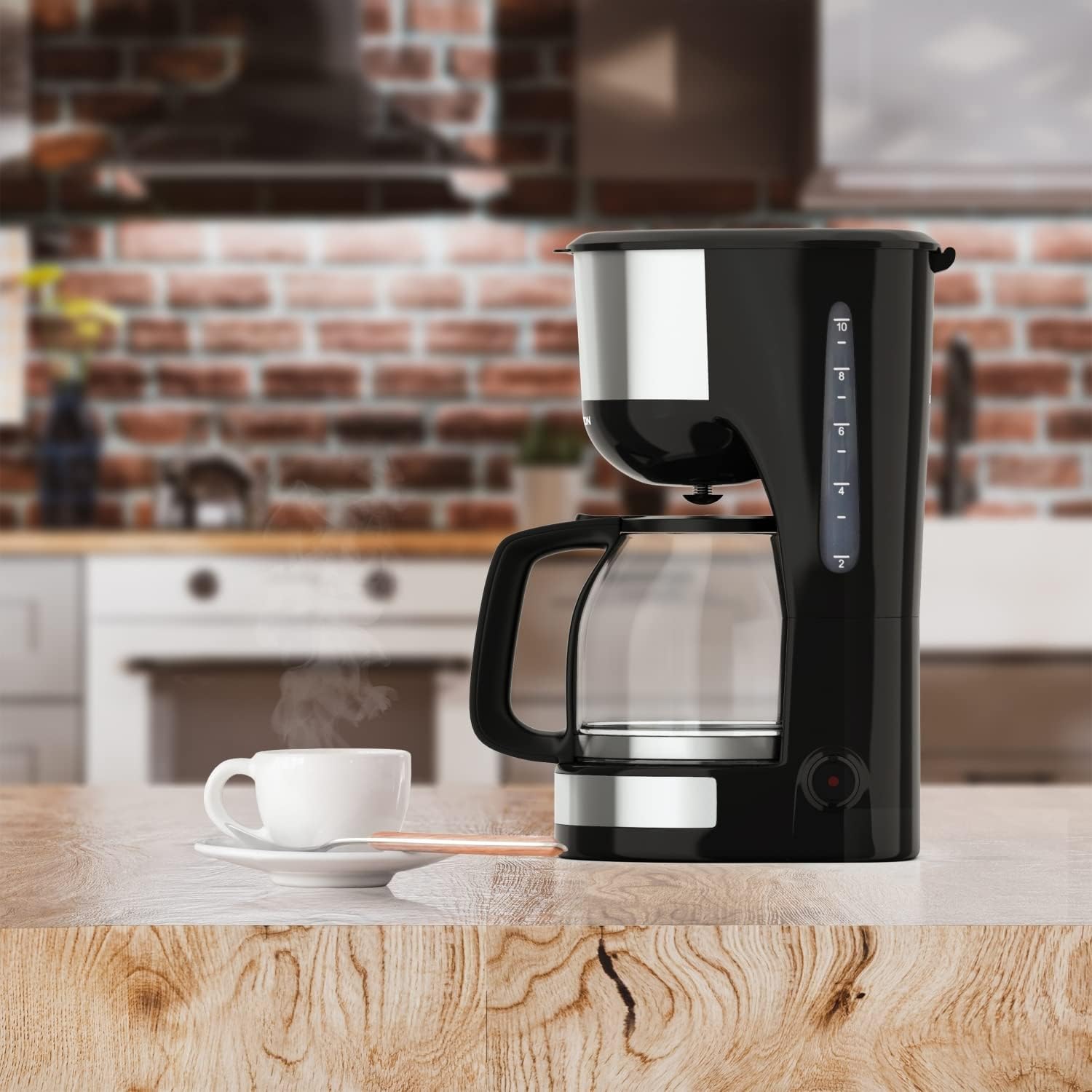
Image: The Thomson WT040 coffee machine in a kitchen, actively brewing coffee into the glass carafe.
Údržba a čištění
Regular cleaning ensures optimal performance and extends the lifespan of your coffee machine. Always unplug the appliance and allow it to cool completely before cleaning.
- Permanent Filter and Filter Basket: After each use, remove the permanent filter and filter basket. Discard used coffee grounds. Rinse both thoroughly under running water. They can also be washed in warm soapy water.
- Skleněná karafa: Wash the glass carafe and its lid with warm soapy water after each use. Rinse well. The carafe is generally dishwasher safe, but hand washing is recommended for longevity.
- Vnější: Wipe the exterior surfaces of the coffee machine with a soft, damp hadříkem. Nepoužívejte abrazivní čisticí prostředky ani drátěnky, mohly by poškrábat povrch.
- Topná deska: Otřete topnou desku reklamouamp cloth. If coffee has dripped onto it, clean immediately to prevent staining and burning.
- Odvápnění: Depending on water hardness and frequency of use, mineral deposits (limescale) can build up. Descale your coffee machine every 2-4 months.
- Fill the water tank with a descaling solution (e.g., white vinegar and water in a 1:2 ratio, or a commercial descaling agent following its instructions).
- Postavte prázdnou karafu na topnou desku.
- Run a brewing cycle. After about half the solution has brewed through, turn off the machine and let it stand for 15-20 minutes to allow the solution to work.
- Turn the machine back on and let the remaining solution brew through.
- Discard the solution and rinse the carafe and filter.
- Run 2-3 cycles with fresh, clean water to flush out any residual descaling solution.

Obrázek: Detail view of the permanent filter, designed to eliminate the need for paper filters.
Odstraňování problémů
| Problém | Možná příčina | Řešení |
|---|---|---|
| Káva se nevaří. | Appliance not plugged in; On/Off switch not pressed; No water in tank. | Ensure plug is securely in outlet; Press On/Off switch; Fill water tank. |
| Káva je příliš slabá nebo příliš silná. | Incorrect coffee-to-water ratio; Coffee grind too coarse/fine. | Adjust amount of coffee grounds; Use medium grind coffee. |
| Voda přetéká z filtračního koše. | Too much coffee grounds; Filter clogged; Carafe not properly placed. | Reduce coffee grounds; Clean permanent filter; Ensure carafe is centered on heating plate. |
| Káva chutná špatně. | Appliance needs cleaning/descaling; Stale coffee; Poor water quality. | Clean and descale the machine; Use fresh coffee beans; Use filtered water. |
| Machine makes loud noises. | Normal during heating/pumping; Limescale buildup. | Some noise is normal. If excessive, descale the machine. |
Specifikace
- Značka: Thomson
- Číslo modelu: WT040
- Barva: Černá/Stříbrná
- Rozměry (D x Š x V): 22 x 16 x 29.5 cm
- Hmotnost: 1.3 kg
- Kapacita: 1.25 Liters (approx. 10-12 cups)
- Moc: 1000 wattů
- svtage: 240 voltů
- Materiál: Glass (carafe), Plastic, Metal
- Speciální funkce: Permanent Filter, Anti-Drip System, Keep-Warm Function (40 minutes)

Image: Visual representation of the coffee machine's dimensions (18cm width, 23cm depth, 30cm height), power (1000 Watts), and keep-warm duration (40 minutes).
Záruka a podpora
Information regarding specific warranty terms and conditions for the Thomson WT040 Filter Coffee Machine is not provided in the product details. For warranty claims or technical support, please refer to the documentation included with your purchase or contact Thomson customer service directly through their official webwebu nebo autorizovaných prodejců.
Always retain your proof of purchase for any warranty-related inquiries.


