Zavedení
This manual provides comprehensive instructions for the installation, operation, and maintenance of your EDUP PCI-E WiFi 6 Network Card. This advanced network card integrates WiFi 6 (802.11AX) technology with Bluetooth 5.2, offering high-speed wireless connectivity and enhanced performance for desktop computers running Windows 10/11 64-bit.

Image: The EDUP PCI-E WiFi 6 Network Card, featuring a black heatsink and two external antennas.
Klíčové vlastnosti
- Technologie WiFi 6: Optimized power consumption and coverage, supporting multi-user high-speed concurrency for improved performance in user-intensive scenarios. Offers longer transmission distances, higher transmission rates, low latency, and high access count.
- MTK7921LEN Chipset: Utilizes the new generation MTK7921LEN chip, supporting 2.4GHz/5.8GHz dual band. The 5.8GHz band can reach speeds of up to 1200Mbps, and the 2.4GHz band up to 600Mbps. Backward compatible with IEEE 802.11 ac/b/g/n.
- Technologie Bluetooth 5.2: Expands Bluetooth signal range by 4x, ensuring strong signal reception throughout your space. Facilitates faster transfer of large files and seamless connection with various Bluetooth devices such as mice, earphones, and keyboards.
- Podpora operačního systému: Exclusively supports Windows 10 64-bit and Windows 11 64-bit for desktop computers.
- Heat Sink Design: Integrated heat sink ensures optimal performance and stable temperatures for the Intel AX210 6e SoC chip, especially during high data rates.

Image: Comparison showing WiFi 6 speeds up to 1800Mbps versus WiFi 5 at 1200Mbps.
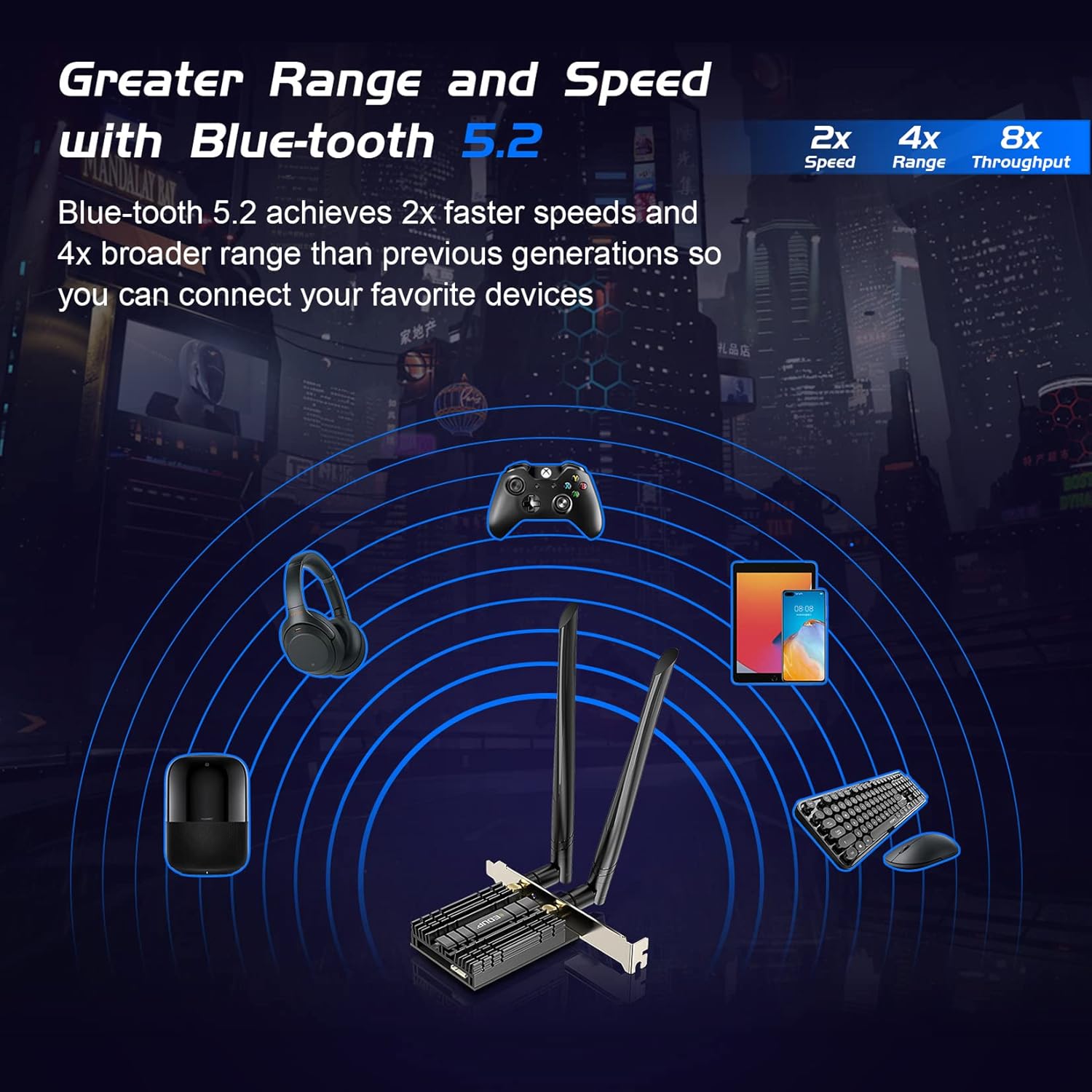
Image: Diagram illustrating Bluetooth 5.2's 2x faster speeds, 4x broader range, and 8x throughput compared to previous generations.
Obsah balení
- 1x EDUP PCI-E WiFi 6 Network Card (EP-9658GS)
- 2x High Gain Antennas
- 1x Bluetooth Cable (9-pin USB)
- 1x Low Profile Konzola
- 1x šroubovák
- Šrouby pro instalaci
- 1x Driver CD (Note: Drivers can also be downloaded from the official webweb)

Image: All components included in the product package, including the network card, antennas, Bluetooth cable, low profile bracket, screwdriver, and driver CD.
Průvodce instalací
Follow these steps carefully to install your EDUP PCI-E WiFi 6 Network Card into your desktop computer.
Instalace hardwaru
Připojení kabelu Bluetooth: Connect the white end of the Bluetooth 9-pin cable to the corresponding port on the PCIe card. Ensure a secure connection.

Obrázek: Detail view of the Bluetooth cable being connected to the white port on the PCIe network card.
Vložení síťové karty: Carefully insert the PCIe network card into an available PCI Express slot (e.g., PCIe x1, x4, x8, or x16) on your motherboard. Press firmly until it is fully seated.

Image: The EDUP network card installed in a desktop computer's PCIe slot, with antennas attached.
Connect USB Cable to Motherboard: Insert the USB end of the 9-pin Bluetooth cable into a 9-pin USB header (often labeled F_USB or USB2.0) on your motherboard. This connection is essential for the Bluetooth function to work.
Image: A hand connecting the 9-pin USB end of the Bluetooth cable to a USB header on the motherboard.
Zajistěte držák: Twist the screws on the bracket to securely fix the network card in place within your PC case.
Připojit antény: Screw on the two high-gain antennas to the connectors on the back of the network card. Adjust them to the best angle for optimal signal reception.
Instalace ovladače
After hardware installation, you need to install the necessary drivers for WiFi and Bluetooth functionality.
Stáhnout ovladače: Visit the official EDUP webmísto: https://www.szedup.com/. Navigate to "Support" -> "Download Center" -> "PCIE Card" and download the driver for model EP-9658GS (or the appropriate driver for your specific model, often labeled 9655GS driver).
Rozbalte zip Files: Use a compression tool (e.g., WinRAR, 7-Zip) to unzip the downloaded driver file.
Nainstalujte ovladače: Najděte a klikněte na
setup.exefiles within the unzipped folders for both WiFi and Bluetooth to begin the installation process. Follow the on-screen prompts.Verify Installation (Device Manager): Open Device Manager (Right-click "This PC" -> "Manage" -> "Device Manager") to check if the hardware is recognized and the drivers are installed correctly.
- If a "Network Controller" with a yellow exclamation mark appears, right-click it, select "Update driver," and choose to browse your computer for driver software. Navigate to the unzipped driver folder (e.g., C drive path where you extracted the drivers).
- Once installed, the WiFi adapter should be displayed as "MediaTek Wi-Fi 6/6E Wireless LAN Card" under "Network adapters."
- For Bluetooth, right-click the "Generic Bluetooth Adapter" (or similar) under "Bluetooth" and select "Update driver." After successful installation, it should be displayed as "MediaTek Bluetooth Adapter."
Video: Step-by-step guide on installing the EDUP PCI-E WiFi 6 Network Card and its drivers.
Návod k obsluze
Once the drivers are successfully installed, your EDUP network card is ready for use.
- Připojení k Wi-Fi:
Click on the Wi-Fi icon in your system tray (usually bottom-right corner of the screen). Select your desired Wi-Fi network (2.4GHz or 5GHz band) from the list and enter the password to connect. The card supports WLAN 6 for optimal performance.
Image: A user interacting with a computer, demonstrating the use of the WiFi 6 card for high-speed internet access.
- Použití Bluetooth:
Ensure the 9-pin USB cable is correctly connected to both the card and the motherboard. Go to your computer's Bluetooth settings (Settings > Devices > Bluetooth & other devices) to pair and connect your Bluetooth devices such as headphones, speakers, keyboards, or mice.
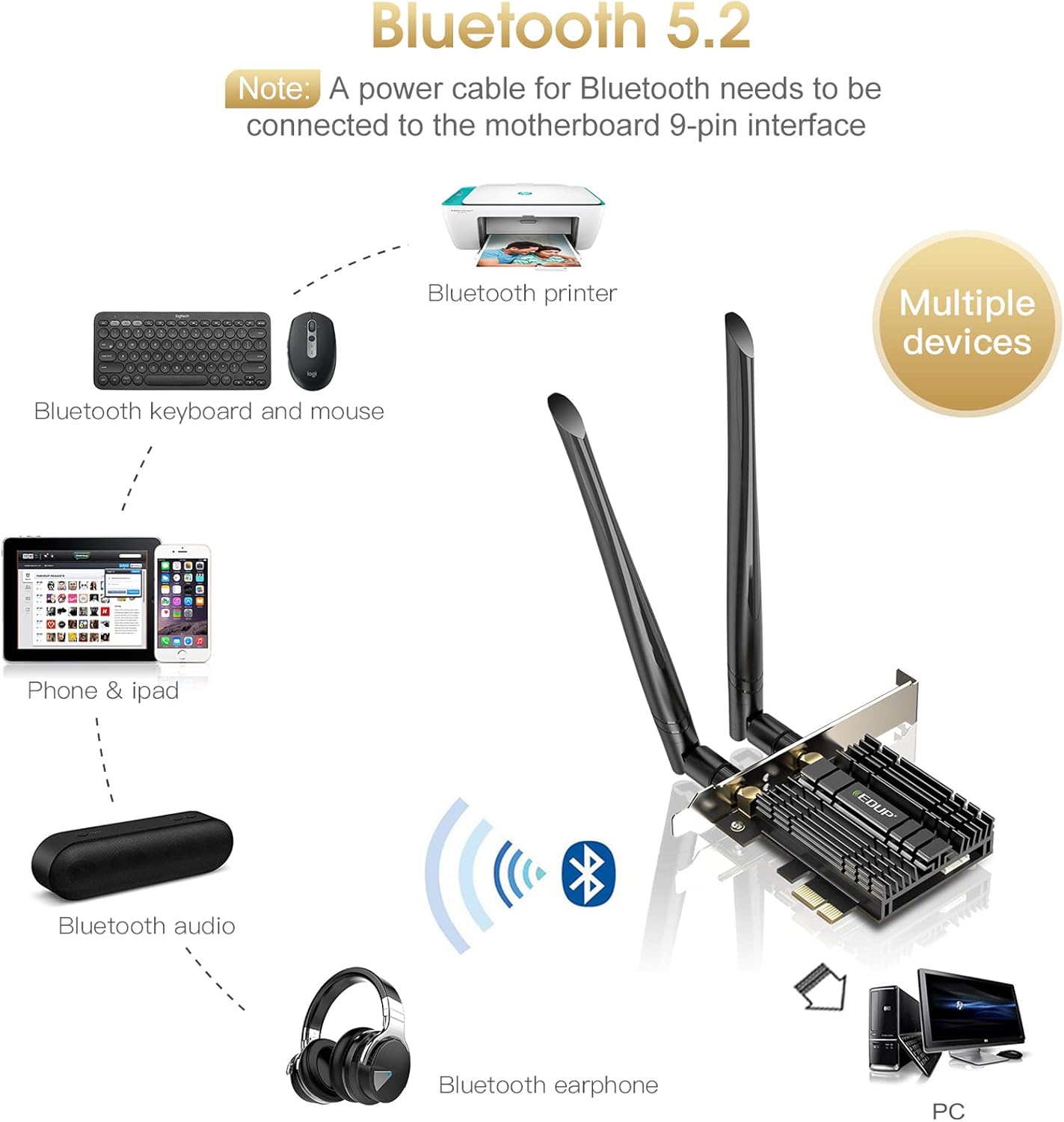
Image: Diagram showing various devices like printers, keyboards, mice, phones, and audio devices connecting via Bluetooth 5.2 to a PC with the EDUP network card.
Odstraňování problémů
If you encounter issues with your EDUP PCI-E WiFi 6 Network Card, refer to the following common solutions:
- Q1: How to use the Bluetooth function?
A1: Please insert the USB 9-pin cable that comes with the package into the USB 9-pin port of the motherboard. Also, install the Bluetooth driver.
- Q2: Bluetooth is not working, what should I do?
A2: Please check whether the Bluetooth 9-pin cable is inserted into the 9-pin USB port of the motherboard, and the white end is connected to the PCIe card. Then install the Bluetooth driver.
- Q3: The Bluetooth works fine, but there is no Wi-Fi?
A3:
- First, check whether the device Wi-Fi is recognized by the computer in the Device Manager. If a network controller with a yellow exclamation mark appears, install the Wi-Fi driver. If the driver is installed, and the yellow warning is still displayed, right-click, click "Update," and select the C drive path to manually update.
- Check whether there is an M.2 hard disk on the motherboard, which may cause a hardware function conflict. M.2 hardware in parallel channel needs to be unplugged.
- You may need to enter the BIOS to set some options for PCIe.
- Q4: Does it not recognize after a period of use or the Wi-Fi speed is slow?
A4: You can try different things by plugging the device into different PCIe slots.
- Q5: Can't connect to 5G?
A5: Insert into different PCIe slots for testing.
- Driver Installation Tips: If the CD cannot be used, please contact EDUP support to get the driver via Amazon message.
Specifikace
| Značka | EDUP |
| Číslo modelu | EP-9658GS |
| Rozměry produktu | 8.31 x 5.12 x 1.46 palce (5.12"D x 1.46"Š x 8.31"V) |
| Hmotnost položky | 8.1 unce (0.23 kilogramů) |
| Hardwarové rozhraní | Bluetooth, PCI Express |
| Data Link Protocol | Bluetooth, USB |
| Rychlost přenosu dat | 1800 megabitů za sekundu |
| Kompatibilní zařízení | Desktop, Keyboard (and other Bluetooth devices) |
| Barva | Černý |
| Datum první dostupnosti | 11. února 2020 |
| UPC | 723172895594 |
Záruka a podpora
For warranty information and technical support, please refer to the official EDUP website or contact their customer service. A detailed User Manual in PDF format is also available for download:
Stáhnout uživatelskou příručku (PDF)
Můžete také navštívit EDUP Store on Amazon pro více informací o produktu a zdroje podpory.


