1. Úvod
The ASUS ZenWiFi AC (CT8) is a whole-home tri-band mesh WiFi system designed to provide extensive and reliable wireless coverage throughout your home. This system eliminates WiFi dead zones and ensures a stable connection for all your devices.
Klíčové vlastnosti:
- Rozsáhlé pokrytí: Tri-band mesh WiFi system with unique antenna placement delivers strong WiFi to every corner of your home, covering up to 5,400 sq.ft.
- Bezproblémové připojení: Devices automatically switch to the hub with the strongest WiFi connection, ensuring the best online experience.
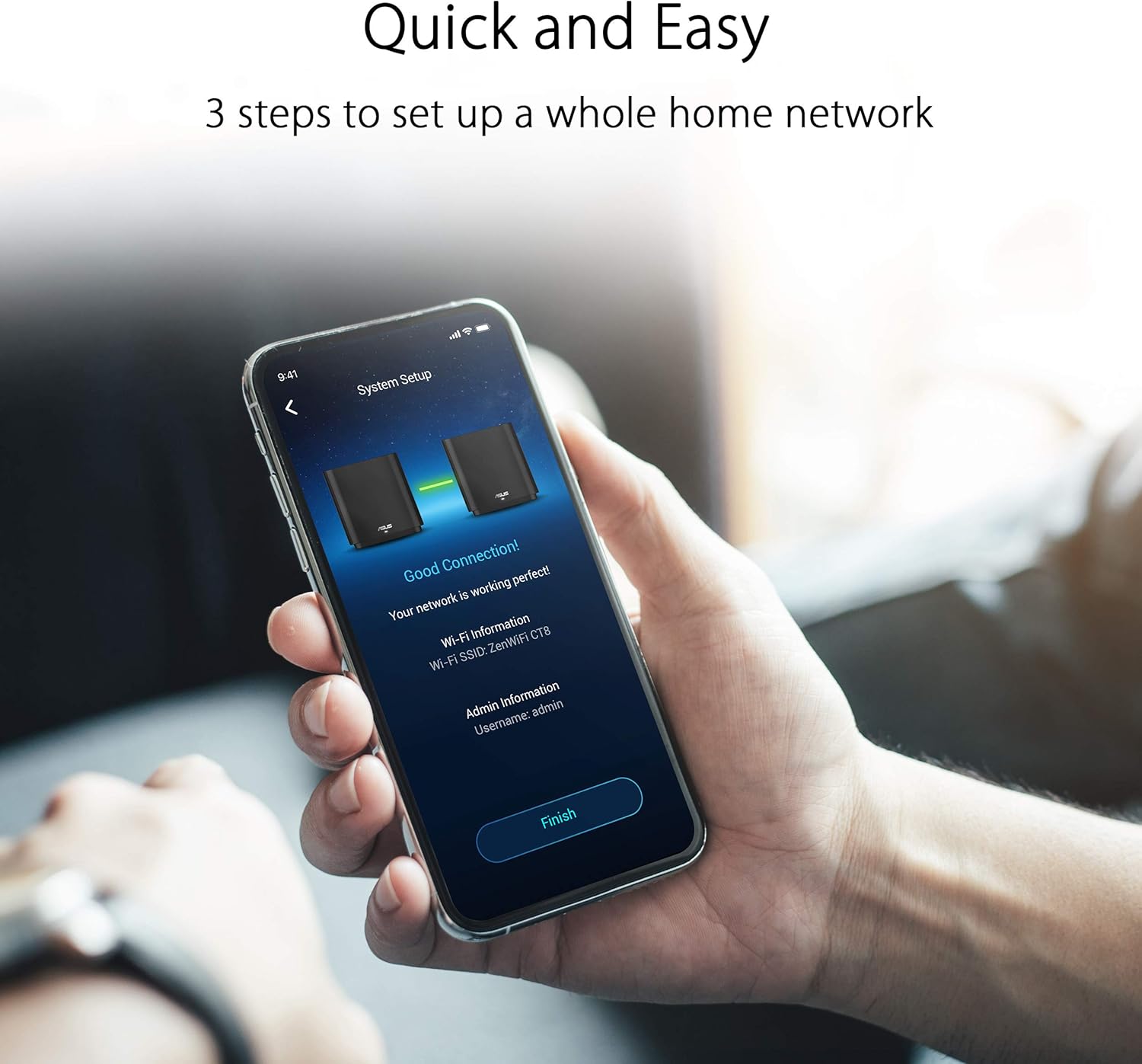
- Snadné nastavení a správa: Features a 3-step setup process and convenient management via the ASUS Router App.
- Advanced Network Security: Includes lifetime free AiProtection powered by Trend Micro, protecting your privacy on connected devices 24/7.
- Rodičovská kontrola: Využít URL filtering and scheduling to manage internet access and protect family members from inappropriate content.
- AiMesh Supported: Mix and match ZenWiFi with other AiMesh-compatible routers to form a powerful and flexible whole-home WiFi system.

2. Co je v krabici
Your ASUS ZenWiFi AC (CT8) package includes the following items:
- 2 x ZenWiFi AC (CT8) Units
- 2 x napájecí adaptéry
- 1 x ethernetový kabel
- 1 x Uživatelská příručka
3. Konec produktuview (Hardware)
Each ZenWiFi AC (CT8) unit features a sleek design and essential connectivity ports for seamless integration into your home network.

Popis portů:
- Port DC-IN: Připojuje se k napájecímu adaptéru.
- Vypínač napájení: Toggles the unit's power.
- Port USB 3.0/2.0: For connecting USB devices such as external storage.
- LAN porty (LAN1, LAN2, LAN3): Pro připojení kabelových zařízení k síti.
- Port WAN: Připojuje se k modemu pro přístup k internetu.
4. Nastavení
Setting up your ASUS ZenWiFi AC (CT8) mesh system is designed to be quick and straightforward. Follow these general steps to get your network running:
- Umístění: Place your ZenWiFi units strategically to maximize coverage. Ensure they are within a reasonable range of each other and your modem.
- Zapnutí: Connect both ZenWiFi units to power outlets using the provided power adapters and turn them on.
- Připojení k modemu: Connect one of the ZenWiFi units (this will be your main router) to your internet modem's LAN port using the provided Ethernet cable. Plug the other end into the WAN port of the ZenWiFi unit.
- Stáhněte si aplikaci ASUS Router: Download and install the ASUS Router App on your smartphone or tablet from your device's app store.
- Postupujte podle pokynů v aplikaci: Open the ASUS Router App and follow the on-screen instructions to detect and configure your ZenWiFi system. The app will guide you through creating your network name (SSID) and password.
- Node Pairing: The app will automatically detect and pair the second ZenWiFi unit (node) to extend your mesh network.
Video průvodce nastavením:
5. Provoz
Once your ASUS ZenWiFi AC (CT8) system is set up, it operates to provide a seamless and secure wireless experience.
Network Management with ASUS Router App:
The ASUS Router App is your central hub for managing your mesh network. Through the app, you can:
- Sledujte stav sítě a připojených zařízení.
- Configure Wi-Fi settings, including SSID and password.
- Activate and manage AiProtection for network security.
- Set up and customize Parental Controls for internet usage.
- Optimize network performance and check signal quality for each node.


6. Údržba
To ensure optimal performance and longevity of your ASUS ZenWiFi AC (CT8) system, consider the following maintenance tips:
- Aktualizace firmwaru: Pravidelně kontrolujte a instalujte aktualizace firmwaru prostřednictvím aplikace ASUS Router nebo web rozhraní. Aktualizace často zahrnují vylepšení výkonu a bezpečnostní záplaty.
- Správné větrání: Ensure your ZenWiFi units are placed in well-ventilated areas to prevent overheating. Avoid covering them or placing them in enclosed spaces.
- Periodic Restart: Occasionally restarting your router and nodes can help clear temporary issues and improve network stability.
- Čistota: Keep the units free from dust and debris. Use a soft, dry cloth for cleaning.
7. Řešení problémů
If you encounter issues with your ASUS ZenWiFi AC (CT8) system, try the following basic troubleshooting steps:
- Žádné internetové připojení:
- Zkontrolujte, zda váš modem funguje správně.
- Ujistěte se, že jsou všechny ethernetové kabely bezpečně připojeny.
- Restart your modem and then your ZenWiFi units.
- Slabý signál WiFi:
- Relocate your ZenWiFi nodes to optimize coverage, using the ASUS Router App to check signal strength.
- Ensure there are no major obstructions (e.g., thick walls, large metal objects) between the units.
- Odpojení zařízení:
- Update the firmware of your ZenWiFi system.
- Zkontrolujte, zda nedochází k rušení jinými elektronickými zařízeními.
- Restart the affected devices and the ZenWiFi system.
- Problémy s aplikací:
- Ensure your ASUS Router App is updated to the latest version.
- Pokud problémy přetrvávají, vymažte mezipaměť aplikace nebo ji znovu nainstalujte.
8. Specifikace
| Funkce | Specifikace |
|---|---|
| Rozměry produktu | 6.3 x 2.95 x 6.36 palce |
| Hmotnost položky | 6.42 liber (2.92 kilogramů) |
| ASIN | B081ZVFN64 |
| Číslo modelu položky | ZenWiFi AC (CT8 2PK) Charcoal |
| Značka | ASUS |
| Název modelu | ZenWiFi AC (CT8 2PK) Charcoal |
| Třída frekvenčního pásma | Třípásmový |
| Standard bezdrátové komunikace | 802.11a, 802.11ac, 802.11b, 802.11g, 802.11n |
| Kompatibilní zařízení | Osobní počítač |
| Doporučená použití pro produkt | Zabezpečení |
| Technologie připojení | Ethernet, Wi-Fi, Wired, Wireless |
| Výrobce | ASUS |
| Datum první dostupnosti | 23. ledna 2020 |
9. Záruka a podpora
For warranty information, technical support, or additional resources, please visit the official ASUS support webmísto.
Podpora ASUS Webmísto: ASUS Official Store on Amazon
10. Právní vyloučení odpovědnosti
Upozornění: Skutečná propustnost dat a pokrytí WiFi se budou lišit v závislosti na síťových podmínkách a faktorech prostředí, včetně objemu síťového provozu, stavebních materiálů a konstrukce a režijních nákladů sítě, což má za následek nižší skutečnou propustnost dat a pokrytí bezdrátové sítě.


