Zavedení
This manual provides essential information for the setup, operation, and maintenance of your ASUS 14" Touch-Screen Laptop. Designed for versatility and performance, this laptop features an AMD Ryzen 5 processor, 8GB of memory, and a 256GB SSD, running on Windows 10 Home. Its touch-screen display and convertible design offer a flexible computing experience.
Co je v krabici
- ASUS 14" Touch-Screen Laptop (Model: Q406DA-BR5T6)
- Napájecí adaptér
- Baterie (integrovaná)
Nastavení
Počáteční zapnutí
Before first use, ensure the laptop is fully charged. Connect the power adapter to the charging port on the side of the laptop and plug it into a power outlet.
Press the power button, typically located on the side or top right of the keyboard, to turn on the laptop.
Nastavení operačního systému
Follow the on-screen prompts to complete the Windows 10 Home setup. This includes selecting your region, language, and setting up your user account.
For optimal performance, ensure all system updates are installed after initial setup.
Ovládání notebooku
Touch-Screen Functionality
The 14-inch display is a responsive touch-screen, allowing for intuitive navigation and interaction with applications. Use gestures such as tap, swipe, pinch-to-zoom, and multi-finger input.

Obrázek: Přední strana view of the ASUS 14" Touch-Screen Laptop displaying the Windows login screen.
Klávesnice a touchpad
The integrated keyboard provides a comfortable typing experience. The touchpad supports multi-touch gestures for precise cursor control.
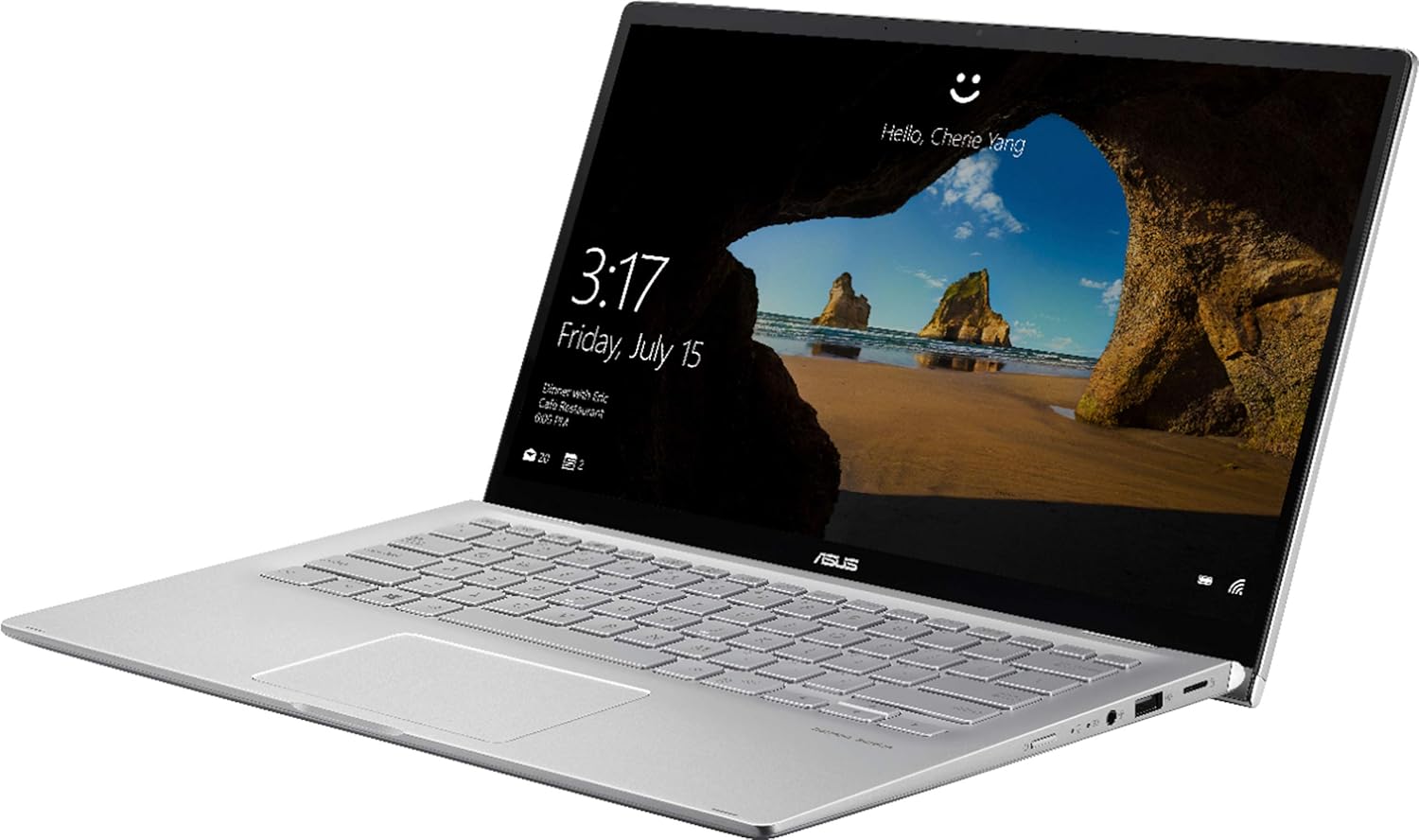
Obrázek: Úhlový view of the ASUS 14" Touch-Screen Laptop, highlighting the keyboard and screen.
Konektivita
The laptop supports Bluetooth for wireless peripheral connections. It also includes HDMI output for connecting to external displays.
- 1 x USB 2.0 port
- 1 x USB 3.0 port
- HDMI výstup
- Bluetooth
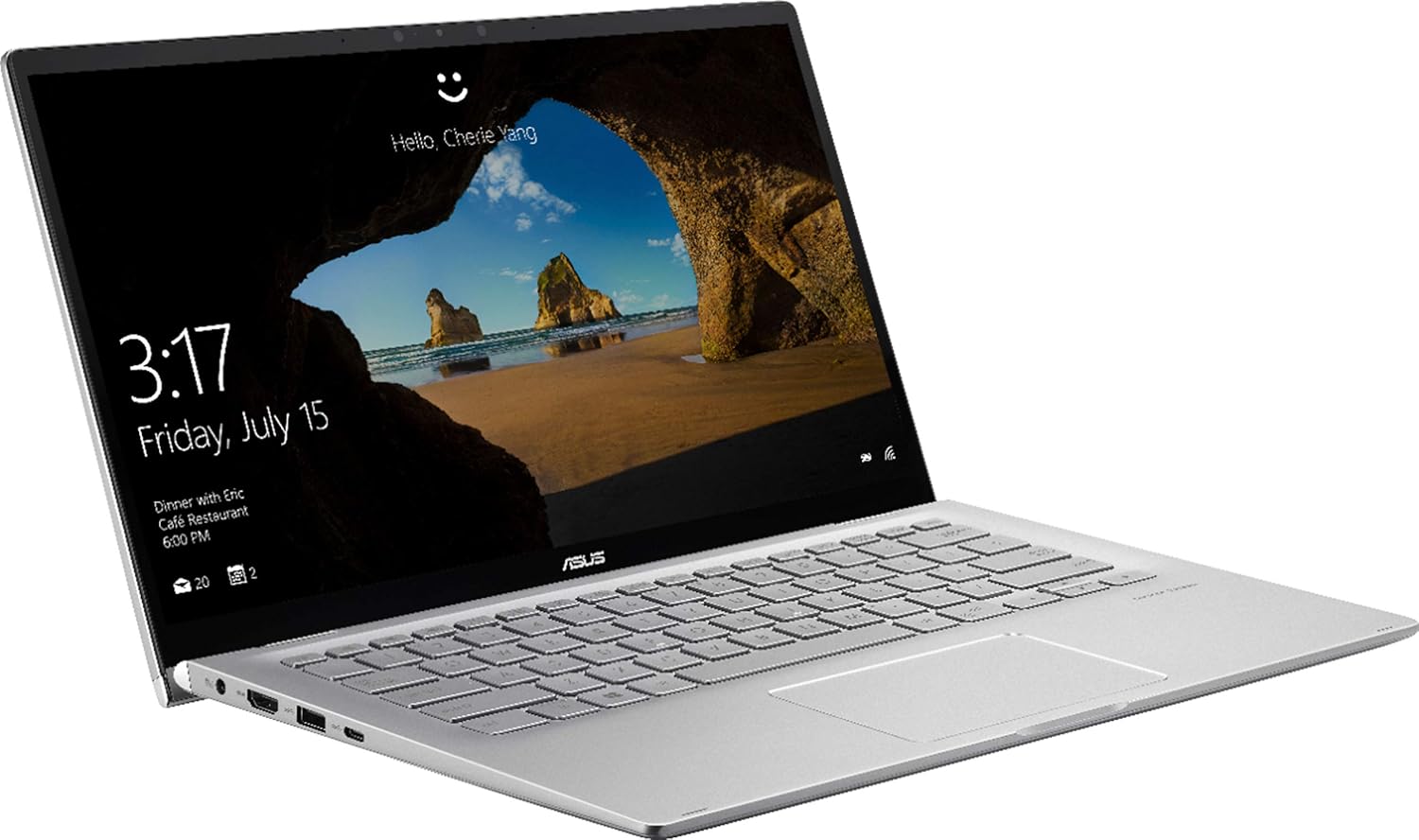
Obrázek: Boční view of the ASUS 14" Touch-Screen Laptop, illustrating the available ports.
Konvertibilní design
The laptop features a 360-degree hinge, allowing it to be used in various modes, including laptop, tent, stand, and tablet mode. This flexibility is ideal for presentations or media consumption.
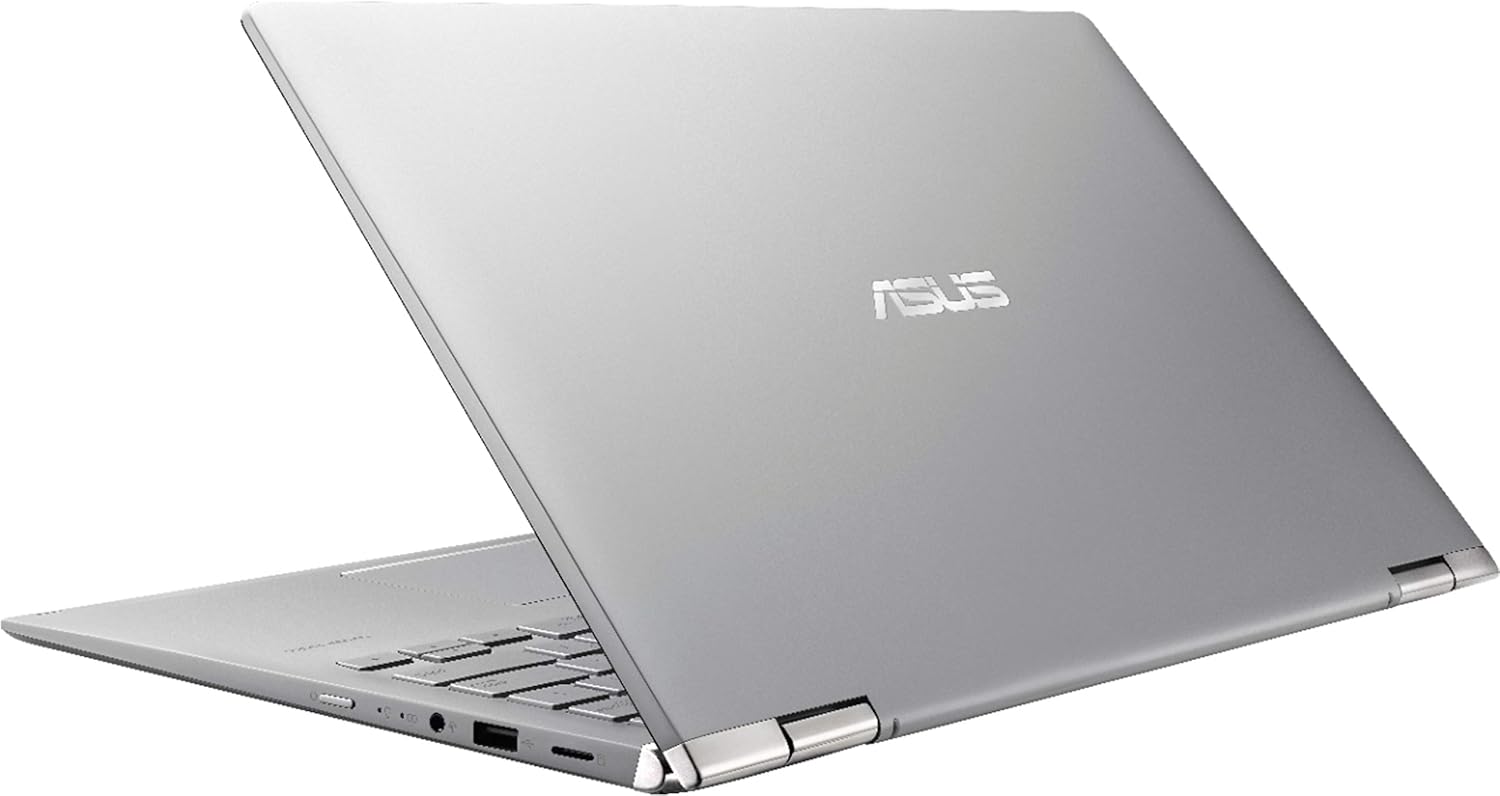
Image: The ASUS 14" Touch-Screen Laptop configured in tent mode, showcasing its convertible design.
Specifikace
| Funkce | Detail |
|---|---|
| Značka | ASUS |
| Název modelu | Q406DA-BR5T6 |
| Velikost obrazovky | 14 palce |
| Rozlišení obrazovky | 1920 x 1080 pixelů |
| Procesor | AMD Ryzen 5 3500U (2.1 GHz) |
| BERAN | 8 GB DDR4 |
| Pevný disk | 256GB SSD (NVMe) |
| Grafický koprocesor | AMD Radeon Vega 8 (Integrated) |
| Operační systém | Windows 10 Home |
| Hmotnost položky | 1 libry |
| Rozměry produktu | 12.7 x 8.3 x 0.7 palce |
| Barva | Černý |
| Bezdrátový typ | Bluetooth |
| Porty | 1x USB 2.0, 1x USB 3.0, HDMI |
Údržba
Čištění
K čištění obrazovky a vnějších povrchů používejte měkký hadřík, který nepouští vlákna. V případě odolných skvrn lehceampOtřete hadřík vodou nebo čisticím prostředkem na obrazovky. Vyhněte se agresivním chemikáliím.
Péče o baterie
Chcete-li prodloužit životnost baterie, vyhněte se extrémním teplotám a nenechávejte notebook po úplném nabití neustále připojený k síti. Před opětovným nabitím nechte baterii pravidelně vybít přibližně na 20 %.
Aktualizace softwaru
Pravidelně kontrolujte a instalujte aktualizace operačního systému a ovladačů, abyste zajistili optimální výkon a zabezpečení.
Odstraňování problémů
No Power / Won't Turn On
- Ujistěte se, že je napájecí adaptér bezpečně připojen k notebooku i k funkční zásuvce.
- Ověřte funkčnost elektrické zásuvky zapojením jiného zařízení.
- Pokud je baterie zcela vybitá, nechte ji nabíjet alespoň 30 minut, než se ji pokusíte znovu zapnout.
Problémy s obrazovkou
- If the screen is blank, try connecting an external monitor via HDMI to check if the issue is with the laptop's display or the graphics output.
- For unresponsive touch screen, restart the laptop. If the issue persists, check for touch screen driver updates.
Problémy s připojením
- For Wi-Fi issues, restart your router and the laptop. Check network settings to ensure Wi-Fi is enabled and connected to the correct network.
- For Bluetooth issues, ensure Bluetooth is enabled on the laptop and the device you are trying to connect. Try re-pairing the device.
Záruka a podpora
This Certified Refurbished product is manufacturer refurbished, shows limited or no wear, and includes all original accessories plus a 90denní omezená záruka na hardware.
For technical support or warranty claims, please refer to the contact information provided with your purchase documentation or visit the official ASUS support webmísto.


