1. Úvod
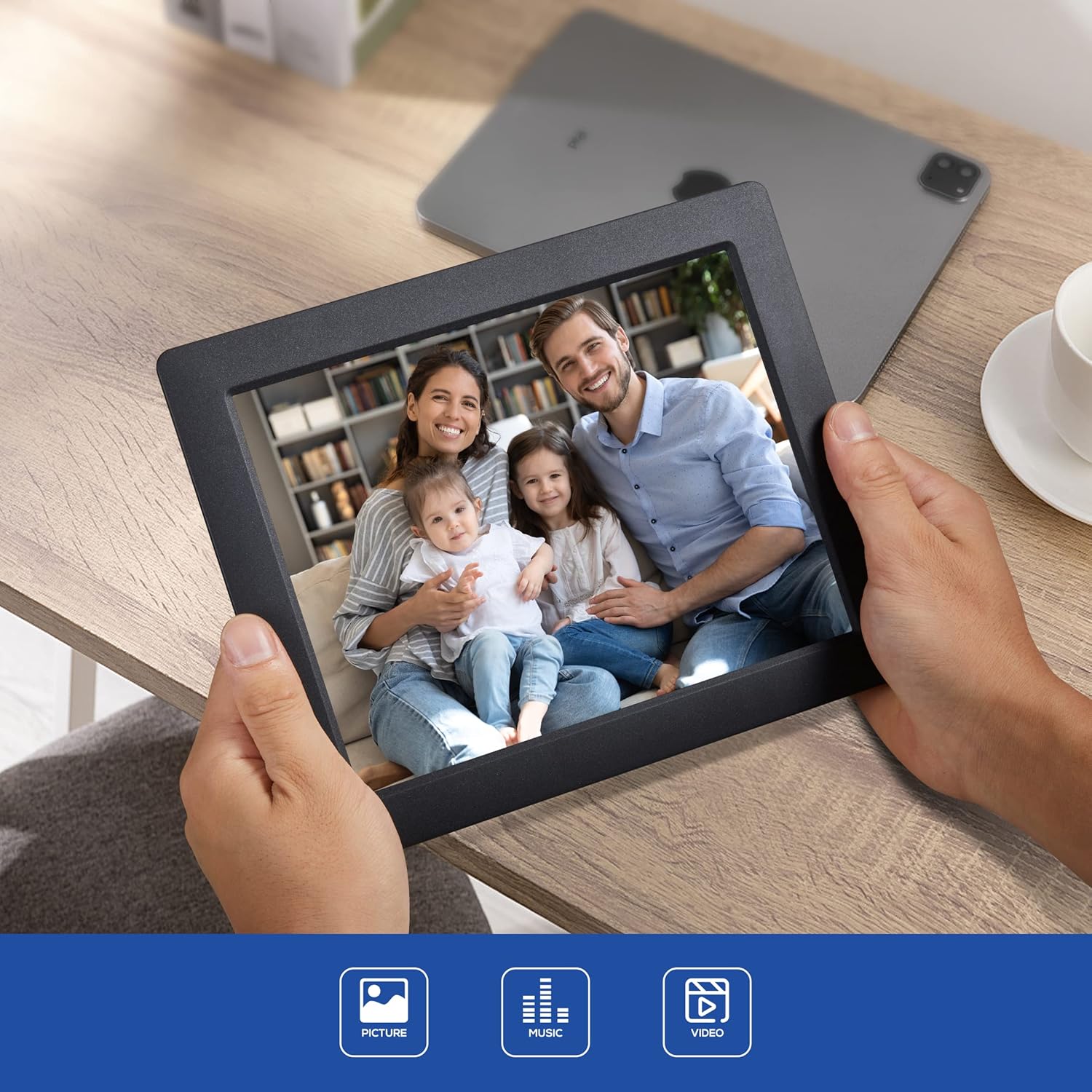
Thank you for choosing the LOVCUBE 8-Inch Digital Photo Frame L08X. This manual provides essential information for setting up, operating, and maintaining your digital photo frame. Please read it thoroughly before use to ensure optimal performance and longevity of your device.
1.1 Obsah balení
Ověřte, zda jsou v balení obsaženy všechny níže uvedené položky:
- LOVCUBE 8-Inch Digital Photo Frame
- Dálkové ovládání
- Napájecí adaptér
- Uživatelská příručka (tento dokument)

Image 1.1: The LOVCUBE 8-Inch Digital Photo Frame L08X and its included accessories: the frame, remote control, power adapter, and user manual.
2. Konec produktuview
Seznamte se s komponenty a ovládacími prvky vašeho digitálního fotorámečku.
2.1 Přední View

Obrázek 2.1: Přední strana view of the LOVCUBE 8-Inch Digital Photo Frame L08X, showcasinjeho 8palcový displej.
2.2 Zadní View a porty
The rear of the frame features various ports and control buttons for media input and device operation.
Obrázek 2.2: Zadní strana view of the digital photo frame, highlighting the SD/SDHC Card Slot, Headphone/Speaker Port, and USB Port. These ports allow for external media connection and audio output.
- Slot pro kartu SD/SDHC: Insert compatible SD or SDHC memory cards for photo, video, and music playback.
- Headphone/Speaker Port: Connect headphones or external speakers for private listening or enhanced audio.
- USB port: Připojte USB flash disky pro přehrávání médií.
- Příkon: Připojte dodaný napájecí adaptér.
- Ovládací tlačítka: Navigate menus and control playback directly on the frame.
3. Nastavení
Follow these steps to set up your LOVCUBE Digital Photo Frame.
3.1 Připojení napájení
- Connect the power adapter to the DC IN port on the back of the photo frame.
- Zapojte druhý konec napájecího adaptéru do standardní elektrické zásuvky.
- The frame will automatically power on or enter standby mode.
3.2 Inserting Media (SD Card / USB Drive)
The frame supports SD/SDHC cards and USB flash drives. Ensure your media contains compatible photo (JPEG), video (MP4, MKV, H.264, MPEG4 up to 1080P), or music (MP3) files.
- Carefully insert your SD/SDHC card into the SD card slot until it clicks into place.
- Alternatively, insert your USB flash drive into the USB port.
- The frame should automatically detect the inserted media and prompt you to select a function (e.g., Photo, Music, Video).
4. Návod k obsluze
This section details how to use the various functions of your digital photo frame.
4.1 Základní navigace
Use the remote control or the control buttons on the back of the frame to navigate through menus and select options.
- Tlačítka se šipkami: Navigujte nahoru, dolů, doleva nebo doprava.
- Tlačítko OK/Enter: Potvrďte výběr.
- Exit/Return Button: Go back to the previous menu or exit current function.
4.2 Photo Slideshow
- From the main menu, select "Photo".
- Choose the desired storage device (SD card or USB drive).
- The frame will begin displaying photos in a slideshow format.
- Adjust slideshow settings (speed, transition effects) in the "Settings" menu.
4.3 Přehrávání videa
- V hlavní nabídce vyberte možnost „Video“.
- Choose the desired storage device.
- Vyberte video file zahájíte přehrávání.
- Use the remote control for playback functions (play, pause, fast forward, rewind).
4.4 Přehrávání hudby
- V hlavní nabídce vyberte možnost „Hudba“.
- Choose the desired storage device.
- Vyberte zvuk file zahájíte přehrávání.
- Audio will play through the built-in speaker or connected headphones/external speakers.
4.5 Clock and Calendar Functions
The frame includes built-in clock and calendar displays.

Image 4.1: The digital photo frame displaying the current time and calendar, a useful feature for daily reference.
- Access these functions from the main menu.
- Set the date and time in the "Settings" menu.
4.6 Pohybový senzor
The integrated motion sensor can automatically turn the frame on or off to save energy.
- Enable or disable the motion sensor in the "Settings" menu.
- Adjust sensitivity or detection range if available in settings.
5. Údržba
Proper care ensures the longevity and optimal performance of your digital photo frame.
5.1 Čištění
- Před čištěním zařízení vždy odpojte.
- K jemnému otření obrazovky a rámu použijte měkký, suchý hadřík, který nepouští vlákna.
- Pro odolné skvrny na obrazovce lehceampOpláchněte hadřík vodou nebo roztokem na čištění obrazovky (vyhněte se agresivním chemikáliím).
- Do not spray liquids directly onto the frame.
5.2 Skladování
- Store the frame in a cool, dry place away from direct sunlight and extreme temperatures.
- If storing for an extended period, remove any inserted memory cards or USB drives.
6. Řešení problémů
V této části naleznete řešení běžných problémů, se kterými se můžete setkat.
| Problém | Možná příčina | Řešení |
|---|---|---|
| Rám se nezapne. | Napájecí adaptér není připojen nebo je vadný. | Ujistěte se, že je napájecí adaptér bezpečně připojen k rámu a k funkční elektrické zásuvce. Zkuste jinou zásuvku. |
| No images/videos displayed. | No media inserted or incompatible file formát. | Insert a compatible SD card or USB drive with supported media files (JPEG, MP4, MKV). Check file formátů. |
| Dálkové ovládání nefunguje. | Vybitá baterie nebo blokovaný signál. | Replace the CR2 battery in the remote control. Ensure there are no obstructions between the remote and the frame's sensor. |
| Obrázky se zdají zkreslené nebo nekvalitní. | Low resolution source images. | Use higher resolution images for best display quality. The frame's native resolution is 1024x768. |
7. Specifikace
Technical specifications for the LOVCUBE 8-Inch Digital Photo Frame L08X.
| Funkce | Detail |
|---|---|
| Model | L08X (WH00002D) |
| Velikost obrazovky | 8 palce |
| Typ zobrazení | LCD |
| Rezoluce | 1024x768 (XGA) |
| Poměr stran obrazu | 4:3 |
| Podporované formáty obrázků | JPEG |
| Podporované video formáty | MP4, MKV (H.264, MPEG4 up to 1080P) |
| Podporované zvukové formáty | MP3 |
| Podpora paměťových karet | SD, SDHC |
| Podpora USB | USB flash disky |
| Zvukový výstup | Built-in speaker, 3.5mm Headphone Jack |
| Speciální funkce | Motion Sensor, Clock, Calendar, Remote Control |
| Zdroj napájení | Elektrický kabel |
| Baterie dálkového ovládání | 1 x CR2 (vyžadováno) |
| Rozměry produktu | 22.5 x 18.3 x 72 cm |
| Hmotnost položky | 549 g |
8. Záruka a podpora
LOVCUBE products are manufactured to high-quality standards. For specific warranty details, please refer to the warranty card included with your purchase or contact LOVCUBE customer support.
For technical assistance or customer service inquiries, please visit the official LOVCUBE webnebo kontaktujte svého prodejce.


