1. Úvod
The TP-Link TL-SG108 is an 8-Port Gigabit Desktop Switch designed to expand your network capacity with minimal effort. This unmanaged switch offers a simple, plug-and-play solution for connecting multiple wired devices, such as computers, gaming consoles, printers, and smart TVs, to your network. Its sturdy metal casing ensures durability, and its fanless design provides quiet operation. This manual provides essential information for setting up, operating, and maintaining your TL-SG108 switch.
2. Obsah balení
Ověřte, zda váš balíček obsahuje následující položky:
- TP-Link 8-Port Gigabit Desktop Switch (TL-SG108)
- Napájecí adaptér
- Gumové nožičky (pro umístění na stole)

Image: The retail packaging for the TP-Link TL-SG108 switch, showing the device and its accessories.
3. Vlastnosti produktu
- 8 portů Gigabit Ethernet: Provides 8 10/100/1000 Mbps auto-negotiation RJ45 ports for high-speed wired connections.
- Zapoj a hraj: Requires no configuration or software installation for immediate use.
- Robustní kovové pouzdro: Durable metal housing with a fanless design for quiet operation.
- Traffic Optimization (QoS): Supports 802.1p and DSCP QoS for smooth handling of latency-sensitive traffic like voice and video.
- Spolehlivý přenos dat: IEEE 802.3x flow control ensures dependable data transmission.
- Energetická účinnost: Features Green Technology for up to 80% power saving by automatically adjusting power consumption based on link status and cable length.
- Automatické vyjednávání: Podporuje Auto-MDI/MDIX, čímž eliminuje potřebu křížených kabelů.
- Všestranné umístění: Designed for desktop use or wall-mounting.

Image: Diagram illustrating the advanced functions of the TL-SG108 switch, including QoS for fluent online experience and IGMP Snooping for traffic optimization in IPTV.

Image: The TP-Link TL-SG108 switch with icons representing its energy-saving 'Green Tech' and 'Energy Conversion' features.
4. Nastavení
The TL-SG108 switch is designed for easy installation. Follow these steps to set up your device:
- Place the Switch: Choose a stable, flat surface for the switch, or mount it to a wall using appropriate hardware (not included). Ensure adequate ventilation around the device.
- Připevnění gumových nožiček: If placing on a desktop, attach the included rubber feet to the bottom of the switch to prevent scratching and provide stability.
- Připojte napájení: Plug the power adapter into the switch's power port and then into a standard electrical outlet. The Power LED on the switch should illuminate.
- Připojit zařízení: Connect your network devices (e.g., router, computer, gaming console, printer, smart TV) to any of the 8 RJ45 ports on the switch using Ethernet cables. The Link/Act LEDs for connected ports will light up, indicating an active connection.
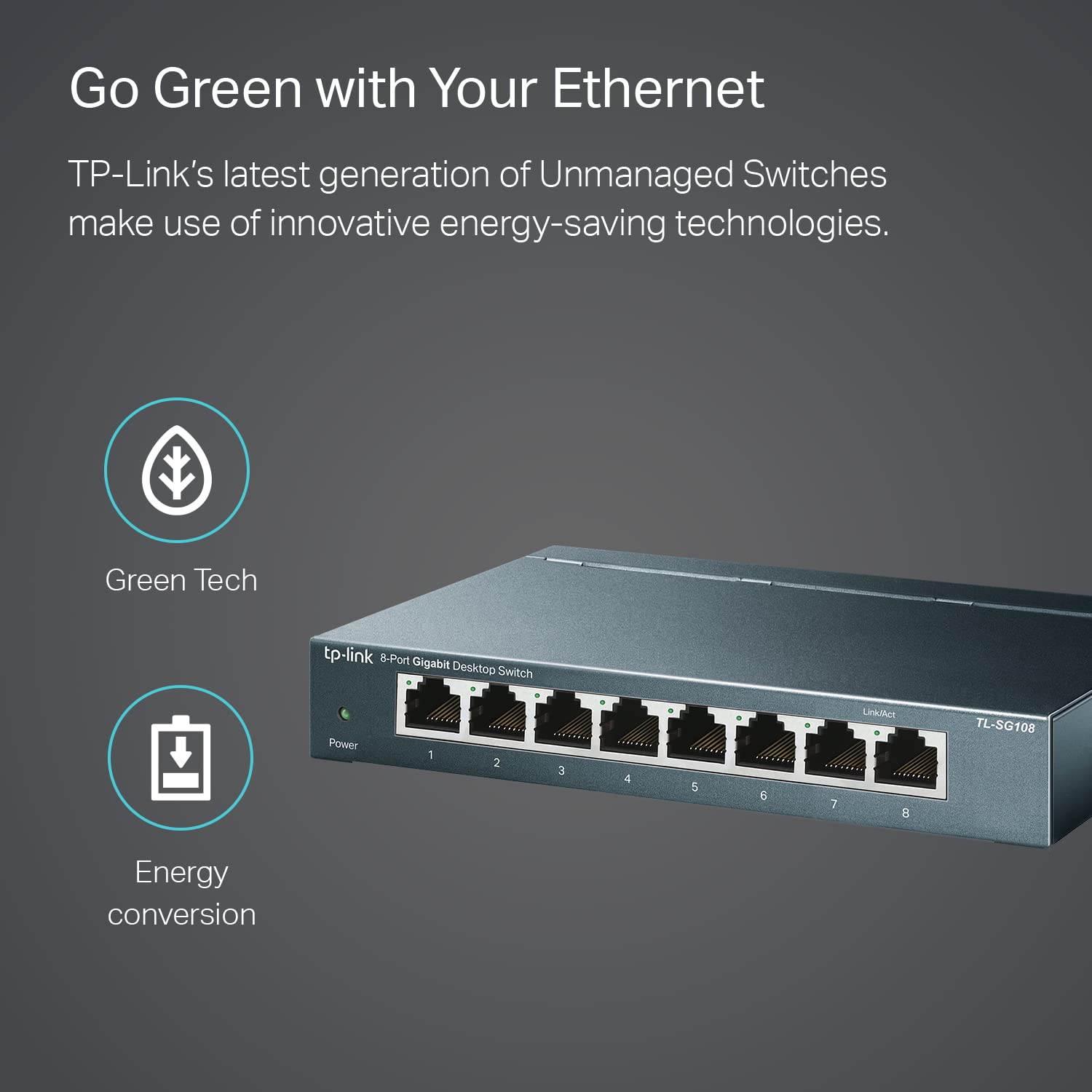
Image: The TP-Link TL-SG108 switch demonstrating its role in expanding network connectivity, showing connections to a computer, gaming console, printer, and smart TV.

Image: Visual representation of the TP-Link TL-SG108 switch's versatility in different environments: home, gaming setups, and business offices.
5. Návod k obsluze
The TL-SG108 is an unmanaged switch, meaning it operates automatically without requiring user configuration. Once powered on and connected, it will begin forwarding data between connected devices.
- LED napájení: A green LED indicates the switch is powered on. If this LED is off, check the power connection.
- LED diody Link/Act (na port): Each RJ45 port has an associated LED. A solid green light indicates a stable link, while a blinking green light indicates data activity (transmitting or receiving data).

Obrázek: Přední úhel view of the TP-Link TL-SG108 8-Port Gigabit Desktop Switch, showing its power indicator and eight RJ45 ports with their respective Link/Act LEDs.
6. Údržba
Pro zajištění optimálního výkonu a dlouhé životnosti přepínače TL-SG108 dodržujte tyto pokyny pro údržbu:
- Čištění: K čištění vnější strany spínače použijte měkký, suchý hadřík. Nepoužívejte tekuté ani aerosolové čisticí prostředky.
- Větrání: Ujistěte se, že je spínač umístěn v dobře větraném prostoru, aby nedošlo k jeho přehřátí. Neblokujte větrací otvory.
- Podmínky prostředí: Operate the switch within the specified temperature range of 0°C to 40°C (32°F to 104°F) and avoid environments with high humidity.
- Cyklus napájení: If the switch experiences issues, try power cycling it by unplugging the power adapter, waiting a few seconds, and then plugging it back in.
7. Řešení problémů
If you encounter problems with your TL-SG108 switch, refer to the following common issues and solutions:
- Bez napájení:
- Ujistěte se, že je napájecí adaptér bezpečně připojen k přepínači a k funkční elektrické zásuvce.
- Ověřte funkčnost elektrické zásuvky zapojením jiného zařízení.
- Žádné spojení/aktivita na portu:
- Check that the Ethernet cable is securely connected to both the switch port and the device.
- Zkuste jiný ethernetový kabel, abyste vyloučili vadný kabel.
- Ujistěte se, že je připojené zařízení zapnuté a jeho síťový adaptér funguje správně.
- Zkuste zařízení připojit k jinému portu na přepínači.
- Pomalá rychlost sítě:
- Ujistěte se, že všechna připojená zařízení a kabely podporují gigabitový Ethernet (pro gigabitové rychlosti se doporučují kabely Cat5e nebo vyšší).
- Zkontrolujte, zda ve vaší síti neběží nadměrný síťový provoz nebo aplikace náročné na šířku pásma.
- Ověřte, zda váš poskytovatel internetových služeb (ISP) poskytuje routeru očekávané rychlosti.
8. Specifikace
| Funkce | Popis |
|---|---|
| Model | TL-SG108 |
| Počet portů | 8 portů RJ45 10/100/1000 Mb/s |
| Rychlost přenosu dat | 1000 megabitů za sekundu (Mbps) |
| Typ rozhraní | RJ45 |
| Materiál pouzdra | Kov |
| Rozměry (D x Š x V) | 5.91 x 3.15 x 5.91 palce |
| Hmotnost položky | 13.8 unce (0.86 lb) |
| Provozní teplota | 0 °C až 40 °C (32 °F až 104 °F) |
| Skladovací teplota | -40 °C až 70 °C (-40 °F až 158 °F) |
| svtage | 220 voltů (vstup pro napájecí adaptér) |
| Spotřeba energie | Maximum: 3.97W (220V/50Hz) |
9. Záruka a podpora
TP-Link provides a limited lifetime warranty for this product. For technical assistance, unlimited 24/7 technical support is available free of charge. Please refer to the TP-Link official website for detailed warranty terms and contact information for support services.