1. Úvod
Thank you for choosing the SIMOLIO JH-712 Kids Bluetooth Headphones. These headphones are designed with children's safety and comfort in mind, featuring a 3-level volume limiter to protect sensitive ears. They offer both wireless Bluetooth connectivity and a wired option, along with a built-in microphone for calls and a share port for shared listening. The foldable design and durable construction make them ideal for various activities, including school, travel, and everyday use.
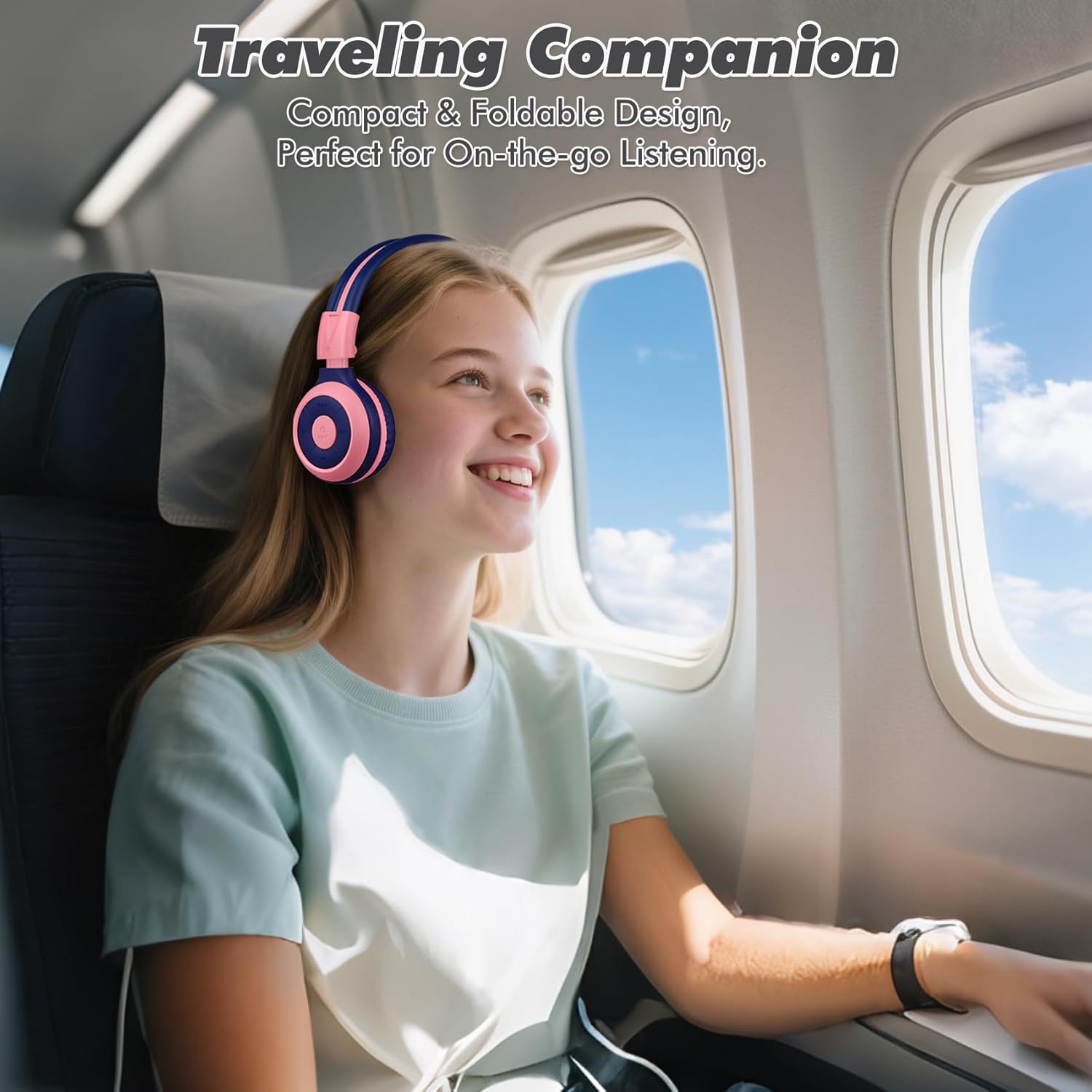
Image: The SIMOLIO JH-712 headphones are a perfect travel companion due to their compact and foldable design.
2. Co je v krabici
Zkontrolujte prosím obsah balení, abyste se ujistili, že jsou přítomny všechny položky:
- SIMOLIO JH-712 Kids Bluetooth Headphones
- Pouzdro EVA
- USB nabíjecí kabel
- 3.5mm audio kabel
- Uživatelská příručka (tento dokument)
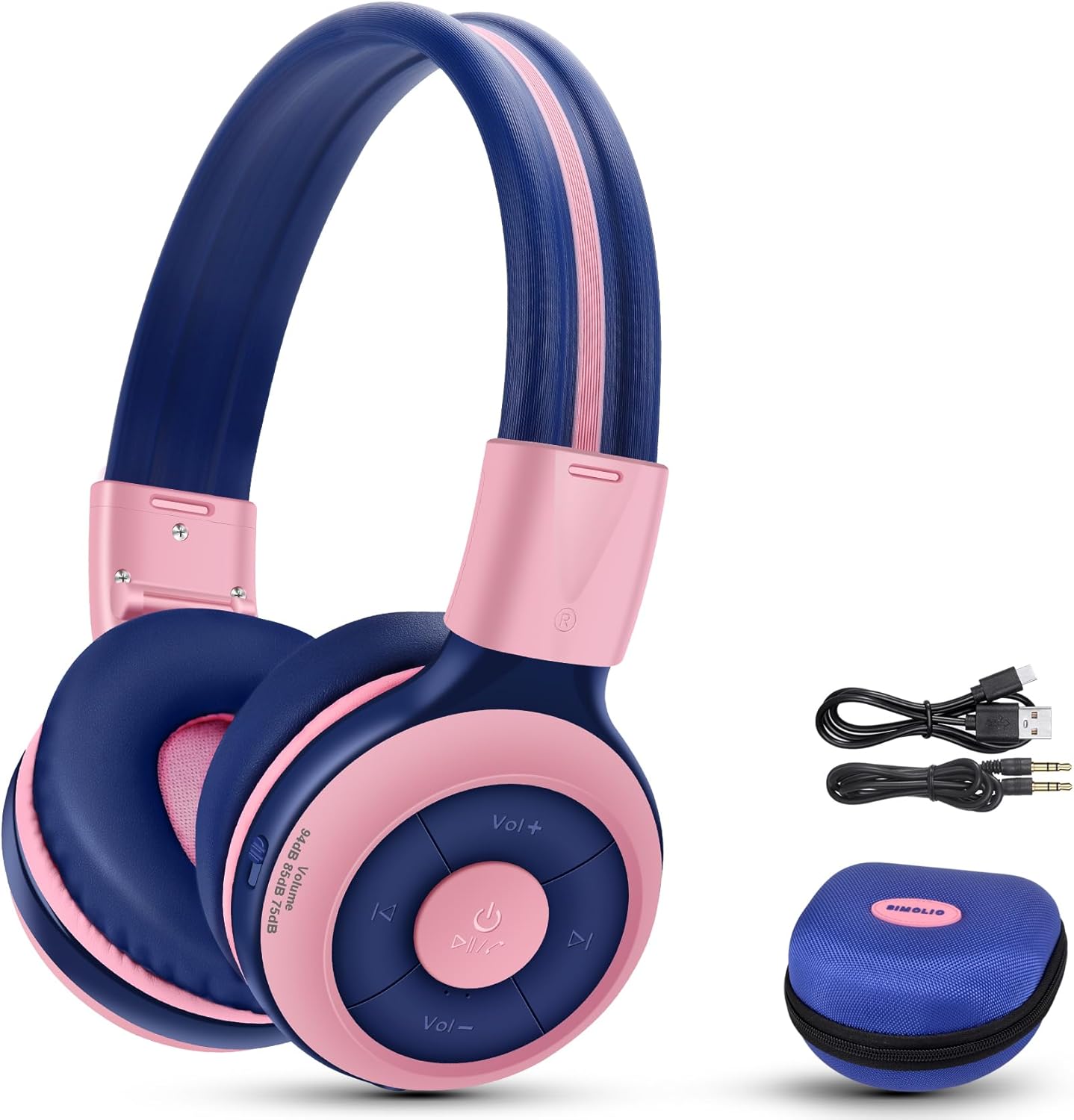
Image: Contents of the SIMOLIO JH-712 headphone package, including the headphones, cables, and EVA case.
3. Konec produktuview
The SIMOLIO JH-712 headphones feature a robust and comfortable design. Key components include:
- Nastavitelná čelenka: Made with memory stainless steel strips for durability and flexibility, allowing for a custom fit.
- Měkké náušníky: Over-ear design with memory foam earmuffs provides comfort and helps isolate external noise.
- Ovládací tlačítka: Nachází se na náušníku a slouží k ovládání napájení, hlasitosti, přehrávání a ovládání hovorů.
- Vestavěný mikrofon: For hands-free calling and online learning.
- 3.5mm audio port: Pro kabelové připojení.
- Nabíjecí port: Pro dobíjení interní baterie.
- Share Port: Allows another headphone to daisy-chain for shared audio.
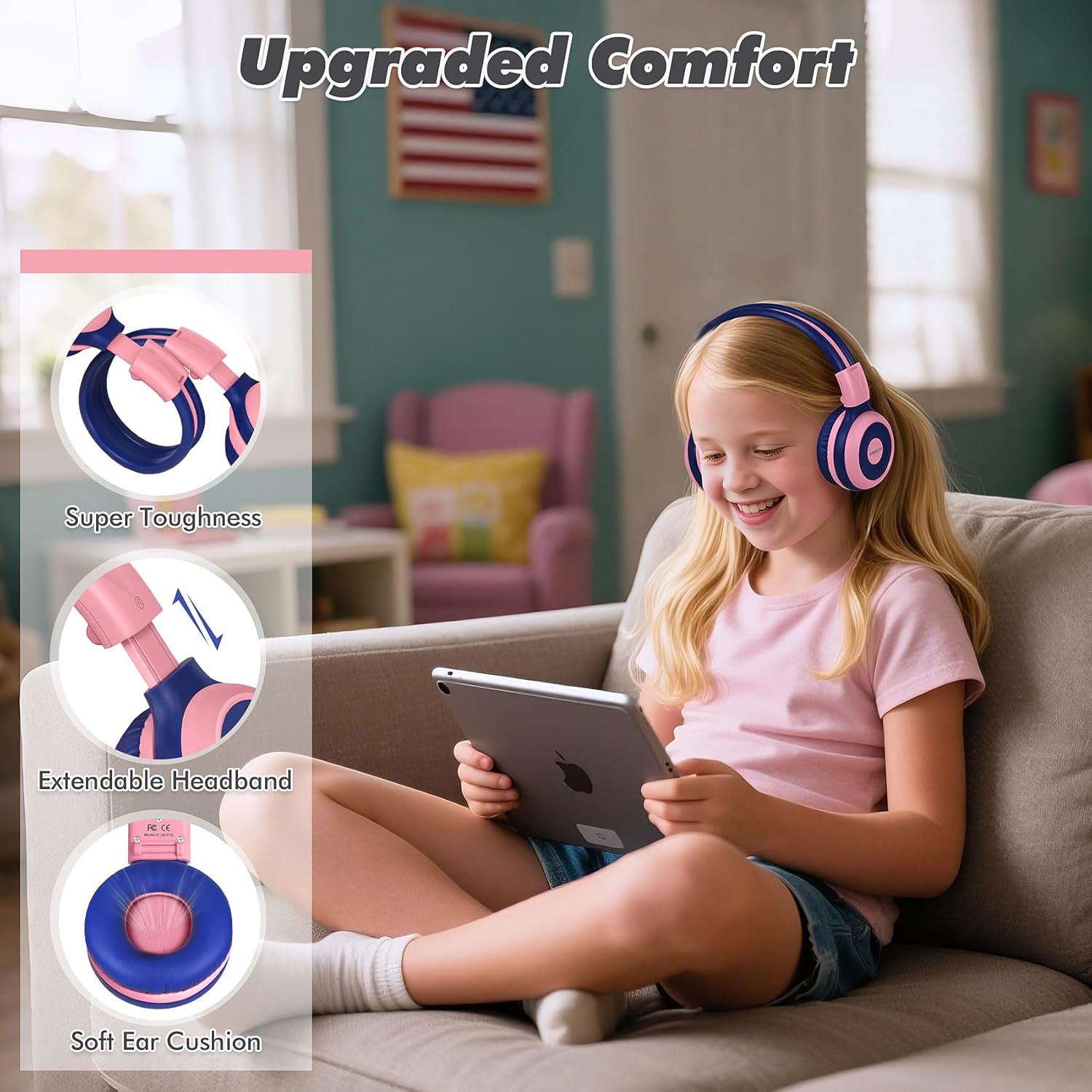
Image: Features highlighting the upgraded comfort, including super toughness, extendable headband, and soft ear cushions.

Image: Ergonomic design details showing soft earcups, adjustable and sturdy headband, and foldable functionality.
4. Nastavení
4.1 Nabíjení sluchátek
Před prvním použitím sluchátka plně nabijte. Úplné nabití trvá přibližně 3 hodiny.
- Připojte nabíjecí kabel USB k nabíjecímu portu na sluchátkách.
- Druhý konec kabelu USB připojte ke kompatibilnímu zdroji napájení USB (např. k portu USB počítače, síťovému adaptéru).
- LED indikátor bude zobrazovat stav nabíjení (podrobnosti naleznete v části o LED indikátorech v úplném manuálu).
- Po úplném nabití odpojte nabíjecí kabel.
4.2 Párování Bluetooth
To connect your headphones wirelessly via Bluetooth:
- Ujistěte se, že jsou sluchátka vypnutá.
- Stiskněte a podržte tlačítko napájení, dokud LED indikátor nezačne blikat modře a červeně, což signalizuje režim párování.
- Na svém zařízení (chytrý telefon, tablet, počítač) povolte Bluetooth a vyhledejte dostupná zařízení.
- Select "SIMOLIO JH-712" from the list of devices.
- Po připojení bude LED indikátor obvykle svítit nepřerušovaně modře nebo pomalu blikat.
4.3 Drátový režim
You can use the headphones in wired mode when the battery is low or with devices that do not support Bluetooth.
- Připojte jeden konec 3.5mm audio kabelu k audio portu na sluchátkách.
- Druhý konec připojte k 3.5mm audio konektoru na vašem zařízení.
- Sluchátka se automaticky přepnou do kabelového režimu.
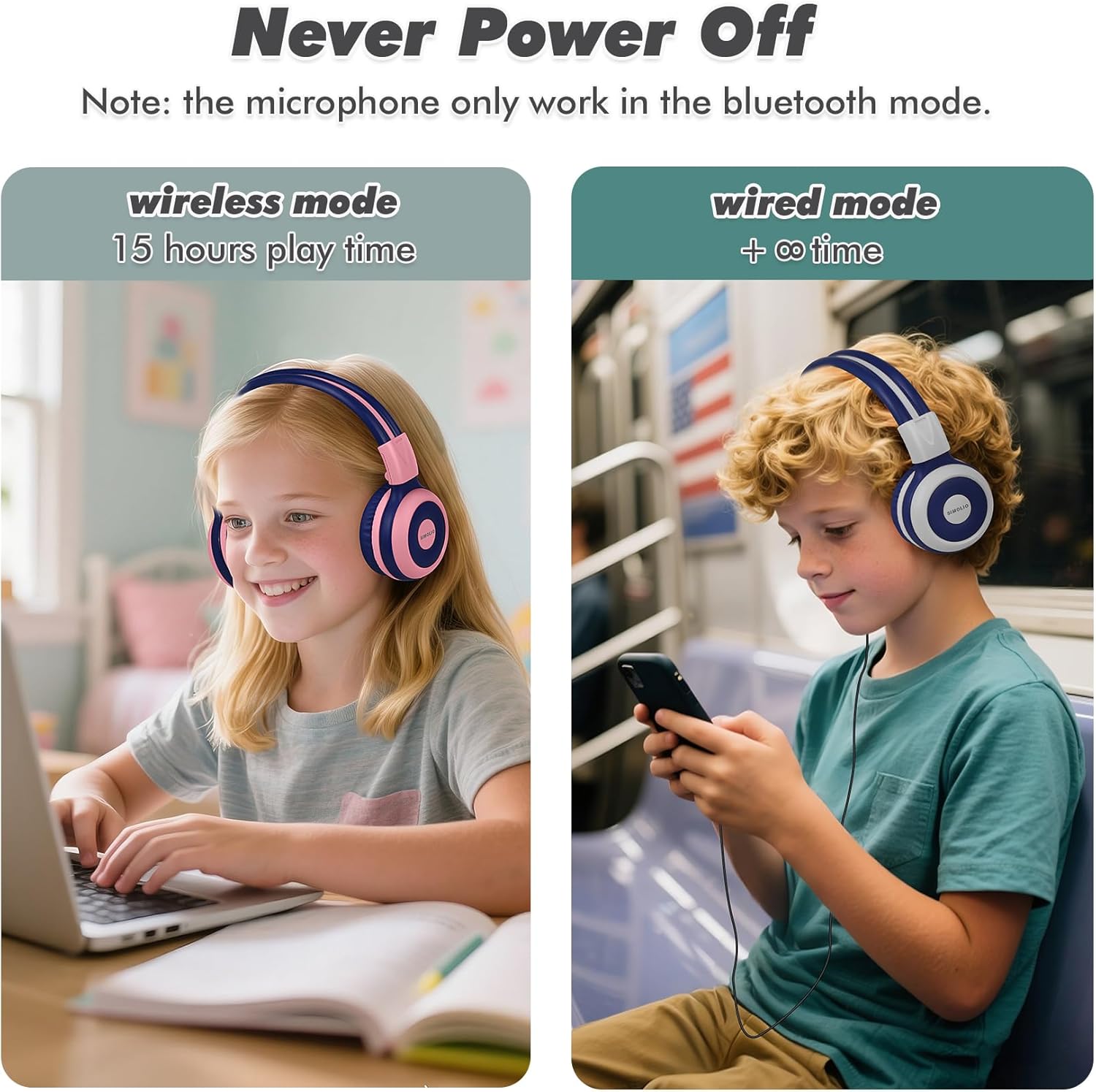
Image: Illustration of wireless mode with 15 hours play time and wired mode for continuous use.
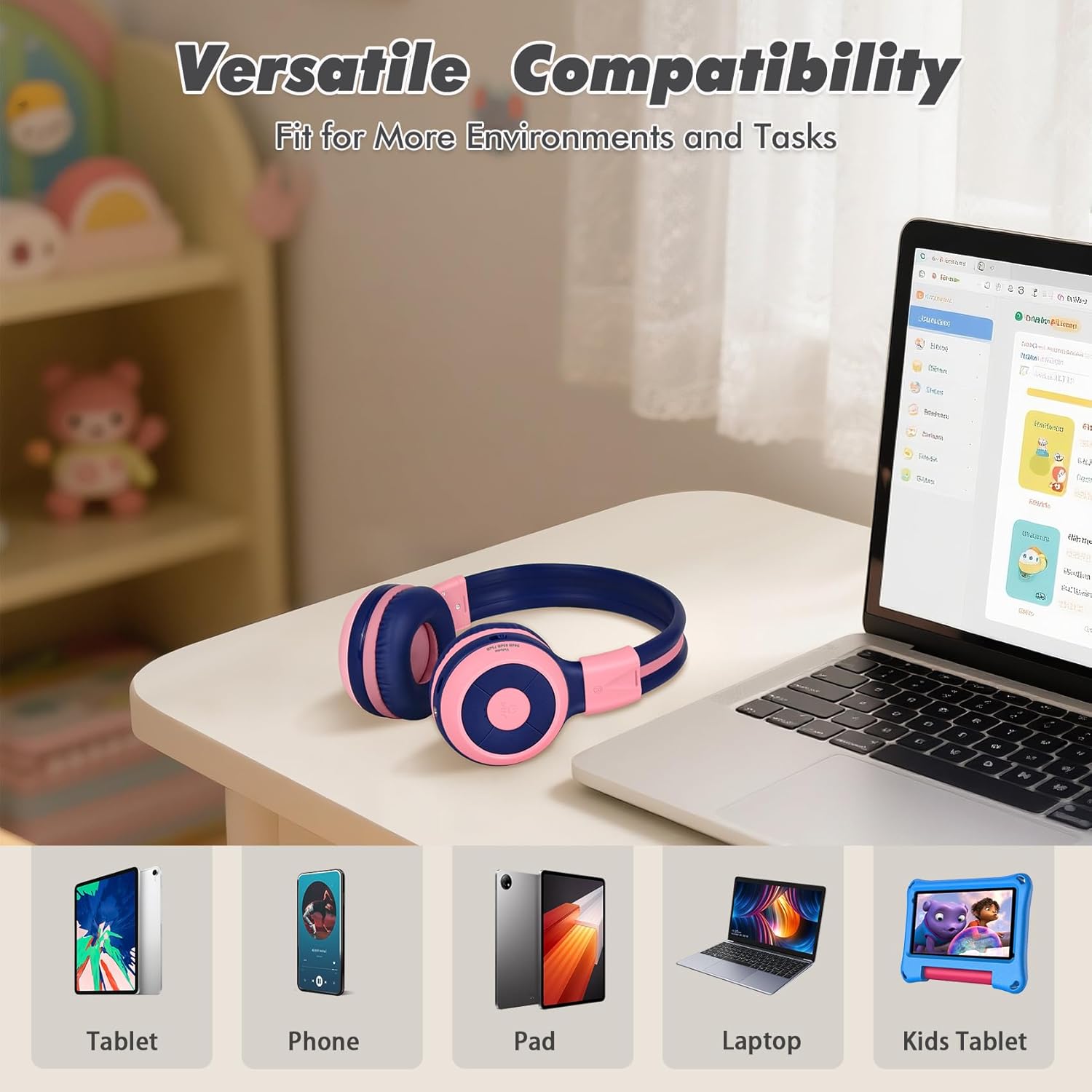
Image: Versatile compatibility with various devices including tablets, phones, iPads, laptops, and kids' tablets.
5. Návod k obsluze
5.1 Zapnutí/vypnutí
- Zapnutí: Stiskněte a podržte tlačítko napájení přibližně 3 sekundy, dokud se nerozsvítí LED indikátor.
- Vypnout: Stiskněte a podržte tlačítko napájení přibližně 3 sekund, dokud nezhasne LED indikátor.
5.2 Volume Control and Limiter
The headphones feature a unique 3-level volume limiter to protect hearing:
- 75dB (Toddler Mode): For very young children.
- 85dB (Study Mode): Suitable for general listening and study.
- 94dB (Travel Mode): For noisier environments, providing a slightly higher but still safe volume.
Use the dedicated switch on the earcup to select the desired volume limit. Adjust the listening volume using the Vol+ and Vol- buttons.
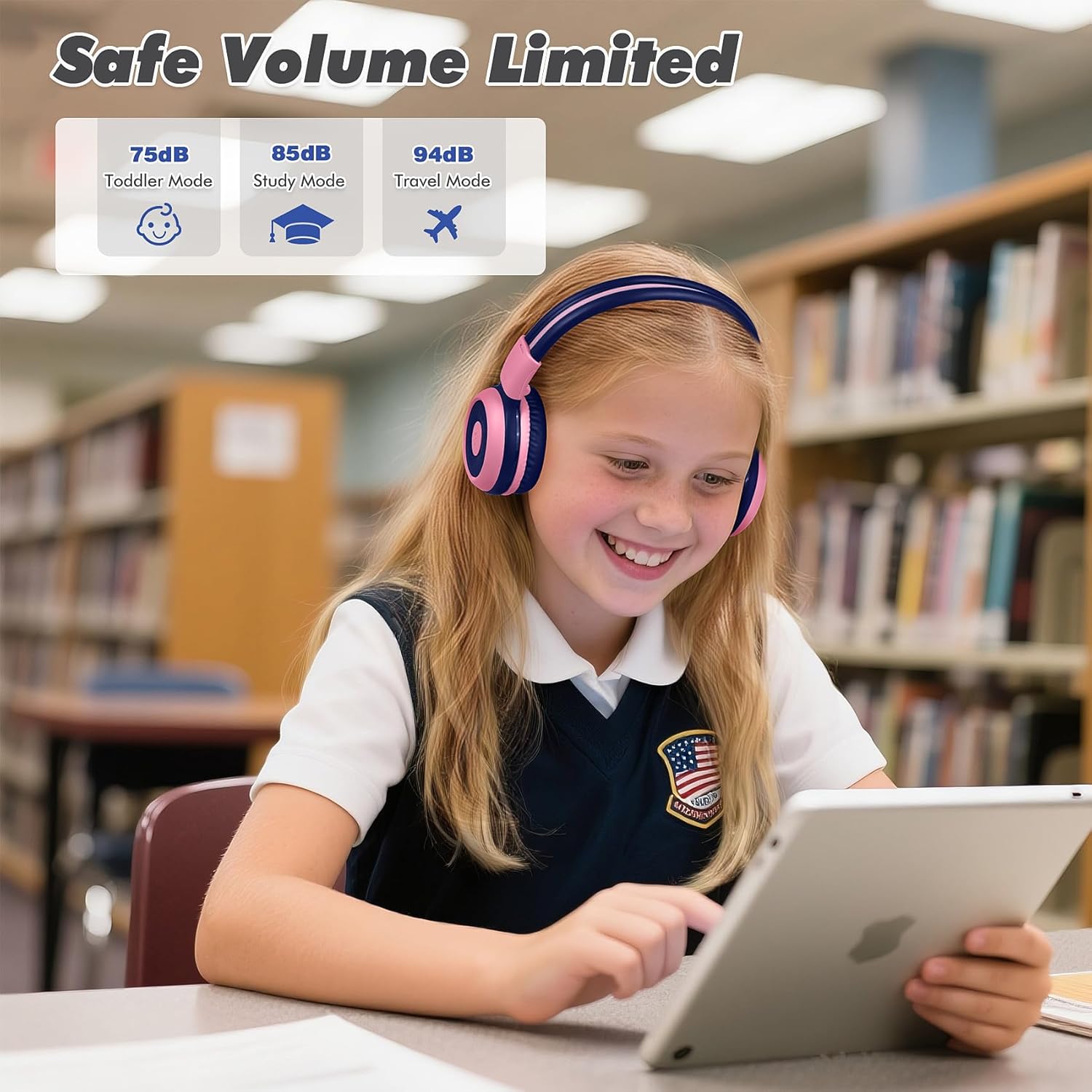
Image: Safe Volume Limited feature with three distinct modes for different age groups and environments.

Obrázek: Podrobný view of the 3-level volume limiter switch for kids' hearing protection.
5.3 Přehrávání hudby
- Přehrát/pozastavit: Stiskněte jednou tlačítko Přehrát/Pozastavit.
- Další skladba: Press the Next Track button once.
- Předchozí skladba: Press the Previous Track button once.
5.4 Správa hovorů
Vestavěný mikrofon umožňuje handsfree hovory při připojení přes Bluetooth.
- Přijmout/ukončit hovor: Stiskněte jednou tlačítko Přehrát/Pozastavit.
- Odmítnout hovor: Stiskněte a podržte tlačítko Přehrát/Pozastavit přibližně 2 sekundy.

Image: Crystal-clear calls and online learning anytime with the built-in HD microphone.
5.5 Share Port Function
The unique share port allows two headphones to listen to the same audio source simultaneously.
- Connect the first headphone wirelessly to your device.
- Connect one end of the 3.5mm audio cable to the share port of the first headphone.
- Connect the other end of the 3.5mm audio cable to the audio input of a second headphone.
- Obě sluchátka nyní budou přijímat zvuk ze stejného zdroje.

Image: Double the fun with one device and two listeners using the unique sharing port.
6. Údržba
Správná péče prodlouží životnost vašich sluchátek.
- Čištění: K čištění sluchátek používejte měkký, suchý hadřík. Nepoužívejte tekuté čisticí prostředky ani aerosoly.
- Skladování: When not in use, store the headphones in the provided EVA carrying case to protect them from dust and damage. The foldable design makes storage compact.
- Vyhněte se extrémním podmínkám: Nevystavujte sluchátka extrémním teplotám, vlhkosti ani přímému slunečnímu záření.
- Voděodolnost: These headphones are not water resistant. Avoid contact with liquids.

Image: Folding the headphones and storing them in the hard EVA case for space-saving and easy carrying.
7. Řešení problémů
If you encounter issues with your SIMOLIO JH-712 headphones, please refer to the following common solutions:
| Problém | Možné řešení |
|---|---|
| Sluchátka se nezapnou | Ujistěte se, že jsou sluchátka plně nabitá. Připojte je ke zdroji napájení a zkuste to znovu. |
| Nelze spárovat přes Bluetooth | Make sure headphones are in pairing mode (flashing blue/red LED). Turn off and on your device's Bluetooth. Ensure headphones are not connected to another device. |
| V bezdrátovém režimu žádný zvuk | Check if the headphones are successfully paired and connected. Adjust the volume on both the headphones and your device. Ensure the volume limiter switch is not set too low. |
| V kabelovém režimu není žádný zvuk | Ensure the 3.5mm audio cable is securely connected to both the headphones and your device. Test with a different audio cable if available. |
| Mikrofon nefunguje | The microphone only works in Bluetooth mode. Ensure headphones are connected via Bluetooth and selected as the input device on your system settings. |
| Zvuk je příliš nízký | Check the 3-level volume limiter switch on the headphones and adjust it to a higher setting (e.g., 85dB or 94dB). Increase volume on both the headphones and the connected device. |
8. Specifikace
Detailed technical specifications for the SIMOLIO JH-712 Kids Bluetooth Headphones:
- Název modelu: Kids Wireless Bluetooth Headphones JH-712P
- Technologie připojení: Bezdrátové (Bluetooth), Kabelové (3.5mm jack)
- Verze Bluetooth: 5.0
- Rozsah Bluetooth: 10 metrů (33 stop)
- Typ zvukového ovladače: Dynamický ovladač
- Velikost ovladače zvuku: 40 milimetrů
- Impedance: 32 ohmů
- Kontrola hluku: Zvuková izolace
- Životnost baterie: Up to 15 Hours (wireless mode)
- Doba nabíjení: Přibližně 3 hodin
- Typ ovládání: Ovládání médií, tlačítko
- Speciální vlastnosti: Adjustable Headband, Foldable, Built-in Microphone, Noise Isolation, 3-level Volume Limiter (75dB/85dB/94dB), Share Port
- Materiál: Stainless Steel (headband), Memory Foam (earmuffs), EVA (case)
- Hmotnost položky: 9.2 unce (260 gramů)
- Rozměry produktu: 5.51 x 3.15 x 5.31 palce
- Úroveň odolnosti proti vodě: Není odolný vůči vodě
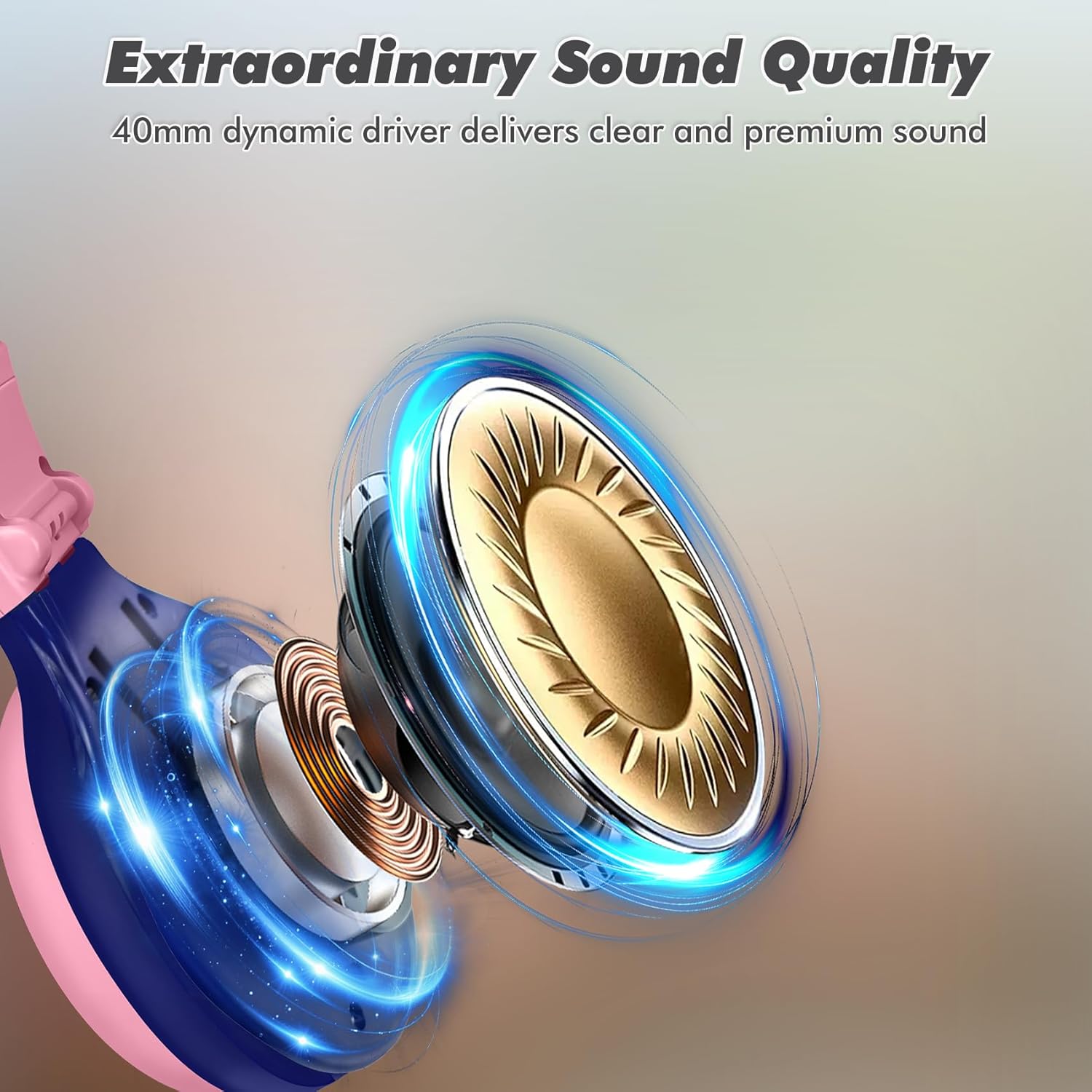
Image: Illustration of the 40mm dynamic driver, delivering clear and premium sound quality.
9. Záruka a podpora
SIMOLIO provides a 12měsíční bezproblémová záruka for the JH-712 Kids Bluetooth Headphones.
If you have any questions, concerns, or require technical assistance, please contact SIMOLIO customer service. Contact information can typically be found on the official SIMOLIO webwebu nebo prostřednictvím vaší nákupní platformy.
Další podporu a informace o produktu naleznete na SIMOLIO Store on Amazon.
10. Produktové video
Watch this official product video for a visual guide to the SIMOLIO Kids Bluetooth Headphones JH-712.
Video: SIMOLIO Kids Bluetooth Headphones with Mic JH-712. This video demonstrates the features and usage of the headphones.


