1. Úvod
The MARATHON 100 Hour Direct Entry Digital Tabletop Timer is designed to assist with precise time management for various tasks. Featuring a large, easy-to-read LCD display and a direct entry keypad, this timer offers both countdown and count-up functionalities, a clock mode, and memory presets for repetitive events. Its robust design includes a magnetic back and an integrated kickstand for versatile placement.
2. Konec produktuview
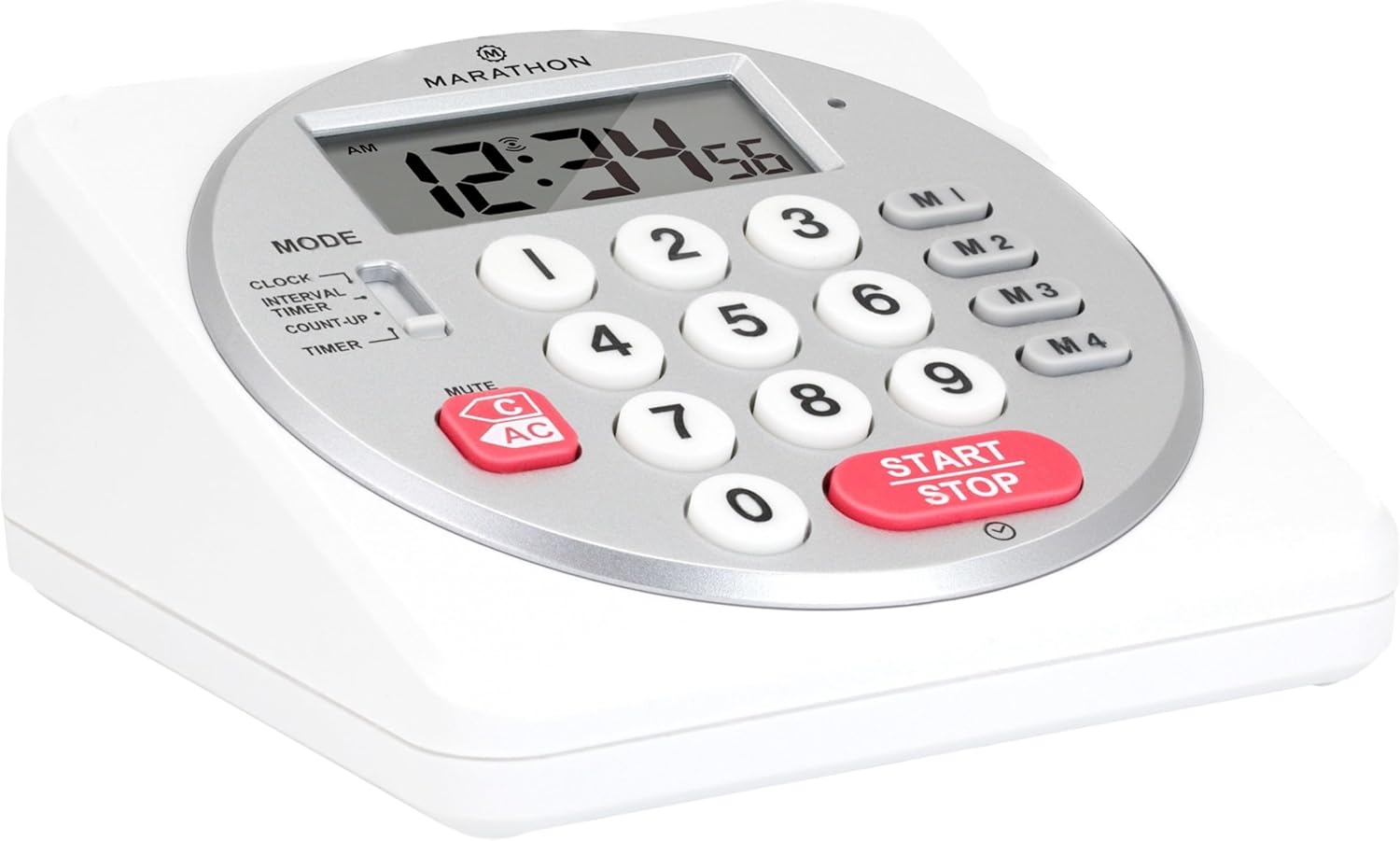
Obrázek 1: Přední strana view of the Marathon Digital Timer.
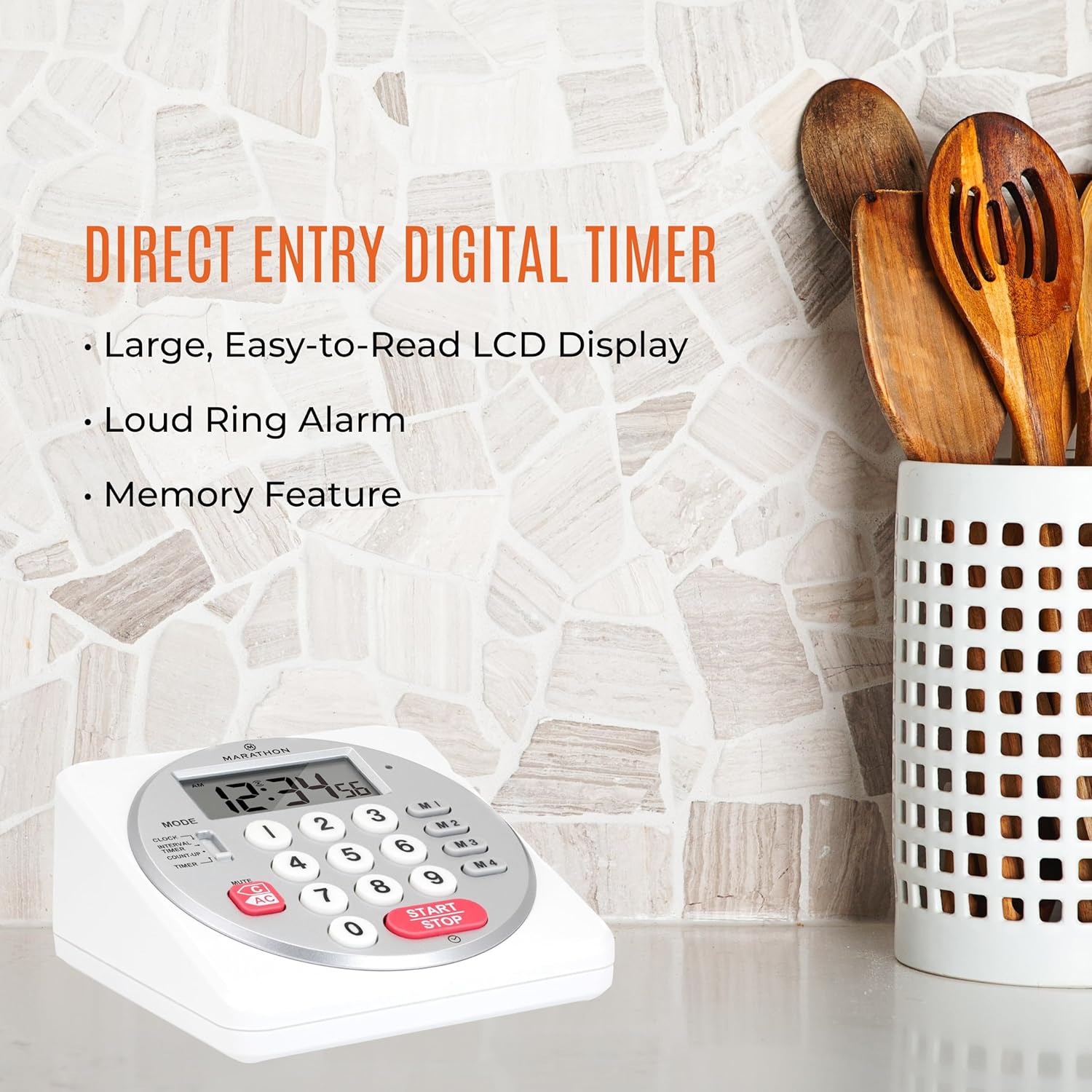
Figure 2: Timer on a kitchen counter, highlighting large display and loud alarm.

Figure 3: Timer showcasing dual function, included batteries, and versatile memory.
Klíčové vlastnosti:
- Direct Entry Keypad: For quick and precise time setting.
- Velký LCD displej: Easy-to-read numbers for clear visibility.
- Dual Function Alarm: Supports both countdown and count-up timing up to 99 hours, 59 minutes, and 59 seconds.
- Loud Ring Alarm: Audible across a room.
- LED indikátor: Flashing light for silent alarm or hearing impairment assistance.
- Clock Feature: Displays time in 12-hour or 24-hour format when not in timer mode.
- Funkce vestavěné paměti: Stores up to four consecutive times for interval timing and four memory presets for repetitive events.
- Všestranné umístění: Integrated kickstand for tabletop use and magnetic back for attachment to metal surfaces.
- Baterie v ceně: Dodává se se 2 bateriemi AA.
3. Nastavení
3.1. Instalace baterie
- Locate the battery compartment cover on the back of the timer.
- Posunutím otevřete kryt.
- Insert two (2) AA batteries, ensuring correct polarity (+/-) as indicated inside the compartment. The timer comes with batteries included.
- Bezpečně nasaďte kryt prostoru pro baterie.

Obrázek 4: Zpět view with battery compartment and kickstand.
4. Návod k obsluze
4.1. Výběr režimu
Použijte MODE switch located on the side of the timer to select between different functions:
- HODINY: Zobrazuje aktuální čas.
- INTERVAL TIMER: For setting multiple consecutive timers.
- COUNT-UP: Functions as a stopwatch.
- ČASOVAČ: For setting a single countdown timer.

Figure 5: MODE switch for function selection.
4.2. Nastavení hodin
- Posuňte MODE přepnout na HODINY.
- Stiskněte a podržte SOUBOR tlačítko, dokud nezačnou blikat číslice času.
- Use the number keypad (0-9) to enter the desired time (HH:MM).
- Stiskněte SOUBOR znovu pro potvrzení a ukončení režimu nastavení hodin.
- Chcete-li přepnout mezi 12hodinovým a 24hodinovým formátem času, stiskněte tlačítko 12/24 hod button (if available, or refer to specific model instructions).
4.3. Setting a Countdown Timer (TIMER Mode)
- Posuňte MODE přepnout na ČASOVAČ.
- Use the number keypad (0-9) to directly enter the desired countdown time (HH:MM:SS). The timer supports up to 99 hours, 59 minutes, 59 seconds.
- Stiskněte tlačítko START/STOP tlačítko pro spuštění odpočítávání.
- Chcete-li pozastavit časovač, stiskněte START/STOP znovu. Stiskněte jej ještě jednou pro obnovení.
- When the countdown reaches zero, the alarm will sound, and the LED indicator will flash. The timer will then automatically begin counting up to show elapsed time since the alarm.
- To stop the alarm and clear the display, press the JASNÝ tlačítko.
4.4. Using the Count-Up Timer (COUNT-UP Mode)
- Posuňte MODE přepnout na PŘIČÍTAT.
- Ensure the display shows 00:00:00. If not, press JASNÝ.
- Stiskněte tlačítko START/STOP tlačítko pro zahájení odpočítávání.
- To pause the count-up, press START/STOP znovu. Stiskněte jej ještě jednou pro obnovení.
- To reset the count-up timer to zero, press JASNÝ.
4.5. Using Memory Functions (M1-M4 Presets)
The timer features four memory buttons (M1, M2, M3, M4) for storing and recalling frequently used times or for interval timing.
- In ČASOVAČ mode, enter the desired time using the number keypad.
- Press and hold one of the memory buttons (M1-M4) until the display confirms the time has been saved.
- To recall a saved time, simply press the corresponding memory button (M1-M4). The saved time will appear on the display, ready to start.
- For interval timing, set the first interval, save it to M1. Then set the second interval, save it to M2, and so on. You can then cycle through these presets as needed.
4.6. Adjusting Alarm Volume
The timer features a volume switch, typically located on the side or back, allowing you to select between different alarm levels (e.g., High, Low, Mute) or a flashing LED indicator for silent operation.
5. Údržba
- Vyčistěte časovač měkkým, damp hadříkem. Nepoužívejte abrazivní čisticí prostředky ani neponořujte jednotku do vody.
- Avoid exposing the timer to extreme temperatures or direct sunlight for prolonged periods.
- If the display becomes dim or the alarm weakens, replace the batteries promptly.
6. Řešení problémů
| Problém | Možná příčina | Řešení |
|---|---|---|
| Timer not turning on. | Baterie jsou vybité nebo nesprávně nainstalované. | Zkontrolujte polaritu baterií nebo je vyměňte za nové baterie typu AA. |
| Displej je tmavý | Nízká kapacita baterie. | Vyměňte baterie. |
| Alarm se nespouští. | Alarm volume is set to mute or low. | Check the alarm volume switch and adjust as needed. |
| Časovač nereaguje na stisknutí tlačítek. | Unit may be in a locked state (if applicable) or requires a reset. | Remove and reinsert batteries to perform a hard reset. Check for any lock switches. |
7. Specifikace
- Model: TI030018WH
- Značka: MARATHON
- Materiál: Plast
- Rozměry: 4.45 x 2.64 x 4.45 palce
- Hmotnost položky: 7.1 unce
- Zdroj napájení: 2 x AA baterie (součástí balení)
- Max Timer Duration: 99 hodin, 59 minut, 59 sekund
- Vlastnosti: Direct Entry, Dual Function (Count-up/Count-down), Clock, Memory Presets, LED Indicator, Magnetic Back, Kickstand
- UPC: 063442000342

Obrázek 6: Rozměry produktu.
8. Záruka a podpora
Informace o záruce nebo technickou podporu získáte od oficiálního webnebo kontaktujte jejich zákaznický servis. Uschovejte si účtenku jako doklad o koupi.


