Zavedení
This manual provides detailed instructions for the setup, operation, and maintenance of your ACS ACR122U NFC Reader Writer. The ACR122U is a PC-linked contactless smart card reader/writer developed based on 13.56 MHz Contactless (RFID) Technology. It supports ISO/IEC18092 (NFC) standard, as well as MIFARE and ISO 14443 A and B cards. It is designed for various NFC applications, including payment, public transport, and network log-on.
Obsah balení
Ověřte prosím, zda jsou ve vašem balení obsaženy všechny níže uvedené položky:
- 1x ACS ACR122U NFC Reader Writer
- 5x Ntag213 NFC Tags
- 2x UID MF1 Cards
- 1x SDK and Free NFC Tool Software (typically provided via download link or included media)
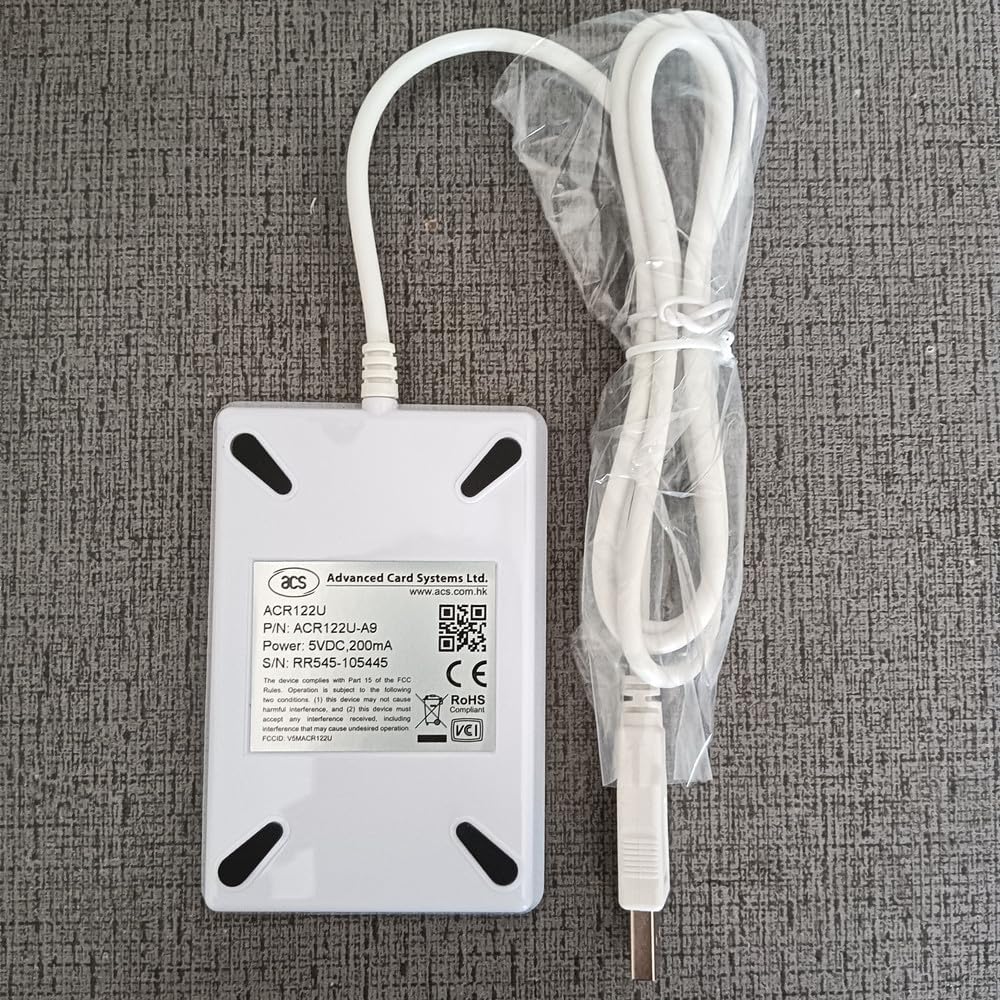
Image: The ACS ACR122U NFC Reader Writer with its USB cable and a plastic bag containing sample NFC tags and cards.
Nastavení
- Připojte zařízení: Plug the USB cable of the ACR122U reader into an available USB 2.0 port on your computer. The device is powered directly from the USB port.
- Instalace ovladače: The ACR122U is designed to be driver-free for Windows XP, Vista, 7, 8, and 10. Your operating system should automatically detect and install the necessary drivers. If prompted, allow the system to install the device.
- Instalace softwaru: Install the provided SDK and NFC tool software. This software is essential for utilizing the full read/write capabilities of the device. Refer to the software's specific installation guide for detailed steps.

Obrázek: Detailní záběr view of the white ACS ACR122U NFC Reader Writer with the NFC logo, connected to a USB cable.
Návod k obsluze
Čtení NFC Tags:
- Ensure the ACR122U reader is connected to your computer and the NFC tool software is running.
- Umístěte NFC tag or card directly on the surface of the ACR122U reader.
- The software should detect the tag and display its information. The read distance is typically 3-5 cm.
Writing to NFC Tags:
- Open the NFC tool software and navigate to the writing function (e.g., "Encode Smart Poster", "Text", or "URI" tabs).
- Enter the data you wish to write to the NFC tag (e.g., a URL, text message).
- Place a compatible NFC tag na čtečce.
- Initiate the writing process through the software. Follow any on-screen prompts.

Image: A screenshot of the "NFC Tool for ultralight" software interface, showing options for Smart Poster, Text, and URI encoding, with input fields for title, URI, prefix, and message.

Image: A screenshot of the "M1 Card Service Program" software, illustrating support for ISO14443 Type A (Mifare), ISO14443 Type B, and FeliCa (ISO14443 Type C) protocols, along with peer-to-peer communication and extension diagrams.
Supported Cards and Protocols
The ACR122U supports a wide range of NFC and RFID standards:
- Protokoly: IEC14443A & ISO18092 (NFC)
- karty: Mifare 1k, Mifare 4k, Ultralight, UltralightC, Ntag213/215/216, Mifare Plus 2k/4k, Mifare Desfire 2k/4k/8k
Specifikace
| Funkce | Specifikace |
|---|---|
| Rozměry (D x Š x V) | 90 mm x 65 mm x 12.8 mm (3.54 x 2.56 x 0.5 palce) |
| Hmotnost | 100 gramů (4.2 unce) |
| Materiál | PC enclosure |
| Barva | Bílý |
| Délka kabelu | 1.0metrový USB kabel |
| Pracovní frekvence | 13.56 MHz |
| Přečtěte si Vzdálenost | 3-5 cm |
| Čas čtení | <100 ms |
| Rozhraní | USB 2.0 |
| Napájení | 5V/100 mA from USB port |
| Výstupní formát | 10 digit Decimal (converted from Chip UID) |
| Podpora operačního systému | Windows XP, Vista, 7, 8, 10 (Driver-free) |
| Provozní teplota | -10°C až +60°C |
| Provozní vlhkost | 5% až 95% RH (bez kondenzace) |
| Skladovací teplota | -25°C až +45°C |
| Skladovací vlhkost | 5% až 95% RH (bez kondenzace) |
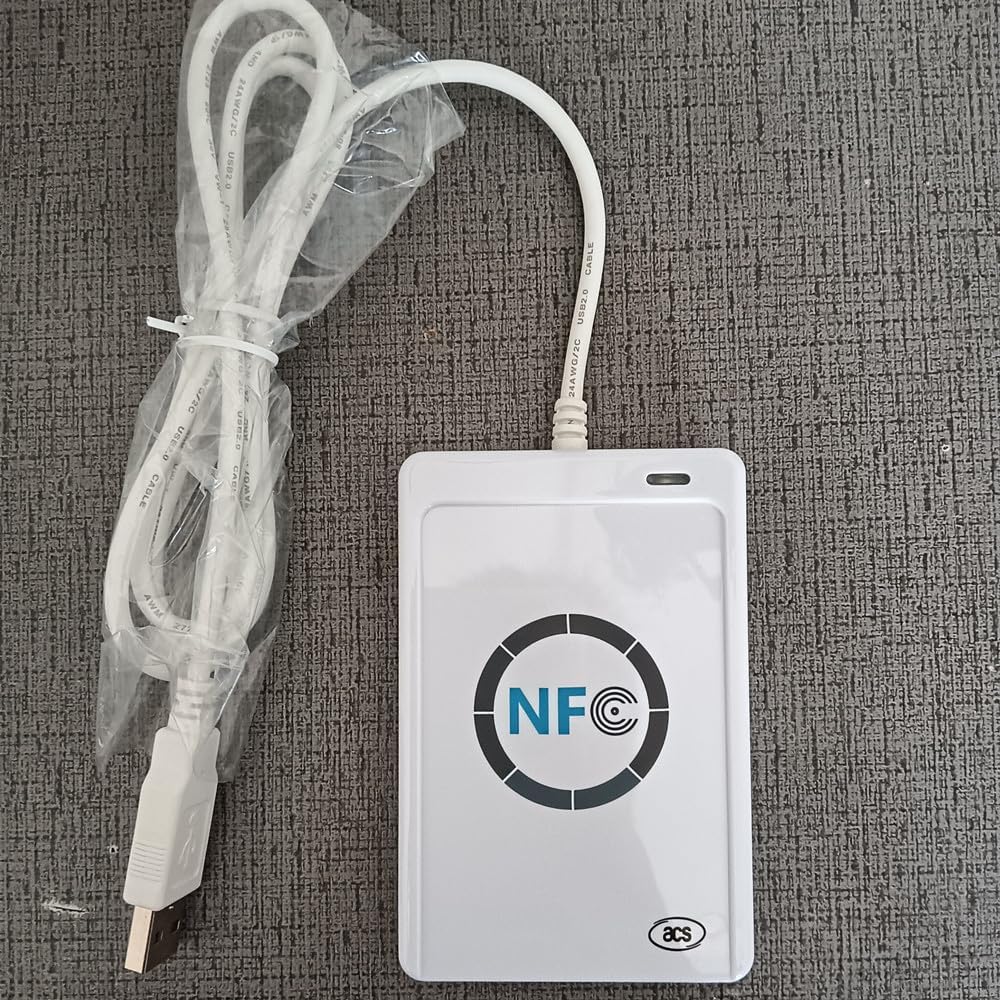
Image: The back of the ACS ACR122U NFC Reader Writer, displaying the model number ACR122U-A9, P/N, S/N RR545-105445, power specifications, and compliance markings.
For more information, refer to the official product page or support documentation for ACR122U-A9 RR545-105445.
Údržba
- Čištění: Use a soft, dry cloth to clean the surface of the reader. Avoid using liquid cleaners or abrasive materials.
- Skladování: Pokud zařízení nepoužíváte, skladujte ho na chladném a suchém místě mimo dosah přímého slunečního záření a extrémních teplot.
- Zacházení: S přístrojem zacházejte opatrně, abyste předešli fyzickému poškození. Zabraňte jeho pádu nebo silným nárazům.
Odstraňování problémů
- Zařízení nebylo detekováno:
- Ensure the USB cable is securely connected to both the reader and the computer.
- Try plugging the reader into a different USB port.
- Restartujte počítač.
- Verify that your operating system is supported (Windows XP, Vista, 7, 8, 10).
- Cannot Read/Write Tags:
- Zajistěte tag is placed correctly on the reader, within the 3-5 cm read distance.
- Zkontrolujte, zda tag type is supported by the ACR122U (e.g., Mifare, Ntag213).
- Verify that the NFC tool software is running and configured correctly for the operation (read/write).
- Nějaký tags may be locked or protected from writing.
- Problémy se softwarem:
- Ensure you have the latest version of the SDK and NFC tool software.
- Consult the software's documentation or support resources for specific error messages.
Záruka a podpora
For warranty information and technical support, please refer to the documentation provided with your purchase or visit the official ACS webPro rozšířené krytí mohou být k dispozici ochranné plány.
- Dvouletý ochranný plán: K dispozici ke koupi.
- Dvouletý ochranný plán: K dispozici ke koupi.
Contact information for ACS support can typically be found on their official website or within the software documentation.


