1. Úvod
The CUBE Shadow Finder Locator, Model C7003, is a compact and ultra-thin Bluetooth tracking device designed to help you locate your valuable items. This manual provides detailed instructions for setup, operation, maintenance, and troubleshooting to ensure optimal performance of your device.

Image 1: The CUBE Shadow Finder Locator, a thin, square black device with the word "CUBE" printed on it.
2. Konec produktuview
2.1 Klíčové vlastnosti
- Ultratenký design: Ideal for placement in wallets, passports, remote controls, or attached to laptops.
- Sledování Bluetooth: Lokalizovat tagged objects within a 200-foot range via the companion application.
- Umístění na mapě: View the last known location of your CUBE Shadow on a map within the application.
- Zvukové upozornění: Trigger the CUBE Shadow to ring with a distinct sound, making it easier to find.
- Crowd Find Network: Leverage other CUBE application users to help update the location of your lost item if it's out of your personal range.
- Dobíjecí baterie: Equipped with a long-lasting rechargeable battery for continuous use.
2.2 Komponenty
The CUBE Shadow consists of a main unit with an integrated button and a charging port. The device is designed for simplicity and ease of use.

Image 2: The CUBE Shadow attached to a remote control, demonstrating its compact size.
3. Nastavení
3.1 Počáteční nabíjení
Before first use, fully charge your CUBE Shadow. Connect the provided charging cable to the device and a USB power source. The device will indicate when charging is complete.
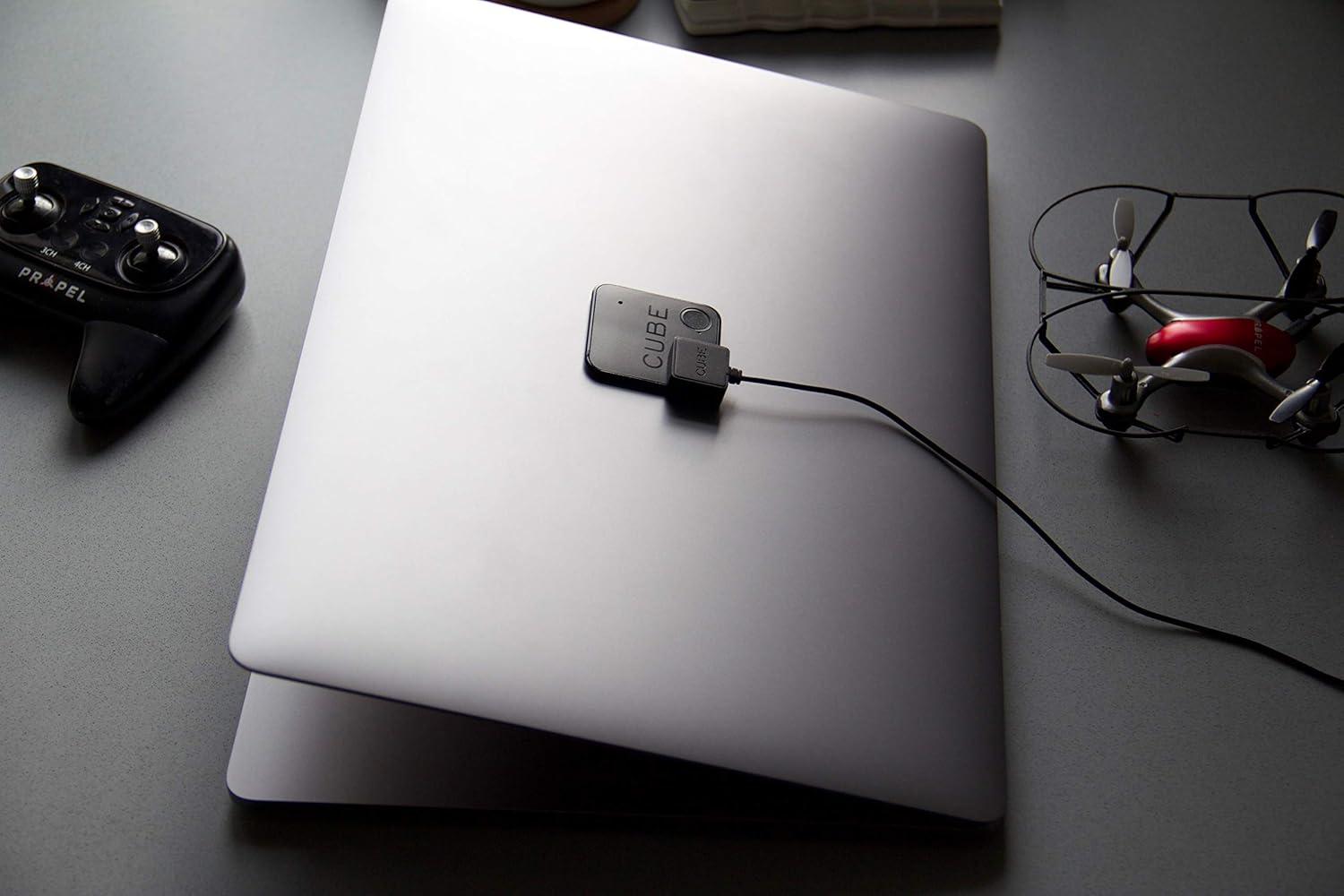
Image 3: The CUBE Shadow connected to a charging cable, resting on a laptop.
3.2 Stažení a instalace aplikace
Download the official CUBE application from your smartphone's app store (iOS or Android). Follow the on-screen instructions to install the application.
3.3 Pairing Your CUBE Shadow
- Ujistěte se, že je na vašem smartphonu povoleno Bluetooth.
- Open the CUBE application and create an account or log in.
- Follow the in-app prompts to add a new CUBE device.
- Press and hold the button on your CUBE Shadow for approximately 5 seconds until the device indicates it's in pairing mode (e.g., a light flashes).
- Select your CUBE Shadow from the list of available devices in the application to complete the pairing process.

Image 4: A smartphone displaying the CUBE application interface, showing a list of tracked items.
4. Návod k obsluze
4.1 Finding Your Item
To locate an item attached to your CUBE Shadow:
- Open the CUBE application on your smartphone.
- Select the CUBE Shadow associated with the item you wish to find.
- Tap the "Find" button in the app. Your CUBE Shadow will emit an audible alert.
- Follow the sound to locate your item. The app may also provide a proximity indicator.
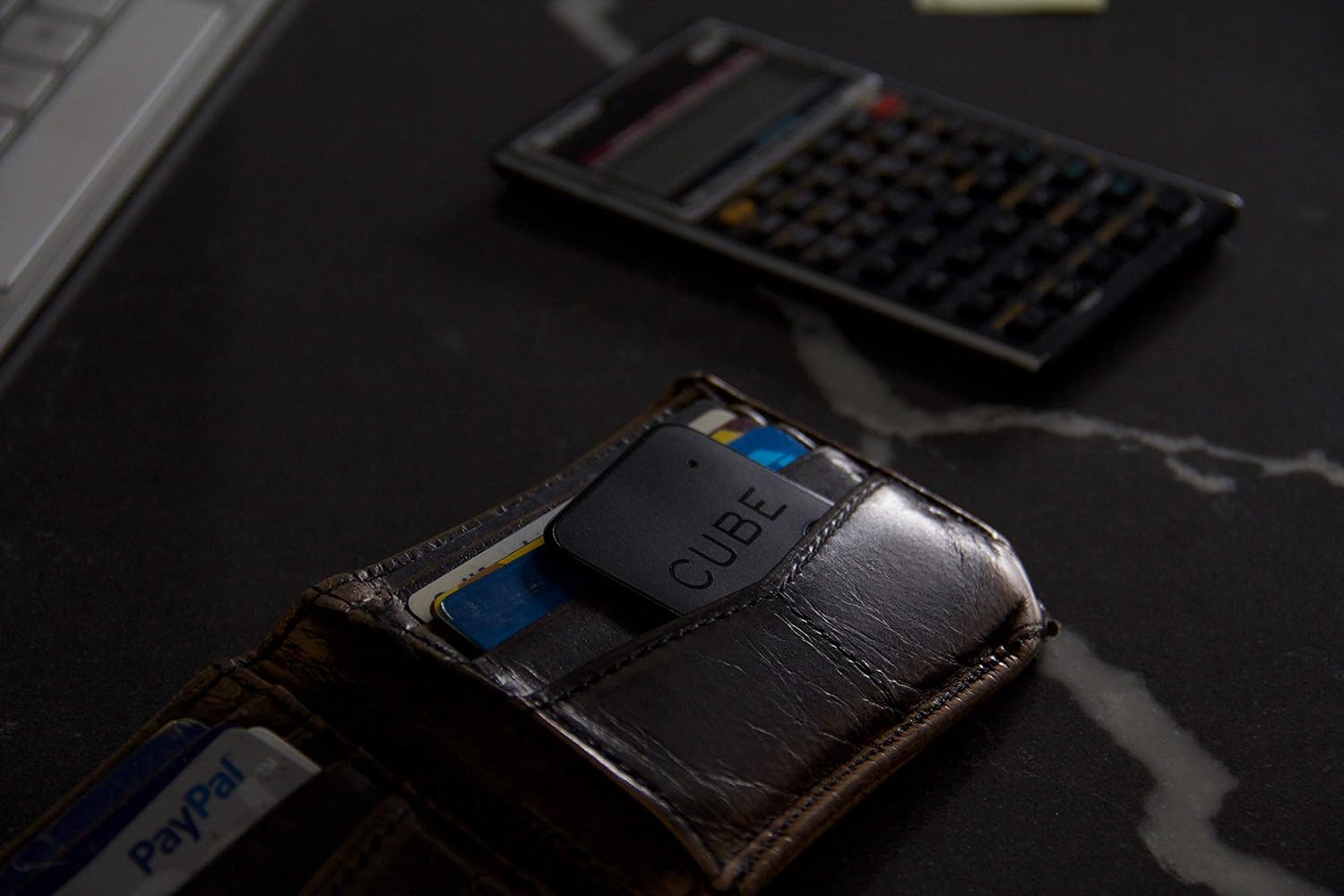
Image 5: The CUBE Shadow placed inside a wallet, illustrating its intended use for tracking personal items.
4.2 Finding Your Phone
If your phone is misplaced, you can use your CUBE Shadow to locate it:
- Double-press the button on your CUBE Shadow.
- Your smartphone will ring, even if it is on silent mode (ensure app permissions allow this).
4.3 Last Known Location (Map)
The CUBE application records the last location where your CUBE Shadow was connected to your phone. If your item is out of Bluetooth range, you can view this last known location on a map within the app to help narrow down your search area.
4.4 Disconnect Alerts and Safe Zones
The CUBE app can notify you if you leave an item behind. You can configure "Safe Zones" (e.g., your home or office Wi-Fi network) where these alerts will be suppressed, preventing unnecessary notifications when you are in a trusted location.
4.5 Crowd Find Feature
If your CUBE Shadow is lost and out of your personal Bluetooth range, the Crowd Find feature can assist. When another CUBE app user comes within range of your lost item, its location will be anonymously updated in your app, helping you retrieve it.
5. Údržba
5.1 Nabíjení
The CUBE Shadow features a rechargeable battery. When the battery level is low, connect the device to its magnetic charging cable and a USB power source. A full charge typically takes a few hours.

Image 6: The CUBE Shadow placed on an external hard drive, demonstrating its versatility for tracking various devices.
5.2 Čištění
Wipe the CUBE Shadow with a soft, dry cloth. Avoid using harsh chemicals or abrasive materials, as these may damage the device.
6. Řešení problémů
- Zařízení se nepřipojuje:
- Ujistěte se, že je v telefonu povoleno Bluetooth.
- Check if the CUBE Shadow battery is charged.
- Restart the CUBE application and try pairing again.
- Ensure the CUBE Shadow is within Bluetooth range (approx. 200 feet).
- No Sound from CUBE Shadow:
- Verify the device is connected in the app.
- Zkontrolujte stav baterie.
- Ensure there are no obstructions muffling the sound.
- Phone Not Ringing from CUBE Shadow:
- Confirm the CUBE Shadow is paired and connected to your phone.
- Check app permissions on your phone to ensure it can override silent mode or play sounds.
- Ensure the CUBE app is running in the background and is not restricted by power-saving settings.
- Inaccurate Location on Map:
- The map shows the last known location when the device was connected to your phone. It does not provide real-time GPS tracking.
- Ensure your phone's location services are enabled for the CUBE app.
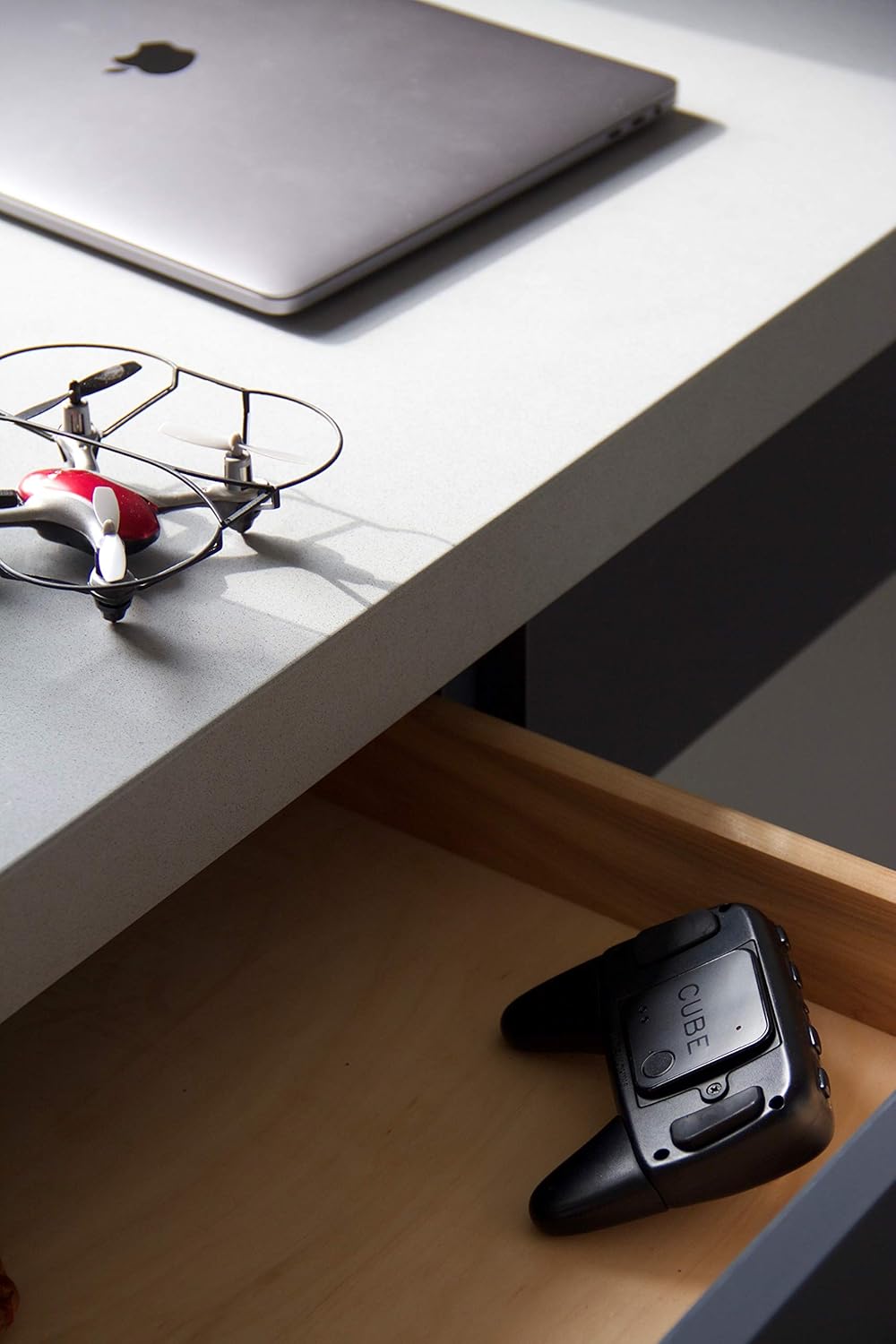
Image 7: The CUBE Shadow placed inside a drawer, illustrating a common scenario for misplaced items.
7. Specifikace
| Funkce | Detail |
|---|---|
| Číslo modelu | C7003 |
| Rozměry | 1.75 x 1.16 x 1.75 palce |
| Hmotnost | 0.353 unce |
| Konektivita | Bluetooth |
| Baterie | 1 Product Specific rechargeable battery (included) |
| Materiál | Plast |
| Výrobce | Cube Tracker |
8. Záruka a podpora
For warranty information and technical support, please refer to the official CUBE website or contact CUBE customer service. Keep your proof of purchase for any warranty claims.
Pro další pomoc navštivte: CUBE Official Store


