Zavedení
The Browning Strike Force Extreme Trail Camera (Model BTC-5HDX) is designed for capturing high-quality images and videos of wildlife in outdoor environments. Featuring 16MP image resolution, a 100 ft. flash range, and an adjustable detection range up to 80 ft., this compact and durable camera is an essential tool for game monitoring and outdoor surveillance.
This manual provides detailed instructions for the setup, operation, maintenance, and troubleshooting of your Strike Force Extreme camera to ensure optimal performance and longevity.
Co je v krabici
Upon unboxing your Browning Strike Force Extreme Trail Camera, you should find the following components:
- Browning Strike Force Extreme Trail Camera (Model BTC-5HDX)
Poznámka: Baterie a SD karta se prodávají samostatně.
Nastavení
Pro přípravu fotoaparátu k použití postupujte takto:
- Instalace baterie: The camera requires 1 CR123A battery. Open the battery compartment located on the side of the camera. Insert the battery, ensuring correct polarity (+/-) as indicated inside the compartment.
- Vložení SD karty: The camera supports SD and SDXC flash memory types. Locate the SD card slot. Insert a formatted SD card (up to 512GB, not included) with the label facing the front of the camera until it clicks into place.
- Zapnutí: With batteries and SD card installed, slide the power switch to the 'ON' position. The camera's display screen will illuminate, indicating it is ready for initial setup.
- Montáž: The camera is designed for outdoor use and features a protruding mounting type. Use the included strap to secure the camera to a tree or post. Ensure the camera is stable and pointed towards the desired monitoring area.
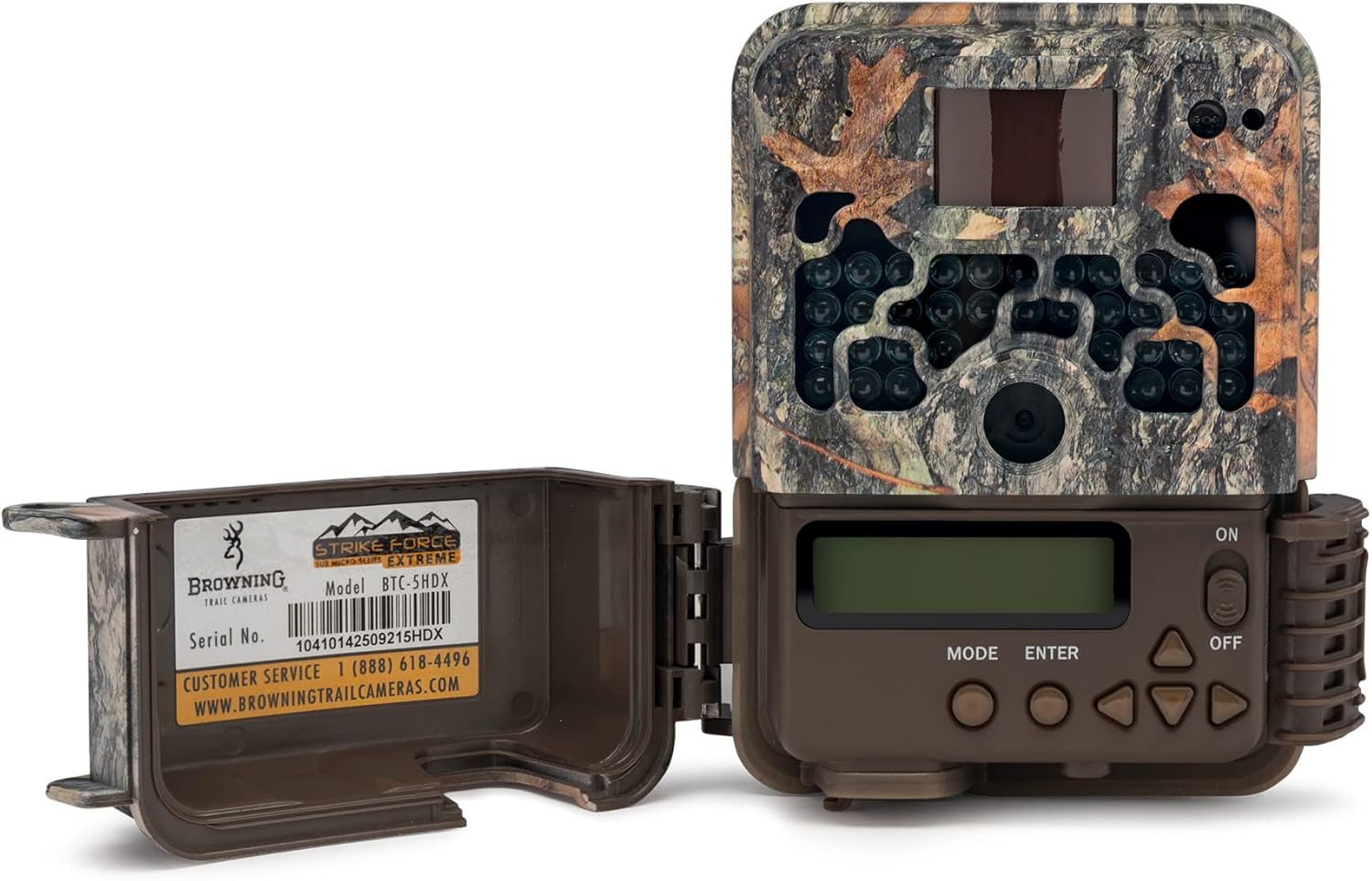
Image: The Browning Strike Force Extreme Trail Camera with its front panel open, showing the internal LCD screen and control buttons for setup and operation.

Image: The Browning Strike Force Extreme Trail Camera shown alongside its durable green mounting strap, used for securing the camera to a tree or post.
Návod k obsluze
Once set up, operate your camera using the following guidelines:
- Pohyb v nabídce: Use the 'MODE' button to cycle through different settings menus. The 'ENTER' button confirms selections, and the arrow buttons (up, down, left, right) navigate options.
- Nastavení času a data: Access the 'Time/Date' setting in the menu. Use the arrow buttons to adjust the year, month, day, hour, and minute. Press 'ENTER' to save each setting.
- Selecting Capture Mode: Choose between 'Photo' or 'Video' capture modes. In photo mode, you can set image resolution (up to 16MP). In video mode, the camera captures 720p MPEG-4 video.
- Adjusting Detection Range: The camera features an adjustable detection range that can extend up to 80 ft. Adjust this setting based on your monitoring area to optimize trigger sensitivity.
- Retrieving Media: Na view captured images and videos, remove the SD card and insert it into a compatible device (e.g., computer, card reader).
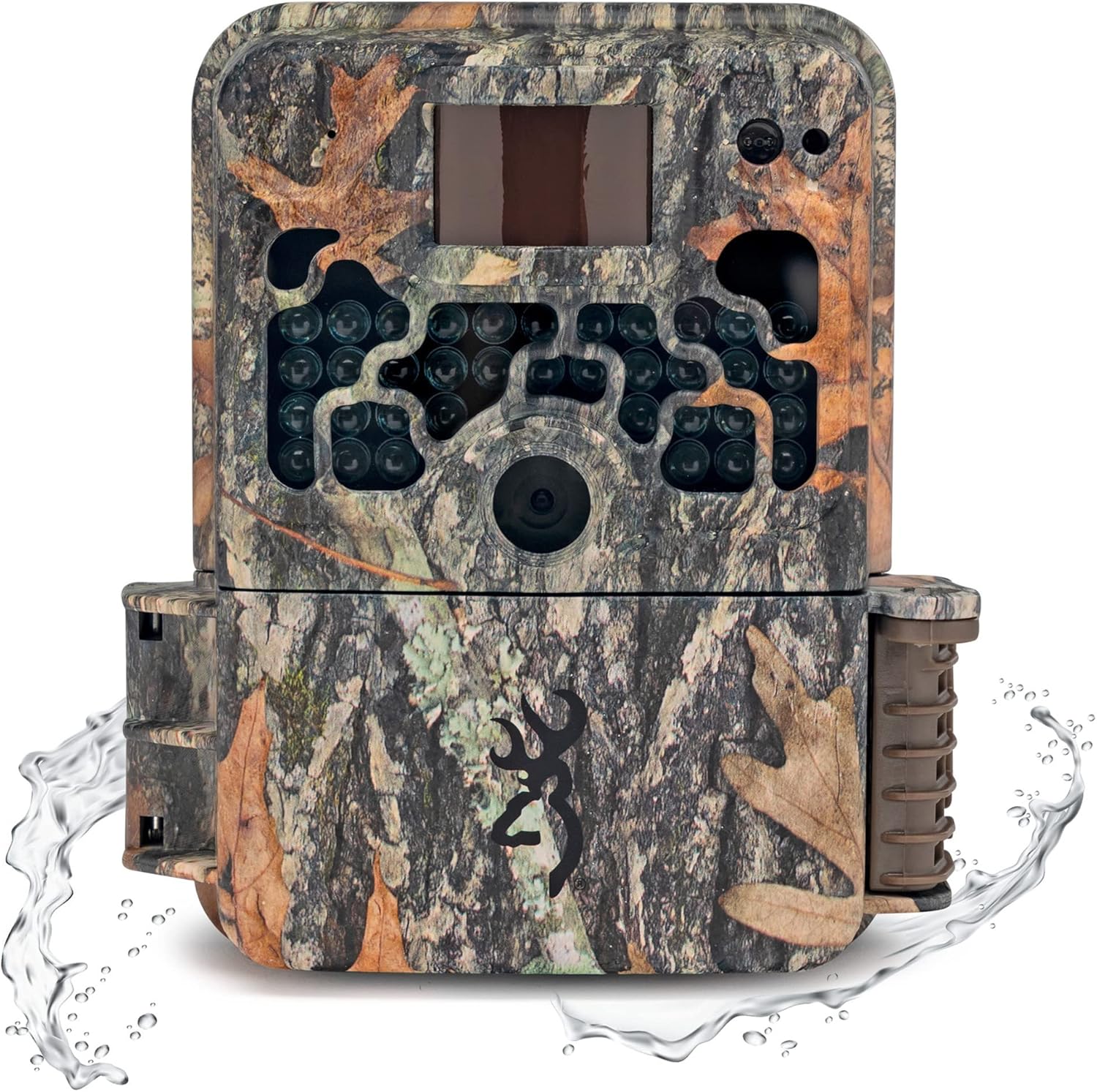
Obrázek: Přední strana view of the Browning Strike Force Extreme Trail Camera, showcasing its camouflage design and robust build, suitable for outdoor conditions.
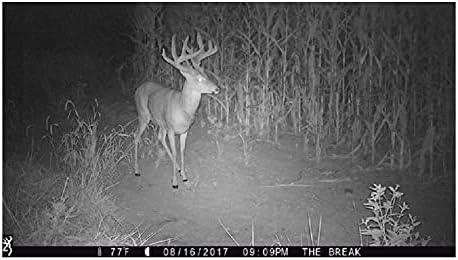
Image: A night-time capture by the camera, displaying a deer with prominent antlers in a natural setting, demonstrating the camera's low-light capabilities.
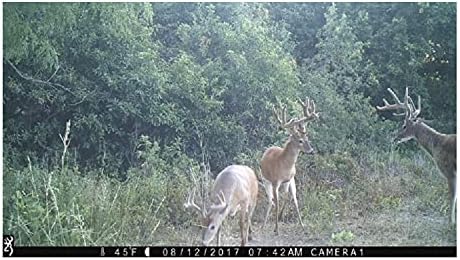
Image: A daytime capture by the camera, showing two deer in a wooded area, highlighting the camera's ability to capture clear images in daylight.
Údržba
Proper maintenance ensures the longevity and performance of your camera:
- Čištění: Regularly clean the camera lens and the Passive Infrared (PIR) sensor window with a soft, lint-free cloth. Avoid abrasive materials or harsh chemicals.
- Výměna baterie: Replace batteries when the low battery indicator appears on the display or when performance degrades. Always use fresh, high-quality CR123A batteries.
- Správa SD karet: Periodically format your SD card using the camera's menu option or a computer to prevent data corruption and ensure optimal recording performance. Back up important files před formátováním.
- Ochrana proti počasí: The camera has an International Protection Rating of IP54, indicating resistance to dust and splashing water. While durable, avoid submerging the camera in water. Ensure the battery compartment and SD card slot covers are securely closed.
Odstraňování problémů
Pokud narazíte na problémy s fotoaparátem, podívejte se na následující běžné problémy a jejich řešení:
- Kamera se nezapíná:
- Zkontrolujte instalaci baterií a ujistěte se, že jsou nové.
- Ověřte, zda je vypínač zcela v poloze „ON“.
- Nebyly pořízeny žádné snímky/videa:
- Ujistěte se, že je karta SD správně vložena a naformátována.
- Check the camera's settings for capture mode and detection range.
- Verify the PIR sensor is not obstructed and there is motion within the detection zone.
- Špatná kvalita obrazu/videa:
- Vyčistěte čočku fotoaparátu.
- Ensure the camera is stable and not subject to vibrations.
- Check lighting conditions; adjust camera placement if necessary.
- Krátká výdrž baterie:
- Use high-quality CR123A batteries.
- Reduce the frequency of captures or video length in settings.
- Extrémní teploty mohou ovlivnit výkon baterie.
For further assistance, please contact Browning customer support.
Specifikace
| Funkce | Specifikace |
|---|---|
| Název modelu | BTC-5HDX |
| Efektivní rozlišení | 16 MP |
| Rozlišení záznamu videa | 720p |
| Formát záznamu videa | MPEG-4 |
| Rozsah blesku | 100 stop |
| Nastavitelný rozsah detekce | Až 80 stop. |
| Zdroj napájení | Battery Powered (1 CR123A battery required) |
| Typ paměti Flash | SD, SDXC |
| Vnitřní/venkovní použití | Venkovní |
| Hodnocení mezinárodní ochrany | IP54 |
| Hmotnost položky | 16 uncí (1 libra) |
| Barva | Camo |
| Výrobce | Browning |
Záruka a podpora
For warranty information and detailed support, please refer to the official Browning Trail Cameras webnebo kontaktujte přímo zákaznický servis.
- Služby zákazníkům: 1 (888) 618-4496
- Webmísto: BROWNINGTRAILCAMERAS.COM


