Zavedení
This manual provides detailed instructions for the installation, operation, and maintenance of your WOOX R4600 Smart Indoor WiFi Camera. Please read this manual thoroughly before using the product to ensure correct usage and optimal performance. Keep this manual for future reference.
Nastavení
Obsah balení
- WOOX R4600 Smart Indoor WiFi Camera
- Napájecí adaptér
- USB kabel
- Montážní sada (šrouby, hmoždinky)
- Uživatelská příručka
Instalace aplikace a párování zařízení
- Download the WOOX Home App: Hledat 'WOOX Home' in your smartphone's app store (iOS or Android) and install the application.
- Vytvořit účet: Open the WOOX Home app and register for a new account or log in if you already have one.
- Zapnutí fotoaparátu: Připojte kameru ke zdroji napájení pomocí dodaného kabelu USB a napájecího adaptéru. Kontrolka na kameře začne blikat, což znamená, že je připravena k párování.
- Přidat zařízení: In the WOOX Home app, tap the '+' icon or 'Add Device' to begin the pairing process. Select 'Smart Camera' from the device list.
- Připojení k 2.4GHz Wi-Fi: Ensure your smartphone is connected to a 2.4GHz WiFi network. The WOOX R4600 camera only supports 2.4GHz WiFi. Enter your WiFi network password in the app.
- Naskenujte QR kód: The app will generate a QR code. Hold your smartphone screen with the QR code approximately 15-20 cm (6-8 inches) in front of the camera lens. The camera will emit a sound when the QR code is successfully scanned.
- Kompletní párování: Follow the on-screen prompts in the app to complete the pairing process. Once connected, you can name your camera and access its features.

WOOX R4600 Smart Camera setup process: Install Woox Home App, Add device, Go to the operation page. This image illustrates the three main steps for initial setup and connection of the camera to the mobile application.
Návod k obsluze
Žít View a Nahrávání
Once the camera is successfully paired, open the WOOX Home app and select your camera from the device list to access the live video feed. From the live view rozhraní, můžete ručně nahrávat video, pořizovat snímky obrazovky a přistupovat k nahraným potravinámtage.
Obousměrný zvuk
The WOOX R4600 camera features a built-in microphone and speaker, enabling two-way communication. Tap the microphone icon in the live view interface to speak through the camera, and listen to audio from the camera's surroundings.

WOOX R4600 Smart Camera demonstrating two-way audio conversation. A user is shown interacting with a baby via the camera's built-in microphone and speaker, controlled through the WOOX Home app on a smartphone.
Detekce pohybu a inteligentní upozornění
The camera is equipped with motion detection technology. You can enable and customize motion detection settings within the WOOX Home app. When motion is detected, the camera can send push notifications to your smartphone, allowing you to monitor activity in real-time.
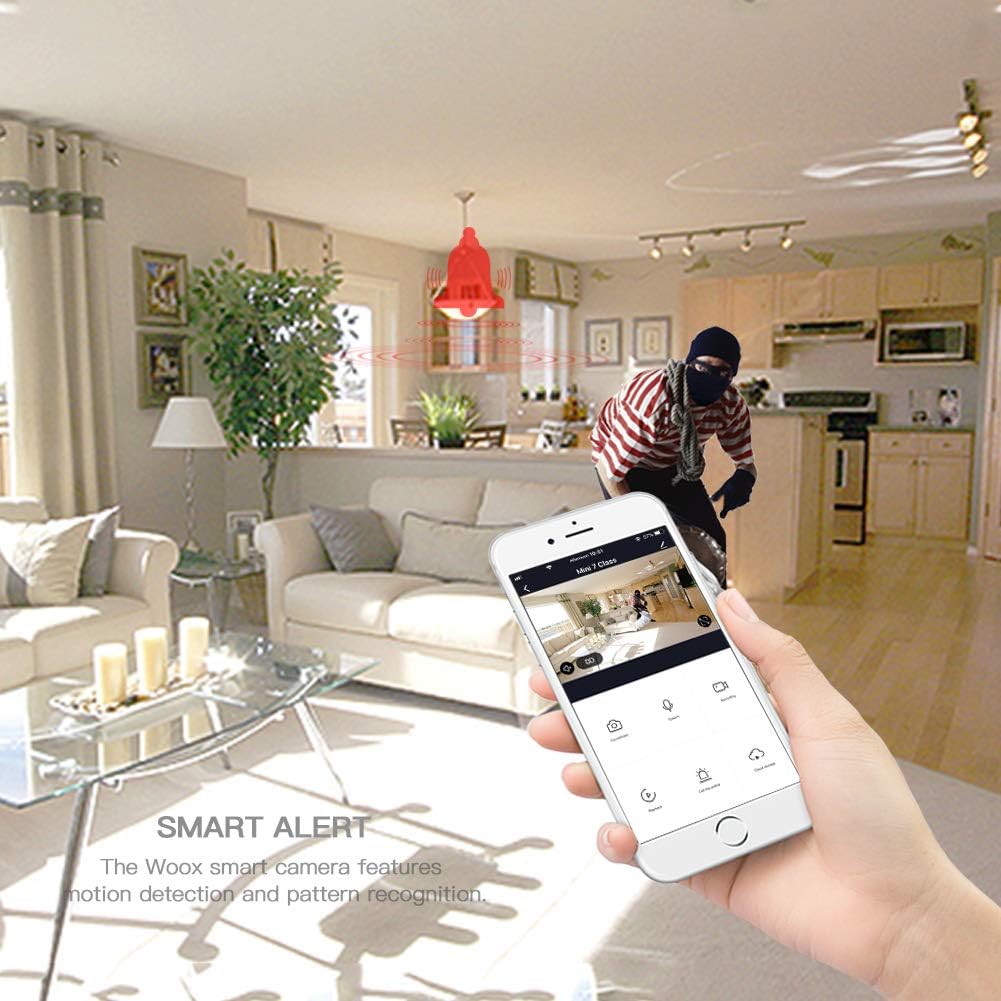
WOOX R4600 Smart Camera's smart alert feature. The image depicts a motion detection event, with a red bell icon indicating an alert, and a smartphone displaying the live feed of the detected activity.
Infračervené noční vidění
The WOOX R4600 automatically switches to infrared night vision mode in low-light conditions, providing clear black-and-white video footage even in complete darkness. This feature ensures continuous surveillance around the clock.

WOOX R4600 Smart Camera's infrared night vision device. The image shows a child sleeping in a dimly lit room, illustrating how the camera intelligently senses light changes to activate night vision mode for clear monitoring in low-light conditions.
Širokoúhlý View
The camera features a wide-angle lens designed to cover a broad area, minimizing blind spots and allowing you to monitor more of your indoor space with a single device.
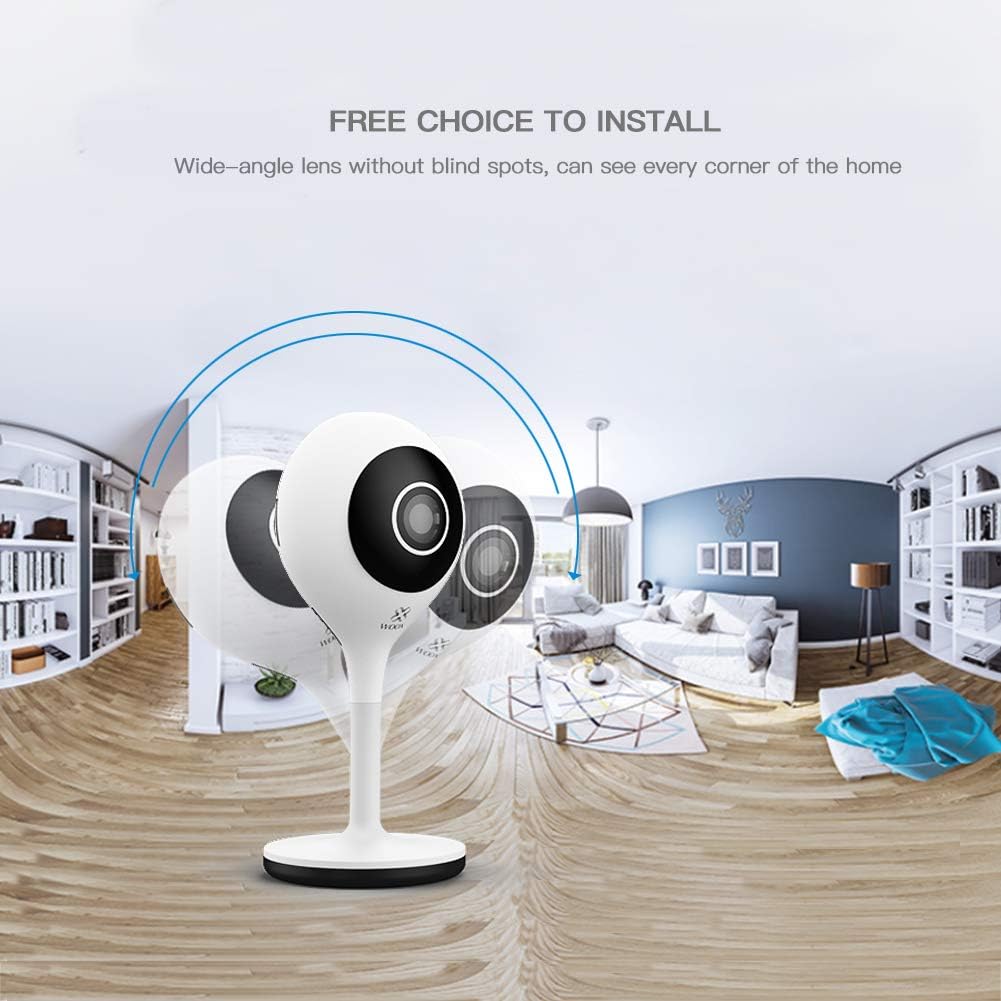
WOOX R4600 Smart Camera's wide-angle lens capability. The image shows a panoramic view of a room, illustrating how the camera provides extensive coverage without blind spots, capturing every corner of the home.
Integrace Amazon Alexa
The WOOX R4600 camera is compatible with Amazon Alexa. You can link your camera to your Alexa account to view the live feed on compatible devices such as the Echo Show by using voice commands like "Alexa, show me the [camera name] camera."

WOOX R4600 Smart Camera integrated with Amazon Alexa. An Echo Show device displays the live feed from the camera, demonstrating the voice command 'Alexa, show me the living room camera'.
Místní úložiště
The camera supports local storage via a microSD card (up to 128GB, not included). Insert a formatted microSD card into the designated slot to enable continuous recording or event-triggered recording, which can be configured in the app.
Údržba
Čištění fotoaparátu
To maintain optimal image quality, regularly clean the camera lens and body. Use a soft, dry, lint-free cloth. Avoid using harsh chemicals, abrasive cleaners, or solvents, as these can damage the camera's surface or lens coating.
Aktualizace firmwaru
Periodically check for firmware updates through the WOOX Home app. Keeping your camera's firmware updated ensures you have the latest features, security enhancements, and bug fixes. Follow the app's instructions for any available updates.
Odstraňování problémů
Camera Not Connecting to WiFi
- Ensure your WiFi network is 2.4GHz. The WOOX R4600 does not support 5GHz WiFi.
- Verify that your WiFi password is entered correctly in the WOOX Home app.
- Place the camera closer to your WiFi router to improve signal strength.
- Restartujte router a kameru a poté se pokuste o párování znovu.
- If the indicator light is not flashing, try resetting the camera (refer to the app for specific reset instructions).
Špatná kvalita obrazu
- Očistěte objektiv fotoaparátu měkkým hadříkem, abyste odstranili prach nebo šmouhy.
- Ensure there is adequate lighting in the area, or that night vision is functioning correctly in low light.
- Zkontrolujte rychlost připojení k internetu. Pomalé připojení může ovlivnit kvalitu streamování.
Žádné upozornění na detekci pohybu
- Verify that motion detection is enabled in the WOOX Home app settings for your camera.
- Check the sensitivity settings for motion detection; adjust if too low.
- Ensure that notification permissions are enabled for the WOOX Home app on your smartphone.
- Ověřte, zda má kamera stabilní připojení k internetu.
Problémy s obousměrným zvukem
- Ujistěte se, že máte na smartphonu nastavenou hlasitost na maximum.
- Check that the microphone and speaker functions are enabled in the app.
- Verify that the WOOX Home app has microphone permissions on your smartphone.
Specifikace
| Funkce | Specifikace |
|---|---|
| Název modelu | WOOX R4600 |
| Rozlišení záznamu videa | 1080p HD |
| Technologie bezdrátové komunikace | Wi-Fi (pouze 2.4 GHz) |
| Form Factor | Kupole |
| svtage | 5 V (DC) |
| Spotřeba energie | 5 watthodin |
| Rozměry (D x Š x V) | 5.3 x 3.2 x 11.3 cm |
| Hmotnost | 96 gramů |
| Speciální funkce | Motion Detector, Two-Way Audio, Night Vision |
| Kompatibilní zařízení | Chytrý telefon (iOS/Android), Amazon Alexa |
| Zdroj napájení | Napájení střídavým proudem |
| Doporučené použití | Dohled |
| Skladování | MicroSD karta (až 128 GB) |
Informace o záruce
WOOX products typically come with a limited warranty. Please refer to the warranty card included in your product packaging or visit the official WOOX website for detailed warranty terms and conditions, including coverage period and claim procedures. Keep your proof of purchase for warranty service.
Zákaznická podpora
If you encounter any issues or have questions regarding your WOOX R4600 Smart Indoor WiFi Camera that are not addressed in this manual, please contact WOOX customer support. You can usually find contact information (email, phone, or support portal) on the official WOOX website or within the WOOX Home application.
Další zdroje naleznete na WOOX Official Webmísto.


