Zavedení
Děkuji za nákupasing the Juice Jumbo Marshmallow Portable Bluetooth Speaker. This compact and powerful speaker is designed to provide high-quality audio on the go, featuring wireless connectivity and a long-lasting rechargeable battery. Please read this manual carefully to ensure proper use and maintenance of your device.

Image: The Juice Jumbo Marshmallow Portable Bluetooth Speaker, showcasing its compact, spherical design in black with a perforated speaker grille on top.
Co je v krabici
- Juice Jumbo Marshmallow Portable Bluetooth Speaker
- USB nabíjecí kabel
- Uživatelská příručka (tento dokument)
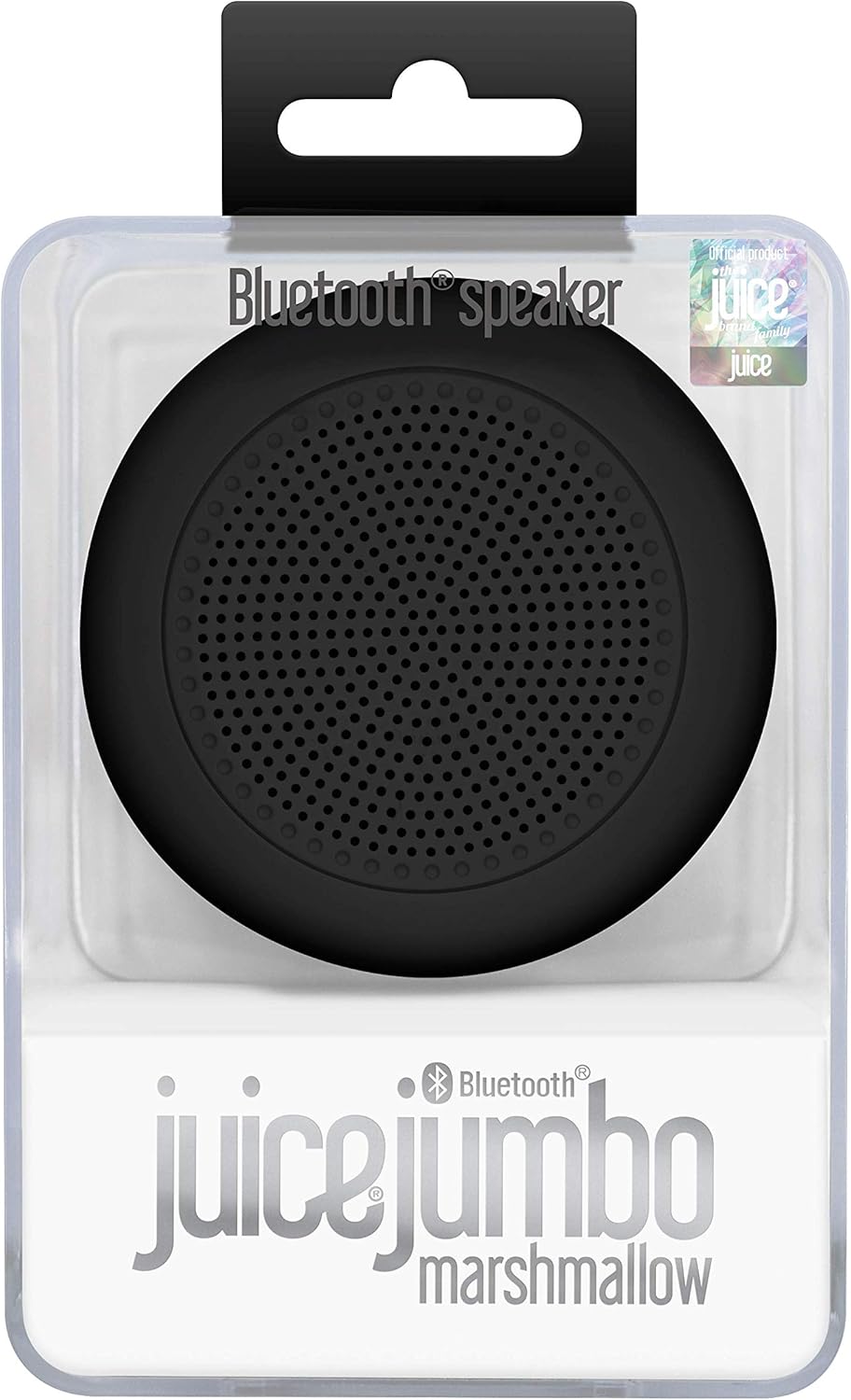
Image: The Juice Jumbo Marshmallow speaker presented in its clear retail packaging, highlighting the product's branding and design.
Nastavení
1. Nabíjení reproduktoru
Before first use, fully charge your Juice Jumbo Marshmallow speaker. Locate the charging port, typically a micro-USB port, on the side or back of the speaker. Connect the provided USB charging cable to the speaker and the other end to a USB power source (e.g., computer USB port, USB wall adapter).
- An indicator light will typically illuminate during charging and turn off or change color when fully charged.
- Plné nabití trvá přibližně 2-3 hodiny.
2. Párování Bluetooth
Připojení reproduktoru k zařízení s podporou Bluetooth:
- Ensure the speaker is charged and powered on. A power button is usually located near the charging port.
- The speaker will automatically enter pairing mode, indicated by a flashing LED light (e.g., blue or white).
- Na svém zařízení (chytrý telefon, tablet, notebook) přejděte do nastavení Bluetooth.
- Hledat available devices. You should see "Juice Jumbo Marshmallow" or a similar name appear in the list.
- Select the speaker name to initiate pairing.
- Once successfully paired, the LED indicator light will typically stop flashing and remain solid, and you may hear an audible confirmation tone.

Image: An illustration emphasizing the speaker's Bluetooth compatibility, showing the Bluetooth logo and text indicating it works with devices that have Bluetooth capability.
Ovládání reproduktoru
Zapnutí/vypnutí
Press and hold the power button for a few seconds to turn the speaker on or off. An audible prompt or LED indicator will confirm the status change.
Přehrávání zvuku
Once paired, all audio from your connected device will play through the Juice Jumbo Marshmallow speaker. Control playback (play, pause, skip tracks) and volume directly from your connected smartphone, tablet, or computer.
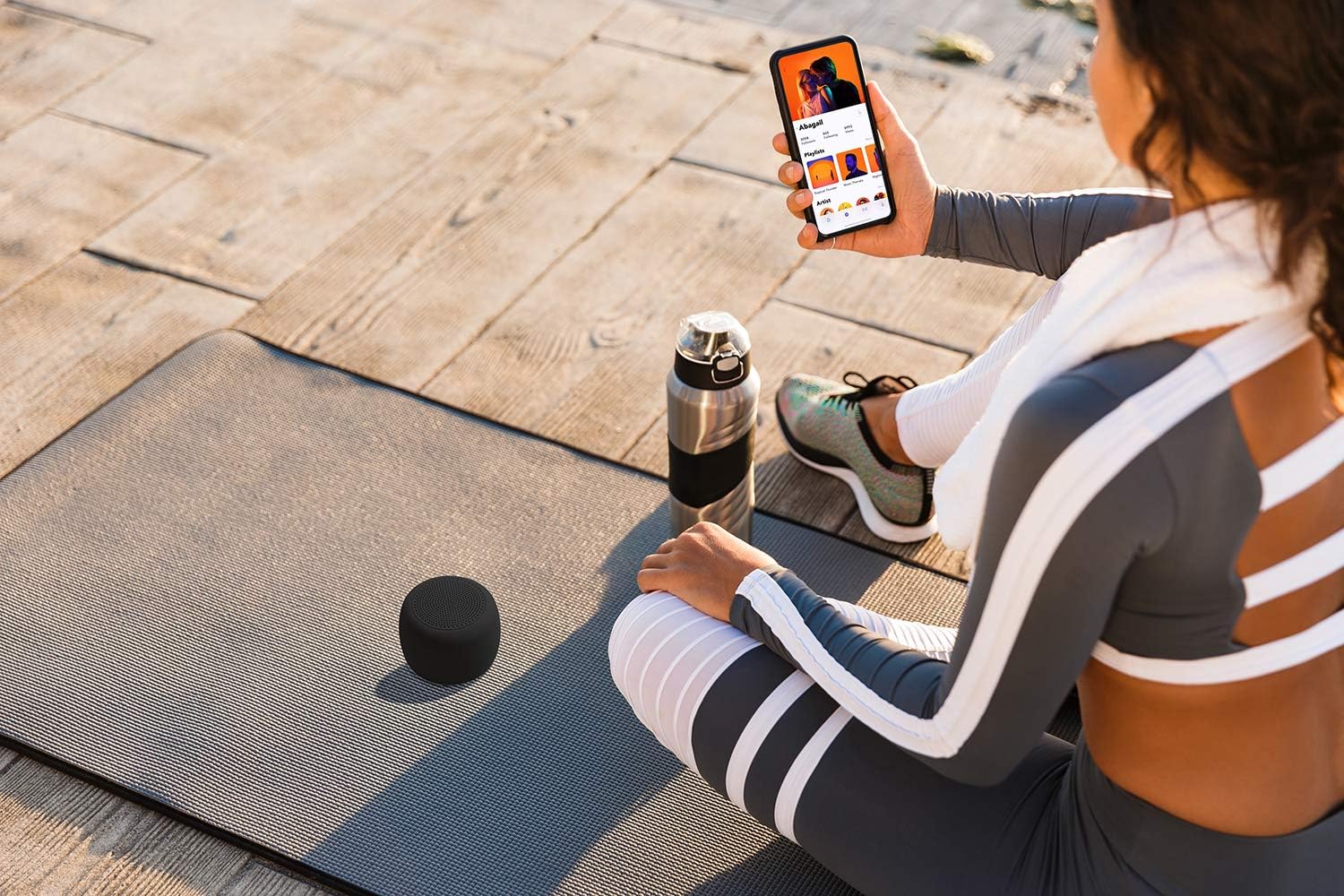
Image: A person sitting on a yoga mat outdoors, holding a smartphone, with the Juice Jumbo Marshmallow speaker placed beside them, demonstrating its portable use.
Provozní vzdálenost
The speaker maintains a stable Bluetooth connection up to approximately 10 meters (33 feet) from the paired device. Obstacles like walls or other electronic devices may reduce this range.

Image: An illustration depicting the Juice Jumbo Marshmallow speaker and a smartphone, with a circular graphic and text indicating a 10-meter Bluetooth operating range.
Údržba
Čištění
Wipe the speaker with a soft, dry, lint-free cloth. Do not use abrasive cleaners, waxes, or solvents. Avoid getting moisture into any openings.
Skladování
Store the speaker in a cool, dry place away from direct sunlight and extreme temperatures. If storing for an extended period, charge the battery periodically (e.g., every 3-6 months) to maintain battery health.
Odstraňování problémů
| Problém | Možná příčina | Řešení |
|---|---|---|
| Reproduktor se nezapne. | Baterie je vybitá. | Plně nabijte reproduktor. |
| Nelze spárovat se zařízením. | Bluetooth na zařízení je vypnutý; reproduktor není v režimu párování; jsou příliš daleko od sebe. | Ensure Bluetooth is enabled on your device. Turn the speaker off and on again to re-enter pairing mode. Move speaker closer to your device (within 10m). |
| Žádný zvuk nebo nízká hlasitost. | Hlasitost reproduktoru nebo zařízení je příliš nízká; reproduktor není připojen. | Increase volume on both your device and the speaker (if speaker has controls, otherwise only device). Re-establish Bluetooth connection. |
| Špatná kvalita zvuku nebo přerušované připojení. | Rušení; zařízení je příliš daleko; slabá baterie. | Move speaker closer to the device. Avoid obstacles between speaker and device. Charge the speaker. |
Specifikace
| Název modelu | Jumbo Marshmallow |
| Číslo modelu položky | JUI-SPKER-JMBMALOW-ECO-BLK |
| Značka | Šťáva |
| Technologie připojení | Bluetooth |
| Typ reproduktoru | Bluetooth |
| Režim zvukového výstupu | Stereo |
| Maximální výstupní výkon reproduktoru | 3 wattů |
| Kapacita baterie | 800 mAh (dobíjecí) |
| Doba přehrávání | Až 4 hodin |
| Provozní vzdálenost | Around 10 meters (33 feet) |
| Rozměry produktu | 7.7 x 7.7 x 6 cm |
| Hmotnost produktu | 199 g |
| Materiál | Plast |
| Typ montáže | Stolní deska |
| Výrobce | Gusto Telecom Solutions Ltd |
| Země původu | Čína |

Obrázek: Explodoval view diagram of the Juice Jumbo Marshmallow speaker, illustrating its internal components such as the soft touch casing, diaphragm membrane, metal basket, magnet, and Bluetooth micro board.
Záruka a podpora
Juice products are manufactured to high standards and undergo rigorous quality checks. For information regarding warranty coverage and customer support, please refer to the warranty card included with your product or visit the official Juice webmísto.
Uschovejte si prosím doklad o koupi pro případné reklamace.


