1. Úvod
Děkuji za nákupasing the Artlii Full HD LED Projector. This manual provides essential information for the safe and efficient use of your projector. Please read it thoroughly before operation and keep it for future reference.
2. Konec produktuview
The Artlii Full HD LED Projector is designed for home cinema and entertainment, offering clear and vibrant images with a native resolution of 1280x800 pixels and support for up to 1080p. Its versatile connectivity options make it compatible with various devices.

Image 2.1: Artlii Full HD LED Projector in use, displaying video games and sports.
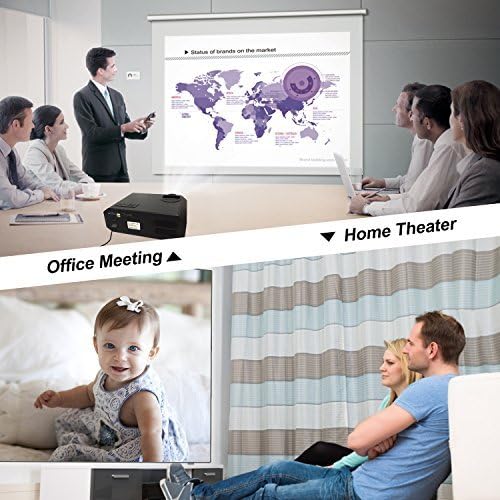
Image 2.2: Artlii Full HD LED Projector demonstrating versatility in office and home environments.
3. Obsah balení
Ujistěte se, že v balení jsou přítomny všechny položky:
- 1 x Artlii Home Cinema Projector
- Kabel 1 x AV
- 1 x HDMI kabel
- 1 x IR dálkové ovládání
- 1 x napájecí kabel
- 1 x Projector Fuse
- 1 x User Manual (French, this document is an English version)
- 4 x Screws for Ceiling Mounting
4. Specifikace
| Funkce | Specifikace |
|---|---|
| Moc | 170W |
| Lamp Typ | LED |
| Jas | 3500 XNUMX lumenů |
| Kontrastní poměr | 1500:1 |
| Projekční vzdálenost | 1 - 5 metrů |
| Vstupní objemtage | AC 90-240V |
| Projekční technologie | TFT LCD |
| Poměr stran | 16:9 / 4:3 or Auto |
| Nativní rozlišení | 1280 x 800 pixelů |
| Korekce lichoběžníkového zkreslení | ±15 degree, Manual |
| Projected Image Size | 40 - 200 palce |
| Vestavěný reproduktor | Yes, stereo speaker |
| Typ projektoru | HD Home Cinema Projector |
| LED diodaamp Životnost | 30000 hodin |
| Úroveň hluku | 25dB (beyond 2m); 40dB (close to projector) |
| Konektory | HDMI x 2; USB x 2; VGA; AV; Headphone Jack |
| Režimy projekce | Ceiling, Rear, Front |
| Max Podporované rozlišení | 1920 x 1080 pixelů |
| Rozměry (D x Š x V) | 30.48 x 23.5 x 11.91 cm |
| Hmotnost | 2.6 kg |
Podporováno File Formáty:
- Text: TXT
- Obraz: JPEG / JPG / PNG / BMP / MPO
- Zvuk: MP3 / MAV / OGG / WMA / FLAC / M4A(AAC)
- Video: FLV / MKV / MP4 / RM / MPG(MPEG1) / MPG(MPEG2) / MOV(MPEG4) / AVI (MPEG) / 3GP / DIVX / RMVB / VOB
5. Nastavení
5.1 Umístění projektoru
Place the projector on a stable, flat surface or mount it to the ceiling. Ensure there is adequate ventilation around the unit. The optimal projection distance is between 1 and 5 meters to achieve an image size of 40 to 200 inches.
5.2 Připojení napájení
- Připojte napájecí kabel k napájecímu vstupu projektoru.
- Plug the other end of the power cable into a suitable AC 90-240V power outlet.
5.3 Připojení zařízení
Projektor nabízí několik možností připojení:
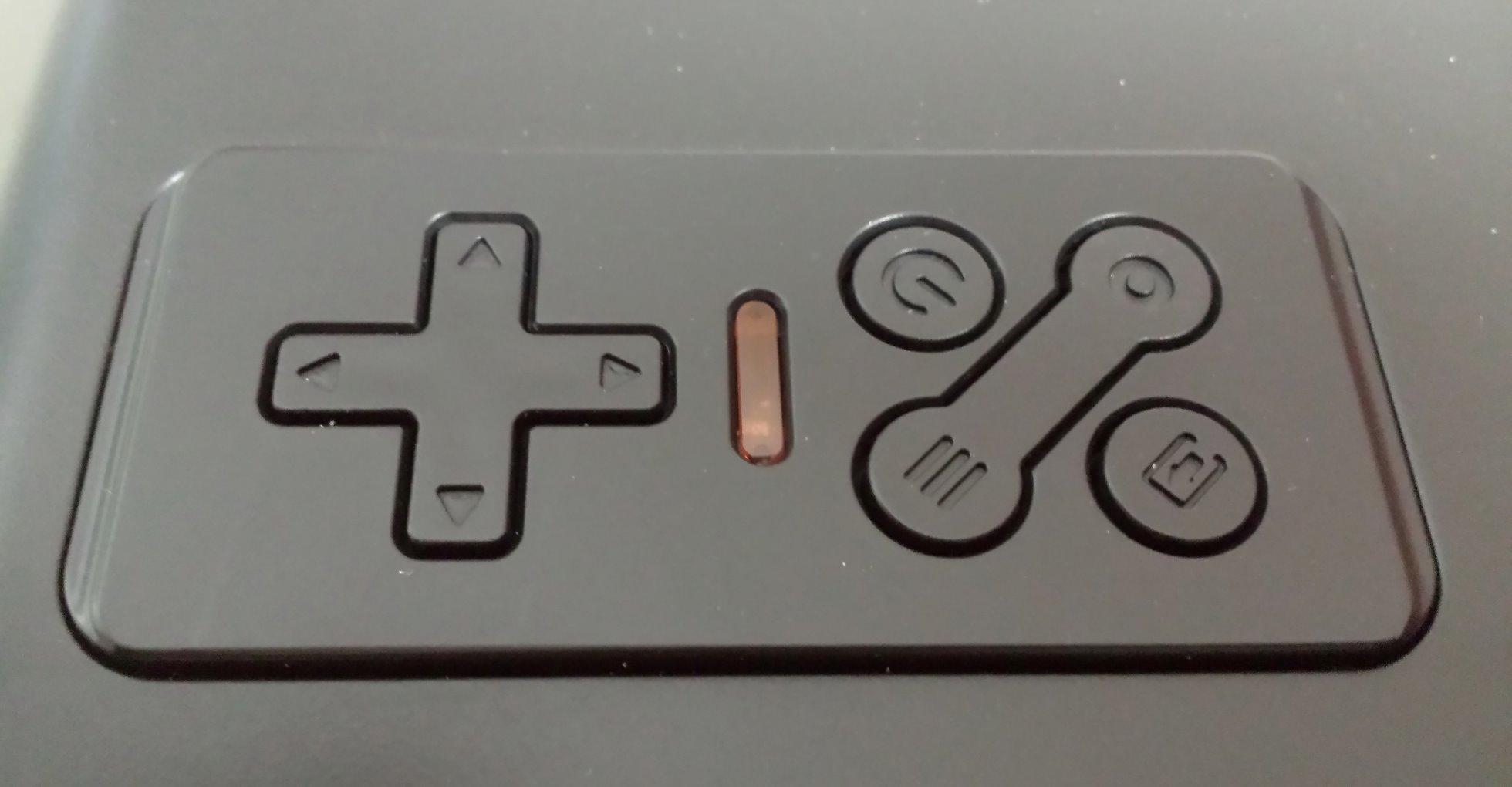
Image 5.1: Rear panel with various input/output ports.
- HDMI: Connect Blu-ray players, game consoles (PS4, Xbox), PCs, laptops, Amazon Fire TV Stick, Roku Streaming Stick, etc., using an HDMI cable. The projector has two HDMI ports.
- USB: Vložte USB disky pro přehrávání médií files directly. The projector has two USB ports.
- VGA: Starší počítače nebo notebooky připojte pomocí VGA kabelu.
- AV: Use the provided AV cable to connect devices with composite video and stereo audio outputs.
- Sluchátkový jack: Pro lepší zvuk připojte externí reproduktory nebo sluchátka.
Note: To connect your iPhone or Android smartphone, a separate WIFI dongle is required (not included).
6. Návod k obsluze
6.1 Zapnutí/vypnutí
- Ensure the projector is connected to power.
- Stisknutím tlačítka napájení na projektoru nebo na dálkovém ovladači jej zapněte.
- To turn off, press the power button again. The projector will enter standby mode.
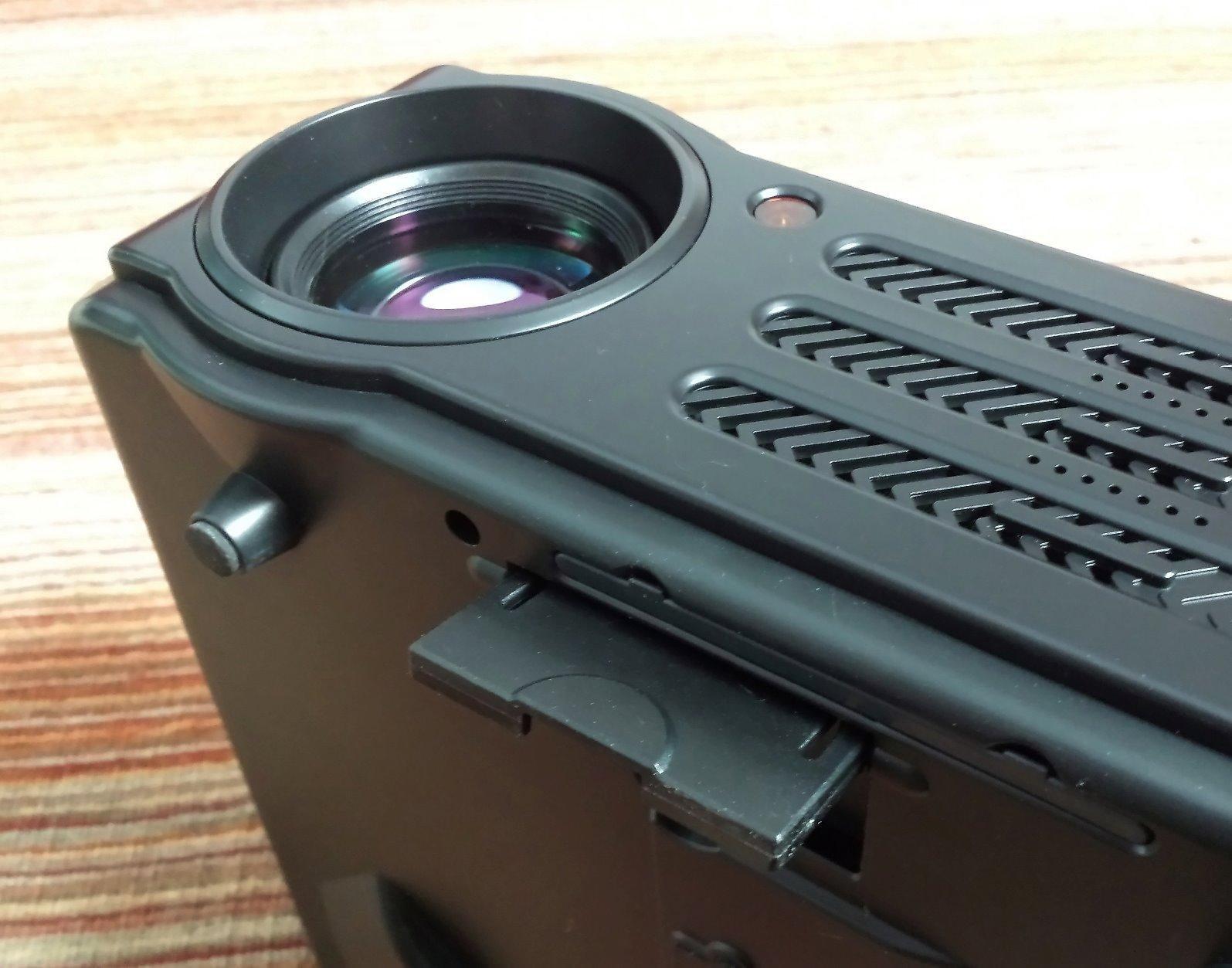
Image 6.1: Projector control panel and adjustment dials.
6.2 Zaostření a korekce lichoběžníkového zkreslení
- Soustředit: Rotate the focus ring on the lens until the projected image is clear and sharp.
- Korekce lichoběžníkového zkreslení: Use the keystone correction dial (usually located near the lens) to adjust the image shape if it appears trapezoidal. This corrects vertical distortion up to ±15 degrees. For best results, position the projector as perpendicular to the screen as possible.
6.3 Výběr vstupního zdroje
Use the "Source" button on the remote control or the projector's control panel to select the desired input source (HDMI1, HDMI2, USB1, USB2, VGA, AV).
6.4 Navigace v nabídce
Use the arrow keys and "OK" button on the remote control or projector to navigate the on-screen menu. Adjust settings such as picture mode, aspect ratio, sound, and projection mode (Front, Rear, Ceiling).
7. Údržba
7.1 Čištění objektivu
Use a soft, lint-free cloth and specialized lens cleaning solution to gently wipe the projector lens. Avoid abrasive materials or excessive pressure.
7.2 Čištění vzduchového filtru
Regularly clean the air filter to ensure proper ventilation and prevent overheating. The filter is typically located on the side or bottom of the projector and can be removed for cleaning. Use a soft brush or vacuum cleaner to remove dust.
7.3 Obecné čištění
Vnější povrch projektoru otřete měkkým, suchým hadříkem. Nepoužívejte tekuté čisticí prostředky ani rozpouštědla.
8. Řešení problémů
| Problém | Možná příčina | Řešení |
|---|---|---|
| Není zobrazen žádný obrázek | Power not connected; Incorrect input source; Cable not connected properly. | Zkontrolujte připojení napájení; vyberte správný vstupní zdroj; ujistěte se, že jsou kabely bezpečně připojeny. |
| Obraz je rozmazaný | Není nastavené zaostření; Projektor je příliš blízko/daleko od promítací plochy. | Nastavení zaostřovacího kroužku; Nastavení projekční vzdálenosti. |
| Obrázek je lichoběžníkový | Keystone correction needed; Projector not perpendicular to screen. | Adjust keystone correction dial; Reposition projector. |
| Žádný zvuk | Volume too low; Muted; Incorrect audio output selected; External speakers not connected. | Increase volume; Unmute; Check audio settings; Connect external speakers if desired. |
| Hlasitý hluk ventilátoru | Normal operation for cooling; Blocked vents. | This is normal. For optimal experience, sit at least 1 meter away or connect external speakers. Ensure vents are clear. |
| Nelze se připojit ke smartphonu | Requires a WIFI dongle. | Purchase and connect a compatible WIFI dongle (not included). |
9. Záruka a podpora
The Artlii Full HD LED Projector comes with a 3-letá záruka. If you encounter any issues or require technical assistance, please contact Artlii customer support. Refer to your purchase documentation for specific contact details.
For further information or support, you may visit the official Artlii store: Artlii Store on Amazon.


