Konec produktuview
The Rocketfish Full-Motion TV Wall Mount is designed to securely hold most 19" - 39" televisions, providing flexible viewing angles through its tilt, swivel, and pan capabilities. This mount supports TVs weighing up to 35 lbs and features built-in wire management for a clean installation. Crafted from durable metal, it ensures a secure and lasting setup for your home entertainment system.

Image: The Rocketfish Full-Motion TV Wall Mount, showcasing its articulated arm and TV mounting plate. This mount allows for versatile positioning of your television.
Bezpečnostní informace
Please read all instructions carefully before installation. Incorrect assembly or use may result in property damage or personal injury. If you do not understand these instructions or have doubts about the safety of the installation, contact a qualified installer.
- Nepřekračujte maximální nosnost 15.9 kg (35 liber).
- Ujistěte se, že konstrukce stěny bezpečně unese celkovou hmotnost držáku a televizoru.
- Always use a stud finder to locate wood studs or ensure you are mounting into concrete/brick with appropriate anchors.
- Šrouby příliš neutahujte.
- Během instalace držte děti a domácí zvířata mimo dosah.
- Tento výrobek je určen pouze pro vnitřní použití.
Obsah balení
Verify that all components are present and undamaged before beginning installation. If any parts are missing or defective, do not proceed with installation and contact customer support.
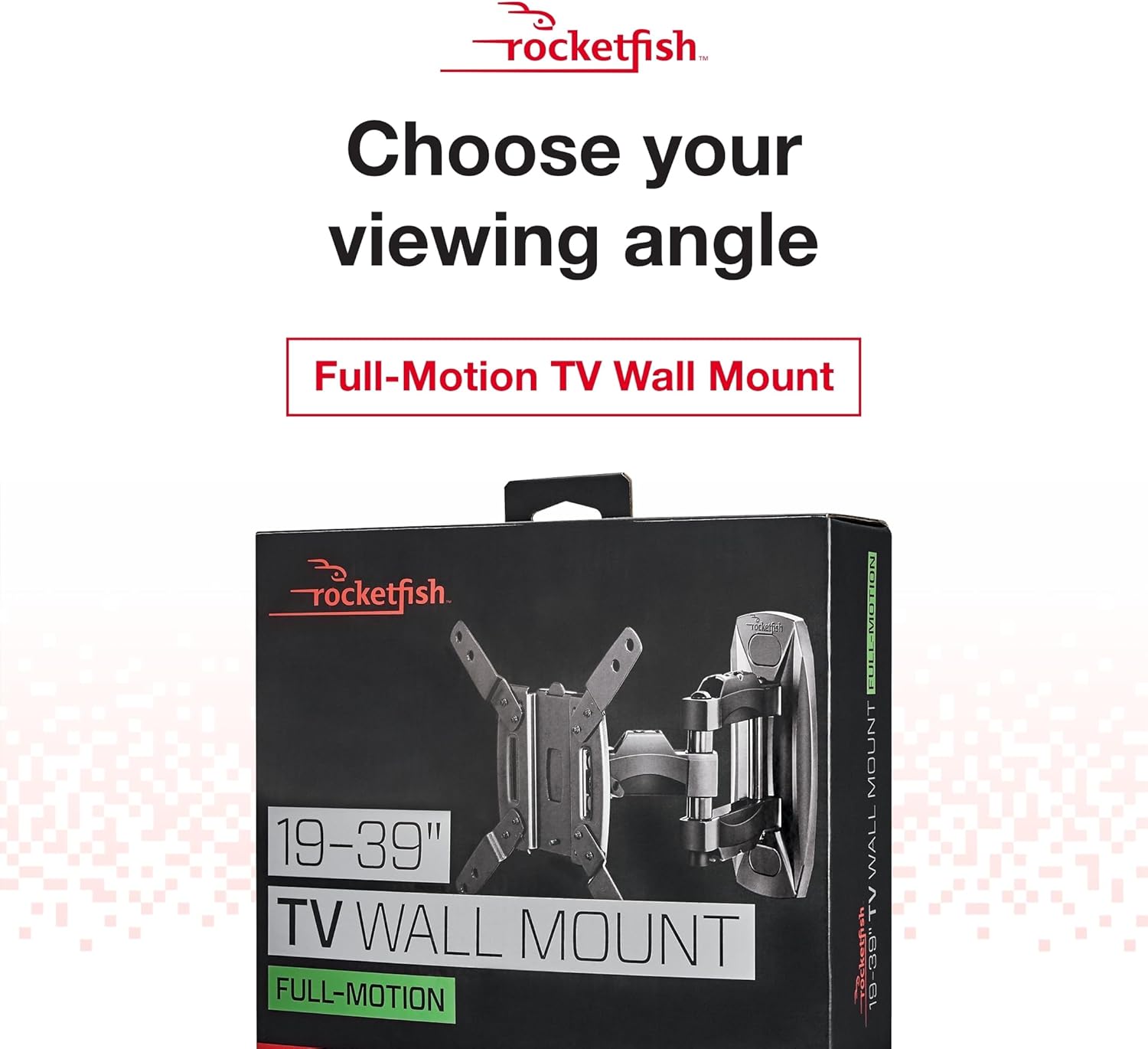
Image: The retail packaging for the Rocketfish Full-Motion TV Wall Mount, indicating its compatibility with 19-39 inch TVs.
- Sestava nástěnné desky
- Ramena držáků televizorů (2)
- Sada montážního materiálu (šrouby, podložky, distanční podložky, hmoždinky)
- Návod k použití (tento dokument)
Nástroje potřebné pro instalaci
- Šroubovák s křížovou hlavou
- Drill with appropriate drill bits (for wood studs or masonry)
- Stud Finder (essential for wood stud installation)
- Úroveň
- Tužka
- Měřicí páska
- Hammer (for masonry anchors)
Nastavení: Průvodce instalací
Step 1: Pre-Installation Checks and TV Compatibility
Before mounting, ensure your TV is compatible with the mount. This mount is designed for most 19" - 39" TVs and supports up to 35 lbs. Check the VESA mounting pattern on the back of your TV to ensure it aligns with the mount's capabilities.

Image: An illustration showing the TV wall mount and text indicating compatibility with most 19" - 39" TVs, supporting up to 35 lbs for sturdy support.
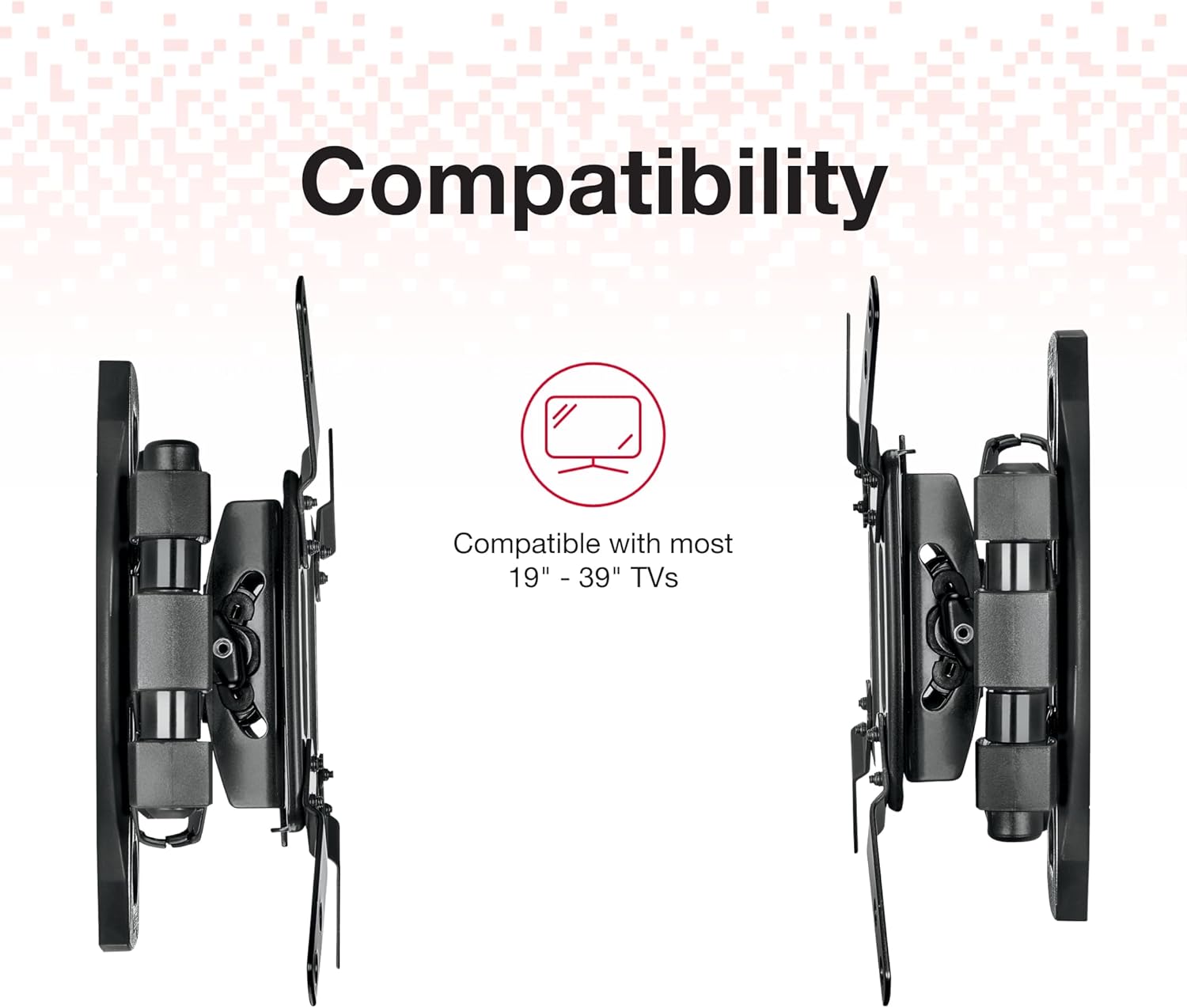
Image: Two side views of the TV mount, emphasizing its compact design and compatibility with various TV sizes.
Krok 2: Montáž nástěnné desky
- Use a stud finder to locate the center of a wood stud at your desired mounting height. Mark the location with a pencil. For concrete/brick walls, mark your desired drill points.
- Hold the wall plate against the wall, aligning the center holes with your marked stud/drill points. Use a level to ensure the plate is perfectly horizontal.
- Mark the positions for all mounting screws through the holes on the wall plate.
- Drill pilot holes at the marked locations. For wood studs, use a smaller drill bit than the lag bolts. For concrete/brick, use a masonry drill bit and insert the provided anchors.
- Připevněte nástěnnou desku ke zdi pomocí vhodných šroubů s drážkou a podložek. Pevně utáhněte, ale nepřetahujte.
Step 3: Attaching TV Bracket Arms
- Opatrně položte televizor displejem dolů na měkký, čistý povrch, abyste zabránili poškození obrazovky.
- Attach the two TV bracket arms to the VESA mounting holes on the back of your television using the provided screws, washers, and spacers. Choose the screw size that fits your TV's mounting holes.
- Ensure the bracket arms are centered and securely fastened.
Step 4: Mounting TV to Wall Plate
- With assistance, carefully lift the television with the attached bracket arms.
- Align the bracket arms with the mounting mechanism on the wall plate.
- Hook the TV bracket arms onto the wall plate and ensure they are securely seated.
- Engage any locking mechanisms on the bracket arms to prevent accidental dislodging.
Krok 5: Správa kabelů
The Rocketfish Full-Motion TV Wall Mount includes built-in wire management features to help keep your cables neat and organized.

Image: A close-up of the TV mount's arm, highlighting the built-in wire management system designed to conceal cables and cords.
- Route your HDMI, power, and other cables through the designated channels or clips on the mount's arm.
- Ujistěte se, že lanka mají dostatečnou vůli, aby umožňovala plný rozsah pohybu bez napětí.
- Secure cables to prevent them from dangling or getting pinched.
Ovládání držáku
Once installed, your Rocketfish Full-Motion TV Wall Mount allows for easy adjustment of your TV's position to achieve optimal viewing úhly.

Image: The TV mount with green arrows illustrating its full-motion capabilities, including pan and tilt, allowing users to adjust the viewúhel.
- Náklon: Gently push or pull the top or bottom of your TV to adjust the vertical tilt angle. The mount allows for a maximum tilt angle of 16 degrees.
- Swivel/Pan: Carefully push or pull the side of your TV to swivel it horizontally. The articulated arm allows for a wide range of left-to-right movement.
- Prodloužení/zatažení: Extend or retract the TV from the wall by gently pulling or pushing the TV towards or away from the wall.
Always move the TV smoothly and avoid sudden, forceful movements. Ensure no cables are snagged or under tension during adjustments.
Údržba
Pravidelná údržba pomáhá zajistit dlouhou životnost a bezpečný provoz vašeho nástěnného držáku televizoru.
- Čištění: Otřete držák měkkým, suchým hadříkem, abyste odstranili prach. Nepoužívejte abrazivní čisticí prostředky ani rozpouštědla.
- Pravidelné kontroly: Periodically check all screws and bolts to ensure they remain tight. Over time, vibrations or adjustments may cause them to loosen slightly.
- Mazání: The moving parts of the mount are designed for smooth operation and generally do not require lubrication. If you notice any stiffness, consult a professional.
Odstraňování problémů
If you encounter issues with your Rocketfish TV Wall Mount, refer to the following common problems and solutions:
| Problém | Možná příčina | Řešení |
|---|---|---|
| Držák se zdá být uvolněný nebo kymácející se. | Mounting screws are not fully tightened or wall support is inadequate. | Ensure all wall plate screws are securely tightened. Verify the wall structure can support the weight. If mounted to drywall without a stud, reinstall into a stud or use appropriate heavy-duty anchors. |
| Obtížné nastavení náklonu nebo otočení. | Friction points are too tight or cables are snagged. | Check for any cables obstructing movement. Some joints may have adjustable tension screws; refer to the specific diagrams in your physical manual if available. Do not force movement. |
| Televizor není po instalaci v rovině. | Wall plate was not level during installation. | Remove the TV from the mount. Loosen the wall plate screws slightly, adjust the plate with a level, and re-tighten. Some mounts have post-installation leveling adjustments on the TV brackets. |
Specifikace
Detailed technical specifications for the Rocketfish Full-Motion TV Wall Mount.
- Rozměry produktu: 10.39 x 9.92 x 2.95 palce
- Hmotnost položky: 4.82 libry
- Číslo modelu: 4330178475
- Typ montáže: Držák na zeď
- Typ pohybu: Tilt, Articulating
- Značka: Rocketfish
- Materiál: Kov
- Maximum Compatible Size: 39 palce
- Minimální kompatibilní velikost: 19 palce
- Kompatibilní zařízení: Televize
- Maximální úhel naklonění: 16 stupňů
- Barva: Černý
- UPC: 600603203039

Obrázek: Vedlejší profesionálfile of the TV mount, accompanied by text highlighting its premium durability and the use of quality materials for lasting use and unwavering quality.
Záruka a podpora
Rocketfish products are manufactured to high-quality standards. For specific warranty information, please refer to the warranty card included with your product or visit the official Rocketfish website. If you require technical assistance or have questions regarding your product, please contact Rocketfish customer support.
For the latest support information and FAQs, please visit the Rocketfish brand store on Amazon or their official webmísto.
Online zdroje: Rocketfish Amazon Store


