1. Úvod
This manual provides essential information for setting up, operating, and maintaining your Sony XBR-65X900E 65-inch 4K HDR Smart LED TV. This television combines stunning 4K Ultra HD clarity with High Dynamic Range (HDR) for a lifelike picture, powered by the 4K HDR Processor X1. Enjoy smart functionality with Android TV, offering access to a wide range of apps and content.
2. Co je v krabici
- Sony XBR-65X900E 65-inch 4K HDR Smart LED TV
- Napájecí kabel
- Dálkové ovládání
- TV stojan
3. Nastavení
3.1 Vybalení a instalace stojanu
Carefully remove the TV from its packaging. It is recommended that two people handle the TV due to its size and weight. Attach the included stand to the bottom of the TV using the provided screws. Ensure the stand is securely fastened before placing the TV on a stable surface.

3.2 Montáž na stěnu
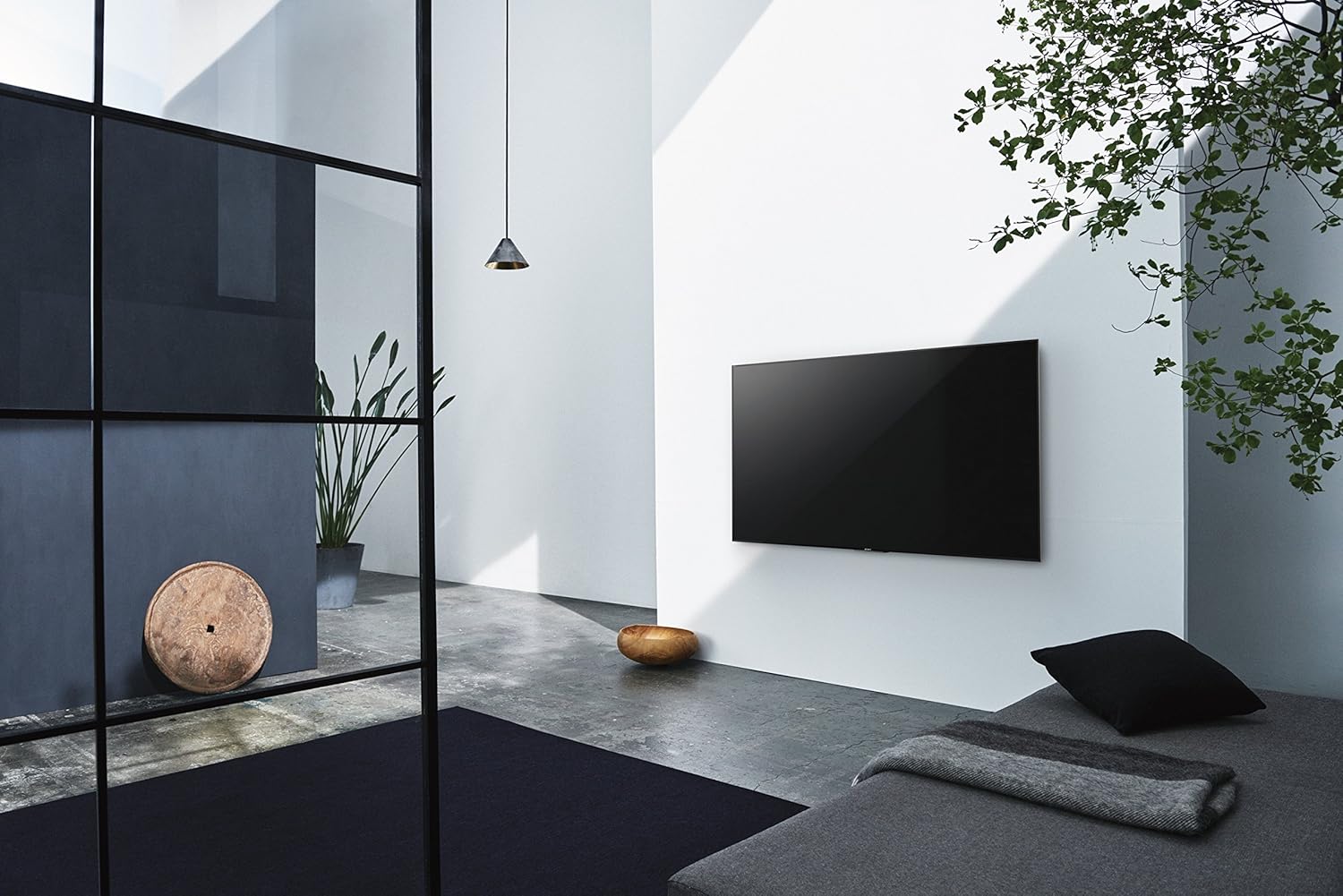
The TV can also be wall-mounted. It features standard VESA screw holes for compatible wall mounts (sold separately). Refer to your wall mount's instructions for proper installation. Ensure the wall can support the TV's weight (approximately 77.2 pounds).

3.3 Připojení periferních zařízení
Connect your devices to the TV's various input ports:
- HDMI: 4 HDMI ports for high-definition devices like Blu-ray players, gaming consoles, and cable boxes.
- USB: 2 USB 2.0 ports and 1 USB 3.0 port for connecting external storage or other USB devices.
- Component/Composite Hybrid: 1 port for older video devices.
- Složený: 1 dedicated composite video input.
- LAN: Ethernetový port pro kabelové připojení k síti.
- Optický digitální audio výstup: Pro připojení k soundbaru nebo audio receiveru.
- Anténa/kabel: Pro připojení antény nebo kabelové televize.
3.4 Počáteční zapnutí a nastavení sítě
After connecting all necessary cables, plug the power cable into an electrical outlet. Press the power button on the remote control. Follow the on-screen instructions to complete the initial setup, including connecting to your Wi-Fi network and logging into your Google account for Android TV features.
4. Ovládání vašeho televizoru
4.1 Dálkové ovládání
The included remote control provides easy access to all TV functions. Key buttons include:
- Moc: Zapíná/vypíná televizor.
- Vstup: Vybere vstupní zdroj (HDMI, USB atd.).
- Hlasitost +/-: Upravuje hlasitost.
- Kanál +/-: Mění televizní kanály.
- Domov: Otevře domovskou obrazovku Android TV.
- Navigační podložka: For navigating menus and selecting options.
- Hlasové ovládání: Aktivuje Google Assistant pro hlasové příkazy.
- Vyhrazená tlačítka aplikací: Quick access to popular streaming services like Netflix, Amazon Video, Hulu, and YouTube.
4.2 Funkce Android TV
Your Sony XBR-65X900E is equipped with Android TV, providing a smart and intuitive user experience. Access thousands of apps from Google Play, including Netflix, Amazon Video, Hulu, and YouTube. The TV is also Google Home-compatible, allowing for seamless integration with your smart home ecosystem.

4.3 Nastavení obrazu
Experience exceptional picture quality with advanced Sony technologies:
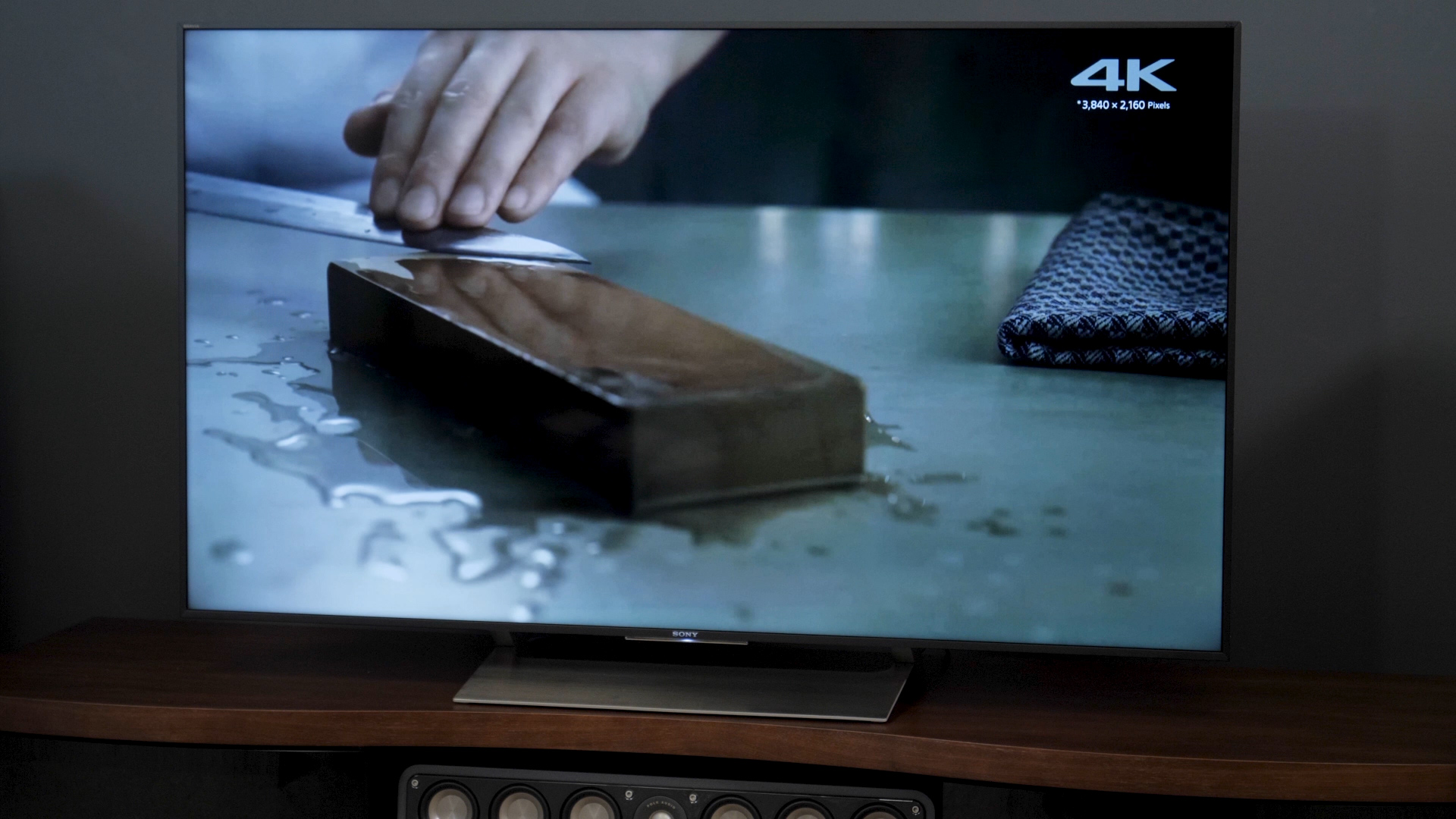
- 4K HDR procesor X1: Enhances clarity, color, and contrast for a more realistic image.
- Displej TRILUMINOS: Reproduces a wider, more vivid spectrum of colors.
- 4K HDR Super Bit Mapping: Optimizes colors for rich and natural results.
- 4K X-Reality PRO: Upscales images to near 4K clarity.
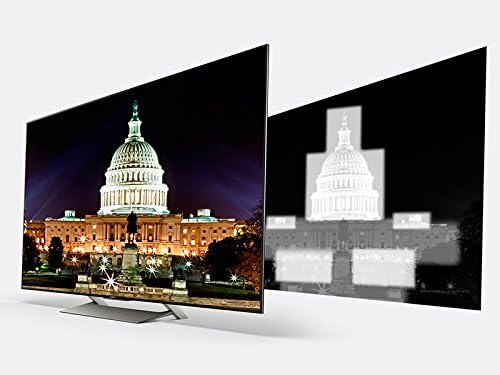
- X-tended Dynamic Range PRO 5x: Delivers five times the contrast range of conventional LED TVs.
- Motionflow XR 960: Ensures smooth, clear fast-moving action scenes.

4.4 Nastavení zvuku
The TV features balanced light output across the screen for greater brilliance in every scene. For enhanced audio, connect an external sound system via the optical digital audio out port.
4.5 Výběr vstupu
To switch between connected devices, press the 'Input' button on your remote control and select the desired source from the on-screen menu.
5. Údržba
5.1 Čištění
To clean the TV screen, gently wipe it with a soft, dry cloth. For stubborn smudges, lightly dampen the cloth with water or a specialized screen cleaner. Avoid using harsh chemicals or abrasive materials. Clean the TV's frame and stand with a soft, dry cloth.
5.2 Aktualizace softwaru
Your Android TV will periodically receive software updates to improve performance and add new features. Ensure your TV is connected to the internet to receive these updates automatically. You can also manually check for updates in the TV's settings menu.
6. Řešení problémů
If you encounter any issues with your TV, try the following basic troubleshooting steps:
- Bez napájení: Ensure the power cable is securely plugged into both the TV and the electrical outlet. Try a different outlet.
- Žádný obraz/zvuk: Check the selected input source. Ensure all cables are securely connected to the TV and external devices.
- Dálkové ovládání nereaguje: Vyměňte baterie v dálkovém ovladači. Ujistěte se, že mezi dálkovým ovladačem a infračerveným senzorem televizoru nejsou žádné překážky.
- Problémy s připojením k síti: Restartujte router a modem. Zkontrolujte síťová nastavení televizoru a ujistěte se, že je připojen ke správné síti Wi-Fi nebo že je správně připojen ethernetový kabel.
- Android TV Lag: Restartujte televizor tak, že jej na několik minut odpojíte od elektrické zásuvky a poté jej znovu zapojíte. Zavřete nepoužívané aplikace.
For more detailed troubleshooting, refer to the comprehensive help guide available through the TV's Android TV interface or visit the Sony support webmísto.
7. Specifikace
| Funkce | Specifikace |
|---|---|
| Číslo modelu | XBR65X900E |
| Velikost obrazovky | 65 palce |
| Rezoluce | 4K Ultra HD (3840 2160 x XNUMX XNUMX) |
| Technologie displeje | LED with Full-Array Local Dimming |
| Obnovovací frekvence | 120Hz Native (Motionflow XR 960) |
| Procesor | Procesor 4K HDR X1 |
| Platforma Smart TV | Android TV (Google Home Compatible) |
| Rozměry (bez podstavce) | 57" x 32.8" x 2.4" (Š x V x H) |
| Rozměry (se stojanem) | 57" x 35.3" x 10.3" (Š x V x H) |
| Hmotnost položky | 77.2 libry |
| Vstupy HDMI | 4 |
| USB porty | 2 (USB 2.0), 1 (USB 3.0) |
| Konektivita | Wi-Fi, Ethernet |
| Spotřeba energie | 212 wattů |

8. Záruka a podpora
Your Sony XBR-65X900E TV comes with a manufacturer's warranty. For specific warranty details, please refer to the warranty card included with your product or visit the official Sony support website. For technical assistance, product registration, or service inquiries, please contact Sony Customer Support.


