1. Úvod
The HyperX Cloud Pro Gaming Headset is engineered for serious console and PC gamers, offering superior comfort and audio performance. Featuring a durable aluminum frame, memory foam ear cushions, and 53mm drivers, this headset delivers crystal clear highs, mids, and lows. The convenient in-line audio control provides easy access to volume adjustments and microphone muting, ensuring an immersive gaming experience.
2. Obsah balení
- HyperX Cloud Pro Gaming Headset
- Odnímatelný mikrofon s potlačením hluku
- In-line Audio Control Box
- PC Extension Cable (2M) with Stereo and Mic Plugs
- Pouzdro na přenášení

Image: All components included with the HyperX Cloud Pro Gaming Headset.
3. Konec produktuview
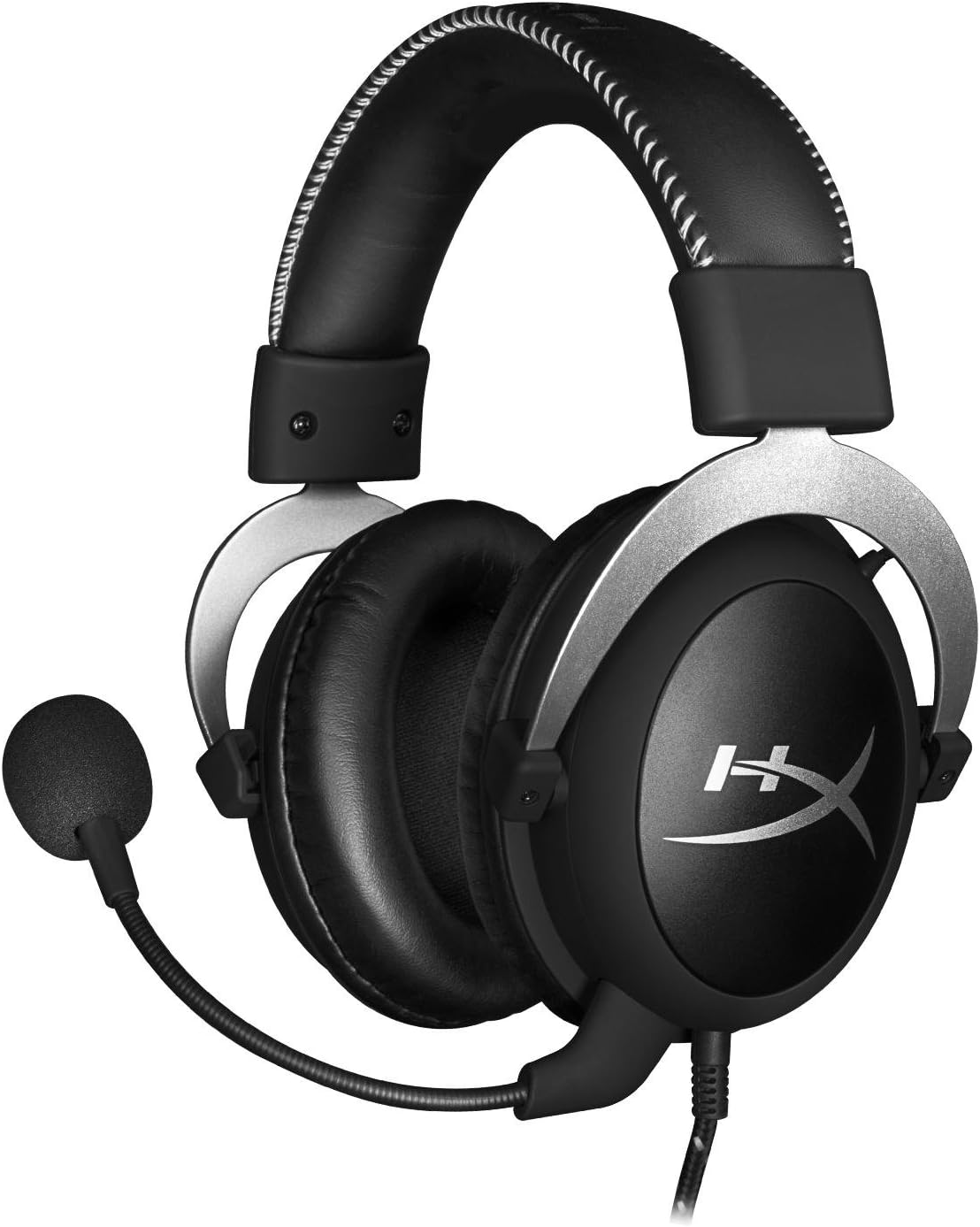
Přední view of the headset with microphone.
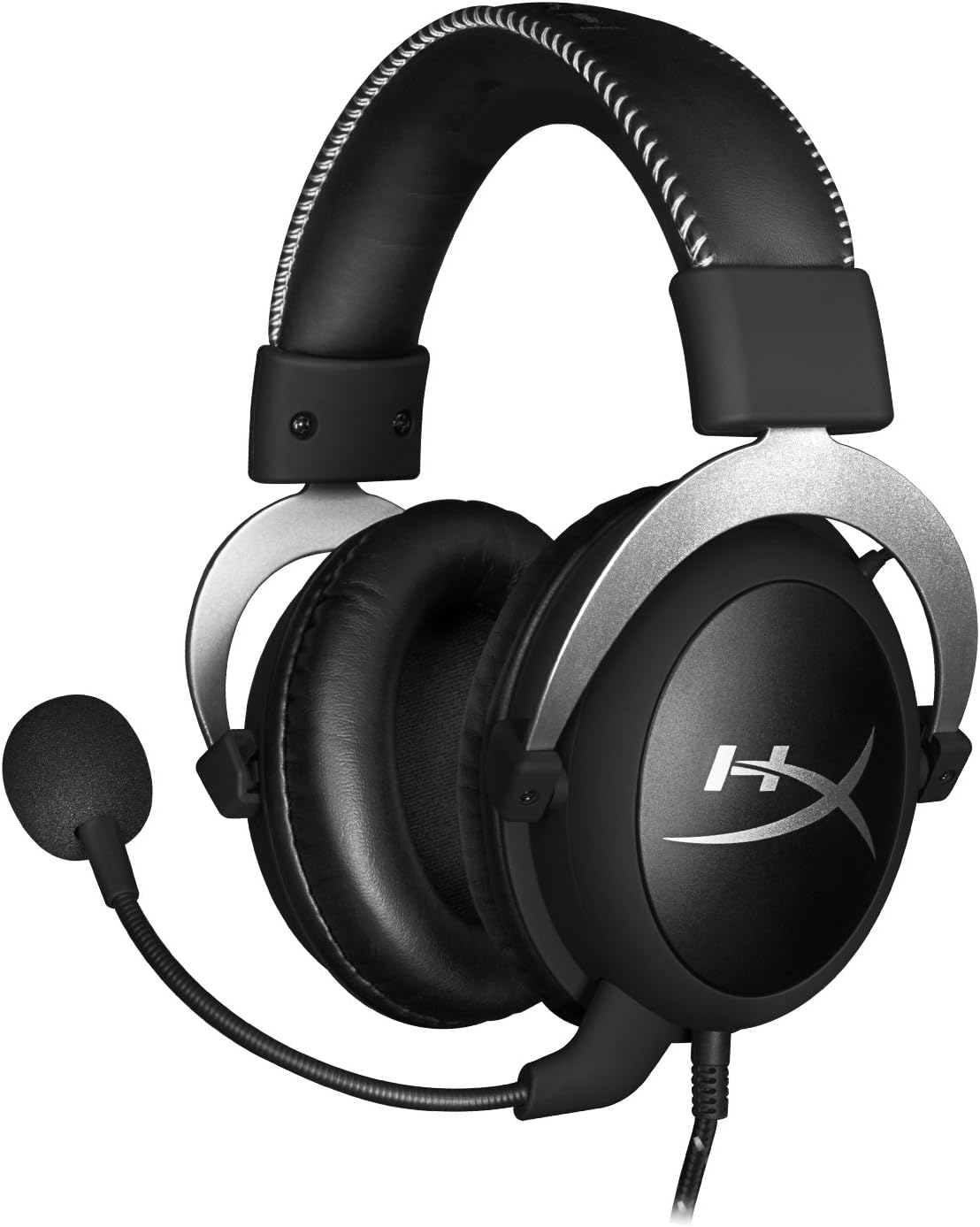
Strana view náhlavní soupravy.

Headset folded flat for storage.

Nahoru view of the headband.
Klíčové komponenty:
- čelenka: Padded with leatherette for comfort during extended use.
- Náušníky: Over-ear design with memory foam cushions, providing passive noise isolation.
- Odnímatelný mikrofon: Flexible, noise-cancelling microphone for clear communication.
- In-line Audio Control: Integrated unit on the cable for volume adjustment and microphone mute.
4. Nastavení a připojení
4.1 Připojení k PC
- Connect the headset's 3.5mm plug to the in-line audio control box.
- Attach the PC extension cable to the in-line audio control box.
- Plug the green audio jack of the extension cable into your PC's audio output (headphone) port.
- Plug the pink microphone jack of the extension cable into your PC's microphone input port.
- Ensure the detachable microphone is securely inserted into the headset's microphone port.
4.2 Console Connection (PS4, Xbox One, Wii U)
- Connect the headset's 3.5mm plug directly into your console controller's 3.5mm port.
- Ensure the detachable microphone is securely inserted into the headset's microphone port.
- Adjust audio settings on your console as needed to route chat and game audio through the headset.
4.3 Připojení mobilního zařízení
- Connect the headset's 3.5mm plug directly into your mobile device's 3.5mm audio jack.
- The microphone can be attached for calls or detached if not needed.

Image: In-line audio control unit.
5. Návod k obsluze
5.1 Ovládání hlasitosti
The in-line audio control features a rotary volume wheel. Rotate the wheel upwards to increase volume and downwards to decrease volume. This adjusts the headset's output volume independently of your device's master volume.
5.2 Ztlumení mikrofonu
A switch on the in-line audio control allows you to quickly mute or unmute the microphone. Slide the switch to the 'Mute' position to disable the microphone, and slide it back to enable it. This is useful for privacy or when you do not wish your voice to be transmitted.
6. Údržba a péče
- Čištění: K otření sluchátek použijte měkký, suchý hadřík. V případě náušníků použijte mírněamp cloth can be used, but ensure they are completely dry before use. Avoid harsh chemicals or abrasive cleaners.
- Skladování: When not in use, store the headset in the provided carrying pouch to protect it from dust and scratches. Avoid extreme temperatures and humidity.
- Péče o kabely: Do not excessively bend or pull the cables. Store them neatly to prevent tangling and damage.
7. Řešení problémů
| Problém | Možná příčina | Řešení |
|---|---|---|
| Žádný zvuk z náhlavní soupravy | Nesprávné připojení; Příliš nízká hlasitost; Nastavení zvuku zařízení. | Ensure all cables are securely connected. Increase volume using the in-line control and device settings. Verify audio output settings on your PC/console. |
| Mikrofon nefunguje | Microphone muted; Incorrect connection; Device microphone settings. | Check the microphone mute switch on the in-line control. Ensure the microphone is fully inserted. Verify microphone input settings on your PC/console. |
| Špatná kvalita zvuku / Statický šum | Volné připojení; Rušení; Poškozený kabel. | Reconnect all cables. Test on another device to rule out interference. If issues persist, the cable may be damaged. |
| Nepohodlná sluchátka | Nesprávné uchycení. | Adjust the headband for a comfortable fit. The memory foam ear cushions are designed for extended comfort. |
8. Technické specifikace
- Název modelu: HyperX Cloud Pro Gaming Headset - Silver - with In-Line Audio Control
- Číslo modelu: HX-HSCL-SR/NA
- Konektivita: Drátové (3.5mm jack)
- Ovladače: 53mm dynamické ovladače
- Frekvenční odezva: 15 Hz - 25 kHz
- Materiál: Foam, Aluminum, Leather
- Hmotnost položky: 0.6 kilogramů (1.32 liber)
- Kompatibilní zařízení: PS5, PS4, Xbox One, Wii U, Mac, Mobile Devices, PC
- Typ ovládání: Volume Control, Microphone Mute
- Kontrola hluku: Aktivní potlačení hluku (mikrofon)
9. Záruka a podpora
The HyperX Cloud Pro Gaming Headset is backed by a 2-letá záruka. For technical support or warranty claims, please contact HyperX customer service. You can also refer to the official Uživatelská příručka (PDF) pro další informace.


