1. Úvod
This manual provides instructions for the proper setup, operation, maintenance, and troubleshooting of your Onn ONA11HO089 Soft-Touch USB Keyboard. Please read this manual thoroughly before using the product to ensure optimal performance and longevity.
The Onn ONA11HO089 is a full-sized, black USB keyboard designed for comfortable and efficient typing across various compatible devices.
2. Nastavení
Setting up your Onn ONA11HO089 keyboard is a simple plug-and-play process. No additional drivers are typically required for most operating systems.
- Rozbalte klávesnici: Opatrně vyjměte klávesnici z obalu.
- Vyhledejte USB port: Identify an available USB-A port on your computer, laptop, gaming console, or tablet.
- Připojte kabel USB: Insert the USB connector of the keyboard cable into the chosen USB port.
- Rozpoznávání systému: Váš operační systém by měl automaticky detekovat a nainstalovat potřebné ovladače pro klávesnici. Tento proces může chvíli trvat.
- Otestujte klávesnici: Open a text editor or any application that accepts text input and type to confirm the keyboard is functioning correctly.
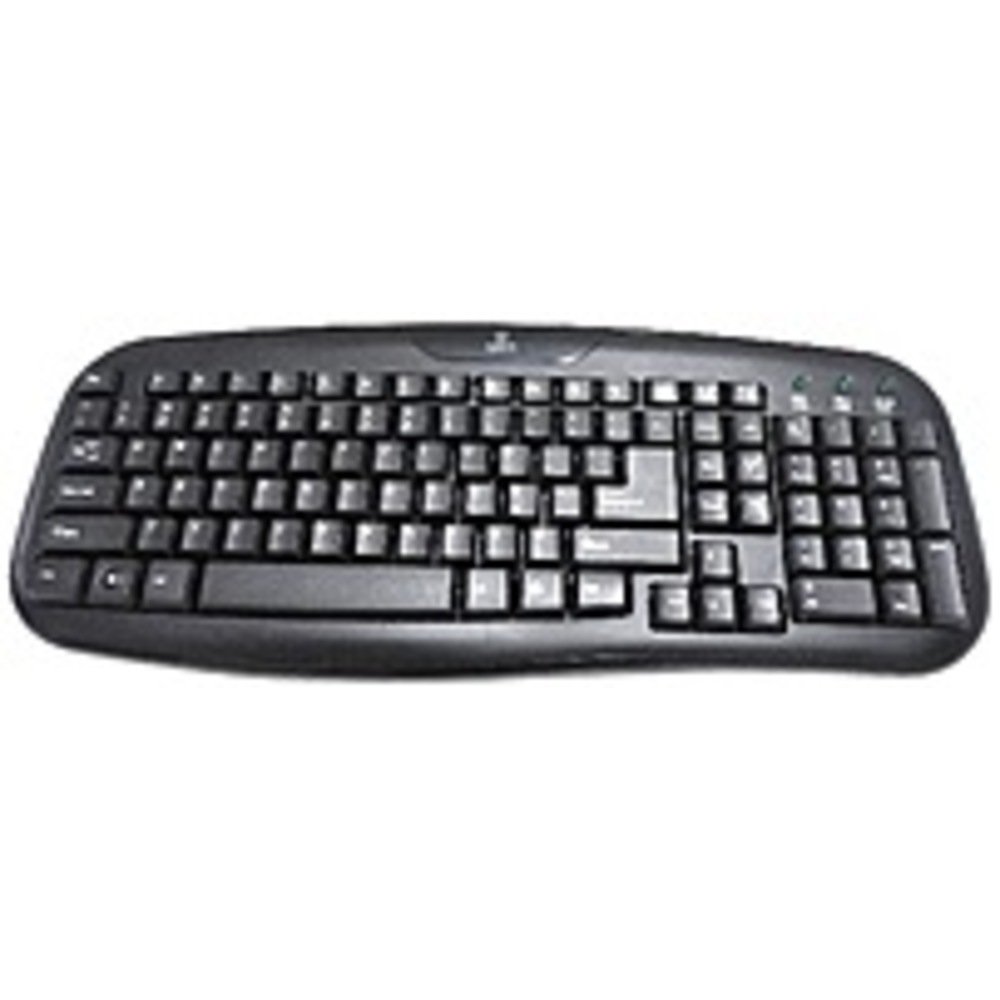
Figure 2.1: The Onn ONA11HO089 USB Keyboard. Connect the USB cable to an available port on your device.
3. Ovládání klávesnice
The Onn ONA11HO089 keyboard offers a standard layout for intuitive typing. Its soft-touch keys are designed for comfortable and responsive input.
- Základní psaní: Use the alphanumeric keys for standard text input. The keyboard features a full QWERTY layout, including a numeric keypad for data entry.
- Funkční klávesy: The F1-F12 keys provide various functions, often used in combination with the Fn key on laptops, though this keyboard is a standalone unit and these keys typically perform their standard functions directly.
- Speciální klíče: Utilize keys like Ctrl, Alt, Posuna Windows/Command key for shortcuts and system commands.
- Soft-Touch Experience: The tactile switches provide a comfortable typing experience, reducing fatigue during extended use.
- Kompatibilita: This keyboard is compatible with various devices including PCs, laptops, gaming consoles, and tablets that support USB keyboard input.
Figure 3.1: The key layout of the Onn ONA11HO089 keyboard, showing the standard QWERTY arrangement and numeric keypad.
4. Údržba
Proper maintenance can extend the life of your keyboard and ensure consistent performance.
- Čištění:
- Před čištěním odpojte klávesnici od zařízení.
- Použijte měkký hadřík, který nepouští vlákna dampvodou nebo jemným čisticím roztokem otřete povrch kláves a casing.
- Pro odstranění prachu a nečistot mezi klávesami použijte stlačený vzduch.
- Nepoužívejte agresivní chemikálie, abrazivní čisticí prostředky ani nadměrnou vlhkost, protože by mohly poškodit klávesnici.
- Keycap Wear: Over time and with heavy use, the lettering on the keycaps may show signs of wear. This is a common characteristic of printed keycaps. Gentle use and regular cleaning can help minimize this, but it is not indicative of a functional defect.
- Skladování: Pokud klávesnici nepoužíváte, skladujte ji v čistém a suchém prostředí mimo dosah extrémních teplot a přímého slunečního záření.
5. Řešení problémů
If you encounter issues with your Onn ONA11HO089 keyboard, refer to the following common troubleshooting steps:
| Problém | Možná příčina | Řešení |
|---|---|---|
| Klávesnice nereaguje. |
|
|
| Některé klávesy nefungují. |
|
|
| Keyboard input is delayed or erratic. |
|
|
6. Specifikace
Below are the technical specifications for the Onn ONA11HO089 Soft-Touch USB Keyboard:
- Model: ONA11HO089
- Značka: Onn
- Technologie připojení: USB
- Popis klávesnice: Ergonomický
- Typ přepínače: Taktilní
- Barva: Černý
- Zdroj napájení: USB Powered
- Kompatibilní zařízení: Herní konzole, notebook, počítač, tablet
- Rozměry produktu: 18 x 1.25 x 7 palce (přibližně 45.7 x 3.2 x 17.8 cm)
- Hmotnost položky: 1.38 libry (přibližně 0.63 kg)
- Datum první dostupnosti: 5. ledna 2017
7. Záruka a podpora
For warranty information regarding your Onn ONA11HO089 Soft-Touch USB Keyboard, please refer to the documentation included with your purchase or visit the official Onn webZáruční podmínky se mohou lišit v závislosti na regionu a prodejci.
If you require technical support or have questions not covered in this manual, please contact Onn customer service through their official webwebu nebo kontaktních informací uvedených u vašeho produktu.


