Zavedení
This manual provides detailed instructions for the Logitech M221 Wireless Mouse. Designed for quiet operation and reliable performance, the M221 offers a comfortable, ambidextrous design with an 18-month battery life. Please read this manual thoroughly to ensure proper setup and optimal use of your device.
Průvodce nastavením
Chcete-li nastavit bezdrátovou myš Logitech M221, postupujte podle těchto kroků:
- Nainstalujte baterii:
Locate the battery compartment on the underside of the mouse. Slide the battery cover off. Insert the included AA battery, ensuring correct polarity. Replace the battery cover.

Obrázek: Spodní strana view of the Logitech M221 mouse, showing the battery compartment and the location of the USB receiver.
- Vyhledejte USB přijímač:
The tiny USB receiver is stored inside the battery compartment for convenience during transport. Carefully remove it from its slot.
- Connect the Receiver to Your Computer:
Plug the USB receiver into an available USB port on your computer (PC or Mac). The mouse will automatically connect to your computer.
- Zapnutí myši:
Ensure the power switch on the underside of the mouse is in the "ON" position. The mouse is now ready for use.
Návod k obsluze
The Logitech M221 is designed for intuitive and comfortable use:
- Tiché klikání: The M221 features 90% reduced click sound, providing a quiet working environment without sacrificing the familiar click feel.
- Oboustranný design: Its comfortable, contoured shape is suitable for both left and right-handed users.
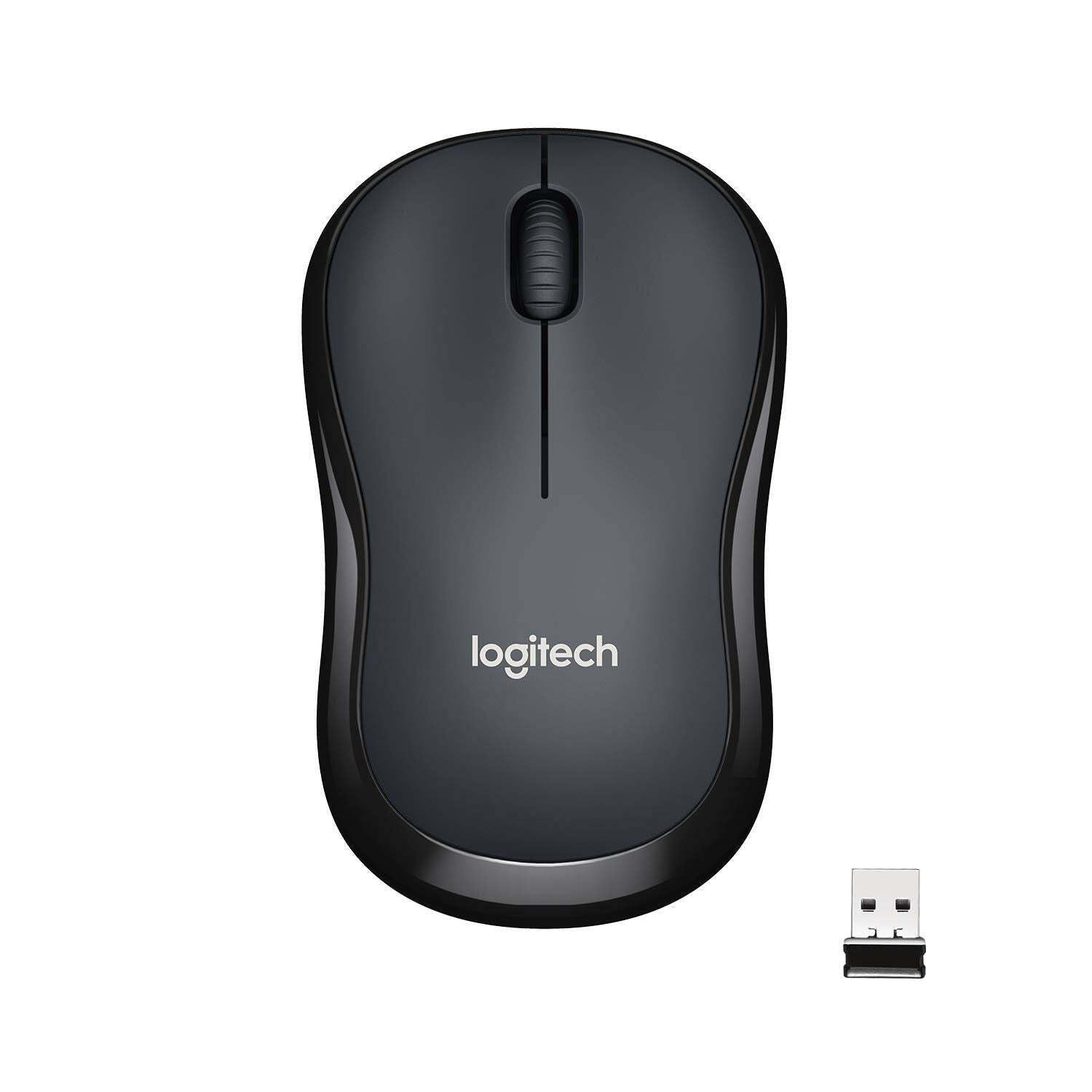
Obrázek: Nahoře view of the Logitech M221 Wireless Mouse in charcoal, alongside its compact USB receiver.
- Optické sledování: The mouse uses 1000 DPI optical tracking for smooth and precise cursor control.
- Bezdrátový dosah: Enjoy reliable wireless connectivity up to 10 meters (33 feet) from your computer. Actual range may vary based on environmental conditions.
- Funkce automatického uspávání: To conserve battery life, the mouse automatically enters a sleep mode when not in use. Move the mouse or click a button to wake it up.
Údržba
Proper maintenance ensures the longevity and optimal performance of your M221 mouse.
- Výměna baterie: The M221 mouse boasts an 18-month battery life. When the mouse performance degrades or the indicator light (if present) signals low battery, replace the AA battery. Refer to the "Install the Battery" step in the Setup Guide.
- Čištění: Use a soft, dry cloth to clean the mouse. Avoid abrasive cleaners or solvents.
- Skladování: When not in use for extended periods, turn off the mouse using the power switch on the underside to further conserve battery life. Store the USB receiver inside the battery compartment to prevent loss.
Odstraňování problémů
Pokud máte s myší Logitech M221 problémy, vyzkoušejte následující řešení:
- Myš nereaguje:
- Ujistěte se, že je myš zapnutá.
- Zkontrolujte baterii. V případě potřeby ji vyměňte.
- Ověřte, zda je USB přijímač bezpečně zapojený do funkčního USB portu v počítači. Zkuste jiný USB port.
- Přesuňte myš blíže k USB přijímači, abyste vyloučili problémy s dosahem.
- Nepravidelný pohyb kurzoru:
- Optický senzor na spodní straně myši očistěte měkkým, suchým hadříkem.
- Ujistěte se, že myš používáte na vhodném povrchu. Vyhněte se vysoce reflexním nebo průhledným povrchům.
- Zkontrolujte, zda nedochází k rušení jinými bezdrátovými zařízeními.
- Tlačítka nebo rolovací kolečko nefungují:
- Restartujte počítač.
- Znovu vložte USB přijímač.
- If the issue persists, the mouse may require replacement.
Specifikace
| Funkce | Detail |
|---|---|
| Značka | Logitech |
| Model | M221 (Item model number: 910-004882) |
| Technologie připojení | Bezdrátové připojení 2.4 GHz (USB přijímač) |
| Detekce pohybu | Optický (1000 DPI) |
| Silent Buttons | Yes (90% reduced click sound) |
| Typ baterie | 1 x AA baterie (součástí balení) |
| Průměrná životnost baterie | 18 měsíců |
| Oboustranný design | Ano |
| Kompatibilní operační systémy | Windows 10 or later, Windows 8, Windows RT, Windows 7, Mac OS X 10.5 or later, Chrome OS, Linux Kernel 2.6+2 |
| Rozměry produktu | 6 x 4 x 10 cm (d x š x v) |
| Hmotnost položky | 77 g |
| Zahrnuté komponenty | Mouse, Nano Receiver, 1 AA Battery, User Documentation |

Image: Diagram showing the dimensions of the Logitech M221 Wireless Mouse: 99mm length, 60mm width, 39mm height, and 75g weight.
Záruka a podpora
Informace o záruce a technickou podporu získáte od oficiálního prodejce Logitech. website or the documentation included with your product. Logitech provides customer support for product inquiries and assistance.
You can typically find support resources, FAQs, and contact information by visiting www.logitech.com/support.


