1. Úvod
This manual provides detailed instructions for the proper use and maintenance of your Baseus H08 Immersive Virtual 3D Gaming Headset. Please read this manual thoroughly before using the product to ensure optimal performance and safety. Keep this manual for future reference.
2. Bezpečnostní informace
- Ochrana sluchu: Avoid using the headset at high volume levels for extended periods to prevent hearing damage.
- Podmínky prostředí: Nevystavujte sluchátka extrémním teplotám, vlhkosti ani přímému slunečnímu záření.
- Čištění: Use a soft, dry cloth for cleaning. Avoid liquid cleaners or abrasive materials.
- Demontáž: Nepokoušejte se rozebírat ani upravovat sluchátka. Mohlo by dojít ke zrušení záruky a poškození.
- Děti: Keep the headset and its accessories out of reach of small children to prevent choking hazards.
3. Obsah balení
Ověřte, zda jsou v balení přítomny všechny položky:
- Baseus H08 Immersive Virtual 3D Gaming Headset
- 3.5mm audio kabel
- Přepravní pouzdro
- Uživatelská příručka (tento dokument)
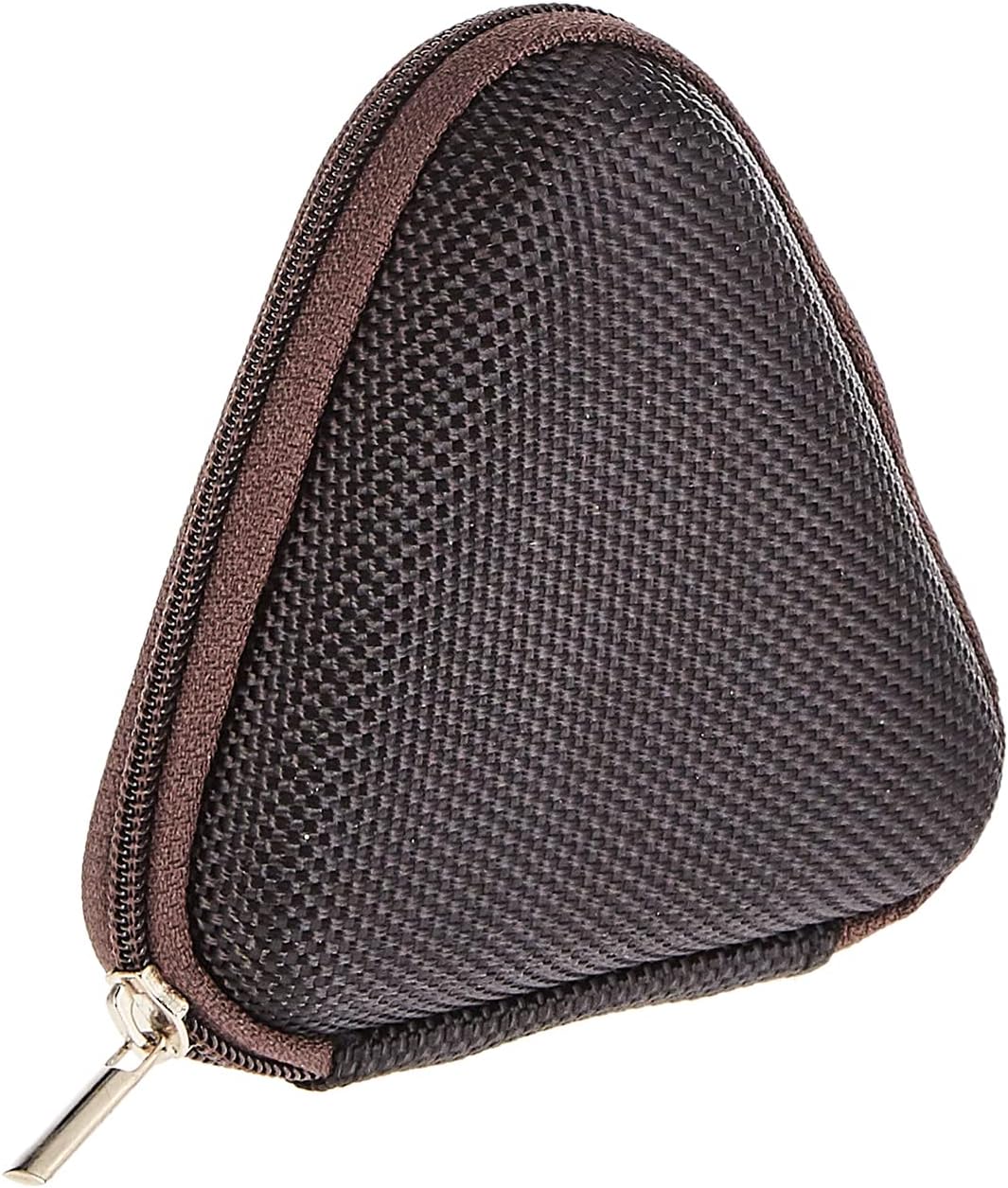
Image: The included triangular carrying case, designed for protecting and transporting the headset.
4. Konec produktuview
The Baseus H08 headset is designed for an immersive gaming audio experience. It features a comfortable over-ear design and integrated controls.

Image: The Baseus H08 Immersive Virtual 3D Gaming Headset, showcasinjeho design a komponenty.
Komponenty:
- Náušníky: Padded earcups for comfort and sound isolation.
- čelenka: Nastavitelný hlavový most pro bezpečné uchycení.
- Mikrofon: Integrated microphone for communication.
- Audio kabel: Detachable 3.5mm audio cable for connection to devices.
- Ovládání hlasitosti: In-line or earcup-mounted volume adjustment.
5. Nastavení
- Rozbalit: Opatrně vyjměte sluchátka a veškeré příslušenství z obalu.
- Připojení audio kabelu: Insert the 3.5mm audio jack into the corresponding port on your gaming device (PC, console controller, smartphone, etc.). Ensure the connection is secure.
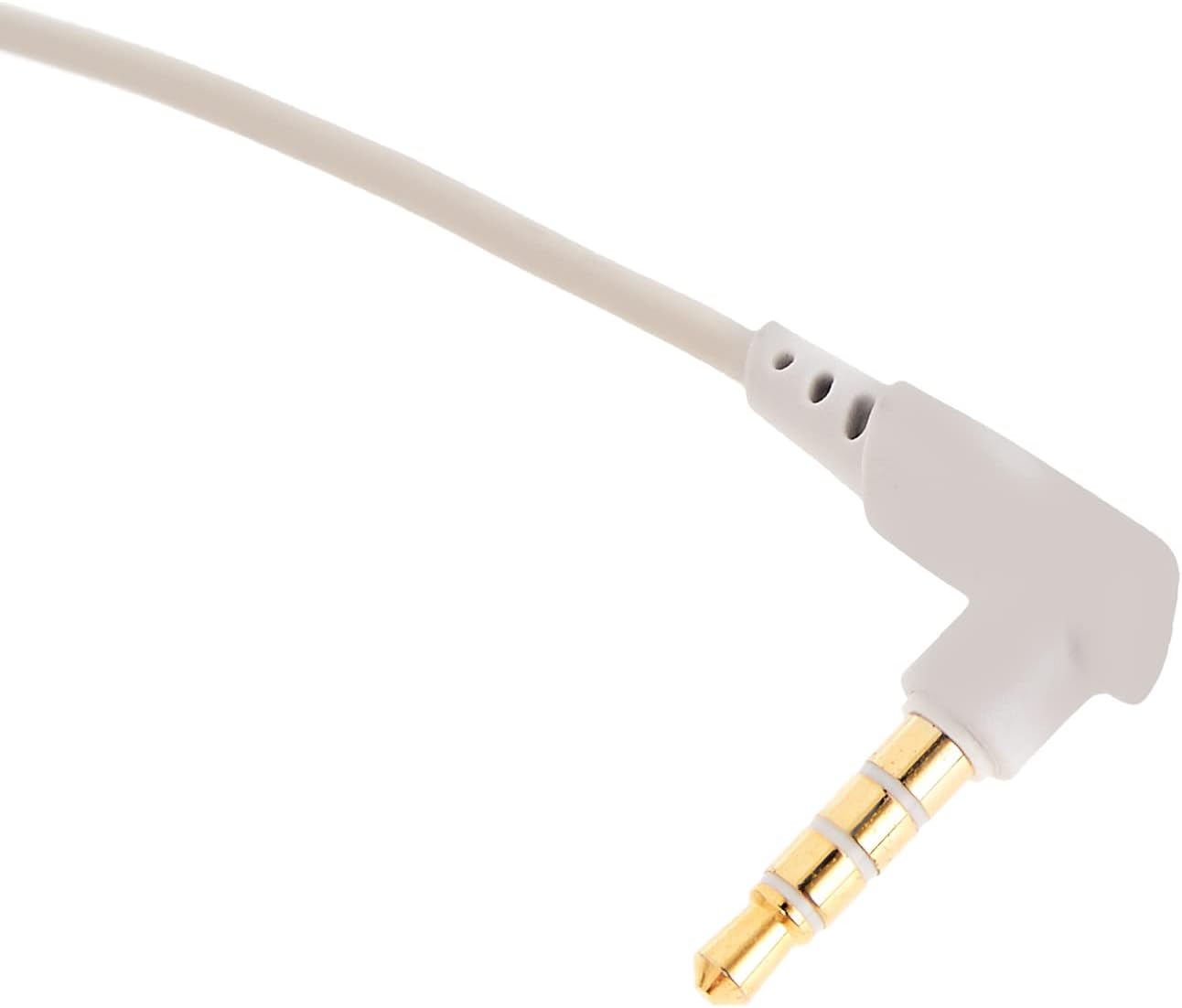
Obrázek: Detailní záběr view of the 3.5mm audio jack, used for connecting the headset to compatible devices.
- Upravit sluchátka: Place the headset on your head and adjust the headband for a comfortable and secure fit. Position the earcups over your ears.
- Umístění mikrofonu: If the microphone is adjustable, position it appropriately for clear voice capture, typically near the corner of your mouth.
6. Návod k obsluze
- Ovládání hlasitosti: Use the integrated volume control (if present on the cable or earcup) to adjust the audio output level. Rotate or slide the control to increase or decrease volume.
- Ztlumení mikrofonu: If your headset features a microphone mute switch, use it to toggle the microphone on or off as needed during gameplay or calls.
- Virtual 3D Sound: The headset provides an immersive virtual 3D sound experience. This feature is typically active upon connection and enhances spatial audio cues in compatible games. No specific activation is usually required unless indicated by your device's audio settings.
7. Údržba
- Čištění: Wipe the headset with a soft, dry, lint-free cloth. Do not use harsh chemicals, cleaning solvents, or strong detergents.
- Skladování: When not in use, store the headset in its carrying case to protect it from dust, scratches, and physical damage. Keep it in a cool, dry place.
- Péče o kabely: Vyhněte se ostrým ohybům nebo nadměrnému tahání za audio kabel, abyste předešli vnitřnímu poškození.
8. Řešení problémů
Běžné problémy a řešení:
- Žádný zvuk:
- Ensure the 3.5mm audio cable is fully plugged into both the headset and your device.
- Check the volume control on the headset and your device to ensure it is not muted or set too low.
- Ověřte, zda je v nastavení zvuku vašeho zařízení vybráno správné výstupní zvukové zařízení.
- Špatná kvalita zvuku:
- Zkontrolujte uvolněné spoje.
- Vyzkoušejte sluchátka s mikrofonem s jiným zařízením, abyste vyloučili problém s konkrétním zařízením.
- Ujistěte se, že zdroj zvuku je dobré kvality.
- Mikrofon nefunguje:
- Ensure the microphone is not muted (if applicable).
- Zkontrolujte nastavení zvuku zařízení a ujistěte se, že je jako vstupní zařízení vybrán mikrofon sluchátek.
- Vyzkoušejte mikrofon s jinou aplikací nebo zařízením.
- Nepohodlí při používání:
- Adjust the headband and earcup positions for a better fit.
- Take breaks during long gaming sessions.
9. Specifikace
| Funkce | Detail |
|---|---|
| Značka | Baseus |
| Název modelu | NGH08-2G |
| Číslo modelu položky | B012LZLE1U |
| Rozměry produktu | 5 x 3 x 10 cm |
| Hmotnost položky | 200 gramů |
| Barva | Bílá + šedá |
| Typ ovládání | Ovládání hlasitosti |
| Počet položek | 1 |
| Specifické použití produktu | Není k dispozici |
| Tvarový faktor sluchátek | Není k dispozici |
| Jack pro sluchátka | Není k dispozici |
| Technologie připojení | Není k dispozici |
| Technologie bezdrátové komunikace | Není k dispozici |
| Zahrnuté komponenty | Není k dispozici |
| Věkové rozmezí (popis) | Není k dispozici |
| Materiál | Není k dispozici |
10. Záruka a podpora
For warranty information and technical support, please refer to the warranty card included with your product or visit the official Baseus webwebu. Můžete se také obrátit na prodejce, od kterého jste produkt zakoupili.
Baseus Official Webmísto: www.baseus.com


