Zavedení
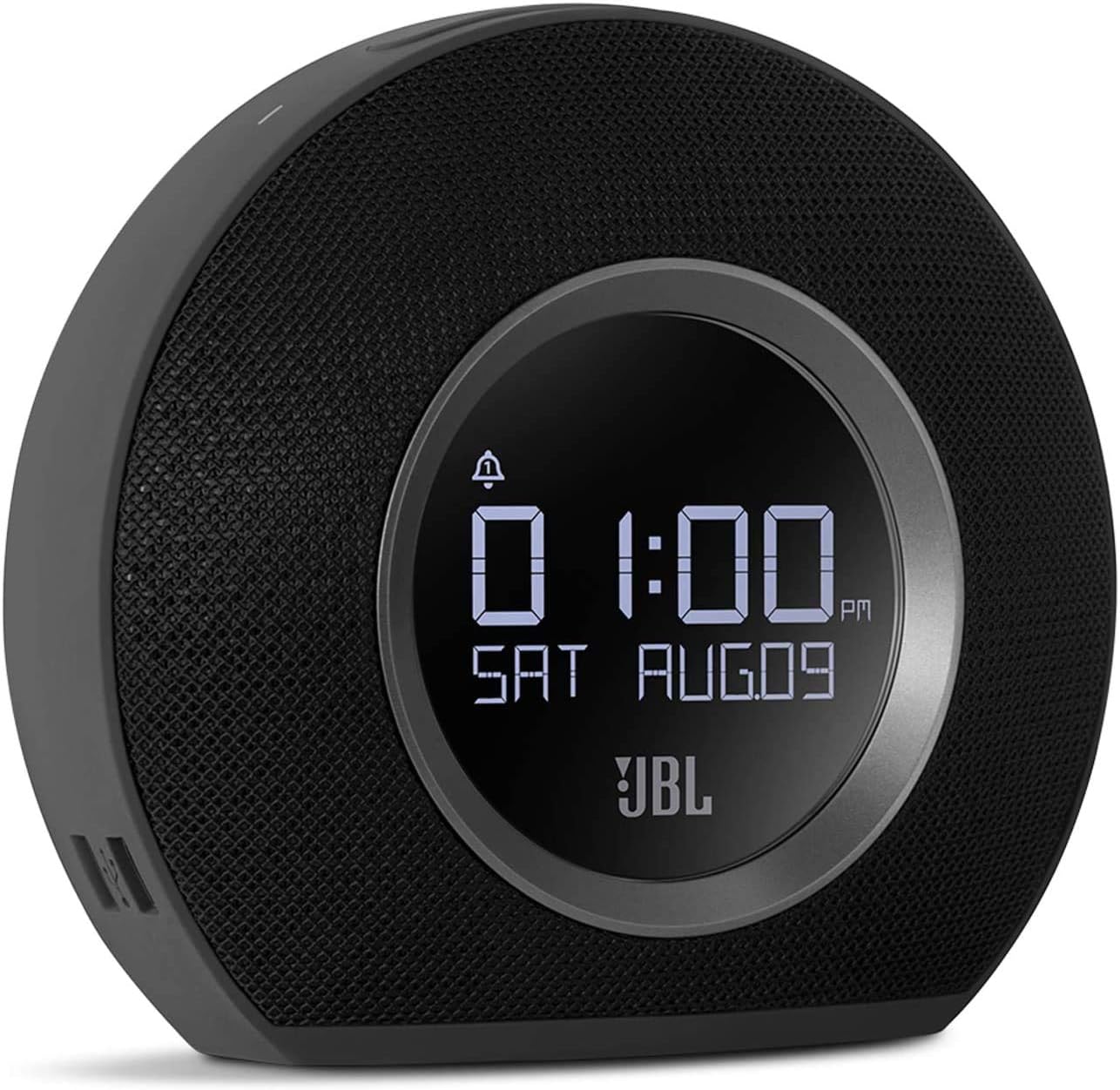
The JBL Horizon is a versatile alarm clock radio designed to enhance your morning routine. It combines a high-quality Bluetooth speaker with an FM radio, dual alarm system, ambient LED light, and convenient USB charging ports. This manual provides detailed instructions for setting up, operating, and maintaining your JBL Horizon.
Obsah balení
- 1 x JBL Horizon Device
- 1 x napájecí adaptér
- 1 x Uživatelská příručka
- 1 x Bezpečnostní list
- 1 x Průvodce rychlým startem
- 1 x Rádiová anténa
Nastavení
- Připojení napájení: Connect the power adapter to the JBL Horizon and then to a wall outlet. The device will power on automatically.
- Připojení antény: For optimal FM radio reception, connect the included radio antenna to the FM antenna port on the back of the unit. Extend the antenna fully.
- Počáteční nastavení času: Upon first power-up, the device may prompt you to set the time. Use the control buttons (typically volume up/down or dedicated time set buttons) to adjust the hour and minute. Confirm your selection. The device also features a DST (Daylight Saving Time) button on the bottom for easy adjustment.
Návod k obsluze
Nastavení budíků
The JBL Horizon features two independent alarms. To set an alarm:
- Stiskněte tlačítko Poplach 1 or Poplach 2 button on the top of the unit.
- Použijte tlačítka hlasitosti (+ / -) to adjust the alarm time. Press the alarm button again to switch between hour and minute settings.
- Select your desired alarm source: FM radio, Bluetooth audio, or one of the built-in digital alarm tones.
- Upravte hlasitost budíku.
- The ambient light can be set to gradually illuminate before the alarm sounds, providing a gentle wake-up experience.
- To temporarily silence an alarm (snooze), press the large SNOOZE / SVĚTLO button. To turn off an alarm, press the corresponding Alarm button.
FM rádio
Chcete-li poslouchat rádio FM:
- Stiskněte tlačítko FM tlačítko pro přepnutí do režimu FM rádia.
- Use the tuning buttons (often integrated with volume or separate arrow buttons) to scan for stations.
- To save a favorite station, press and hold one of the preset buttons (if available, typically 1-5).
Připojení Bluetooth
Streamování zvuku přes Bluetooth:
- Stiskněte tlačítko Bluetooth tlačítko pro vstup do režimu párování. Indikátor Bluetooth bude blikat.
- Na svém mobilním zařízení (chytrý telefon, tablet, notebook) povolte Bluetooth a vyhledejte dostupná zařízení.
- Select "JBL Horizon" from the list to pair. Once paired, the indicator will glow solid.
- You can now stream audio from your device to the JBL Horizon.
Okolní světlo
The JBL Horizon features an ambient LED light ring on its rear. This light can be used as a gentle wake-up aid or as a soft night light. Its brightness automatically adjusts to the room's lighting conditions for optimal visibility without being disruptive.

USB nabíjení
Two USB charging ports are located on the side of the JBL Horizon. Connect your mobile devices using their respective USB cables to charge them overnight or during use.
Jas displeje
The display brightness automatically adjusts based on the ambient light in the room, ensuring readability during the day and preventing excessive brightness at night.
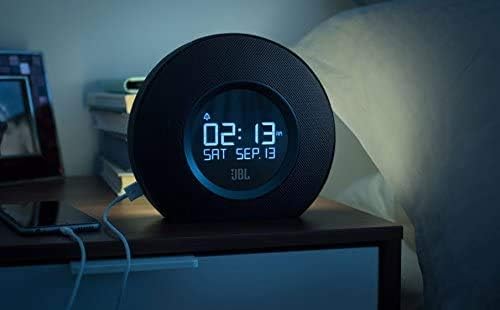

1 video: Toto video poskytuje vizuální ukázkuview and demonstration of the JBL Horizon alarm clock radio. It showcases key features such as the dual alarm system, ambient light function for gentle wake-up, FM radio capabilities, Bluetooth connectivity for audio streaming, and the convenient USB charging ports for mobile devices. The video highlights the product's design and user interaction.
Údržba
To ensure the longevity and optimal performance of your JBL Horizon:
- Zařízení čistěte měkkým, suchým hadříkem. Nepoužívejte abrazivní čisticí prostředky ani rozpouštědla.
- Chraňte zařízení před přímým slunečním zářením, nadměrným teplem a vlhkostí.
- Zajistěte řádné větrání kolem jednotky.
Odstraňování problémů
- Bez napájení: Ujistěte se, že je napájecí adaptér bezpečně připojen k zařízení i k funkční zásuvce.
- Špatný příjem FM: Extend the FM antenna fully and try repositioning it for better signal.
- Problémy s párováním Bluetooth: Ensure the JBL Horizon is in pairing mode (flashing Bluetooth indicator) and your mobile device's Bluetooth is enabled and searching. Try unpairing and re-pairing if issues persist.
- Alarm Not Sounding/Too Quiet: Verify that the alarm is enabled, the volume is set appropriately, and the correct alarm source is selected. Check the backup battery status if a power outage došlo.
- Časový posun: If the time consistently drifts, ensure the device is connected to a stable power source. The backup battery helps maintain time during power interruptions.
Specifikace
| Číslo modelu | K951170 |
| Značka | JBL |
| Barva | Černý |
| Materiál | Akrylonitrilbutadienstyren (ABS) |
| Rozměry produktu (D x Š x V) | 8.6 cm x 18.3 cm x 16 cm |
| Hmotnost položky | 890 gramů |
| Typ reproduktoru | Bluetooth Přenosný reproduktor |
| Velikost reproduktoru | 1 palců |
| Maximální výstupní výkon reproduktoru | 5 wattů |
| Režim zvukového výstupu | Mono |
| Frekvenční odezva (horní limit) | 20 kHz |
| Bezdrátová technologie | Bluetooth |
| Kompatibilní zařízení | Notebook, chytrý telefon, tablet |
| Zdroj napájení | AC Power (with battery backup for time/alarm) |
| Vstupní objemtage | 13 V (DC) |
| Vodotěsný | Žádný |
| Montáž Vyžadována | Žádný |
| Jsou vyžadovány baterie | Yes (1 A type for backup) |

Záruka a podpora
The JBL Horizon comes with a 1-year manufacturer's limited warranty. Spare parts are available for a period of 2 years from the date of purchase.
For technical support, warranty claims, or further assistance, please visit the official JBL support website or contact their customer service department. Refer to the quick start guide or safety sheet for specific contact information in your region.
Důležité bezpečnostní informace
Always follow basic safety precautions when using this product to reduce the risk of fire, electric shock, and injury. Do not expose the device to rain or moisture. Do not disassemble the product. Refer to the included safety sheet for comprehensive safety guidelines.


