1. Přesview
The Etekcity ZAP 5LX Wireless Remote Control Outlet system provides convenient remote operation for various household appliances. This system allows you to turn devices on and off from a distance, enhancing accessibility and energy management.
Mezi klíčové vlastnosti patří:
- Dálkové ovládání: Effortlessly power on/off hard-to-reach devices or lamps.
- 100 ft. Strong Signal: Operates effectively through doors and walls up to 100 feet without interference.
- Funkce učení: Customize control by pairing multiple remotes to one outlet or one remote to multiple outlets.
- Úspora energie: Helps eliminate standby power and reduce energy consumption.
- Bezpečnostní certifikace: FCC Certified and ETL Listed for quality assurance.

Image: The Etekcity Wireless Remote Control Outlets can be used to control various household appliances such as lights, lamps, televisions, and fans, as depicted in this illustrative diagram.
2. Obsah balení
- 5 x Etekcity Outlet Switches
- 2 x vysílače dálkového ovládání
- 2 x 12V Batteries (for remote)
- 1 x Uživatelská příručka
3. Specifikace
| Funkce | Detail |
|---|---|
| Vstup napájení | 120V/60Hz |
| Výkon | 1200W/10A (max) |
| Přenosová frekvence | 433.92 MHz |
| Remote Transmitter Battery | DC 12V (23A) 1pc |
| Nízká spotřeba energie | 0.6W |
| Provozní svtage | 120 voltů |
| Aktuální hodnocení | 10 Amps |
| Kontrolní metoda | Vzdálený |
| Protokol připojení | 433 MHz |
| Číslo modelu položky | ZAP 5LX |
4. Setup & Programming
The outlets are pre-programmed for immediate use. However, the configuration can be customized to meet your specific needs.
To Program a Remote Control Transmitter and Outlet Switch Receiver:
- Plug the outlet switch into a socket and turn it on.
- Press and hold the programming button on the right side of the outlet until the LED indicator begins to flash.
- Release the programming button and then press the desired On or Vypnuto tlačítko na dálkovém ovladači.
- The pairing is successful when the LED indicator stops flashing.
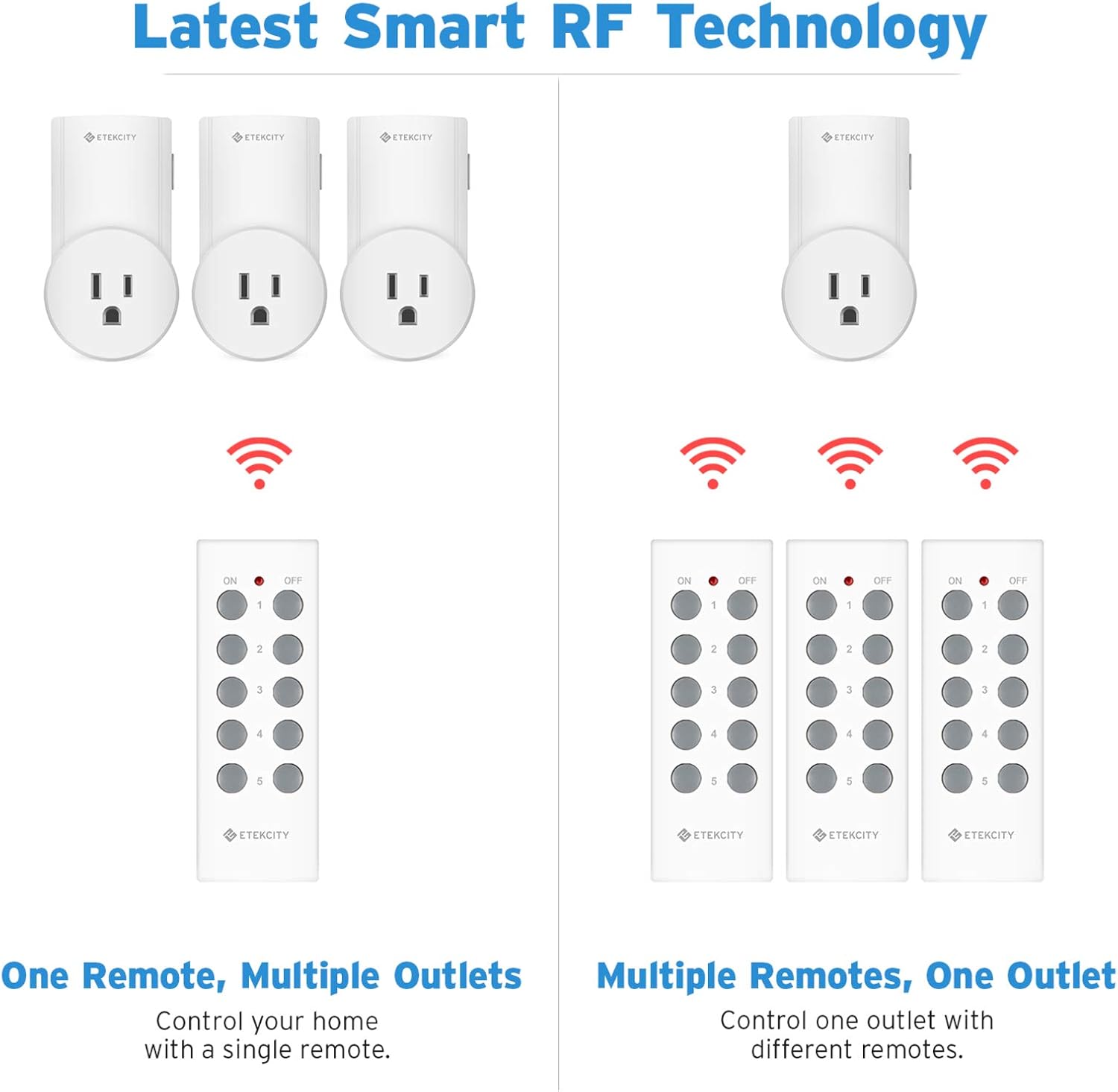
Image: A visual guide illustrating the four steps for programming the remote control with the outlet receiver.
Průvodce videem:
Video: Official Etekcity guide demonstrating how to program and use the wireless remote control electrical outlet switch.
5. Provoz
Once programmed, simply press the corresponding On or Vypnuto button on the remote control to operate the connected appliance. The remote's strong RF signal allows control through walls and doors, providing flexibility in placement.
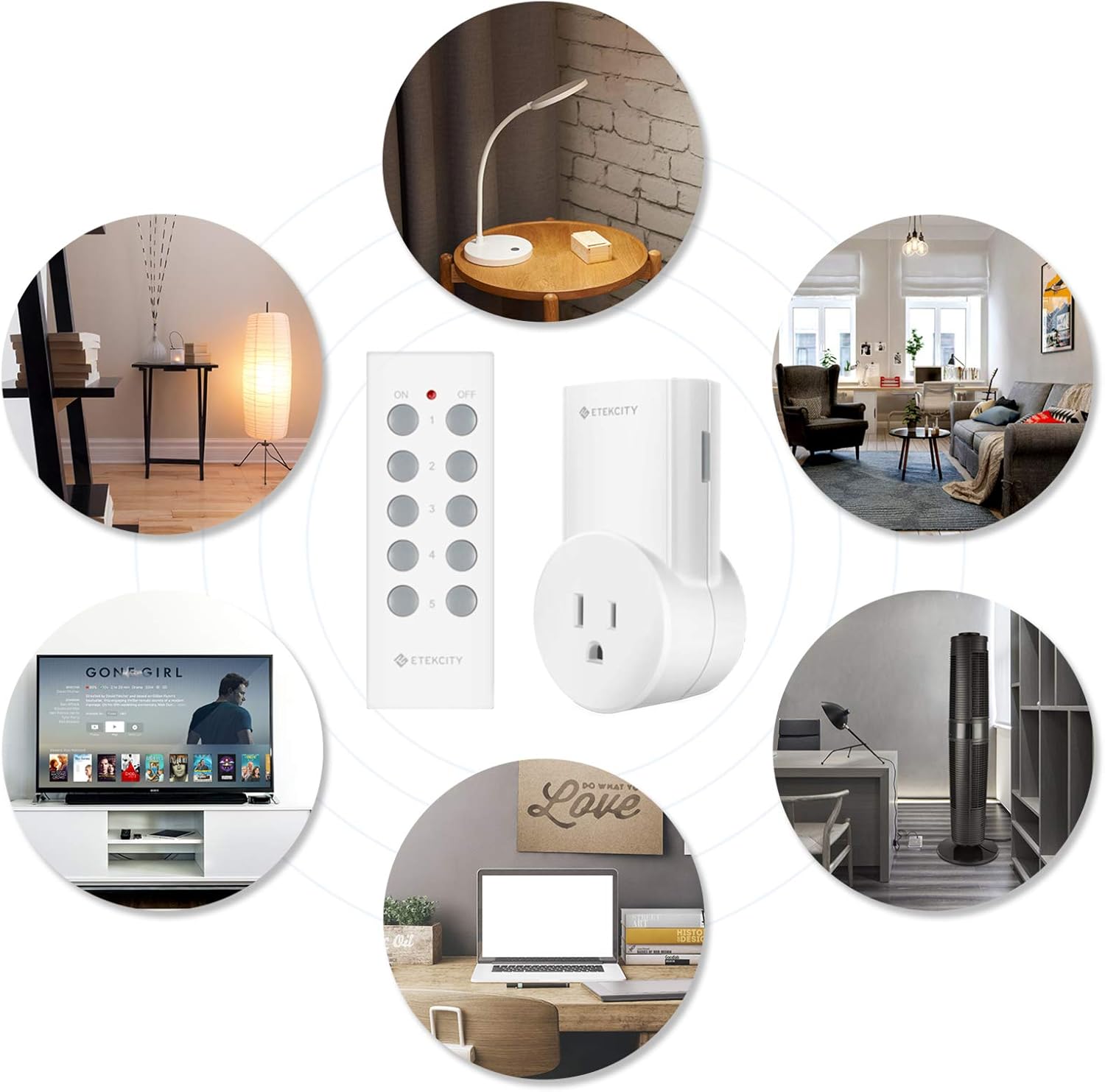
Image: A hand holding the Etekcity remote control, illustrating its 100-foot signal range capable of operating through walls and doors.
6. Bezpečnostní informace
To ensure safe operation and prevent potential hazards, adhere to the following guidelines:
- Do not exceed the maximum power output of 1200W/10A. Overloading the outlets can lead to overheating and fire hazards.
- Use only indoors. This product is not designed for outdoor use or exposure to moisture.
- Ensure proper insertion into a wall socket. Avoid loose connections.
- Uchovávejte mimo dosah dětí a domácích zvířat.
7. Řešení problémů
Zařízení nereaguje:
- Check if the outlet is properly plugged into the wall socket and the connected appliance is functioning.
- Verify the remote control battery (12V 23A). Replace if necessary.
- Ensure the remote is within the 100-foot operating range and there are no excessive obstructions.
- Re-program the remote and outlet following the steps in Section 4.
Problémy s rušením:
- The unique RF frequency is designed to minimize interference. If issues occur, try repositioning the outlet or remote.
- Ensure no other devices operating on similar frequencies are too close.
8. Záruka a podpora
The Etekcity ZAP 5LX comes with a 2-letá záruka and lifetime support. For any inquiries or assistance, please contact our California-based customer support team.

Image: Etekcity's dedicated customer support team is available to assist with any product-related questions or issues.