Důležité bezpečnostní informace
Please read and understand all instructions before using the laminator. Keep this manual for future reference.
- Nepoužívejte laminátor, pokud je poškozený napájecí kabel nebo zástrčka.
- Chraňte laminátor před vodou nebo jinými kapalinami.
- Do not insert metal objects into the laminator.
- Během provozu zajistěte dostatečné větrání v okolí stroje.
- Odpojte laminátor, když jej nepoužíváte nebo před čištěním.
- Tento spotřebič není určen pro použití osobami (včetně dětí) se sníženými fyzickými, smyslovými nebo duševními schopnostmi nebo nedostatečnými zkušenostmi a znalostmi, pokud na ně nedohlíží osoba odpovědná za jejich bezpečnost nebo jim nebyla poskytnuta instrukce ohledně používání spotřebiče.
Konec produktuview
The Amazon Basics 9-Inch Thermal Laminator is designed for home, office, or classroom use, providing high-quality lamination for various document sizes.
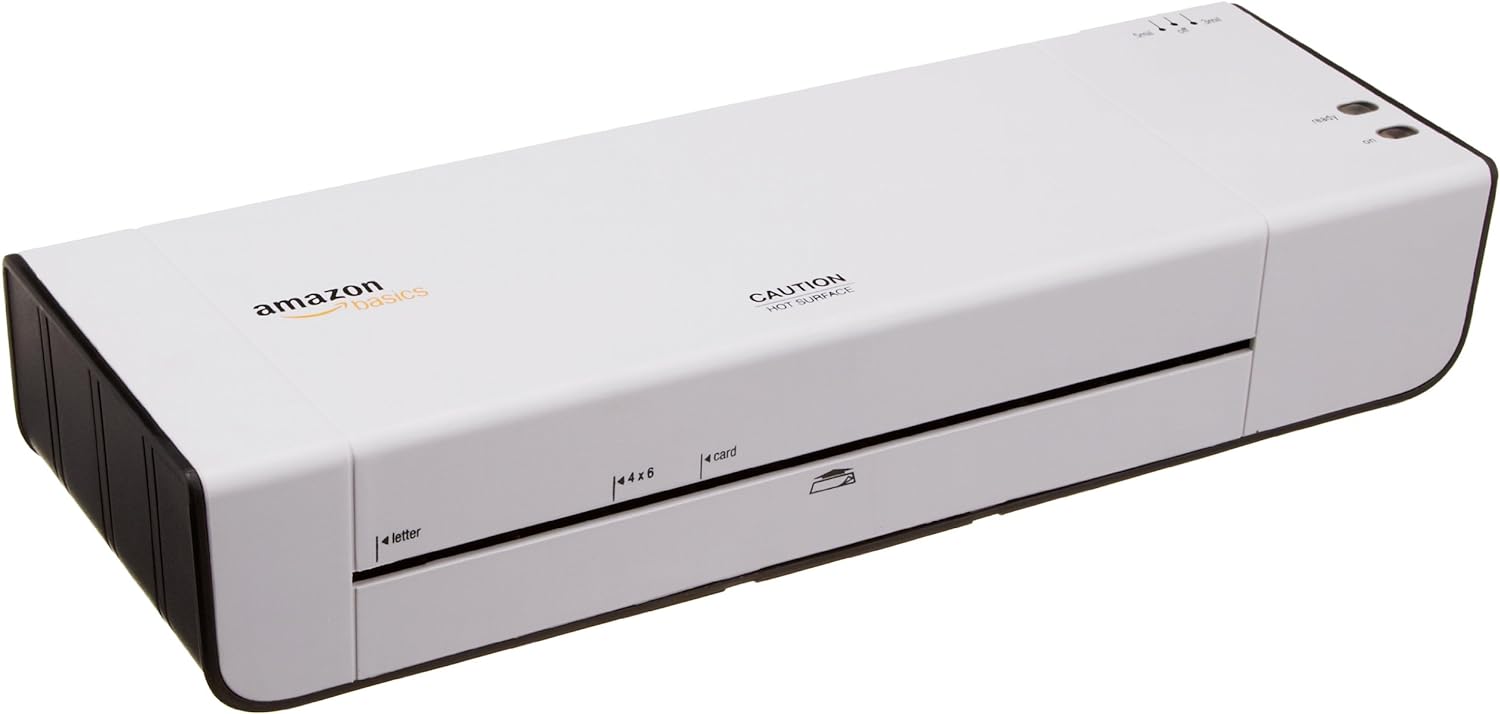
Obrázek 1: Přední strana view of the Amazon Basics 9-Inch Thermal Laminator Machine, showing the feed slot and branding.
Klíčové vlastnosti:
- Laminates documents up to 9 inches wide.
- Two heat settings: 3 mil and 5 mil.
- Quick 4-minute warm-up time.
- Jam release lever for easy clearing.
- Kompaktní provedení.
Nastavení
Rozbalení:
Carefully remove the laminator from its packaging. Retain the packaging for future storage or transport.
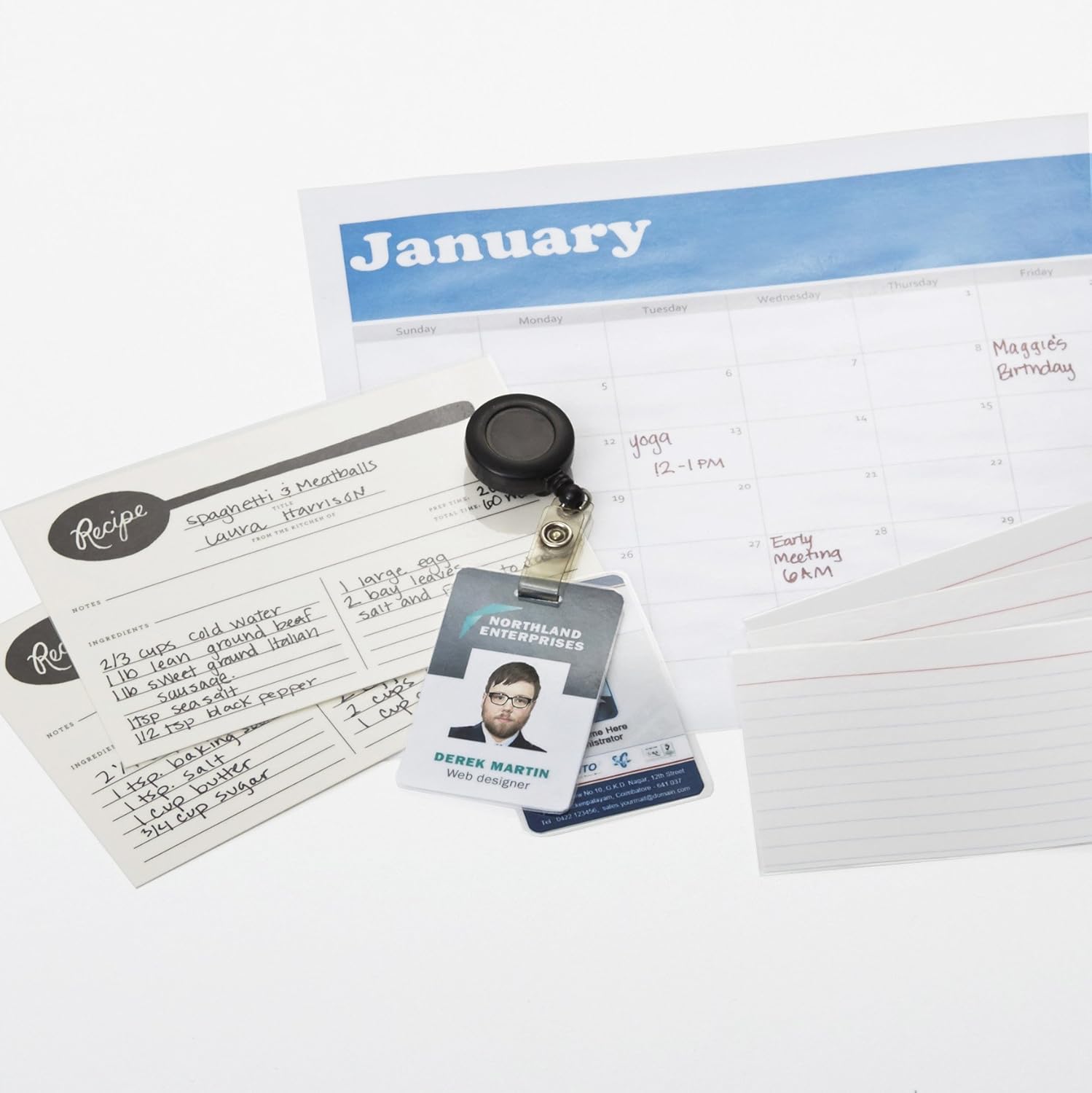
Figure 2: The laminator machine as it appears inside its frustration-free packaging.
Umístění:
Place the laminator on a flat, stable, and heat-resistant surface. Ensure there is adequate space around the machine for proper ventilation and for documents to exit the rear.
Připojení napájení:
Plug the power cord into a standard electrical outlet. The power switch is located on the side of the unit.

Obrázek 3: Detail view of the power switch, 3mil/5mil heat settings, and release lever on the side of the laminator.
Návod k obsluze
Laminating a Document:
Power On and Warm-up:
Turn the power switch to the "On" position. The "Ready" indicator light will illuminate once the machine has warmed up (approximately 4 minutes).
Vyberte nastavení tepla:
Choose the appropriate heat setting based on the laminating pouch thickness:
- 3 mil: For normal documents, photos, and card stock.
- 5 mil: For thinner papers.
Připravit dokument:
Place the document inside a laminating pouch, ensuring it is centered and there is an even border around the edges. Use the included 3 mil thick, 8.9 by 11.4 inch laminating pouches or any compatible 3 mil or 5 mil pouch.

Obrázek 4: Přample of laminating recipe cards, showing the document being fed into the laminator.
Vložte sáček:
Carefully insert the sealed edge of the laminating pouch into the laminator's feed slot. The machine will automatically pull the pouch through.

Figure 5: A calendar page being laminated, demonstrating the machine's ability to handle various document types.
Vyzvednutí zalaminovaného dokumentu:
Once the pouch exits the rear of the machine, allow it to cool on a flat surface before handling to ensure proper sealing.

Figure 6: A collection of laminated items, including recipe cards, ID badges, and a calendar, showcasing the versatility of the laminator.
Údržba
Čištění:
Ensure the laminator is unplugged and completely cool before cleaning. Wipe the exterior with a soft, damp tkanina. Nepoužívejte abrazivní čisticí prostředky nebo rozpouštědla.
Roller Cleaning (Optional):
Periodically, you may run a cleaning sheet (available separately) through the laminator to remove any adhesive residue from the rollers.
Skladování:
Store the laminator in a cool, dry place when not in use. Ensure the power cord is neatly wrapped and not kinked.
Odstraňování problémů
| Problém | Možná příčina | Řešení |
|---|---|---|
| Laminátor se nezapne. | Není zapojené; vypínač je vypnutý; v zásuvce není proud. | Check power cord connection; ensure power switch is "On"; test outlet with another device. |
| Sáček se zasekává v přístroji. | Pouch inserted incorrectly; pouch too thick; foreign object. | Stiskněte tlačítko uvolňovací páka to clear the jam. Ensure pouch is inserted sealed edge first and is within specified thickness (3 or 5 mil). |
| Laminace je zakalená nebo bublající. | Incorrect heat setting; machine not fully warmed up; low-quality pouch. | Ensure correct heat setting (3 mil for normal, 5 mil for thinner); wait for "Ready" light; use high-quality laminating pouches. |
| Lamination is not sealed properly. | Incorrect heat setting; machine not fully warmed up; document too thick for pouch. | Verify heat setting; wait for "Ready" light; ensure document fits pouch with adequate border. |
Specifikace
| Funkce | Detail |
|---|---|
| Číslo modelu | PL9-US |
| Šířka laminace | Až 9 palce |
| Nastavení tepla | 3 mil, 5 mil |
| Doba zahřívání | Přibližně 4 minut |
| Počet válečků | 2 |
| Hmotnost | 1.2 kg |
| Napájení | Standardní AC |
Záruka a podpora
For warranty information and customer support, please visit the official Amazon Basics webwebu nebo se přímo obraťte na zákaznický servis Amazonu.
Online podpora: Základní obchod Amazonu
Note: Reading the full user manual is recommended prior to the first use of this product.


