1. Introduction to Mastering the Arduino Uno R4
This manual serves as a guide to the book "Mastering the Arduino Uno R4" by Dogan Ibrahim, which explores the capabilities and programming of the Arduino Uno R4 board. The Arduino Uno R4, an evolution from the Uno R3, features a 48-MHz, 32-bit Cortex-M4 processor, significantly increased SRAM and flash memory, a higher-precision Analog-to-Digital Converter (ADC), a new Digital-to-Analog Converter (DAC), and CAN Bus support. This book provides detailed instructions and projects for both the Minima and WiFi variants of the Uno R4, enabling users to understand and implement various applications.
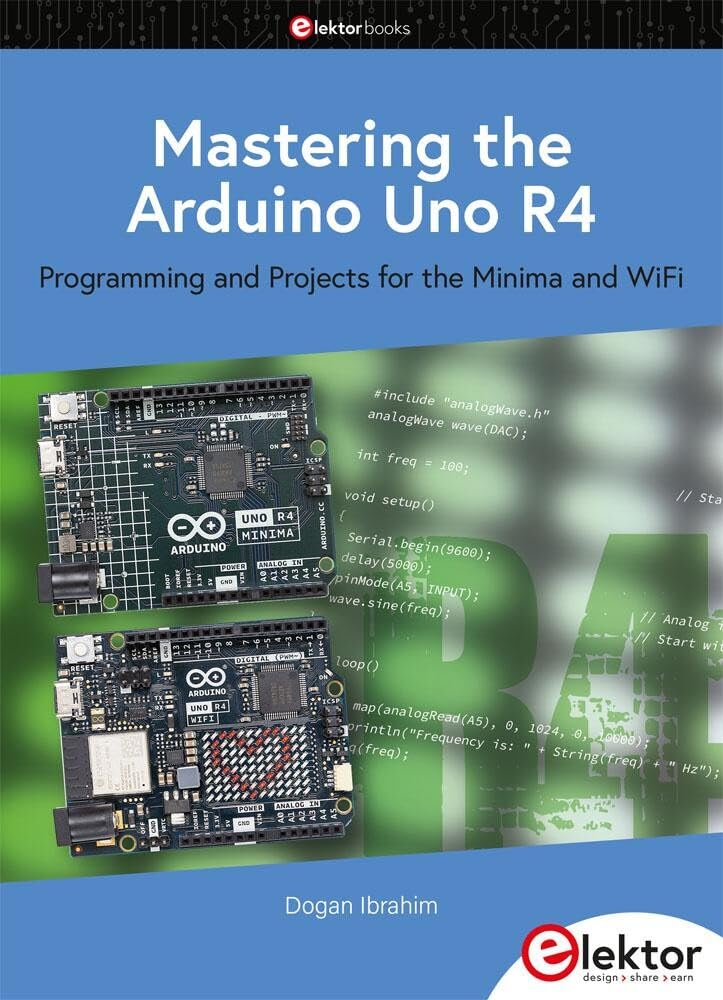
Image 1.1: The cover of 'Mastering the Arduino Uno R4' book, featuring the Minima and WiFi boards.
2. Setting Up Your Arduino Uno R4 Environment
Before beginning with projects, it is essential to set up the development environment for your Arduino Uno R4 board. This typically involves installing the Arduino IDE and necessary drivers.
- Instalace vývojového prostředí Arduino: Stáhněte a nainstalujte nejnovější verzi integrovaného vývojového prostředí (IDE) pro Arduino z oficiálního webu Arduino. webmísto.
- Board Manager: Open the Arduino IDE, navigate to 'Tools' > 'Board' > 'Boards Manager...', and search for 'Arduino Uno R4'. Install the relevant board package for the Uno R4 Minima and/or Uno R4 WiFi.
- Připojení desky: Connect your Arduino Uno R4 board to your computer using a USB-C cable. Ensure the cable supports data transfer.
- Vyberte port: In the Arduino IDE, go to 'Tools' > 'Port' and select the serial port corresponding to your connected Arduino Uno R4.
- Vyberte desku: In the Arduino IDE, go to 'Tools' > 'Board' > 'Arduino Uno R4 Boards' and select either 'Arduino Uno R4 Minima' or 'Arduino Uno R4 WiFi' as appropriate.
3. Operating and Programming the Arduino Uno R4
The book guides you through programming the Arduino Uno R4 using the Arduino IDE. This section outlines general operational principles.
- Sketch Development: Write your program (sketch) in the Arduino IDE using C/C++ syntax. The book provides numerous examplesů a projektů.
- Compilation: Verify your sketch by clicking the 'Verify' button (checkmark icon) in the IDE. This compiles your code and checks for syntax errors.
- Nahrávání: After successful compilation, upload the sketch to your Arduino Uno R4 board by clicking the 'Upload' button (right arrow icon). The IDE will transfer the compiled code to the board's flash memory.
- Serial Monitor: Utilize the Serial Monitor (magnifying glass icon) in the IDE to send and receive data from your Arduino board, useful for debugging and interaction.
- Digital and Analog I/O: Understand how to use the digital pins for input/output and the analog pins for reading sensor data or generating analog outputs (DAC).
- Integrace sběrnice CAN: For the Uno R4 WiFi, explore projects utilizing the integrated CAN Bus for communication with other devices.
4. Péče a údržba
Proper care ensures the longevity of your Arduino Uno R4 board and components.
- Zacházejte opatrně: Avoid touching the electronic components directly to prevent electrostatic discharge.
- Napájení: Use a stable and appropriate power supply (5V via USB-C or 6-24V via VIN pin) as specified by Arduino.
- Skladování: Store the board in an anti-static bag or a protective enclosure when not in use to prevent dust accumulation and accidental damage.
- Čištění: If necessary, gently clean the board with a soft, dry brush or compressed air. Avoid liquids.
5. Odstraňování běžných problémů
Encountering problems is part of the learning process. Here are some common issues and potential solutions.
- Deska nebyla detekována:
- Ensure USB-C cable is data-capable and securely connected.
- Check if the correct drivers are installed (usually handled by Arduino IDE installation).
- Verify the correct port is selected in the Arduino IDE. - Chyby při nahrávání:
- Confirm the correct board type (Minima or WiFi) is selected in the IDE.
- Ensure no other program is using the serial port.
- Try pressing the reset button on the board before uploading. - Code Not Working as Expected:
-Review your code for logical errors or typos.
- Use the Serial Monitor to print variable values and debug program flow.
- Check wiring connections for correctness and continuity. - Problémy s napájením:
- Ensure the power supply meets the board's requirements.
- Avoid short circuits on the board.
6. Specifikace
6.1. Specifikace knihy
| Vydavatel | elektor |
| Datum vydání | 1. ledna 2023 |
| Jazyk | angličtina |
| Délka tisku | 326 stran |
| ISBN-10 | 3895765783 |
| ISBN-13 | 978-3895765780 |
| Hmotnost položky | 1.34 libry |
| Rozměry | 6.81 x 0.83 x 9.29 palce |
6.2. Arduino Uno R4 Board Overview
The Arduino Uno R4 features significant upgrades over its predecessor. Key specifications include:
- Procesor: 48-MHz, 32-bit Cortex-M4
- Paměť: Enhanced SRAM and Flash memory
- Analogové možnosti: Higher-precision Analog-to-Digital Converter (ADC) and a new Digital-to-Analog Converter (DAC)
- Sdělení: Supports CAN Bus with an interface
7. Informace o záruce a podpoře
This document is an instruction manual for the book "Mastering the Arduino Uno R4" published by Elektor. For specific warranty or support related to the physical book, please refer to the publisher, Elektor. For technical support or warranty information regarding the Arduino Uno R4 hardware itself, please consult the official Arduino website or your hardware vendor.


