Introduction to Your iPhone 6s Plus
This manual provides essential instructions and guidance for users of the iPhone 6s Plus. Whether you are new to the device or seeking to enhance your understanding, this guide covers fundamental operations, advanced features, and troubleshooting tips to help you maximize your iPhone experience.
Learn how to effectively utilize features such as iCloud, master the camera for professional-quality photos, resolve common issues, and optimize device performance. This guide is designed to be clear and easy to follow for all users.
Počáteční nastavení
Follow these steps to set up your new iPhone 6s Plus for the first time.
1. Powering On and Basic Configuration
- Zapnutí: Press and hold the power button (located on the right side of the device) until the Apple logo appears.
- Jazyk a region: Vyberte preferovaný jazyk a region.
- Síť Wi-Fi: Connect to a Wi-Fi network to activate your device and download necessary updates.
- Apple ID: Sign in with your existing Apple ID or create a new one. Your Apple ID is crucial for accessing services like the App Store, iCloud, and iMessage.
- Touch ID a přístupový kód: Set up Touch ID for fingerprint recognition and create a strong passcode for device security.
- Restore or Set Up as New: Choose to restore data from an iCloud or iTunes backup, or set up your iPhone as a new device.
Základní operace
Understand the fundamental ways to interact with your iPhone 6s Plus.
Navigace a gesta
- Klepněte na: Vyberte položku nebo aktivujte tlačítko.
- Výpad: Move through screens, lists, or content.
- Štípání: Přiblížení nebo oddálení fotografií a web stránky.
- 3D Touch: Press firmly on the screen to access shortcuts or preview content (e.g., Peek and Pop).
- Tlačítko Domů: Press once to return to the Home screen, double-press for the App Switcher, press and hold for Siri.
Ovládací centrum a Centrum oznámení
- Ovládací centrum: Přejetím prstem od spodního okraje obrazovky nahoru získáte přístup k rychlým nastavením, jako je Wi-Fi, Bluetooth, jas a ovládání médií.
- Centrum oznámení: Přejeďte prstem dolů od horního okraje obrazovky pro view recent notifications and widgets.
Použití fotoaparátu
The iPhone 6s Plus camera offers advanced features for capturing photos and videos. Open the Camera app from the Home screen or Control Center. Tap to focus, pinch to zoom, and use the volume buttons to take a picture. Explore various modes like Photo, Video, Slo-mo, Time-lapse, and Panorama.
Údržba a péče
Proper care ensures the longevity and optimal performance of your iPhone 6s Plus.
Optimalizace baterie
- Režim nízké spotřeby: Enable this feature in Settings > Battery to temporarily reduce power consumption.
- Obnovit aplikace na pozadí: Limit apps refreshing content in the background via Settings > General > Background App Refresh.
- Jas: Reduce screen brightness or enable Auto-Brightness.
- Wi-Fi a Bluetooth: Vypněte, když se nepoužívá.
Aktualizace softwaru
Regularly update your iPhone's operating system (iOS) to ensure you have the latest features, security patches, and performance improvements. Go to Settings > General > Software Update.
Čištění zařízení
Use a soft, lint-free cloth to clean your iPhone. Avoid abrasive materials, aerosols, solvents, or ammonia-based cleaners. Do not submerge your device in any cleaning agents.
Odstraňování běžných problémů
Here are solutions for some common problems you might encounter.
Device Unresponsive or Frozen
Perform a force restart: Press and hold both the Home button and the Sleep/Wake button simultaneously for at least ten seconds, until you see the Apple logo.
Problémy s připojením k síti
- Wi-Fi: Try turning Wi-Fi off and on again in Control Center or Settings. Forget the network and reconnect.
- Mobilní data: Ensure cellular data is enabled in Settings > Cellular. Check with your carrier for service outages.
- Obnovit nastavení sítě: Go to Settings > General > Transfer or Reset iPhone > Reset > Reset Network Settings. This will clear all network settings, including Wi-Fi passwords.
Rychlé vybíjení baterie
Review the battery optimization tips in the Maintenance section. Check Battery Usage in Settings > Battery to identify apps consuming the most power. Consider reducing location services or push email frequency.
Manual Details
The following details pertain to this instruction manual document itself, as published.
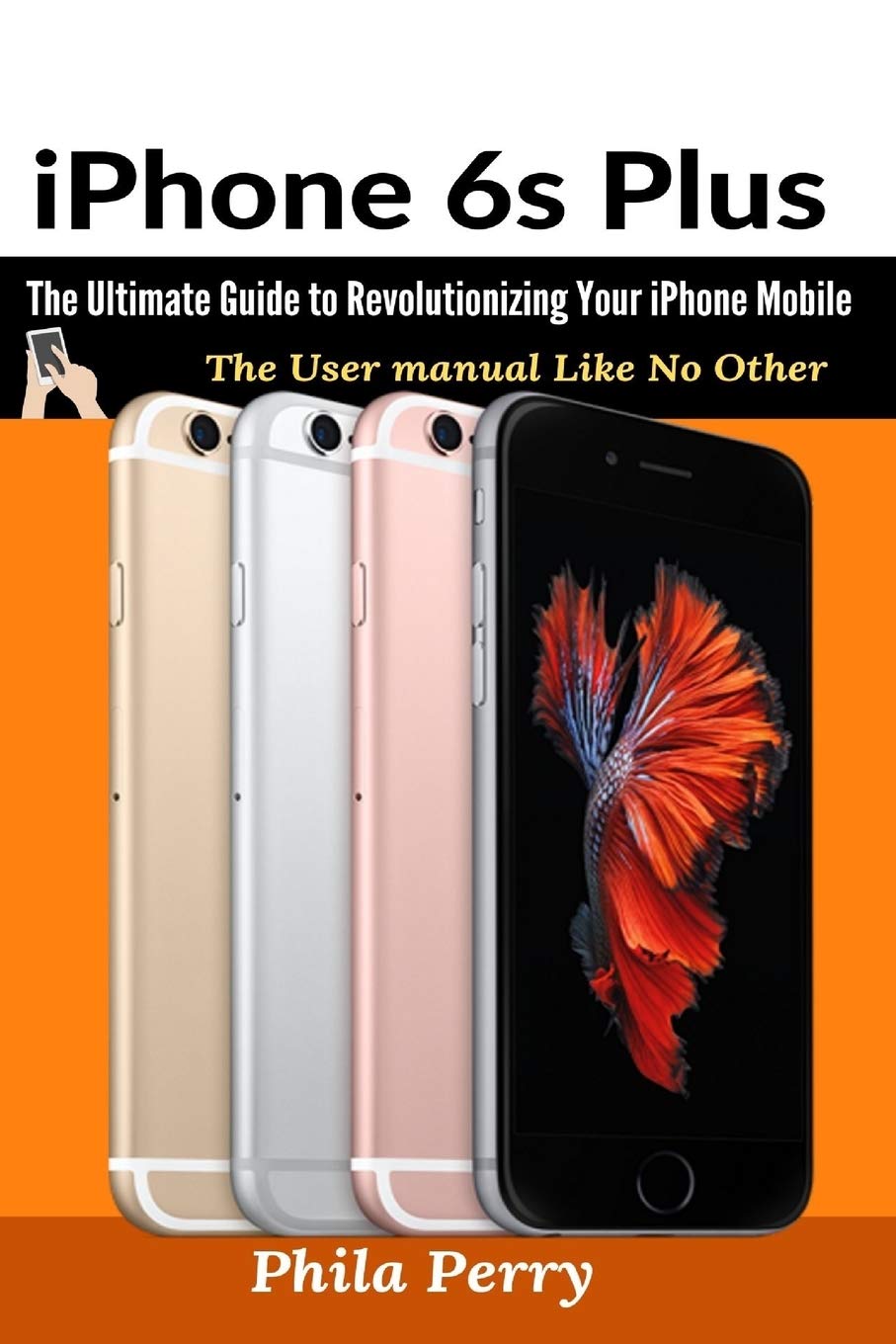
Front cover of the instruction manual, featuring iPhone 6s Plus devices.

Back cover of the instruction manual, including ISBN information.
| Vydavatel | Hyuth Press |
| Datum vydání | 2. března 2021 |
| Jazyk | angličtina |
| Délka tisku | 258 stran |
| ISBN-10 | 1637502370 |
| ISBN-13 | 978-1637502372 |
| Hmotnost položky | 12.3 unce |
| Rozměry | 6 x 0.54 x 9 palce |
For official specifications of the iPhone 6s Plus device, please refer to Apple's official documentation or webmísto.
Informace o záruce a podpoře
This manual provides instructional content for the iPhone 6s Plus. Specific warranty terms, conditions, and official support channels for the iPhone 6s Plus are provided by Apple Inc. and are not detailed within this document.
For warranty claims, technical support, or service inquiries related to your iPhone 6s Plus, please visit the official Apple Support webwebu nebo se přímo obraťte na zákaznický servis společnosti Apple.


