
1. Nastavení a instalace
1.1 Co je v krabici
Carefully unpack your new TCL 55T6D television and ensure all components are present. The package should contain the following items:
- 1N LED televizor
- Stojan 1N
- Dálkové ovládání 1N
- 2N AAA baterie

Image: Contents of the TCL 55T6D TV box, showing the television, remote control, and two AAA batteries.
1.2 Instalace stojanu / Montáž na stěnu
Your TCL 55T6D television supports both table-top stand installation and wall mounting. The table-top stand is included in the box. A fixed or adjustable wall mount is not included and must be purchased separately.

Image: Diagram illustrating the dimensions and weight of the TCL 55T6D television, both with and without its stand, for installation planning.
1.3 Připojení zařízení
The TCL 55T6D TV offers various connectivity options for external devices:
- HDMI porty: 3 ports for connecting devices like Blu-ray players, gaming consoles, or set-top boxes.
- USB port: 1 port for connecting USB storage devices.
- Anténní vstup: Pro připojení pozemní antény.
- Satelitní vstup: Pro připojení satelitní antény.
- AV IN adaptér: For older devices using composite video/audio.
- Ethernet: Pro kabelové síťové připojení.
- Wi-Fi: Built-in Wi-Fi 5 for wireless network connection.
- Bluetooth: Version 5.0 for wireless audio devices and remote control.

Obrázek: Podrobný view of the TCL 55T6D television's connectivity ports, including HDMI, USB, Antenna/Cable In, and Satellite Input.
2. Návod k obsluze
2.1 Počáteční zapnutí a nastavení Google TV
After connecting the power cable, press the power button on the remote control or the TV. Follow the on-screen instructions to complete the initial setup, including network connection, Google account login, and channel scanning. The TV runs on the Google TV operating system.

Image: The Google TV interface displayed on the TCL 55T6D, showing various streaming applications and content recommendations.
2.2 Funkce dálkového ovládání
The included remote control allows for easy navigation and control of your TV. It features dedicated buttons for popular streaming services and integrates Google Assistant for voice commands.

Image: The TCL remote control, highlighting the Google Assistant button for voice commands and quick access buttons for streaming services like Netflix and Prime Video.
2.3 Funkce chytré televize
The TCL 55T6D is equipped with advanced smart features:
- Procesor: 64-bit Quad Core Processor for smooth performance.
- Paměť: 2GB RAM and 16GB ROM for apps and system operations.
- Streamovací služby: Access to Prime Video, Netflix, Hotstar, Zee5, YouTube, and many more.
- Asistent Google: Používejte hlasové příkazy pro vyhledávání, ovládání a integraci s chytrou domácností.
- Zrcadlení obrazovky: Cast content from compatible devices.
- Spolupracuje s Alexou: Integrate with Amazon Alexa-enabled devices.
- Mistr hry: Optimized settings for an enhanced gaming experience.

Image: The 'Game Master' feature on the TCL 55T6D, designed to optimize the television for a responsive and immersive gaming experience.
2.4 Technologie zobrazení a zvuku
Experience superior picture and sound quality with the following technologies:
- 4K UHD QLED panel: Delivers vibrant colors and sharp details.
- HDR 10+: Zvyšuje kontrast a přesnost barev pro dynamičtější obraz.
- Procesor AiPQ: Inteligentně optimalizuje obraz a zvuk v reálném čase.
- Dolby Atmos: Provides immersive, three-dimensional audio.
- MEMC 60 Hz: Odhad pohybu, kompenzace pohybu pro plynulejší scény s rychlým pohybem.
- Kovový bezrámečkový design: Offers a sleek, modern aesthetic with an expansive viewoblast.
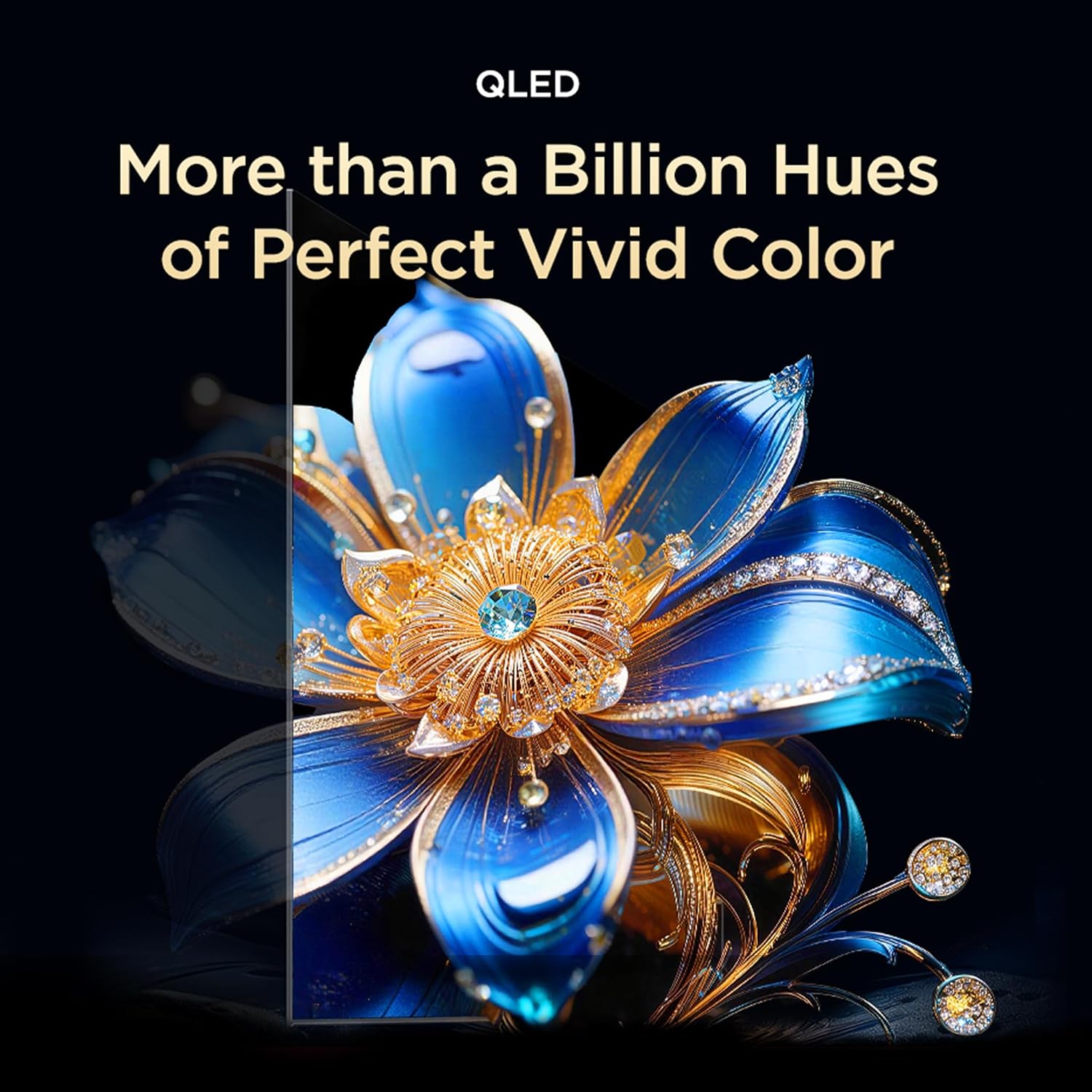
Image: Visual representation of QLED technology, emphasizing its ability to produce over a billion hues for vivid color reproduction.

Image: A graphic depicting the AiPQ Processor, highlighting its role in intelligent picture and sound processing.

Image: A visual demonstrating the immersive audio experience provided by Dolby Atmos, with sound waves emanating from the screen.
3. Údržba
3.1 Čištění televizoru
Obrazovku jemně otřete měkkým, suchým hadříkem, který nepouští vlákna. V případě odolných skvrn ji lehce otřeteampOtřete hadřík vodou nebo specializovaným čističem obrazovek. Nepoužívejte agresivní chemikálie ani abrazivní materiály. Na tělo televizoru použijte měkký, suchý hadřík.
3.2 Funkce péče o zrak
The TCL 55T6D includes Multiple Eye Care features designed to reduce eye strain during prolonged viewing. These features include low blue light emission and natural light protection technology.
4. Řešení problémů
Pokud narazíte na problémy s televizorem, před kontaktováním podpory se podívejte na následující běžná řešení:
- Bez napájení: Ensure the power cable is securely plugged into both the TV and a working power outlet. Try a different outlet.
- Žádný obraz/zvuk: Check all cable connections (HDMI, antenna, etc.). Ensure the correct input source is selected on the TV. Restart the TV by unplugging it for a few minutes and plugging it back in.
- Dálkové ovládání nefunguje: Vyměňte baterie AAA v dálkovém ovladači. Ujistěte se, že mezi dálkovým ovladačem a infračerveným senzorem televizoru nejsou žádné překážky.
- Problémy s připojením k síti: For Wi-Fi, ensure your router is working and within range. For Ethernet, check the cable connection. Try restarting your router and the TV.
- Problémy s kvalitou obrazu: Check the source content resolution. Adjust picture settings (brightness, contrast, color) in the TV menu.
V případě přetrvávajících problémů se prosím podívejte do sekce Záruka a podpora, kde najdete kontaktní informace.
5. Specifikace
| Funkce | Detail |
|---|---|
| Název modelu | 55T6D |
| Velikost obrazovky | 55 palce (139 cm) |
| Technologie displeje | QLED |
| Rezoluce | 4K UHD (3840 x 2160) |
| Obnovovací frekvence | 60 Hz |
| Operační systém | Google TV |
| Procesor | 64bitový čtyřjádrový procesor |
| BERAN | 2 GB |
| ROM | 16 GB |
| Konektivita | 3 HDMI Ports, 1 USB Port, Ethernet, Wi-Fi 5, Bluetooth 5.0 |
| Zvukový výstup | 28 wattů, Dolby Atmos |
| Rozměry produktu (D x Š x V) | 25.5D x 122.6W x 75H Centimeters (with stand) |
| Hmotnost | 9.2 Kilograms (with stand) |
| Energetické hodnocení | 3 hvězdiček |
| Roční spotřeba energie | 160 kWh / rok |
| Zahrnuté komponenty | 1N LED TV, 1N Stand, 1N Remote Control, 2N Batteries |

Image: Energy rating label for the TCL 55T6D television, indicating a 3-star rating and an annual energy consumption of 160 kWh.
6. Záruka a podpora
6.1 Informace o záruce
The TCL 55T6D television comes with a 2-letá záruka provided by the manufacturer from the date of purchase. The remote control has a Záruka 6 měsíců.
To avail warranty services, please retain your purchase invoice. Warranty claims can be processed using the Amazon e-invoice.
6.2 Zákaznická podpora
For assistance, service requests, or any queries regarding your TCL TV, please contact the brand's customer support:
- Bezplatná čísla: 180-0102-0622 / 180-0419-0622
- E-mail: indiasupport@tcl.com
When contacting support, please provide the product's model name (55T6D) and the seller's details as mentioned on your invoice. The service center will schedule a convenient slot for service.
6.3 Informace výrobce
Výrobce: TTE ELECTRONICS INDIA PRIVATE LIMITED, Vikruthamala Village, Papanaidupeta Post, Yerpedu Mandal, Tirupati, Vikruthamala Village, Chittoor, Andhra Pradesh, INDIA-517527
Země původu: Indie