
1. Úvod
Welcome to the Huidun HiBook 6 15.6-inch FHD Laptop. This manual provides essential information for setting up, operating, maintaining, and troubleshooting your new device. Please read it thoroughly to ensure optimal performance and longevity of your laptop.
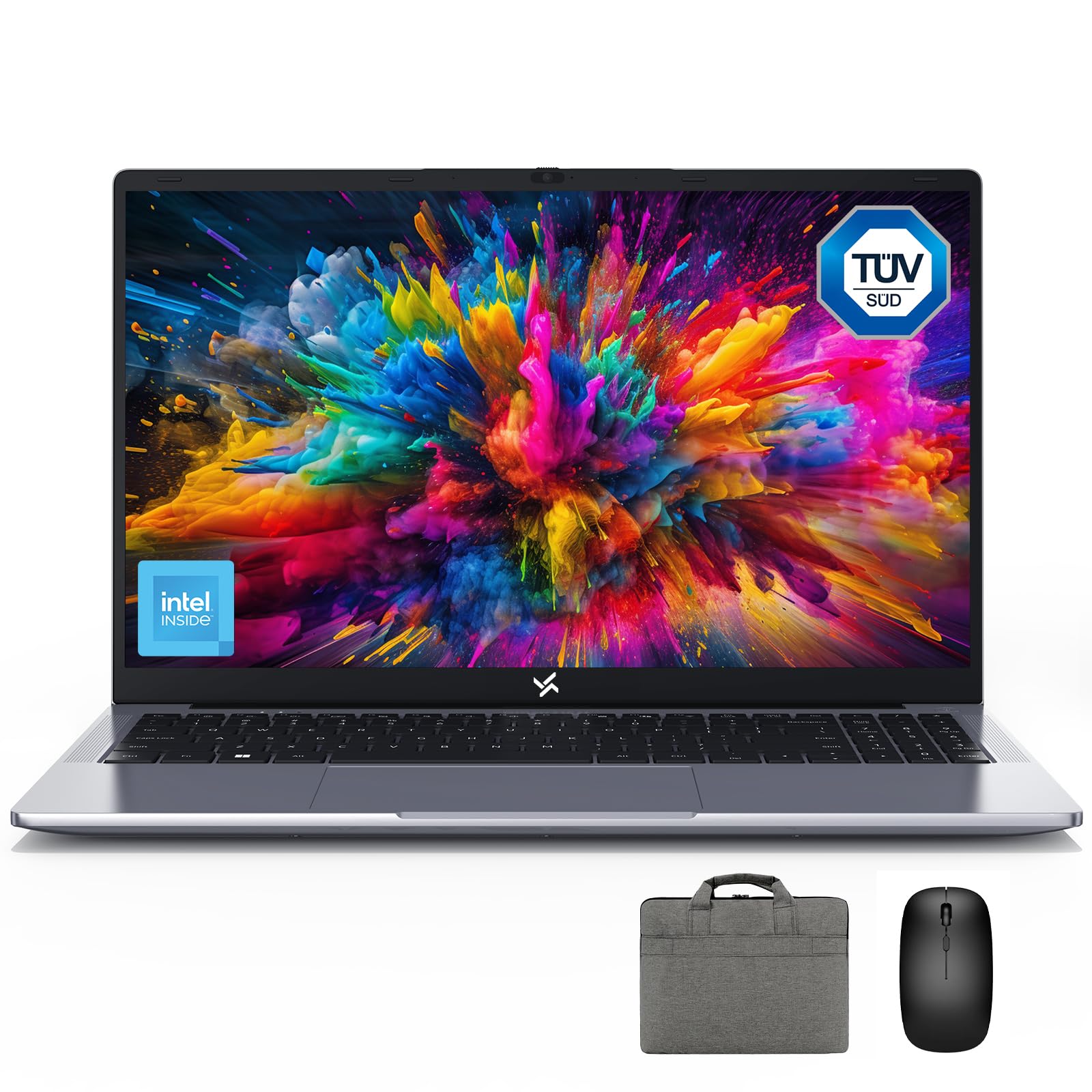
Figure 1: Huidun HiBook 6 Laptop Overview
The Huidun HiBook 6 is a versatile laptop designed for productivity and entertainment. It features a 15.6-inch Full HD display, an Intel N150 Quad-Core Processor, 16GB of RAM, and a 256GB NVMe SSD. It comes pre-installed with Windows 11 Home and includes a carrying bag, wireless mouse, and mouse pad for a complete user experience.
2. Nastavení
2.1 Vybalení a úvodní kontrola
Opatrně vyjměte všechny součásti z obalu. Ujistěte se, že jsou přítomny následující položky:
- Huidun HiBook 6 Laptop
- Power Adapter (45W USB-C)
- Bezdrátová myš
- Podložka pod myš
- Laptop Carrying Bag
- Uživatelská příručka (tento dokument)
Inspect the laptop for any physical damage. If any components are missing or damaged, contact customer support immediately.

Figure 2: Laptop and Included Accessories
2.2 Zapnutí a počáteční konfigurace
- Connect the power adapter to the laptop's Type-C port and plug it into a power outlet.
- Otevřete víko notebooku. Notebook se může zapnout automaticky, nebo může být nutné stisknout tlačítko napájení umístěné v pravém horním rohu klávesnice.
- Follow the on-screen instructions to complete the Windows 11 Home setup. This includes selecting your language, region, connecting to a Wi-Fi network, and creating a user account.
- Connect the wireless mouse by inserting the USB receiver into an available USB-A port on the laptop.
Video 1: Huidun HiBook 6 Laptop Setup and Initial Use. This video demonstrates the unboxing and initial setup process for the Huidun HiBook 6 laptop, including connecting peripherals and powering on the device.
3. Návod k obsluze
3.1 Klávesnice a touchpad
The HiBook 6 features a full-size keyboard with an independent numeric keypad for enhanced productivity. The touchpad supports multi-touch gestures for navigation and control.

Figure 3: Independent Numeric Keypad for Efficient Data Entry
3.2 Zobrazení a vizuální prvky
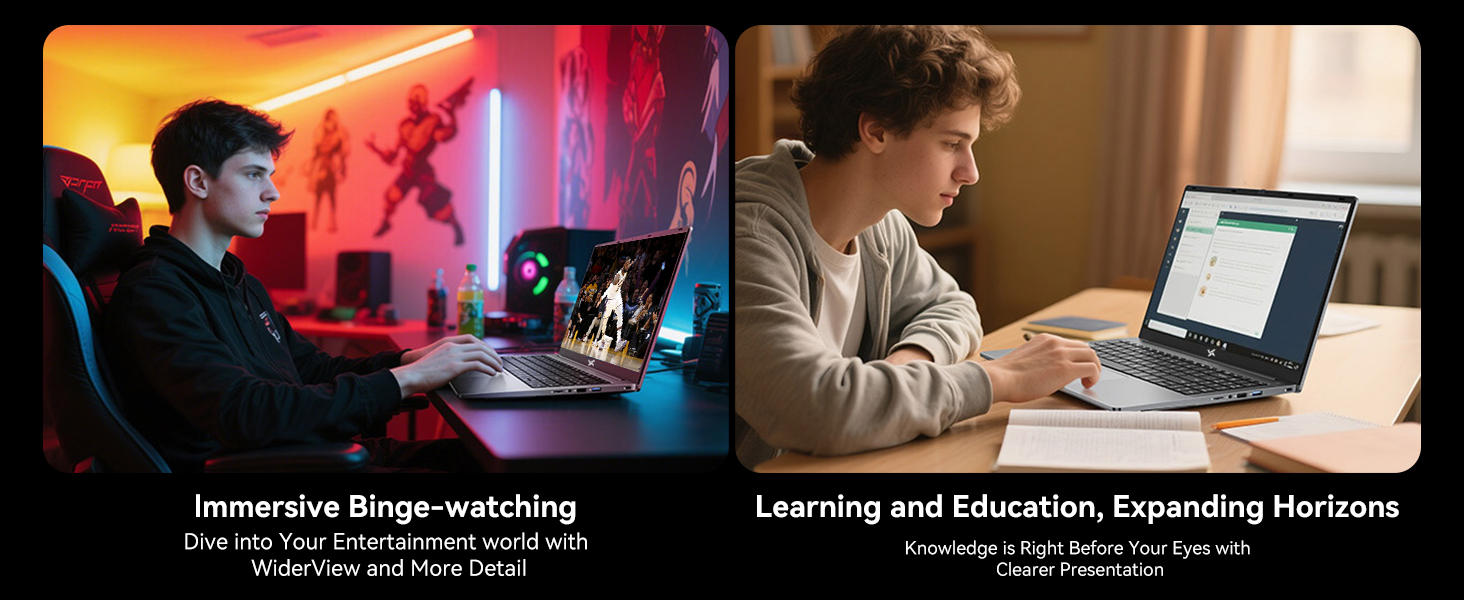
The 15.6-inch Full HD IPS display (1920x1080 resolution) offers clear visuals. It includes TÜV Rheinland-certified eye-care technology and an anti-glare coating to reduce eye strain during prolonged use.

Figure 4: 15.6-inch Full HD IPS Display with Eye Protection
3.3 Připojení a porty
The HiBook 6 offers a range of ports for connecting peripherals and external displays:
- Plně vybavený port typu C: Supports 5Gbps data transfer, 4K video output (DP 1.4), and PD fast charging.
- HDMI 2.0: Supports up to 4K resolution at 60Hz for external monitors.
- USB-A 3.2 Gen 1: Pro vysokorychlostní přenos dat.
- USB 2.0: Pro standardní periferie.
- Slot na kartu TF: For memory card expansion.
- 3.5mm audio jack: Pro sluchátka nebo externí reproduktory.
Obrázek 5: Přesview of 7 Versatile Ports
3.4 Baterie a nabíjení
The laptop is equipped with a 45Wh battery, providing up to 6 hours of continuous runtime. Use the included 45W USB-C fast charger to power the battery up to 60% in approximately 45 minutes.
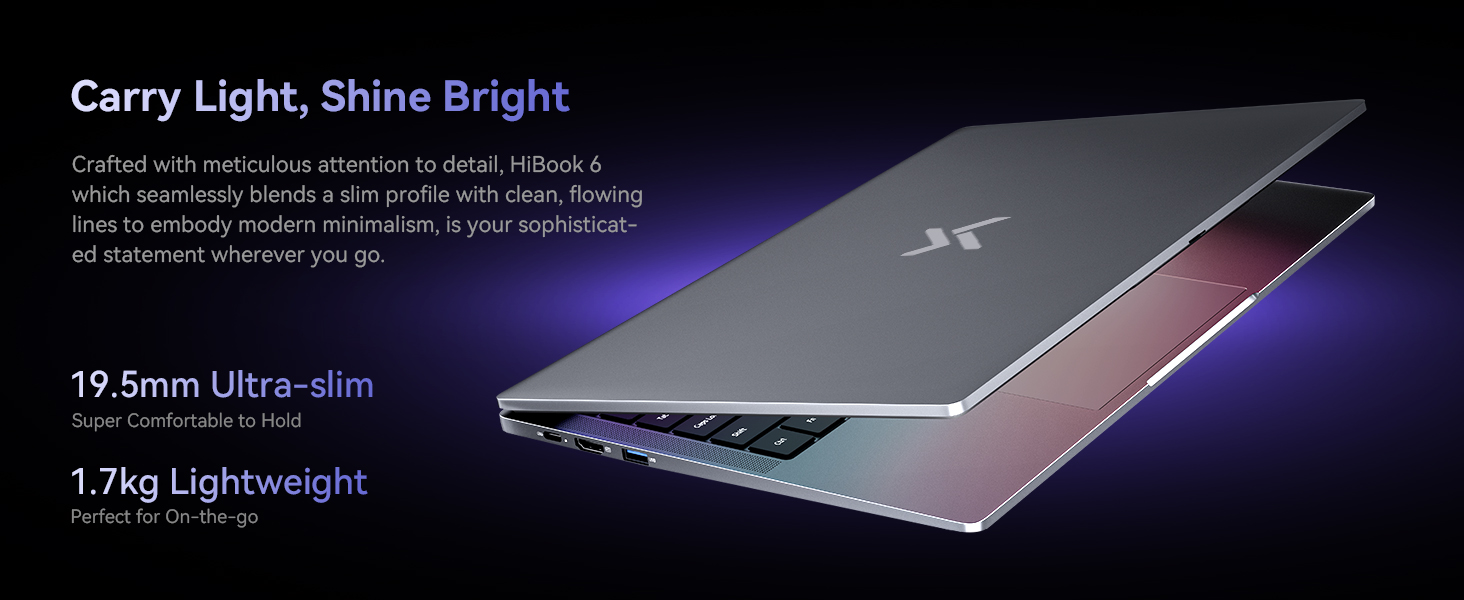
Obrázek 6: Vnitřní View of the 45Wh Battery
4. Údržba
4.1 Čištění notebooku
- K čištění obrazovky a vnějšího povrchu použijte měkký hadřík, který nepouští vlákna.
- Na odolné šmouhy lehce otřeteamphadřík vodou nebo čisticím prostředkem na obrazovky.
- Nestříkejte tekutiny přímo na notebook.
- K odstranění prachu z kláves a větracích otvorů klávesnice použijte stlačený vzduch.
4.2 Optimalizace výkonu
- Regularly update your Windows operating system and drivers.
- Keep the cooling vents clear to prevent overheating. The laptop features a 16,800mm² cooling area with a shark fin fan for efficient heat dissipation.
- Periodically run disk cleanup and defragmentation tools (for HDDs, not necessary for SSDs).
- Manage startup programs to reduce boot time and system load.
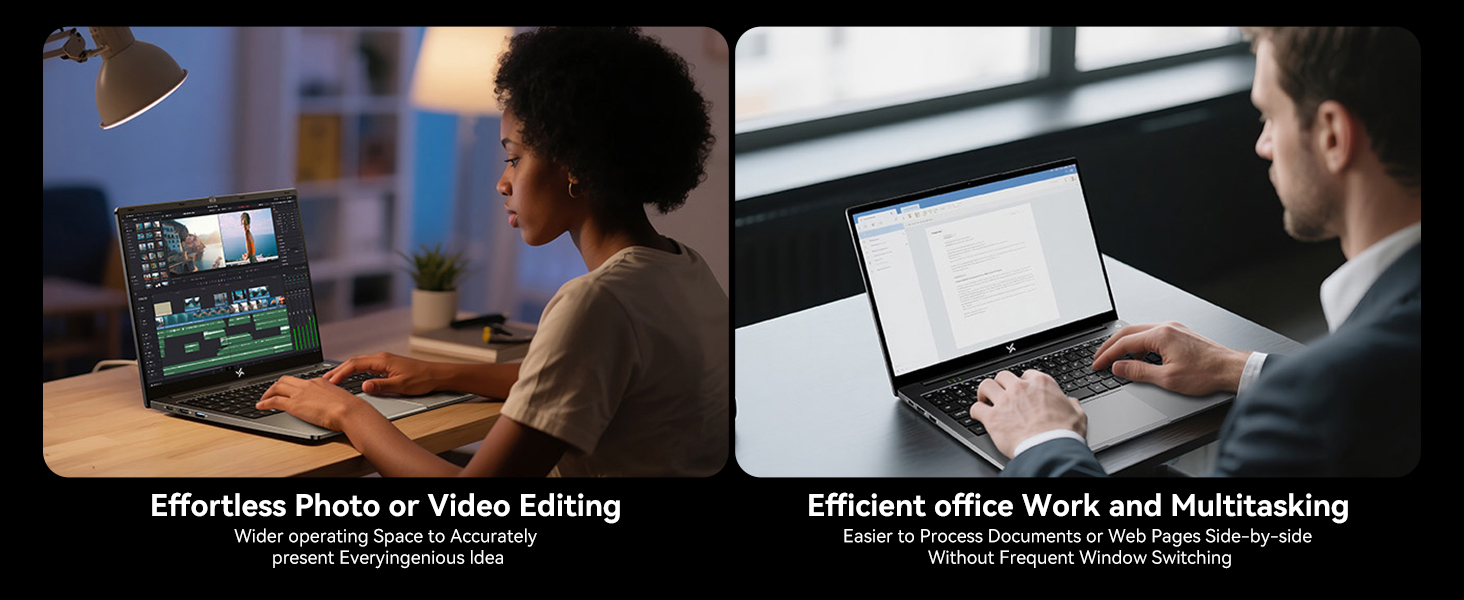
Figure 7: Expansive Cooling Area for Optimal Performance
5. Řešení problémů
5.1 Běžné problémy a řešení
| Problém | Možné řešení |
|---|---|
| Notebook se nezapne | Ensure the power adapter is securely connected and the outlet is working. Try a different power outlet. If the battery is completely drained, it may take a few minutes to show signs of life after plugging in. |
| Obrazovka je prázdná nebo černá | Check if the laptop is powered on. Adjust screen brightness. Connect to an external monitor via HDMI to check if the issue is with the laptop's display. |
| Pomalý výkon | Close unnecessary applications. Check for background processes. Ensure sufficient free space on the SSD. Run a virus scan. Refer to the 'Optimizing Performance' section. |
| Problémy s připojením Wi-Fi | Restart your router and modem. Restart the laptop. Check Wi-Fi settings and ensure the correct network is selected. Update Wi-Fi drivers. |
| Baterie se nenabíjí | Verify the power adapter and cable are not damaged. Ensure the Type-C port is clean. Try a different Type-C port if available. |
If you encounter issues not listed here or if the suggested solutions do not resolve the problem, please contact Huidun technical support.
6. Specifikace
Below are the detailed technical specifications for the Huidun HiBook 6 laptop:
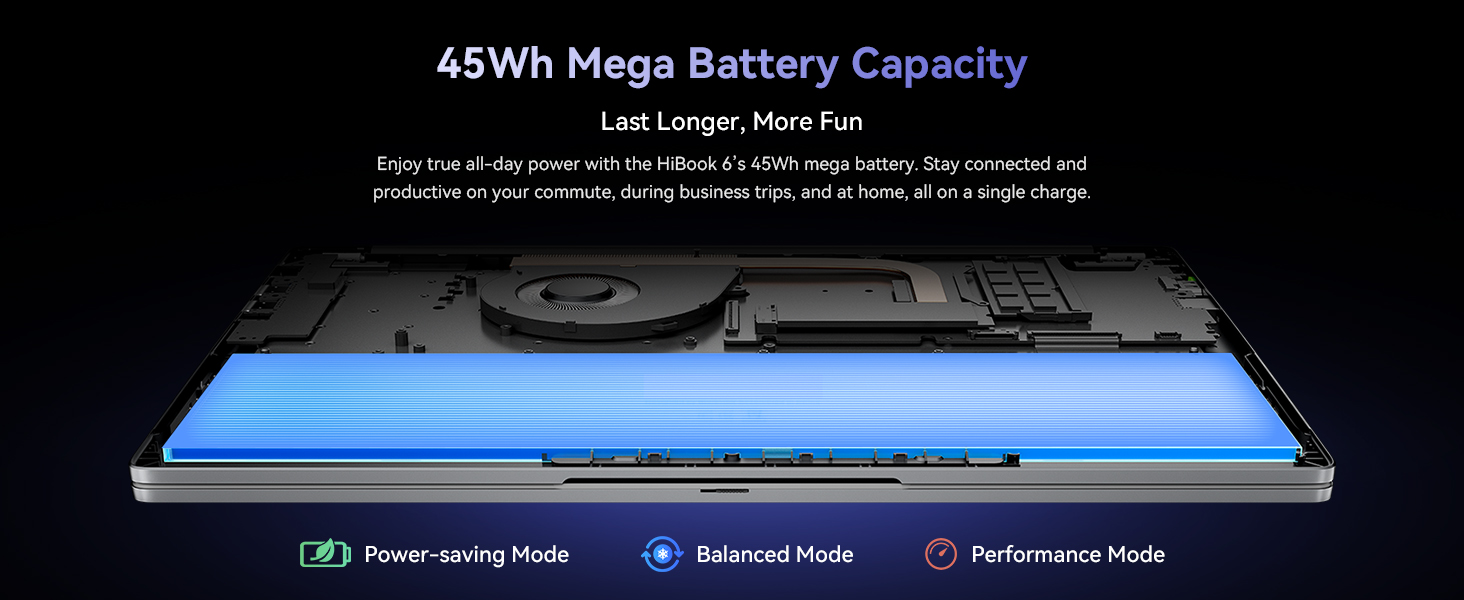
Figure 8: Key Internal Components and Features
| Funkce | Detail |
|---|---|
| Značka | Huidun |
| Název modelu | Huidun Hibook6 |
| Velikost obrazovky | 15.6 palce |
| Rozlišení displeje | 1920x1080 pixelů (Full HD) |
| Model CPU | Intel N150 Quad-Core (up to 3.6GHz) |
| Paměť RAM | 16 GB DDR4 (Expandable up to 32GB) |
| Velikost pevného disku | 256 GB NVMe SSD (Expandable up to 2TB) |
| Operační systém | Windows 11 Home |
| Grafický koprocesor | Grafika Intel UHD |
| Kapacita baterie | 45 Wh (5000 mAh) |
| Konektivita | Dual-band 5G WiFi, Bluetooth 5.0 |
| Porty | Full-featured Type-C, HDMI 2.0, USB-A 3.2 Gen 1 (x2), USB 2.0, TF Card Slot, 3.5mm Audio Jack |
| Dimensions (L x W x Thickness) | 10"D x 9"Š x 0.6"V |
| Hmotnost | 3.75 lb (1.7 kg) |
7. Záruka a podpora
7.1 Záruka na produkt
The Huidun HiBook 6 laptop comes with an industry-leading 3-letá záruka from the date of purchase. This warranty covers manufacturing defects and hardware malfunctions under normal use. Please retain your proof of purchase for warranty claims.
7.2 Technická podpora
Huidun provides doživotní technickou podporu for your HiBook 6 laptop. If you encounter any issues or have questions, please contact our support team through the following methods:
- Refer to the contact information provided in the warranty card included with your product.
- Visit the official Huidun webstránky s informacemi o podpoře a kontaktními údaji.
- Scan the QR code on your laptop (if available) for direct access to support.
Our dedicated support team is available to assist you with any technical inquiries or troubleshooting needs.