
Zavedení
Thank you for choosing the GXTrust 1873 Revyn 60% Mechanical Gaming Keyboard. This ultra-compact, triple-mode keyboard is designed for optimal gaming performance and versatility. This manual provides detailed instructions for setup, operation, maintenance, and troubleshooting to ensure you get the most out of your device.

The GXTrust 1873 Revyn 60% Mechanical Gaming Keyboard, showcasinjeho kompaktní design a zářivé RGB podsvícení.
Obsah balení
Zaškrtněte prosím políčko u následujících položek:
- GXTrust 1873 Revyn 60% Mechanical Gaming Keyboard
- USB-A Receiver (2.4 GHz wireless dongle)
- Kabel USB-C na USB-A (pro kabelové připojení a nabíjení)
- Uživatelská příručka (tento dokument)

The retail packaging for the GXTrust 1873 Revyn keyboard, indicating its contents.
Nastavení
Počáteční nabíjení
Before first use, it is recommended to fully charge the keyboard. Connect the supplied USB-C cable to the keyboard's USB-C port and the other end to a powered USB-A port on your computer or a wall adapter. The keyboard can be used while charging.
Připojení klávesnice
The GXTrust 1873 Revyn offers three connection modes: 2.4 GHz wireless, Bluetooth, and wired USB-C.
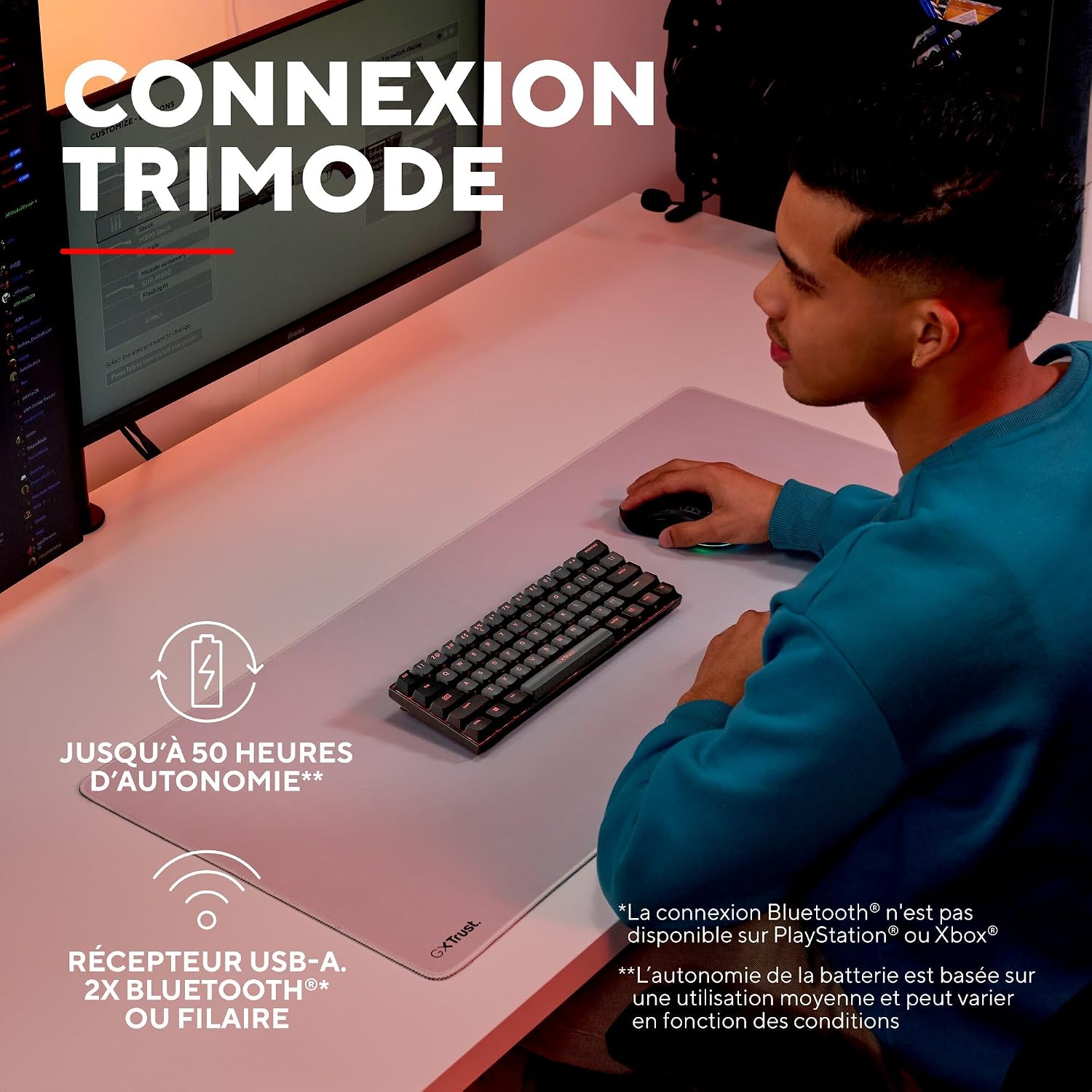
A user demonstrating the wireless functionality of the GXTrust 1873 Revyn keyboard on a desk setup.
1. Bezdrátové připojení 2.4 GHz
- Locate the USB-A receiver stored in the compartment on the back of the keyboard.
- Plug the USB-A receiver into an available USB-A port on your computer.
- Turn on the keyboard using the power switch located on the back. The keyboard should automatically connect to the receiver.
2. Připojení Bluetooth
The keyboard supports two Bluetooth profiles (BT1 and BT2).
- Zapněte klávesnici pomocí vypínače.
- Stiskněte a podržte Fn + Z (pro BT1) nebo Fn + X (for BT2) keys for 3-5 seconds until the corresponding key (Z or X) flashes rapidly, indicating pairing mode.
- On your device (PC, laptop), go to Bluetooth settings and search for new devices.
- Select "GXTrust Revyn" from the list of available devices to pair. The key will stop flashing once connected.
3. Kabelové připojení
- Connect the supplied USB-C cable to the keyboard's USB-C port.
- Připojte konec kabelu USB-A k volnému portu USB-A v počítači.
- Klávesnice se automaticky přepne do kabelového režimu a začne se nabíjet.

The GXTrust 1873 Revyn keyboard connected via its coiled USB-C cable, highlighting the wired connection option.
Návod k obsluze
Key Layout and Fn Key Usage
The 60% compact layout means some functions are accessed via the Fn key in combination with other keys. Refer to the keycaps for secondary functions, typically indicated by a smaller icon or text.

Detailní záběr view of the GXTrust 1873 Revyn keyboard keys, illustrating the triple function markings on some keycaps.
- Šipky: Obvykle Fn + W/A/S/D or dedicated keys if available.
- Funkční klávesy (F1–F12): Accessed via Fn + 1-0, -, =.
- Ovládání multimédií: Often combined with Fn and other keys (e.g., volume, play/pause).
Ovládání osvětlení RGB
The keyboard features full RGB backlighting with 16.8 million color combinations. You can cycle through various lighting effects and adjust brightness directly on the keyboard or through the dedicated software.

The GXTrust 1873 Revyn keyboard illuminated with its full RGB backlighting, displaying a spectrum of colors.
- Změnit režim osvětlení: Stiskněte Fn + \| (backslash/pipe key).
- Upravit jas: Stiskněte Fn + Šipka nahoru (zvýšení) / Šipka dolů (pokles).
- Upravit rychlost: Stiskněte Fn + Šipka doleva (slower) / Šipka doprava (rychlejší).
Přizpůsobení softwaru
For advanced customization, including key remapping, macro creation, and detailed RGB lighting effects, download the dedicated GXTrust software from the official website. The software is compatible with Windows 11 and above.

A screenshot of the GXTrust software interface, showing options for key programming and RGB lighting customization.
Údržba
Čištění
Pro zachování výkonu a vzhledu klávesnice:
- Před čištěním odpojte klávesnici od počítače.
- Lehce používejte měkký hadřík, který nepouští vlákna dampKlávesy a šasi otřete vodou nebo jemným čisticím roztokem.
- Pro odstranění prachu a nečistot mezi klávesami použijte stlačený vzduch.
- Vyhněte se používání agresivních chemikálií, abraziv nebo rozpouštědel.
Péče o baterie
The integrated rechargeable battery provides up to 50 hours of use. To prolong battery life:
- Vyhněte se častému úplnému vybíjení baterie.
- Pokud klávesnici delší dobu nepoužíváte, skladujte ji na chladném a suchém místě.
- Pokud skladujete zařízení delší dobu, nabijte baterii před uskladněním přibližně na 50 %.
Odstraňování problémů
| Problém | Možná příčina | Řešení |
|---|---|---|
| Keyboard not responding (wireless) | Low battery, receiver not connected, incorrect mode, out of range. | Charge the keyboard. Ensure the USB-A receiver is securely plugged in. Switch to 2.4 GHz or Bluetooth mode. Move closer to the receiver/device. |
| Problémy s připojením Bluetooth | Not in pairing mode, device not discoverable, interference. | Ensure keyboard is in Bluetooth pairing mode (Fn+Z/X). Make sure your device's Bluetooth is on and discoverable. Try re-pairing. |
| RGB podsvícení nefunguje | Lighting turned off, low battery, software conflict. | Press Fn+\| to cycle modes. Charge the keyboard. Check software settings. |
| Klíče se neregistrují | Software issue, physical damage, debris under keycap. | Restart your computer. Try connecting to another device. Clean the key area with compressed air. |
Specifikace
| Funkce | Detail |
|---|---|
| Název modelu | GXT 1873 Revyn |
| Technologie připojení | Bluetooth, RF (2.4 GHz), USB-A, USB-C (Wired) |
| Popis klávesnice | 60% Ultra-compact Mechanical |
| Doporučená použití | Gaming, Multimedia, Personal, Daily Use |
| Speciální funkce | Integrated rechargeable battery (up to 50 hours), Triple connection, Programmable keys/lighting, Full RGB backlighting (16.8 million colors) |
| Barva | Šedá/Černá |
| Rozměry (D x Š x V) | 29L x 10W x 3.1H cm |
| Materiál | Plast |
| Rozložení klávesnice | AZERTY (francouzsky) |
| Počet tlačítek | 61 |
| Minimum OS Requirement | Windows 11 |
| Hmotnost | 533 gramů |

The GXTrust 1873 Revyn keyboard is compatible with PC, PlayStation, and Xbox. Bluetooth connectivity is not available for PlayStation or Xbox.
Záruka a podpora
Informace o záruce
The GXTrust 1873 Revyn keyboard comes with a 2-letá záruka od data nákupu. Tato záruka se vztahuje na výrobní vady a poruchy při běžném používání. Nevztahuje se na škody způsobené nesprávným použitím, nehodami, neoprávněnými úpravami nebo běžným opotřebením.
Zákaznická podpora
For technical assistance, warranty claims, or further inquiries, please visit the official GXTrust website or contact their customer support team. Please have your product model number (GXT 1873 Revyn) and proof of purchase ready when contacting support.