
Zavedení
This manual provides essential information for the safe and efficient operation of your Metz 32MQH7000Z Smart Google QLED+ LED TV. Please read it thoroughly before using the television and retain it for future reference.
The Metz MQH7000 TV features Gen6 QLED+ technology, delivering excellent image quality and vibrant colors. The enhanced stability of QLED+ technology also extends the TV's lifespan, ensuring reliable use.
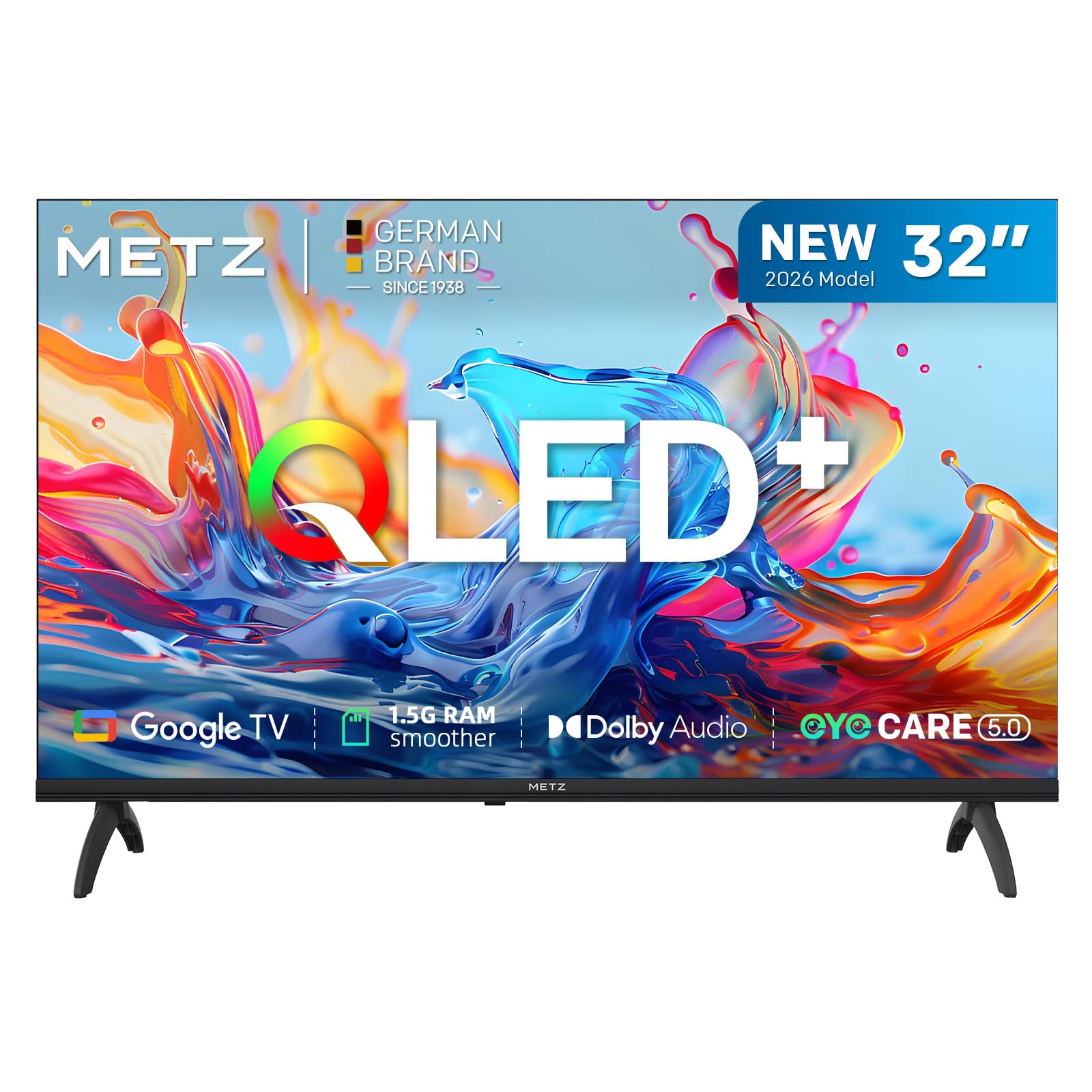
Obrázek: Přední strana view of the Metz 32MQH7000Z 32-inch Smart Google QLED+ LED TV.
Co je v krabici
Ověřte, zda jsou v balení přítomny všechny součásti:
- Dálkové ovládání
- Napájecí kabel
- Uživatelská příručka
- TV Bases (2)
- Šrouby pro základny
- AAA baterie (2)

Image: Contents of the Metz 32MQH7000Z TV box, including remote control, power cable, user manual, TV bases, and screws. The image also displays the TV's dimensions and available input/output ports.
Nastavení
1. Attaching the TV Bases
- Televizor opatrně položte obrazovkou dolů na měkký, rovný povrch, abyste předešli jeho poškození.
- Align each base with the corresponding slots on the bottom of the TV.
- Zajistěte základny pomocí dodaných šroubů. Ujistěte se, že jsou pevně upevněny.
2. Připojení externích zařízení
Refer to the diagrams below for port locations:
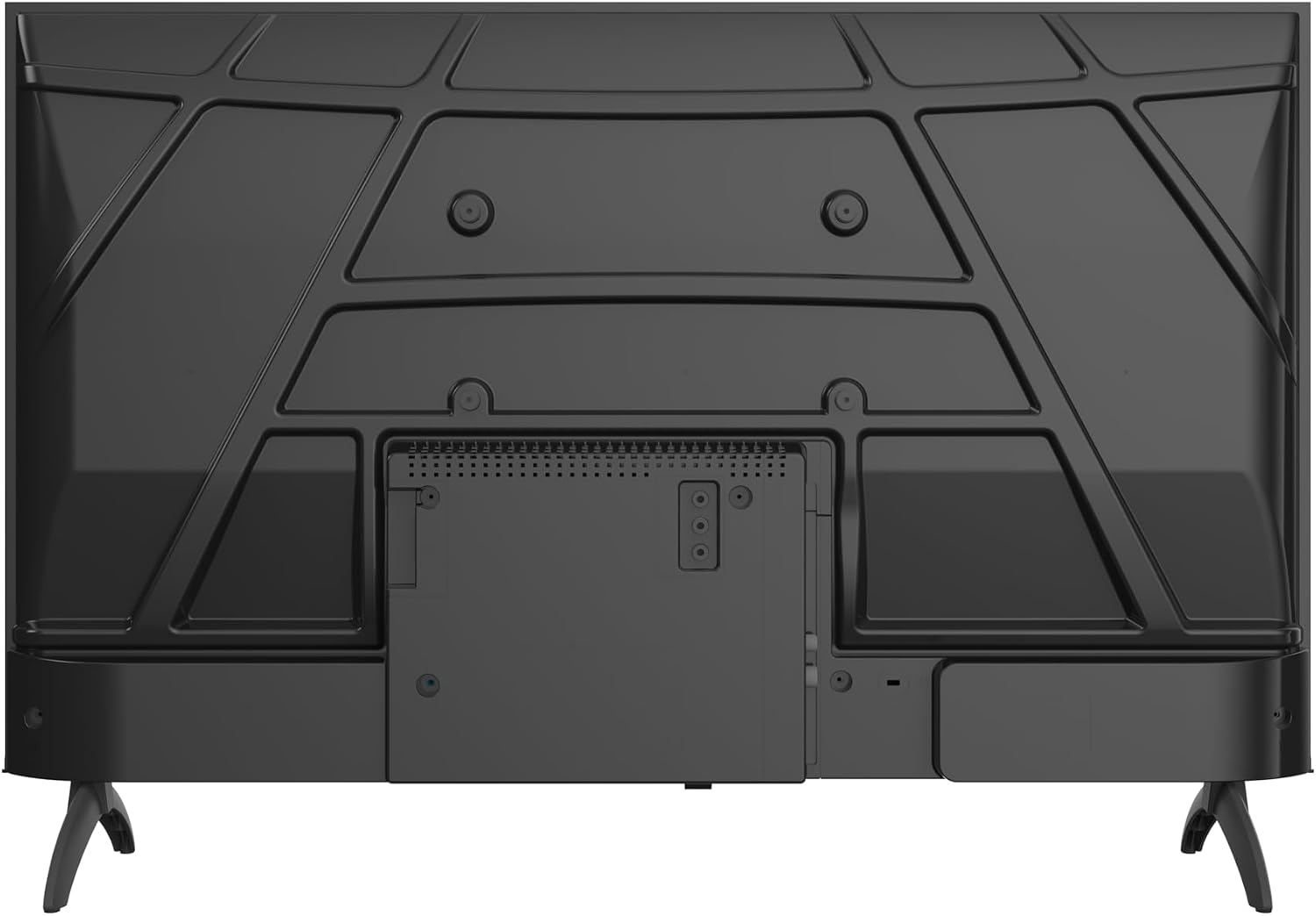
Obrázek: Zadní view of the Metz 32MQH7000Z TV, highlighting the VESA mounting points and the main connection panel.

Obrázek: Boční view of the Metz 32MQH7000Z TV, illustrating the location of various input ports including HDMI and USB.
- HDMI porty (x2): Připojte přehrávače Blu-ray, herní konzole nebo jiná zařízení s rozhraním HDMI.
- USB porty (x2): Připojte paměťová zařízení USB pro přehrávání médií nebo aktualizace softwaru.
- Antenna/Cable Input (DVB-T/T2/C/S/S2): Connect your antenna or cable for terrestrial, cable, or satellite broadcasts.
- Slot CI+: Vložte modul CI+ pro šifrované kanály.
- LAN port: Připojte ethernetový kabel pro kabelové připojení k internetu.
- Sluchátkový výstup: Připojte sluchátka pro soukromý poslech.
- Digitální audio výstup: Připojte se k externímu audiosystému pro vylepšený zvuk.
3. Připojení napájení
- Připojte napájecí kabel k napájecímu vstupu televizoru.
- Zapojte druhý konec napájecího kabelu do zásuvky ve zdi.
Návod k obsluze
1. Počáteční nastavení
Upon first power-on, the TV will guide you through the initial setup process, including language selection, network connection, and Google TV account login.
2. Rozhraní Google TV
Your Metz TV features Google TV, providing a personalized experience with access to popular streaming apps and content recommendations.

Image: The Google TV interface, displaying a selection of streaming application icons and personalized content suggestions.
- Přístup k aplikacím: Navigate through the home screen to find and launch applications like Netflix, YouTube, Prime Video, and Disney+.
- Hlasové ovládání: Use the remote control's microphone button to issue voice commands for searching content, controlling playback, and more.
3. Picture Settings (Gen 6 QLED+, HDR10 & HLG)
Your TV utilizes Gen 6 QLED+ technology for superior image quality. Adjust picture settings via the TV menu to optimize your viewzkušenosti.

Obrázek: Detailní záběr view of the television screen, highlighting the vibrant and rich color reproduction achieved by QLED+ technology.
The TV supports HDR10 and HLG for enhanced contrast and color accuracy in compatible content. These technologies automatically adjust to provide deeper blacks and brighter highlights.

Image: A diagram illustrating the multi-layered Quantum Dot structure, designed to maintain color stability and vibrancy for over 10 years, comparing Metz QLED performance to conventional QLED over time.

Image: A side-by-side comparison demonstrating the visual improvement with HDR10 & HLG enabled, showing more vibrant colors and deeper contrast compared to a standard picture.
4. Sound Settings (Dolby Audio)
The integrated Dolby Audio system provides powerful and clear surround sound. Access the sound settings in the TV menu to customize audio profiles (e.g., Standard, Cinema, Music, Speech).

Image: An overhead perspective of a person seated on a sofa, watching the TV, with visual representations of Dolby Audio sound waves extending from the screen, indicating an immersive audio experience.
5. Konektivita
- Bluetooth 5.1: Připojte bezdrátová sluchátka, soundbary nebo jiná zařízení s podporou Bluetooth.

Image: A graphic illustrating Bluetooth 5.1 connectivity, featuring a sleek sports car to symbolize fast, intelligent, and reliable wireless connections.
- Wi-Fi: Připojte se k domácí bezdrátové síti pro přístup k internetu a streamování.
- Multi-Screen Casting (Chromecast): Cast content from your smartphone, tablet, or computer directly to the TV screen using Chromecast built-in.

Image: A visual representation of multi-screen casting, demonstrating how content can be streamed from a smartphone or laptop to the television for an immersive viewzkušenosti.
6. Funkce péče o zrak
The TV includes Eye Care features designed to reduce eye strain during prolonged viewIng.
- Nízké modré světlo: Snižuje škodlivé emise modrého světla.
- Bez blikání: Minimizes screen flickering for a more comfortable viewzkušenosti.
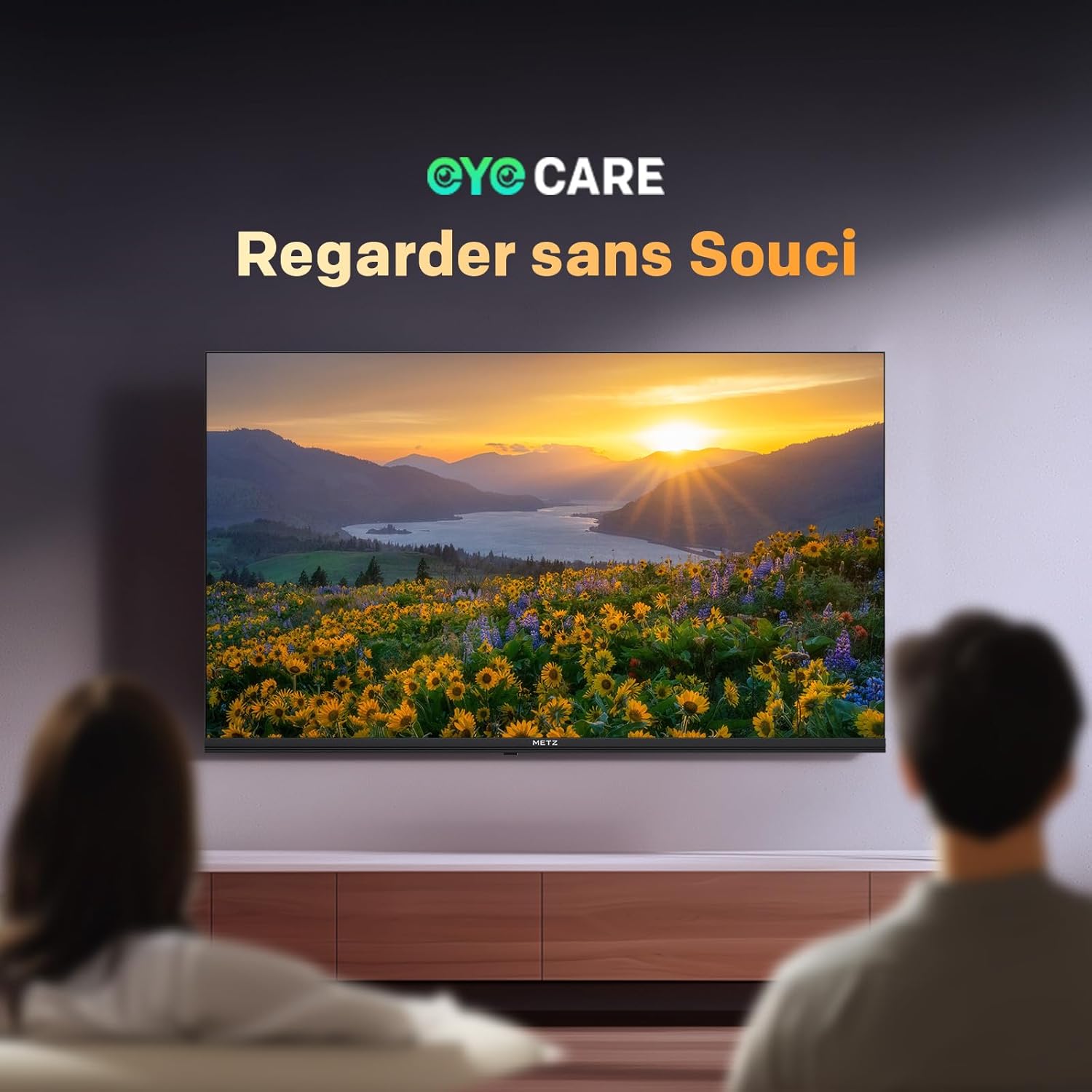
Image: A scene depicting individuals comfortably watching television, illustrating the benefits of the TV's Eye Care features for a relaxed viewzkušenosti.

Image: Two comparative images demonstrating the benefits of Low Blue Light and Flicker-Free technologies. The top image shows a scene with and without low blue light, while the bottom image illustrates the difference with and without flicker-free technology for reduced eye fatigue.
7. Enhanced Performance (1.5 GB RAM)
The TV is equipped with 1.5 GB of RAM, providing a 50% increase in memory compared to previous models. This enhancement ensures smoother operation, faster application loading, and improved multitasking capabilities, reducing lag and enhancing overall responsiveness.

Image: A graphic representation highlighting the upgrade to 1.5 GB RAM, indicating a 50% increase in memory for improved television performance and responsiveness.
Údržba
Čištění obrazovky
Jemně otřete obrazovku měkkým hadříkem, který nepouští vlákna. V případě odolných skvrn lehceampOtřete hadřík vodou nebo specializovaným čističem obrazovek. Nepoužívejte agresivní chemikálie ani abrazivní materiály.
Čištění televizoru Casing
K otření televizoru použijte měkký, suchý hadřík.asing. Do not use liquid cleaners directly on the TV.
Obecná péče
- Před čištěním nebo pokud nebudete televizor delší dobu používat, odpojte jej ze zásuvky.
- Uchovávejte televizor mimo dosah přímého slunečního záření, zdrojů tepla a nadměrného prachu.
- Zajistěte správné větrání kolem televizoru, abyste zabránili přehřátí.
Odstraňování problémů
Pokud narazíte na problémy s televizorem, podívejte se na následující běžná řešení:
| Problém | Možné řešení |
|---|---|
| Žádná síla | Check if the power cable is securely plugged into both the TV and the wall outlet. Ensure the power outlet is functional. |
| Žádný obraz, ale zvuk je přítomen | Verify the correct input source is selected. Check cable connections (HDMI, antenna). Try another HDMI port. |
| Žádný zvuk, ale obraz je přítomen | Check the volume level and mute status. Ensure external audio devices are correctly connected and powered on. Check audio output settings in the TV menu. |
| Dálkové ovládání nefunguje | Vyměňte baterie v dálkovém ovladači. Ujistěte se, že mezi dálkovým ovladačem a infračerveným senzorem televizoru nejsou žádné překážky. |
| Špatná kvalita obrazu | Adjust picture settings (brightness, contrast, sharpness). Check antenna or cable connection for signal strength. For streaming, ensure a stable internet connection. |
| Nelze se připojit k Wi-Fi | Ensure your Wi-Fi router is on and within range. Re-enter the Wi-Fi password. Try restarting both the TV and the router. |
Specifikace
| Funkce | Detail |
|---|---|
| Název modelu | MQH7000 |
| Číslo modelu | 32MQH7000Z |
| Velikost obrazovky | 32 Pouces (80 cm) |
| Technologie displeje | QLED (Gen 6 QLED+, Quantum Dot QLED) |
| Rezoluce | 768p (1366 x 768 pixelů) |
| Obnovovací frekvence | 60 Hz |
| Podpora HDR | HDR10, HLG |
| Operační systém | Google TV |
| BERAN | 1.5 GB |
| Audio technologie | Dolby Audio, Dolby Digital, Dolby Digital Plus |
| Konektivita | Bluetooth 5.1, Wi-Fi, USB (x2), HDMI (x2), LAN |
| Tuner | DVB-T/T2/C/S/S2, CI+ |
| Speciální funkce | Automatické vyrovnávání hlasitosti, Bezrámečkový design, Chromecast, Režim pro ochranu očí, Herní režim |
| Standardní montáž VESA | 200 x 100 mm |
| Rozměry produktu (se stojanem) | 21.4P x 71.5d x 47.5v cm |
| Modelový rok | 2026 |
| Země původu | Polsko |

Image: The energy efficiency label for the Metz 32MQH7000Z TV, indicating an energy class of E and power consumption details. For more information, visit the official EU EPREL database: https://eprel.ec.europa.eu/qr/2590878
Záruka a podpora
Your Metz 32MQH7000Z TV comes with a 2-letá záruka od data nákupu. Uschovejte si prosím doklad o koupi pro případné reklamace.
For technical assistance, troubleshooting beyond this manual, or warranty service, please contact Metz customer support. Contact information can typically be found on the official Metz webwebu nebo v dokumentaci dodané s vaším produktem.
For additional resources and product information, visit the official Metz brand store: Značkový obchod Metz