
1. Úvod
Welcome to the user manual for your new TCL 65A400 Pro 65-inch 4K UHD MiniLED Smart TV. This guide provides essential information for setting up, operating, maintaining, and troubleshooting your television. Please read these instructions carefully to ensure proper use and to maximize your viewzkušenosti.
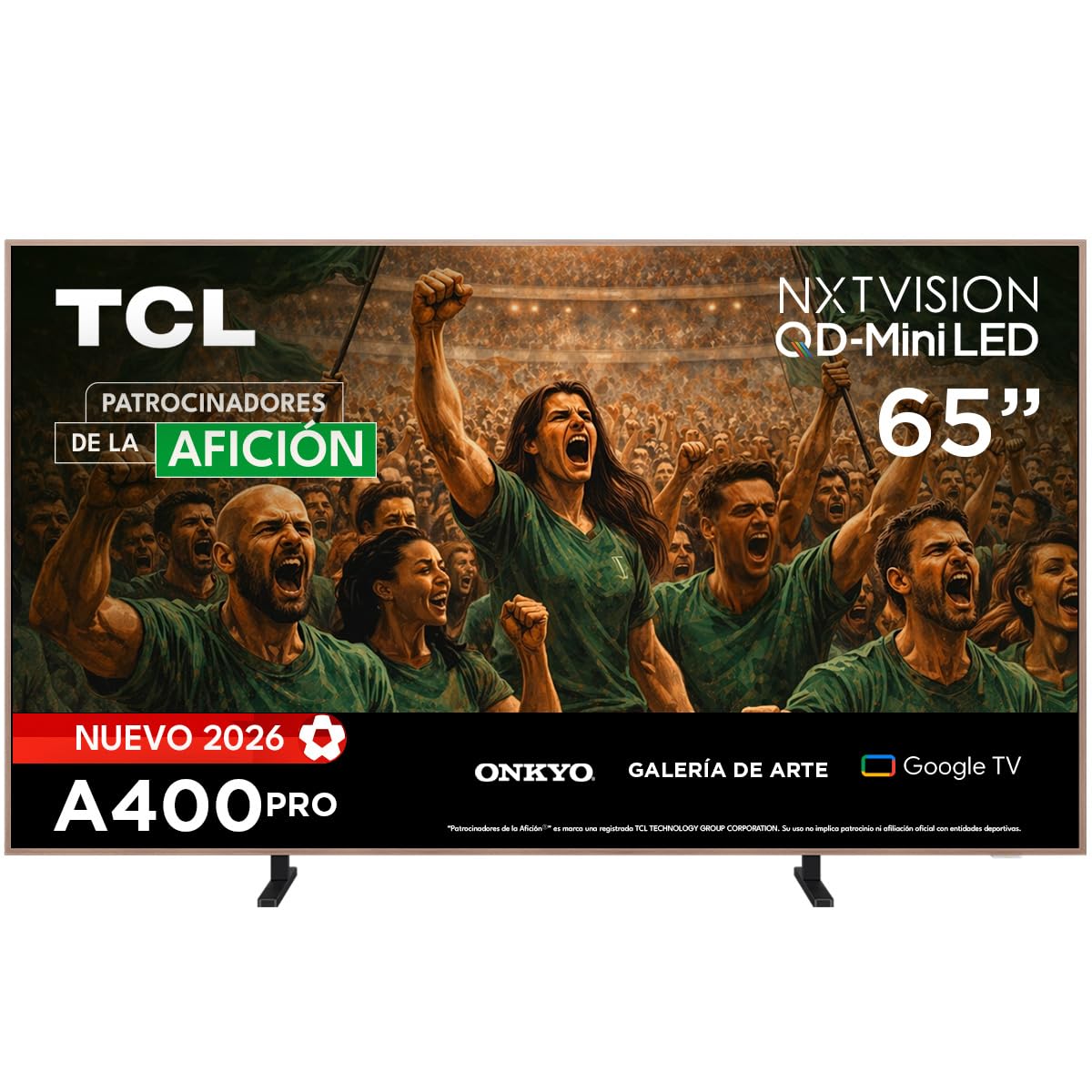
Obrázek: Přední strana view of the TCL 65A400 Pro 65-inch Smart TV.
2. Co je v krabici
Než začnete, zkontrolujte prosím obsah balení, abyste se ujistili, že jsou přítomny všechny položky:
- TCL Smart TV with Google TV
- Stolní stojan
- Napájecí kabel
- Rychlý průvodce
- Dálkové ovládání a baterie

Image: Diagram showing the TV dimensions and a list of included accessories.
3. Nastavení
3.1 Fyzická instalace
Your TCL 65A400 Pro TV offers flexible installation options:
- Stojan na stůl: Attach the included table stand according to the Quick Start Guide for placement on a flat surface.
- Montáž na stěnu: The TV supports flush wall mounting. Ensure you use a compatible VESA wall mount (sold separately) and follow its installation instructions carefully.
- Easel Bases: Optional easel-style bases are available for a unique display (sold separately).

Image: The ultra-thin design of the TV, suitable for flush wall mounting.
3.2 Připojení zařízení
Připojte externí zařízení k televizoru pomocí dostupných portů:
- HDMI: Use one of the four HDMI ports for high-definition devices like Blu-ray players, game consoles, or cable boxes.
- USB: Two USB ports are available for connecting USB storage devices to play media.
- Moc: Připojte napájecí kabel k televizoru a poté do elektrické zásuvky.
3.3 Počáteční zapnutí a nastavení sítě
After connecting all devices and power, press the power button on the remote control. Follow the on-screen instructions to complete the initial setup, including connecting to your Wi-Fi network and logging into your Google account for Google TV features.
4. Ovládání vašeho televizoru
4.1 Rozhraní Google TV
Your TV runs on Google TV, providing a personalized experience with access to streaming services, apps, and content recommendations. Use the remote control to navigate the interface, search for content, and manage your smart home devices.

Image: The Google TV home screen displaying various streaming applications and content.
4.2 Umělecký režim
Transform your TV into a digital art display with Art Mode. Access a collection of famous paintings and photographs in stunning 4K UHD. This mode allows your screen to blend seamlessly into your home decor when not actively watching content.

Image: The TV in Art Mode, showcasing a painting in a gallery environment.
4.3 Funkce displeje
- QD-Mini LED: Experience deep blacks and intense brightness with Quantum Dot and Mini LED technology, offering superior cinematic realism.
- Rozlišení 4K UHD: Enjoy incredibly detailed and sharp images.
- 144 Hz VRR: Variable Refresh Rate at 144 Hz provides smooth motion, especially beneficial for gaming.
- Matte Panel: The HVA Matte finish reduces glare from natural or artificial light, maintaining color fidelity and protecting your eyes.

Image: Illustration of QD-Mini LED technology enhancing picture precision, brightness, and contrast.
4.4 Audio systém
The integrated Onkyo audio system with Dolby Atmos delivers powerful and clear sound, creating an immersive audio experience for all your entertainment.
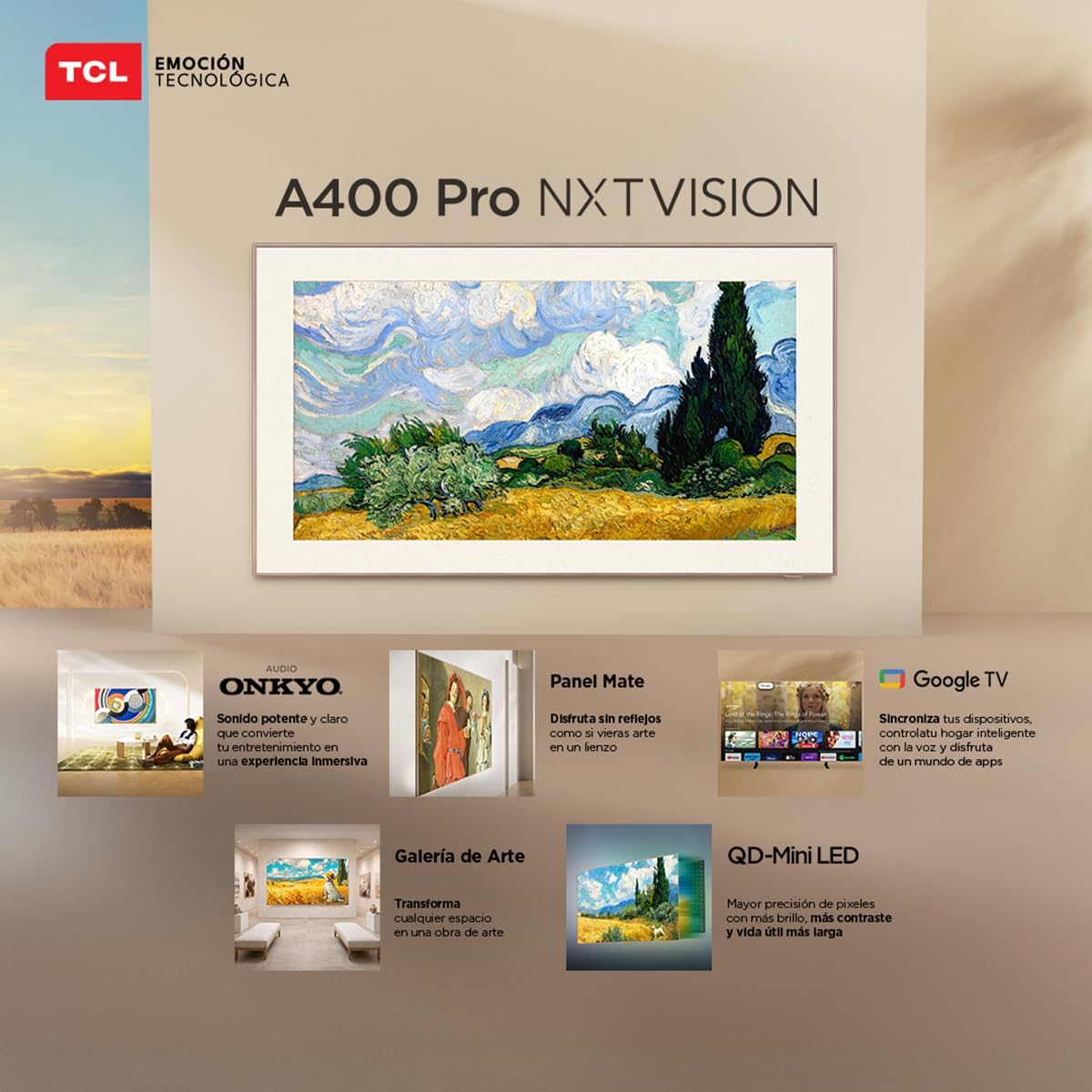
Image: A person enjoying immersive audio from the TV, highlighting the Onkyo sound system.
4.5 Konektivita
Televizor podporuje různé možnosti připojení:
- Wi-Fi: Připojte se k domácí síti pro přístup k internetu a streamování.
- Bluetooth 5.4: Pair wireless headphones, soundbars, or other Bluetooth-enabled devices.
- Chromecast: Built-in Chromecast allows you to cast content from your mobile devices to the TV.
- Kompatibilita Alexa: Control your TV using voice commands through compatible Alexa devices.
5. Údržba
Abyste zajistili dlouhou životnost a optimální výkon vašeho televizoru TCL, dodržujte tyto pokyny pro údržbu:
- Čištění obrazovky: Jemně otřete obrazovku měkkým, suchým hadříkem, který nepouští vlákna. V případě odolných skvrn lehceampOtřete hadřík vodou nebo specializovaným čističem obrazovek. Vyhněte se agresivním chemikáliím nebo abrazivním materiálům.
- Čištění rámu: K čištění rámu televizoru použijte měkký, suchý hadřík.
- Větrání: Abyste zabránili přehřátí, ujistěte se, že ventilační otvory na zadní straně televizoru nejsou zablokované.
- Napájecí kabel: Pravidelně kontrolujte napájecí kabel, zda není poškozený. Pokud je poškozen, obraťte se na zákaznickou podporu a požádejte o výměnu.
6. Řešení problémů
Pokud se s televizorem setkáte s problémy, podívejte se na následující běžné problémy a jejich řešení:
| Problém | Možné řešení |
|---|---|
| Žádná síla | Ensure the power cable is securely connected to both the TV and a working power outlet. Check if the power outlet is functional. |
| Žádný obraz, ale zvuk je přítomen | Check the input source. Ensure the connected device is powered on and its video output is correctly configured. Try a different HDMI cable. |
| Žádný zvuk, ale obraz je přítomen | Check the TV's volume and mute settings. Ensure external audio devices (soundbar, receiver) are properly connected and powered on. Check audio output settings on the TV. |
| Dálkové ovládání nefunguje | Vyměňte baterie v dálkovém ovladači. Ujistěte se, že mezi dálkovým ovladačem a infračerveným senzorem televizoru nejsou žádné překážky. Pokud se jedná o dálkový ovladač s technologií Bluetooth, znovu jej spárujte. |
| Problémy s připojením Wi-Fi | Restart your router and modem. Go to the TV's network settings and try reconnecting to your Wi-Fi network. Ensure the Wi-Fi password is correct. |
Pokud problém přetrvává i po vyzkoušení těchto řešení, kontaktujte zákaznickou podporu TCL.
7. Specifikace
Key technical specifications for the TCL 65A400 Pro 65-inch Smart TV:
| Funkce | Detail |
|---|---|
| Velikost obrazovky | 65 palce |
| Technologie displeje | 4K, Mini LED |
| Rezoluce | 4K UHD |
| Obnovovací frekvence | 144 Hz (VRR) |
| Podpora formátu HDR | Dolby Vision, HDR10+ |
| Operační systém | Google TV |
| Režim zvukového výstupu | Surround |
| Integrated Surround Sound Format | Dolby Atmos |
| HDMI porty | 4 |
| USB porty | 2 |
| Verze Bluetooth | 5.4 |
| Technologie připojení | Bluetooth, HDMI, USB, Wi-Fi |
| Speciální funkce | Chromecast, Art Mode |
| Rozměry produktu (DxŠxV) | 4 x 145.2 x 83.3 cm |
| Hmotnost (bez podstavce) | 17.6 kg |
| Barva | Černý |
| Screen Finish | Matný |
| Modelový rok | 2026 |
| UPC | 840464047636 |
8. Informace o záruce
Your TCL 65A400 Pro Smart TV comes with a 2letá omezená záruka from the date of purchase. This warranty covers manufacturing defects under normal use. Please retain your proof of purchase for warranty claims. For full terms and conditions, refer to the warranty card included with your product or visit the official TCL webmísto.
9. Zákaznická podpora
Pro technickou pomoc, řešení problémů nebo dotazy ohledně záruky kontaktujte zákaznickou podporu TCL:
- Telefon: 800 112 4656
- WhatsApp: 55 7005 5159
- E-mail: servicio.mx@tcl.com
- Provozní doba: Monday to Saturday, 8:00 a.m. to 8:00 p.m. (local time)

Image: TCL Technical Support contact details including phone, WhatsApp, and email.