
1. Úvod
Děkuji za nákupasing the TOPPING E50II Compact Desktop DAC. This device is designed to provide high-fidelity audio decoding for various digital sources. It features an AK4497S DAC chip, supports high-resolution audio formats up to PCM768kHz and DSD512, and offers versatile connectivity options including USB, optical, coaxial, RCA, and TRS balanced outputs. This manual provides essential information for proper setup, operation, and maintenance of your E50II.
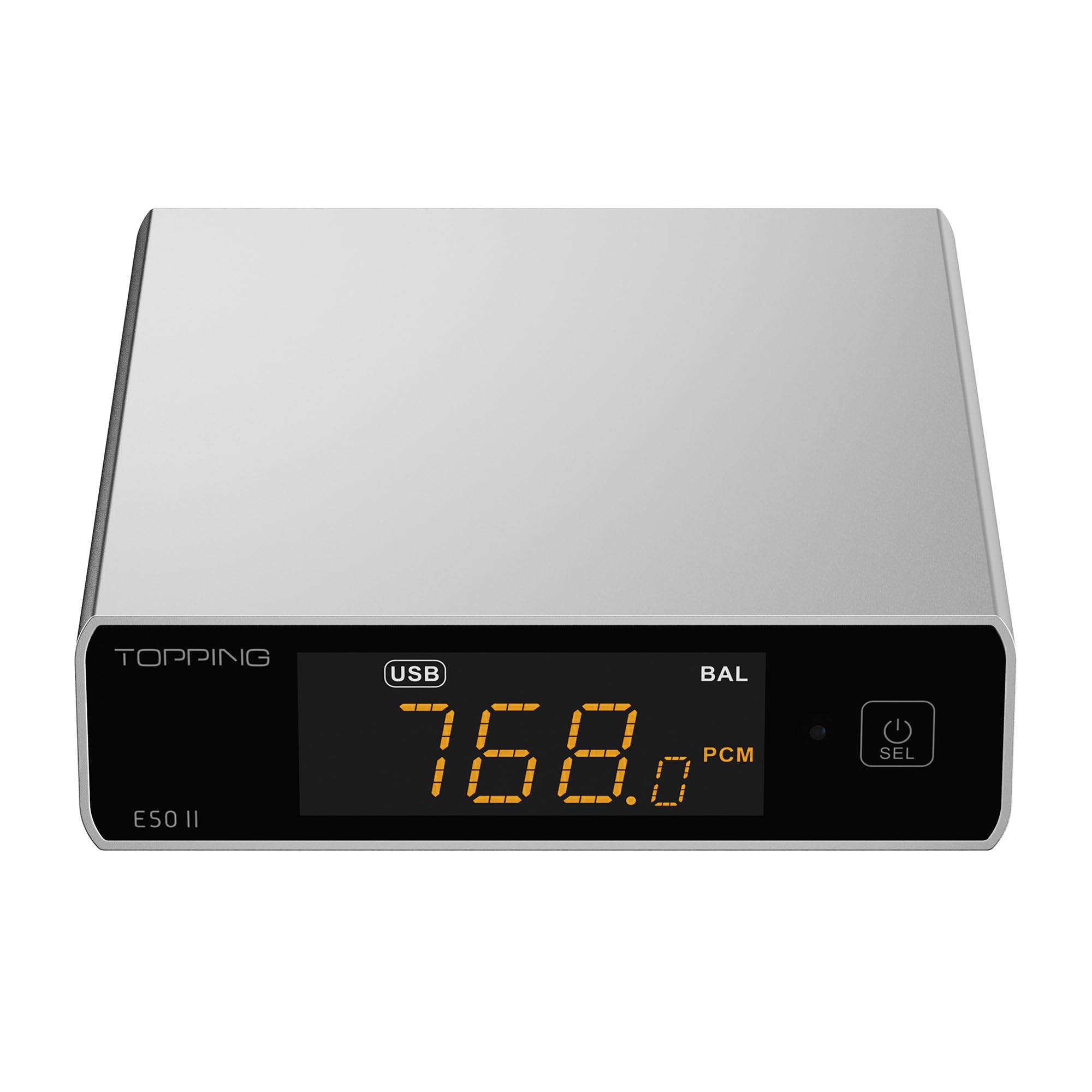
Image 1.1: The TOPPING E50II Compact Desktop DAC in silver finish.
2. Bezpečnostní informace
- Zařízení nerozebírejte ani neupravujte. Neoprávněné úpravy mohou vést ke zrušení záruky a představovat bezpečnostní riziko.
- Chraňte zařízení před vodou, vlhkostí a vysokými teplotami.
- Používejte pouze dodaný napájecí adaptér nebo kompatibilní 5V napájecí zdroj.
- Zajistěte dostatečné větrání kolem zařízení, aby nedošlo k přehřátí.
- Nepokládejte na zařízení těžké předměty.
- Disconnect the power cable during lightning storms or when unused for extended periods.
3. Obsah balení
Zkontrolujte prosím, zda jsou v balení přítomny všechny položky:
- TOPPING E50II Unit
- Dálkové ovládání
- USB kabel (Typ-A až Typ-C)
- USB Power Cable (Type-A to Type-C)
- Anténa Bluetooth
- Uživatelská příručka (tento dokument)
- Záruční list

Image 3.1: Included accessories: remote control, USB cables, and Bluetooth antenna.
4. Konec produktuview
4.1 Přední panel

Image 4.1: Front panel of the E50II, showing the display and control button.
- Displej: Zobrazuje aktuální vstup, sample rate, volume, and other status information.
- Multifunkční tlačítko: Press to power on/off, select input, or adjust settings.
4.2 Zadní panel

Image 4.2: Rear panel of the E50II, illustrating various input and output ports.
- RCA výstupy (L/R): Nevyvážený analogový audio výstup.
- TRS Balanced Outputs (L/R): Vyvážený analogový audio výstup.
- Koaxiální vstup: Digitální audio vstup.
- Optický vstup: Digitální audio vstup.
- USB-C vstup: For connecting to a computer or other digital source.
- Vstup napájení USB-C: Pro připojení k napájení 5V.
- Konektor Bluetooth antény: For attaching the Bluetooth antenna.
5. Nastavení
5.1 Připojení napájení
Connect the provided USB power cable to the E50II's "POWER" USB-C port and then to a 5V power adapter (not included) or a USB port on your computer. The E50II requires a stable 5V power supply for optimal performance.
5.2 Audio připojení
Choose the appropriate input and output connections based on your audio system:
- Vstup USB: Connect the E50II's "USB" port to your computer or other USB audio source using the provided USB data cable.
- Optický/koaxiální vstup: Connect your digital audio source (e.g., CD player, TV) to the E50II's "OPTICAL" or "COAXIAL" input.
- RCA výstup: Connect the E50II's "SE" RCA outputs to your ampreproduktory nebo aktivní reproduktory pomocí kabelů RCA.
- TRS Balanced Output: Connect the E50II's "BAL" TRS outputs to your balanced amplifier or active speakers using 6.35mm TRS cables. The E50II supports simultaneous output from both RCA and TRS ports.

Image 5.1: Close-up of the balanced TRS and unbalanced RCA output connections.
5.3 Bluetooth Antenna Installation
Screw the provided Bluetooth antenna onto the antenna connector on the rear panel of the E50II.
5.4 Driver Installation (for Windows)
For Windows operating systems, a dedicated driver is required for USB audio playback up to PCM768kHz and DSD512. The driver can be downloaded from the official TOPPING website. Follow the on-screen instructions for installation. macOS and Linux typically do not require a separate driver.
6. Návod k obsluze
6.1 Základní obsluha

Image 6.1: A hand interacting with the multi-function button on the E50II's front panel.
- Zapnutí/vypnutí: Press and hold the multi-function button for 3 seconds to power on or off.
- Výběr vstupu: Briefly press the multi-function button to cycle through available inputs (USB, Optical, Coaxial, Bluetooth).
- Ovládání hlasitosti: Rotate the multi-function button to adjust the volume.
6.2 Používání dálkového ovladače
Dodávané dálkové ovládání poskytuje pohodlný přístup k různým funkcím:
- Vypínač: Zapíná/vypíná jednotku.
- Tlačítka pro výběr vstupu: Dedicated buttons for USB, Optical, Coaxial, and Bluetooth inputs.
- Zvýšení/Snížení hlasitosti: Nastavuje výstupní hlasitost.
- Ztlumit: Mutes/unmutes the audio output.
- Tlačítko EQ: Cycles through PEQ presets.
- Tlačítko filtru: Cycles through digital filter modes.
- Gain Button: Switches between Low and High gain modes.
6.3 TOPPING Home App Control
The E50II is compatible with the "TOPPING Home" app, allowing control from your smartphone or tablet via Bluetooth. This app enables input switching, EQ settings, and volume adjustment remotely.

Image 6.2: Smartphone displaying the TOPPING Home app interface for controlling the E50II.
6.4 Provoz Bluetooth
Pro připojení přes Bluetooth:
- Switch the E50II input to Bluetooth mode. The display will show "BT".
- On your mobile device, search for "TOPPING E50II" in the Bluetooth settings and pair.
- Once connected, audio from your device will be streamed to the E50II. The E50II supports LDAC, aptX-Adaptive, aptX HD, aptX, AAC, and SBC codecs.
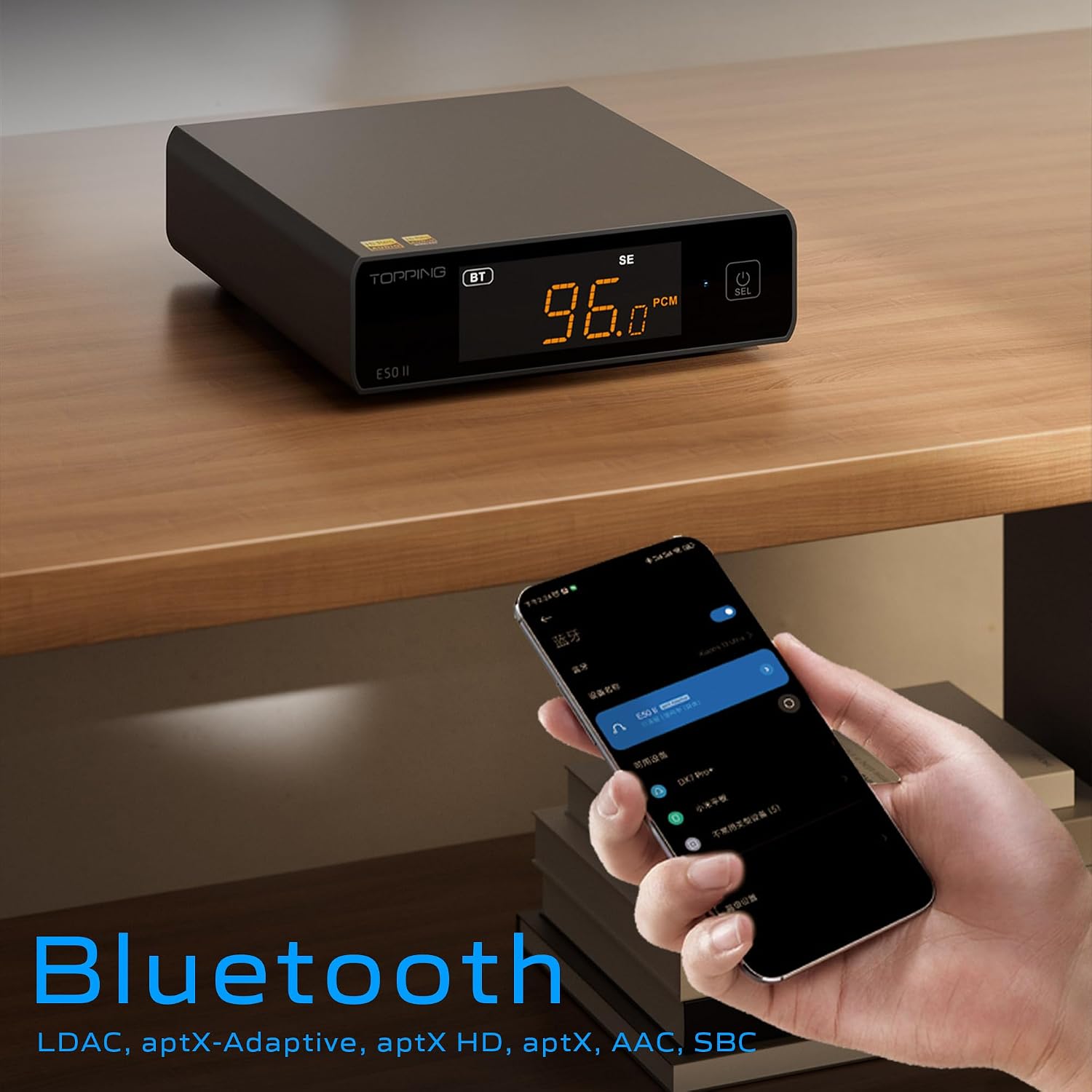
Image 6.3: A black E50II unit with a smartphone showing Bluetooth connection status.
6.5 PEQ (Parametric Equalizer) Function
The E50II features a 10-band Parametric Equalizer (PEQ) for precise sound customization. You can adjust frequency, gain, and bandwidth for each band. This function is accessible via the TOPPING Home app or dedicated PC software.

Image 6.4: Screenshot of the TOPPING TUNE FOR PC software interface, showing the 10-band PEQ settings.
6.6 Preamp Funkce
The E50II can function as a preamplifier, allowing direct connection to a power amplifier or active speakers. In this mode, the volume can be controlled via the remote or the TOPPING Home app, providing precise output level control to prevent overload or under-driving of connected equipment.
7. Údržba
- Zařízení čistěte měkkým, suchým hadříkem. Nepoužívejte tekuté čisticí prostředky ani aerosoly.
- Udržujte větrací otvory čisté od prachu a nečistot.
- Pokud zařízení nepoužíváte, skladujte jej na chladném a suchém místě.
8. Řešení problémů
| Problém | Možná příčina | Řešení |
|---|---|---|
| Žádný zvukový výstup | Incorrect input/output selection, loose cables, muted volume. | Check input source, ensure cables are securely connected, unmute or increase volume. |
| Zařízení se nezapne | Power cable not connected, faulty power adapter. | Ensure power cable is connected to a working 5V source. Try a different power adapter. |
| Problémy s připojením Bluetooth | E50II not in Bluetooth mode, device not paired, interference. | Switch E50II to Bluetooth input. Re-pair the device. Ensure no strong interference sources nearby. |
| Zkreslený zvuk | Input signal too high, incorrect gain setting, faulty cables. | Reduce source volume. Adjust E50II gain setting. Try different audio cables. |
| Windows USB driver not working | Incorrect driver installation, driver conflict. | Reinstall the latest driver from the TOPPING website. Check for other conflicting audio drivers. |
9. Specifikace
- Značka: POLEVA
- Model: E50II
- DAC čip: AK4497S
- USB rozhraní: XMOS XU316
- Max USB Decoding: PCM 768kHz / DSD512
- Optical/Coaxial Decoding: Až 192kHz
- Bluetooth kodeky: LDAC, aptX-Adaptive, aptX HD, aptX, AAC, SBC
- Režim výstupu zvuku: Stereo
- Výstupní rozhraní: RCA (unbalanced), 6.35mm TRS (balanced)
- Vstupní rozhraní: USB, Optical, Coaxial, Bluetooth
- Vlastnosti: 10-band PEQ, Preamp function, TOPPING Home App control, Top Sync circuit for low jitter.
10. Záruka a podpora
The TOPPING E50II is covered by the manufacturer's or authorized agent's warranty regulations. Please refer to the warranty card included in your package for specific terms and conditions. For technical support, driver downloads, or service inquiries, please visit the official TOPPING webstránky nebo se obraťte na svého místního autorizovaného prodejce.
Official TOPPING Webmísto: www.toppingaudio.com