
1. Bezpečnostní informace
Before using your new Samsung TV, please read all safety instructions carefully to prevent electric shock, fire, or injury. Keep this manual for future reference.
- Nevystavujte televizor dešti ani vlhkosti.
- Zajistěte dostatečné větrání. Neblokujte větrací otvory.
- Používejte pouze napájecí kabel dodaný výrobcem.
- Neotevírejte skříň televizoru. Veškerý servis svěřte kvalifikovanému personálu.
- Udržujte baterie mimo dosah dětí.
2. Co je v krabici
Před zahájením instalace ověřte, zda jsou všechny komponenty přítomny.
- Samsung 65-Inch Class M70H Series Mini LED Smart TV
- IR Simple Remote Control (TM2240A) with batteries
- Napájecí kabel
- Komponenty stojanu
- Uživatelská příručka (tento dokument)
- Záruční list

Figure 2.1: Package Contents and Dimensions. This image illustrates the TV's dimensions, the included remote control, power cable, and user manual.
3. Nastavení
3.1. Instalace stojanu
- Televizor opatrně položte obrazovkou dolů na měkký, rovný povrch, abyste předešli jeho poškození.
- Zarovnejte součásti stojanu s určenými otvory na spodní straně televizoru.
- Zajistěte stojan pomocí dodaných šroubů. Ujistěte se, že je stojan pevně upevněn.
- Opatrně zvedněte televizor a umístěte jej na stabilní, rovný povrch.
3.2. Montáž na zeď
This TV supports VESA mount standard 200 x 200 mm. For wall mounting, use a compatible wall mount kit (sold separately) and follow the instructions provided with the wall mount. Professional installation is recommended.
3.3. Připojení zařízení
Connect your external devices to the TV's ports as shown below.

Figure 3.1: Rear Panel Connections. This image displays the various input ports on the back of the TV.
- HDMI 1 (eARC)Vylepšený zvukový odraz pro vysoce kvalitní zvuk a pokročilé formáty.
- HDMI 2 a 3: Transmits high-definition video and audio from external devices (e.g., Blu-ray player, game console).
- USB-AStandardní obdélníkový port pro napájení nebo přehrávání médií.
- Kabel/ANT: Konektor pro připojení antény nebo kabelové televize.
- Ethernet (LAN)Kabelové připojení k internetu pro streamování, aktualizace a chytré funkce.
3.4. Počáteční zapnutí
- Připojte napájecí kabel k televizoru a poté do zásuvky ve zdi.
- Stiskněte tlačítko napájení na dálkovém ovladači nebo na televizoru.
- Postupujte podle pokynů na obrazovce a dokončete počáteční nastavení, včetně připojení k síti a vyhledávání kanálů.
4. Ovládání vašeho televizoru
4.1. Dálkové ovládání
The included IR Simple Remote Control (TM2240A) provides intuitive navigation. Ensure batteries are correctly inserted. For detailed functions, refer to the on-screen e-Manual.
4.2. Nastavení obrazu
Your Samsung M70H TV features advanced picture technologies for an optimal viewzkušenosti.
- Mini LED Processor 4K: This advanced processor enhances picture quality by delivering brighter highlights and deeper blacks, bringing out fine details.
- Pure Spectrum Color: Experience a billion true-to-life colors with advanced color technology and Mini LED precision.
- Mini LED HDR: Enjoy HDR picture quality with brighter highlights and deeper blacks compared to traditional HDR TVs, enhancing vibrant colors and lifelike details.
- Supreme Mini LED Dimming: This software-based technology provides precise dimming for improved contrast, resulting in a superb picture.
- Motion Xcelerator + DLG 120Hz: Experience smooth visuals and clear fast-motion. This technology optimizes the refresh rate up to 120Hz (on 55" and larger models), ideal for gaming and sports. Note that DLG 120Hz may reduce image sharpness.
- Zesilovač barev: Enhances color intensity, making every hue more vibrant.

Figure 4.1: Mini LED Processor 4K. This image highlights the TV's powerful 4K processor.

Figure 4.2: Pure Spectrum Color. This image demonstrates the enhanced color vibrancy with Pure Spectrum Color.

Figure 4.3: Mini LED HDR. This image illustrates the dramatic detail provided by Mini LED HDR.
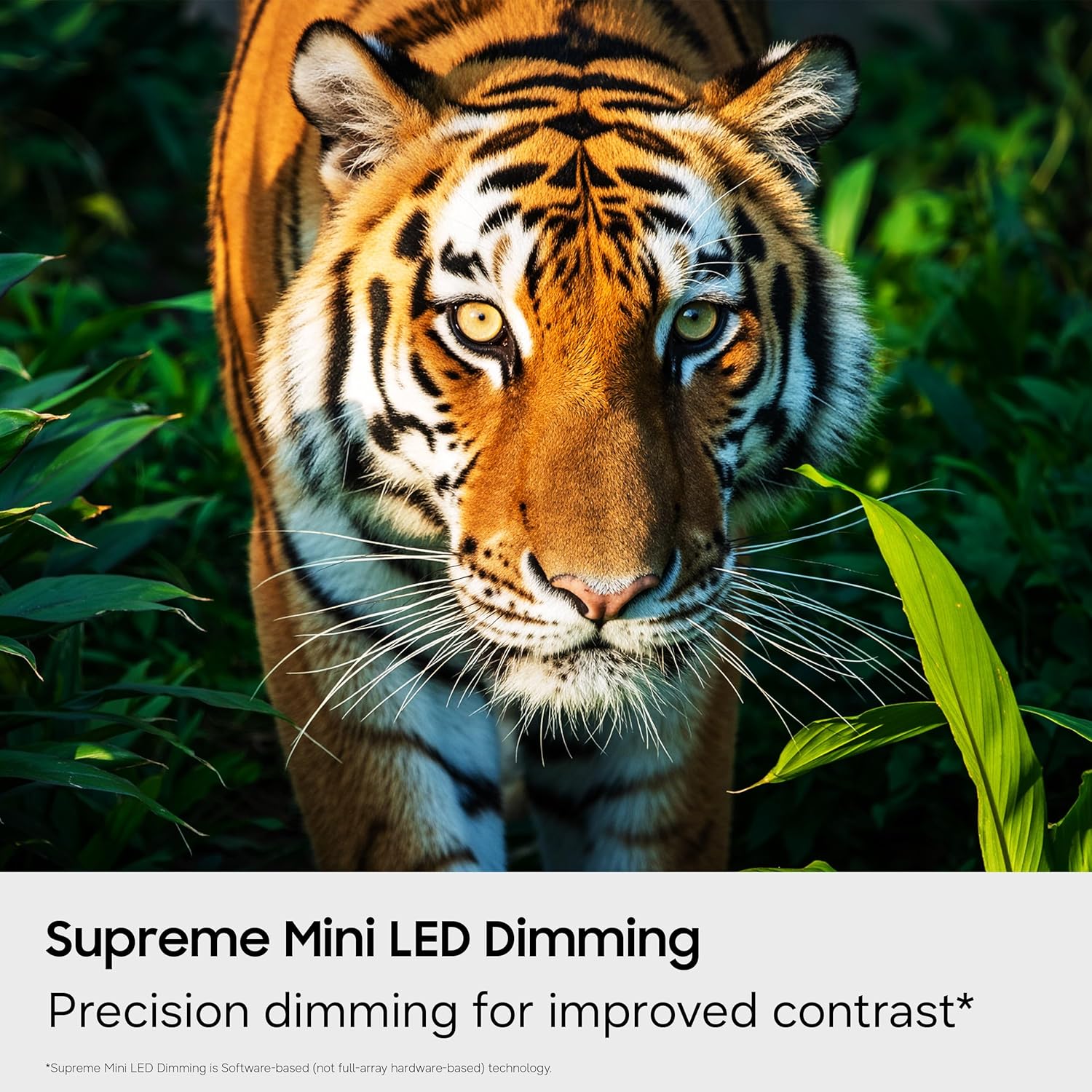
Figure 4.4: Supreme Mini LED Dimming. This image showcases the precision dimming for enhanced contrast.

Figure 4.5: Motion Xcelerator + DLG 120Hz. This image demonstrates blur-free action for fast-paced content.
4.3. Smart Features (Tizen OS)
Your TV runs on the Tizen operating system, offering a personalized smart TV experience.
- Nekonečný obsah zdarma (Samsung TV Plus): Access over 2,700 free streaming options, including 750+ subscription-free channels. An internet connection and Samsung Account are required for network-based smart services.
- Herní centrum: A central hub for games from consoles, cloud services, and gaming apps. Provides personalized recommendations.
- Doprovod pro umělou inteligenci s vizí: Utilize AI-enhanced picture and sound, along with personalized experiences. Requires a Samsung account and internet connection.
- SmartThings Hub: Connect and control smart devices through your TV. Requires a Samsung account and internet connection.
- Zabezpečení Samsung Knox: Built-in triple-layer data protection for your TV experiences, safeguarding sensitive data and IoT devices.

Figure 4.6: Endless Free Content. This image displays the Samsung TV Plus interface with numerous streaming channels.

Figure 4.7: Vision AI Companion. This image illustrates the AI features and interface of the TV.
4.4. Speciální režimy
- Fotbalový režim: Optimizes settings for sports, providing clearer motion and more vibrant greens for a stadium-like experience.
- Energetický režim AI: Reduces power consumption by auto-adjusting brightness based on room lighting and user activity.
5. Údržba
5.1. Čištění televizoru
- Před čištěním vždy odpojte televizor ze zásuvky.
- Use a soft, dry microfiber cloth to gently wipe the screen and exterior.
- Nepoužívejte tekuté čisticí prostředky, spreje ani abrazivní hadříky, protože by mohly poškodit obrazovku nebo povrchovou úpravu.
5.2. Aktualizace softwaru
Ensure your TV's software is up to date for optimal performance and security. Connect your TV to the internet and navigate to the settings menu to check for and install available updates. Samsung provides 7 years of automatic OS updates.
6. Řešení problémů
If you encounter issues with your TV, refer to the following common solutions. For more detailed troubleshooting, consult the on-screen e-Manual or Samsung Support.
- Žádná síla: Check if the power cable is securely connected to both the TV and the wall outlet. Ensure the outlet is functional.
- Žádný obraz/zvuk: Verify that the correct input source is selected. Check all cable connections (HDMI, antenna).
- Dálkové ovládání nefunguje: Replace the batteries in the remote. Ensure there are no obstructions between the remote and the TV. Re-pair the remote if necessary (refer to the e-Manual for pairing instructions).
- Slow Startup / Unresponsive Interface: This can sometimes be resolved by adjusting settings related to Samsung TV Plus or other smart features. Navigate deep into the menu structure to disable features that might be causing delays. A factory reset may also resolve persistent issues, but will erase personalized settings.
- Problémy s připojením k síti: Check your Wi-Fi router or Ethernet cable. Try restarting your router and the TV.
7. Specifikace
| Funkce | Detail |
|---|---|
| Název modelu | UN65M70HAFXZA |
| Velikost obrazovky | 65 palce |
| Technologie displeje | Mini-LED |
| Rezoluce | 4K (3840 x 2160) |
| Obnovovací frekvence | 120 Hz (DLG 120Hz) / 60 Hz (Native) |
| Podporovaný formát HDR | HDR10+ |
| Operační systém | Tizen |
| Technologie připojení | Bluetooth (v5.3), HDMI (x3), USB (x1), Wi-Fi, Ethernet |
| Zvukový vstup | HDMI, USB |
| Popis reproduktoru | Built-in Speakers (2.0 Channel) |
| Standardní držák VESA | 200 x 200 mm |
| Rozměry produktu (D x Š x V) | 8.7"H x 56.9"Š x 34.7"V (se stojanem) |
| Hmotnost položky | 31.7 liber (se stojanem) |
| Modelový rok | 2026 |
8. Záruka a podpora
8.1. Informace o záruce
This Samsung TV comes with a 1 rok omezená záruka výrobce. Please refer to the included Warranty Card for full terms and conditions. Keep your proof of purchase for warranty claims.
8.2. Zákaznická podpora
For technical assistance, troubleshooting, or warranty service, please contact Samsung Customer Support. You can find contact information on the Samsung official webna webu nebo na vašem záručním listu.
9. Produktová videa
Podívejte se na oficiální video produktu pro více informacíview of the Samsung Mini LED M70H Series features.
Video 9.1: Samsung Mini LED M70 Features. This video provides a visual demonstration of the key features of the M70H series TV.