
Zavedení
Thank you for choosing the Goiaey C26 Smart Projector. This manual provides essential information for setting up, operating, maintaining, and troubleshooting your projector. Please read it thoroughly before use to ensure optimal performance and safety.
Bezpečnostní pokyny
- Neblokujte větrací otvory. Zajistěte dostatečné proudění vzduchu kolem projektoru, abyste zabránili jeho přehřátí.
- Zabraňte přímému kontaktu očí s objektivem projektoru, když je zapnutýamp je zapnuto.
- Chraňte projektor před vodou, vlhkostí a extrémními teplotami.
- Používejte pouze napájecí adaptér dodaný s projektorem.
- Nepokoušejte se projektor rozebírat ani opravovat sami. Požádejte o pomoc kvalifikovaný servisní personál.
- Umístěte projektor na stabilní a rovný povrch, aby nedošlo k jeho pádu.
Obsah balení
Ověřte, zda jsou v balení přítomny všechny položky:
- Goiaey C26 Google TV Projector
- Bluetooth and Infrared Remote Control
- HDMI kabel
- Napájecí kabel
- Uživatelská příručka (tento dokument)
Konec produktuview
The Goiaey C26 is a compact and versatile smart projector designed for various entertainment needs. It features a native 1080P resolution, 4K support, integrated Google TV system, Wi-Fi 6, and Google Voice Assistant.

Image: Goiaey C26 Smart Projector, front view showing the lens and ventilation.
Porty a ovládací prvky
Familiarize yourself with the various ports and controls on your projector for seamless operation.
- Vypínač: Zapne/vypne projektor.
- Port HDMI: Connects to external devices like laptops, gaming consoles, or TV sticks. Supports ARC and CEC functions.
- USB port: Pro připojení paměťových zařízení USB.
- Audio výstup (3.5 mm): Connects to external wired speakers or headphones.
- DC vstup: Port napájení.
Nastavení
1. Umístění
The Goiaey C26 projector offers flexible placement options:
- Montáž na stůl: Umístěte na rovný, stabilní povrch.
- Držák na stativ: Use the standard 1/4 inch screw hole on the bottom for tripod attachment.
- Držák na strop: Securely mount to the ceiling using a compatible bracket.
- Montáž na stěnu: Mount to a wall using a compatible bracket.
2. Připojení napájení
- Connect the power cord to the DC In port on the projector.
- Zapojte druhý konec napájecího kabelu do elektrické zásuvky.
3. Počáteční zapnutí a nastavení sítě
- Stisknutím tlačítka napájení na projektoru nebo dálkovém ovladači jej zapněte.
- Follow the on-screen instructions to select your language and connect to a Wi-Fi network. The projector supports Wi-Fi 6 for faster and more stable connections.
- Sign in with your Google account to access the full features of the Google TV system.
4. Zaostření a korekce lichoběžníkového zkreslení
The C26 projector features electric focus and auto vertical keystone correction for a clear and properly shaped image.
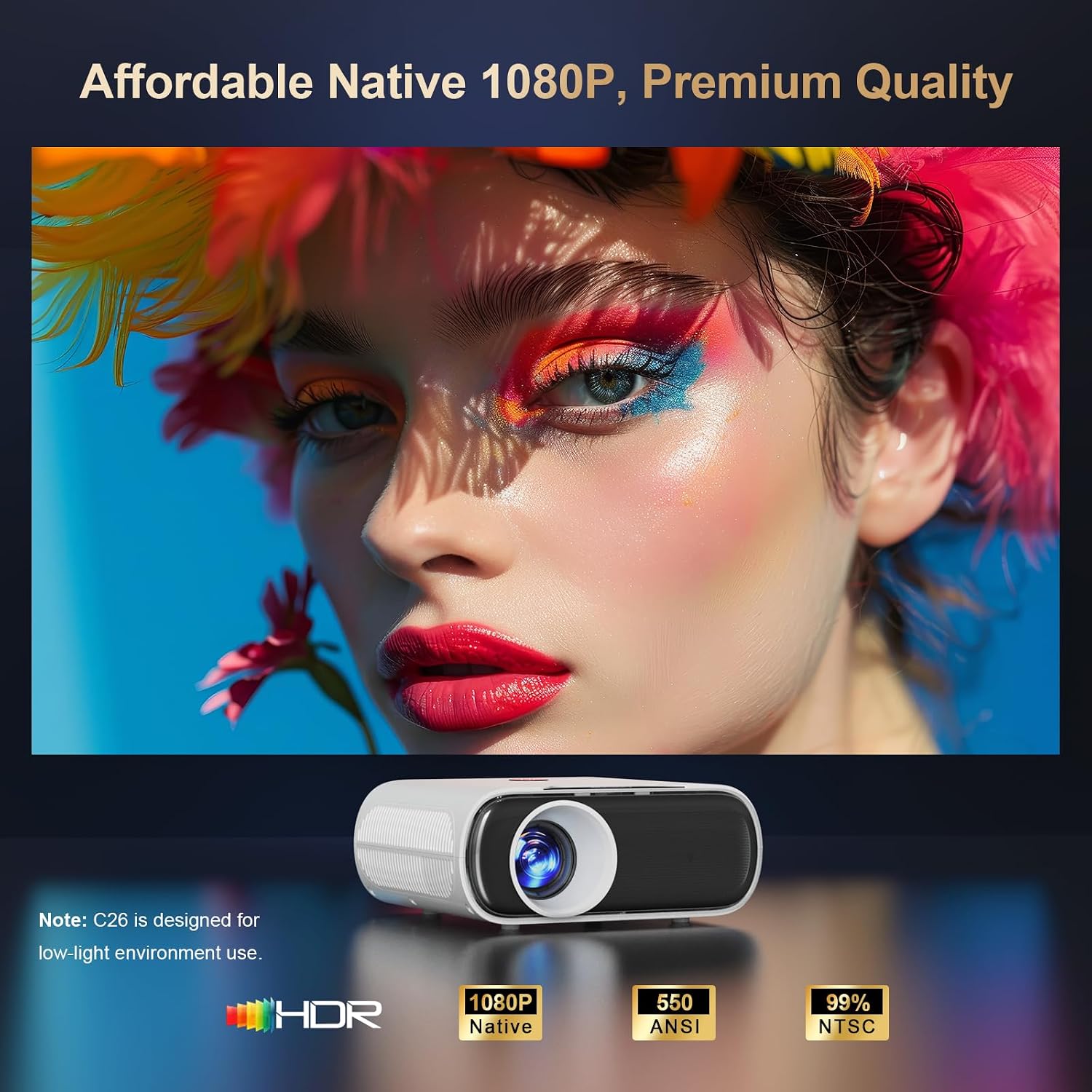
Image: Projector displaying image adjustment options including 4P Keystone Correction, Auto Vertical Keystone, Electric Focus, and Zoom.
- Elektrické ostření: Use the focus button on the remote control to adjust the image clarity. This ensures the entire image is sharp.
- Automatické vertikální lichoběžníkové zkreslení: The projector automatically corrects vertical image distortion within 15 degrees when moved.
- Korekce lichoběžníkového zkreslení 4P: For larger or horizontal corrections, navigate to the settings menu to manually adjust the 4-point keystone correction.
Obsluha projektoru
1. Systém Google TV
The Goiaey C26 comes with an official licensed Google TV system, providing direct access to thousands of apps without needing external streaming devices.

Image: Projector displaying the Google TV interface with icons for Netflix, YouTube, Prime Video, Disney+, Hulu, and other streaming applications.
- Přístup k aplikacím: Navigate through the home screen to find pre-installed apps or download new ones from the Google Play Store.
- Uživatelsky přívětivé rozhraní: The on-screen menu is designed for easy navigation.
2. Hlasový asistent Google
Control your projector with voice commands using the integrated Google Voice Assistant.
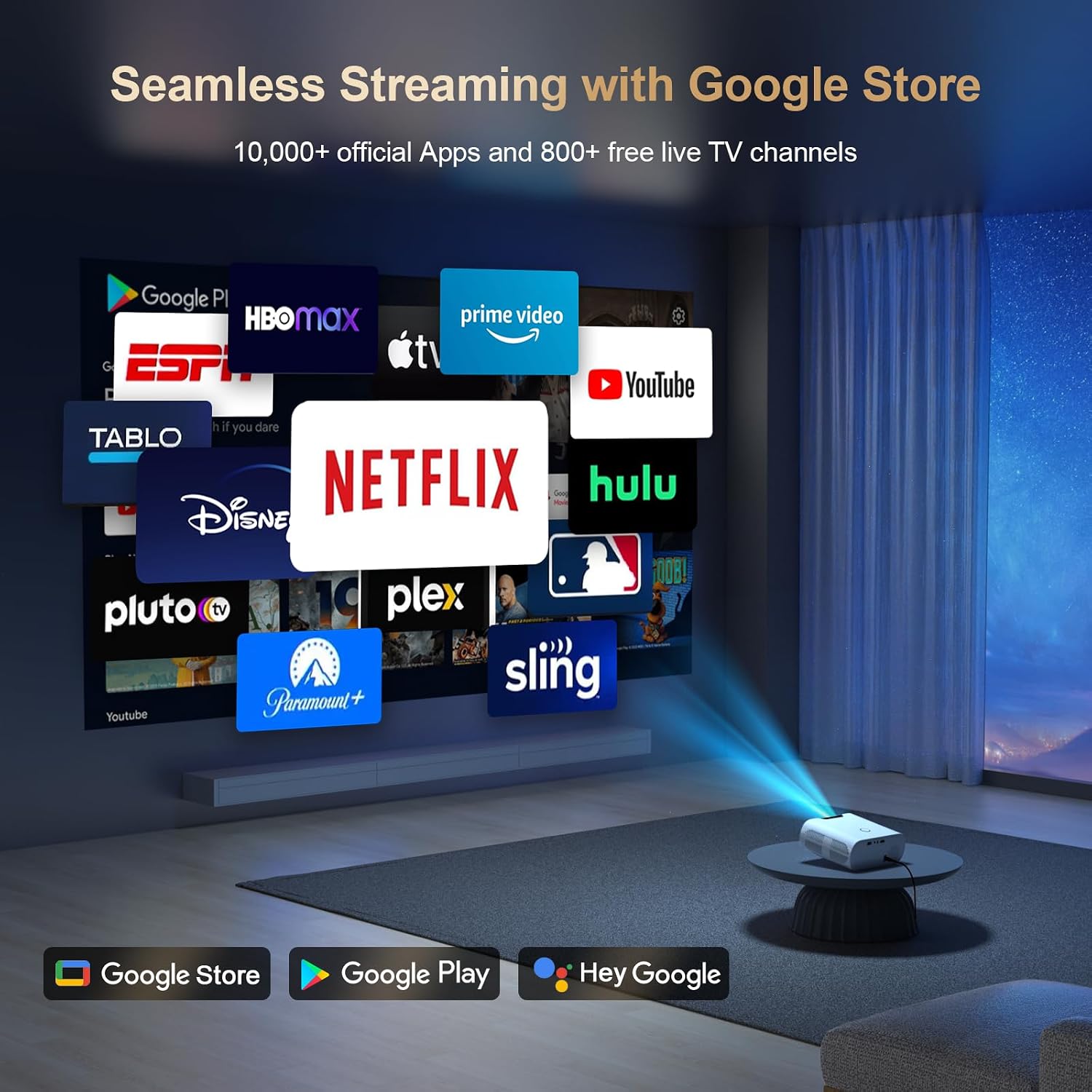
Image: Remote control with a microphone button, illustrating voice commands like "Open Netflix" or "Play Movies" being used with Google Assistant.
- Aktivovat: Hold the voice button on your remote control.
- příkazy: Speak commands such as "Open Netflix," "Play Movies," or "Turn up the volume."
3. Google Cast / Screen Mirroring
Seamlessly cast content from your phone or tablet to the projector using Google Cast.

Image: A smartphone displaying a game, with the same content being mirrored onto a large screen by the projector, indicating Google Cast functionality.
- Nastavení: Ensure your phone/tablet and projector are connected to the same Wi-Fi network.
- Casting: Use the cast function within compatible apps on your device.
- AirPlay: For iOS devices, download the AirPlay Cast app from the Google Play Store on the projector.
4. Konektivita
Projektor podporuje různé možnosti připojení:
- Wi-Fi 6: Provides fast and stable wireless internet and mirroring capabilities.
- Bluetooth: Connect external Bluetooth speakers or other audio devices.
- HDMI ARC/CEC: Connect external speakers via HDMI (ARC) and control multiple devices with one remote (CEC).
- USB: Play media directly from a USB stick.
5. Zvukový výstup
The C26 projector includes built-in 15W speakers. For enhanced audio, you can connect external speakers.

Image: A projector casting a concert video, with sound being wirelessly transmitted to two external Bluetooth speakers, demonstrating Bluetooth 5.2 functionality.
- Vestavěné reproduktory: Enjoy clear sound directly from the projector.
- Bluetooth reproduktory: Pair external Bluetooth speakers for a more immersive audio experience. Note: Bluetooth functionality is available only after signing into your Google account.
- Wired Speakers/Headphones: Use the 3.5mm audio out port.
6. Dálkové ovládání
The included Bluetooth and Infrared remote allows for convenient control from anywhere in the room.

Image: A hand holding the remote control, with blue concentric circles emanating from it, illustrating wireless control of the projector across different rooms in a house layout.
- Bluetooth párování: Pair the remote with the projector for full functionality.
- IR režim: The remote also functions via infrared for basic controls if Bluetooth is not paired.
7. Video Playback Example
Video: A demonstration of the Goiaey C26 projector displaying animated content, showcasing its image quality and smooth playback.
Údržba
Správná údržba zajistí dlouhou životnost a výkon vašeho projektoru.
- Čištění: Regularly clean the lens with a soft, lint-free cloth. Use compressed air to clear dust from ventilation openings.
- Větrání: Ensure the projector's vents are not obstructed during operation to prevent overheating.
- Vypnutí: Always power off the projector correctly to allow proper cooling.
- Skladování: When not in use, store the projector in a cool, dry place, protected from dust and direct sunlight.
Odstraňování problémů
Pokud narazíte na problémy, podívejte se na následující běžné problémy a jejich řešení:
| Problém | Možné řešení |
|---|---|
| Žádná síla | Check power cord connection. Ensure the power outlet is functional. |
| Žádný obrázek | Verify input source selection. Check HDMI/USB cable connections. Adjust focus. |
| Rozmazaný obraz | Use the electric focus function on the remote. Adjust keystone correction. |
| Žádný zvuk | Check volume settings. Ensure external speakers are connected correctly or Bluetooth is paired. |
| Dálkové ovládání nefunguje | Check remote batteries. Ensure Bluetooth pairing is successful for full functionality. |
Pokud problém přetrvává, kontaktujte prosím zákaznickou podporu pro další pomoc.
Specifikace
| Funkce | Detail |
|---|---|
| Model | C26 |
| Značka | Goiaey |
| Nativní rozlišení | 1920 x 1080 (Full HD) |
| Maximální rozlišení displeje | 1920 x 1080 pixelů (podpora 4K) |
| Jas | 800 ANSI lumenů |
| Kontrastní poměr | 20000:1 |
| Technologie připojení | Bluetooth, USB, Wi-Fi (Wi-Fi 6) |
| Speciální funkce | Built-in Google TV System, Google Voice Assistant, Google Cast, HDMI ARC/CEC, Electric Focus, 4P Keystone Correction, Portable |
| Provozní životnost světelného zdroje | 100,000 hodiny |
| Maximální velikost obrázku | 300 palce |
| Minimální vrhací vzdálenost | 1.5 metrů |
| Maximální vrhací vzdálenost | 7 metrů |
| Rozměry produktu | 18.79 x 16 x 7.39 cm |
| Hmotnost položky | 0.8 kilogramů (2.2 liber) |
| Spotřeba energie | 80 watthodin |
| Typ ovladače | Dálkové ovládání, hlasové ovládání |
| Kompatibilní zařízení | Laptop, PC, PS5, USB Stick, TV Stick, Smartphone, Bluetooth Speakers, Tablet |
Záruka a podpora
The Goiaey C26 Smart Projector comes with a comprehensive warranty and dedicated customer support.
- Záruční doba: 1 year free replacement and 2 years free repair from the order date. Total 3 years warranty.
- Kontaktujte podporu: For any questions, troubleshooting assistance, or warranty claims, please refer to the official contact information provided in your product packaging or on the Goiaey official website. Our support team aims to reply within 24 business hours.