
Zavedení
Thank you for choosing the Zoop Naruto Ana-Digi Watch, Model 16053PP03. This manual provides detailed instructions to help you understand and operate your new watch effectively. Please read this manual thoroughly before using your watch to ensure proper function and longevity.
Konec produktuview
The Zoop Naruto Ana-Digi Watch combines traditional analog timekeeping with a digital display for enhanced functionality. It features a durable maroon case, a multi-color strap with character printing, and is designed for everyday use.
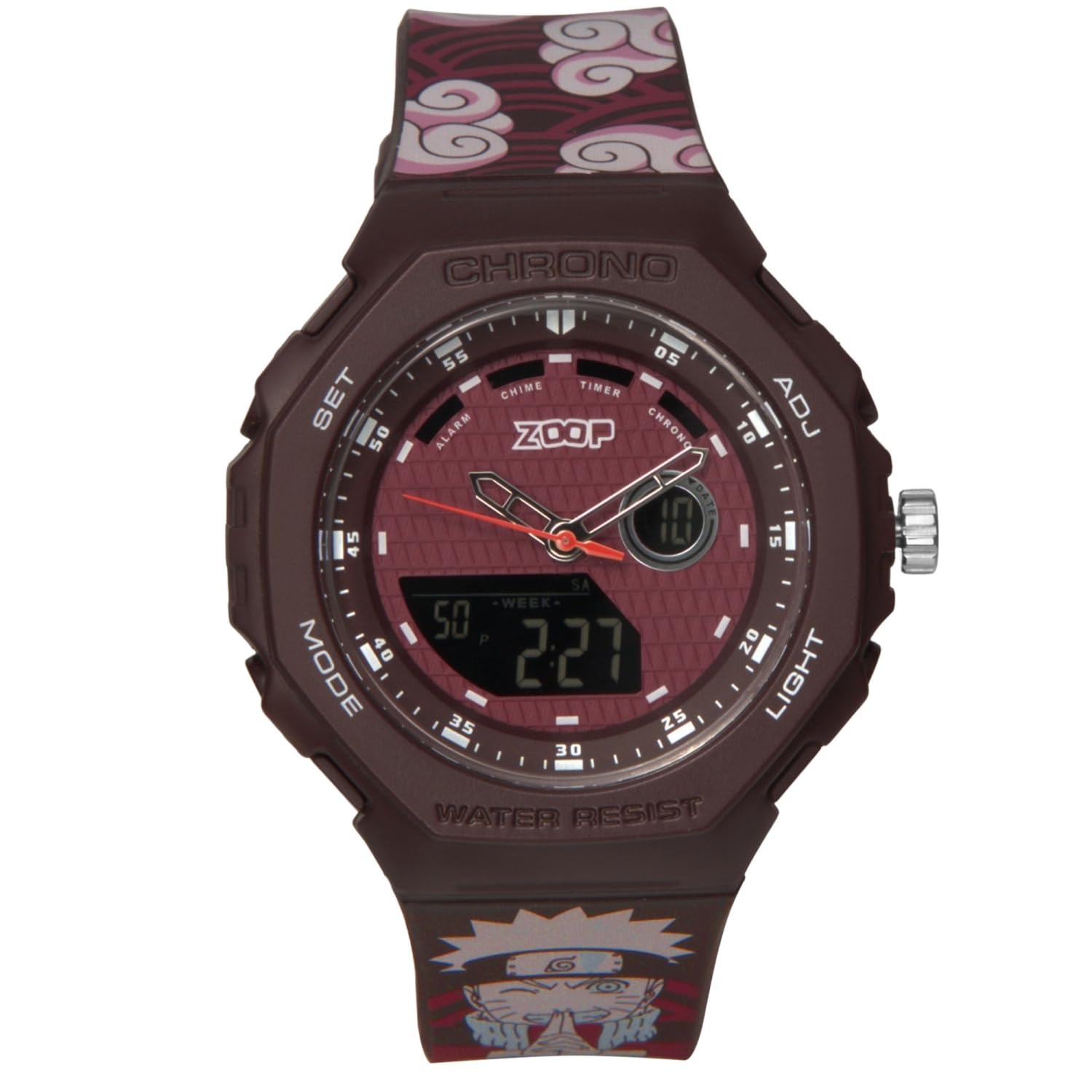
Obrázek 1: Přední view of the Zoop Naruto Ana-Digi Watch. This image displays the watch face with both analog hands and the digital display, set against a dark red background. The watch features a maroon case and a strap with a distinctive cloud pattern and Naruto character.

Obrázek 2: Key components of the Zoop Naruto Ana-Digi Watch. This diagram highlights the Ana-Digi function, dedicated push buttons (SET, MODE, ADJ, LIGHT), stainless steel crown, character printed strap, and skin-friendly silicon strap with Akatsuki clouds pattern.
Nastavení
Počáteční kontrola
Upon unboxing, inspect the watch for any visible damage. Ensure all protective films are removed from the watch face and case back.
Nastavení času a data
Your watch features both analog and digital time displays.
- Nastavení analogového času:
- Pull out the crown (the knob on the right side of the watch case, labeled "ADJ" in Figure 2) to the first click position.
- Turn the crown to adjust the analog hands to the correct time.
- Zatlačte korunku zpět pro zajištění analogového času.
- Digital Time and Date Setting:
- Stiskněte tlačítko MODE button (bottom left) repeatedly until the desired setting mode (e.g., Time Setting, Date Setting) is displayed.
- Once in the desired setting mode, press the SOUBOR button (top left) to select the digit or parameter you wish to adjust. The selected digit will typically flash.
- Použijte ADJ button (top right) to increase the value or cycle through options.
- Pokračujte v stisknutí SOUBOR to move to the next parameter and ADJ změnit jeho hodnotu.
- Po nastavení všech parametrů stiskněte tlačítko MODE tlačítko pro ukončení režimu nastavení a návrat k normálnímu zobrazení času.
Návod k obsluze
Funkce režimu
Stiskněte tlačítko MODE button (bottom left) to cycle through the various functions of your watch. The available modes typically include:
- Zobrazení času: Shows current digital time and date.
- Poplach: Umožňuje nastavení a aktivaci alarmu.
- Chronograf (stopky): Měří uplynulý čas.
- Časovač: Funkce odpočítávacího časovače.
Použití alarmu
- Stiskněte MODE until the Alarm mode is displayed.
- Stiskněte SOUBOR to activate the alarm setting. The hour digits will flash.
- Použití ADJ pro nastavení požadované hodiny.
- Stiskněte SOUBOR again to move to the minute digits and use ADJ nastavit minuty.
- Stiskněte MODE pro ukončení nastavení budíku.
- Chcete-li zapnout/vypnout budík, stiskněte ADJ while in Alarm mode (without pressing SET). An alarm icon will typically appear when the alarm is active.
Používání chronografu (stopek)
- Stiskněte MODE until the Chronograph mode is displayed (usually showing "00:00:00").
- Stiskněte ADJ pro spuštění stopek.
- Stiskněte ADJ znovu pro pozastavení stopek.
- Stiskněte SOUBOR vynulovat stopky během jejich pozastavení.
Použití Světla
Stiskněte tlačítko SVĚTLO button (bottom right) to illuminate the digital display for a few seconds, improving visibility in low-light conditions.
Voděodolnost
This watch is water-resistant up to 50 meters (5 ATM). This means it is suitable for everyday use, including splashes, rain, and brief immersion in water. Do not press any buttons or operate the crown while the watch is wet or submerged, as this can compromise the water resistance. It is not suitable for swimming, diving, or showering with hot water.
Údržba
Čištění hodinek
Pro zachování vzhledu hodinek pravidelně otírejte pouzdro a řemínek měkkým, suchým hadříkem. V případě odolných nečistot použijte lehceamp cloth can be used, followed by immediate drying. Avoid using chemical cleaners, solvents, or abrasive materials, as these can damage the watch's finish and strap.
Výměna baterie
The watch is powered by a battery. When the digital display becomes dim or the watch stops functioning, it may be time for a battery replacement. It is recommended to have the battery replaced by a qualified watch technician to ensure the water resistance seal is properly maintained.
Skladování
Pokud hodinky nepoužíváte, skladujte je na chladném a suchém místě mimo dosah přímého slunečního záření, extrémních teplot a silných magnetických polí.
Odstraňování problémů
| Problém | Možná příčina | Řešení |
|---|---|---|
| Analogové ručičky se nepohybují. | Crown is pulled out; battery low. | Push crown back in. If still not moving, battery may need replacement. |
| Digitální displej je prázdný nebo tmavý. | Baterie je téměř vybitá nebo vybitá. | Vyměňte baterii. |
| Digitální čas je nesprávný. | Čas není správně nastaven. | Refer to "Setting the Time and Date" section to reset the digital time. |
| Voda uvnitř hodinek. | Ohrožení vodotěsnosti (např. stisknutí tlačítek pod vodou, poškození těsnění). | Hodinky ihned odneste ke kvalifikovanému technikovi na kontrolu a opravu, abyste předešli dalšímu poškození. |
Pokud narazíte na problémy, které zde nejsou uvedeny, nebo pokud navrhovaná řešení problém nevyřeší, kontaktujte prosím zákaznickou podporu.
Specifikace
- Značka: Zoop
- Model: 16053PP03
- Název modelu: Naruto
- Typ displeje: Analogově-digitální
- Materiál pouzdra: Not explicitly stated, but typically resin/plastic for such watches.
- Materiál popruhu: Křemík
- Voděodolnost: 50 metrů (5 bankomatů)
- Rozměry produktu: 5 x 4.6 x 1.6 cm (délka x šířka x výška)
- Hmotnost položky: 200 g
- Baterie: Yes, included and required.
- Výrobce: Titan Company Limited
- Země původu: Indie

Obrázek 3: Detailed specifications including 15.60 mm case thickness, 45.60x49.80 mm case size, buckle lock mechanism, and 5 ATM water resistance.
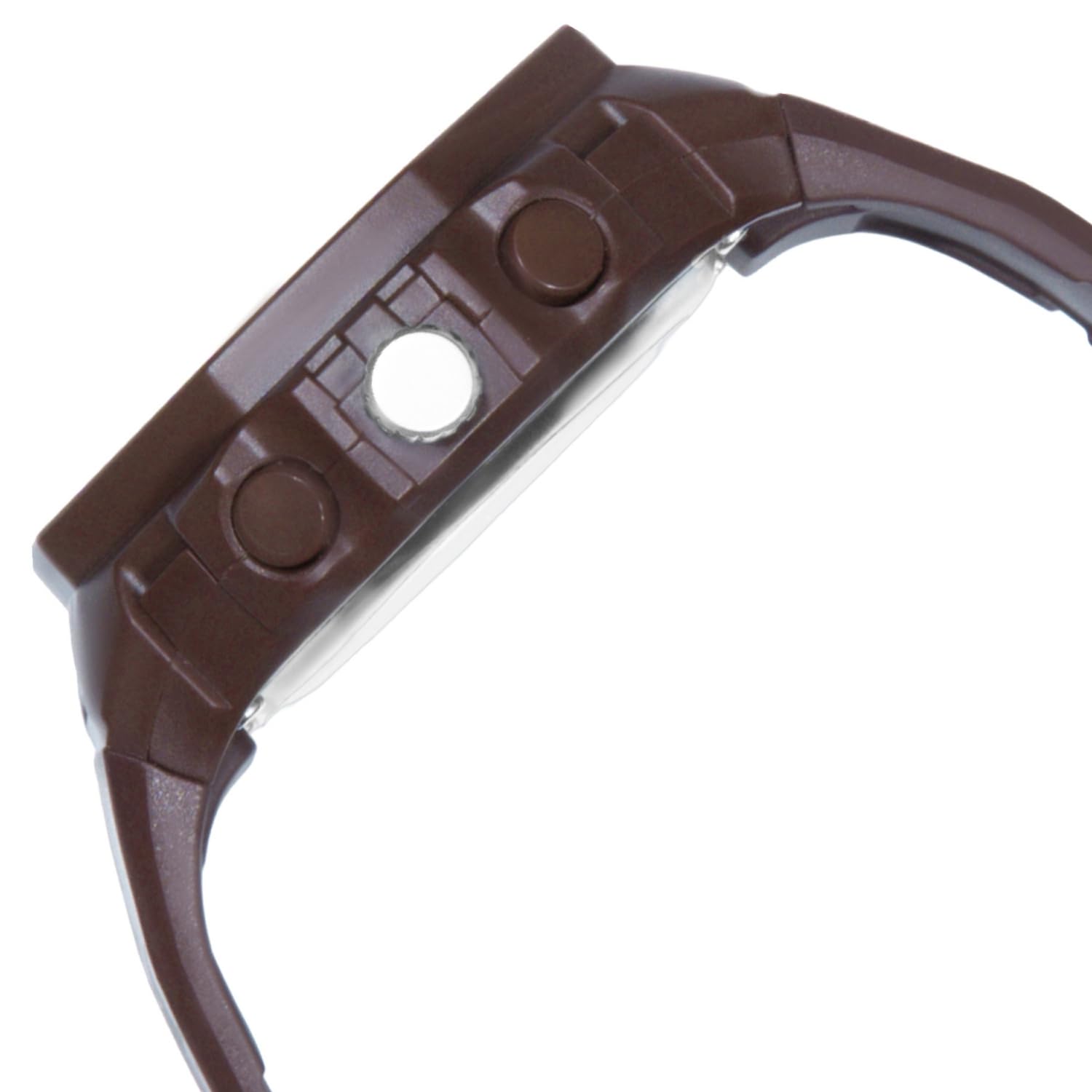
Obrázek 4: Visual representation of the watch's case diameter, measuring 45.60 mm, shown with a scale.
Záruka a podpora
For warranty information and customer support, please refer to the warranty card included with your purchase or visit the official Zoop by Titan webUschovejte si účtenku jako doklad o koupi pro případné reklamace.
For further assistance, you may contact the manufacturer, Titan Company Limited, directly.