
Zavedení
Thank you for choosing the iFFALCON 55U75A 55-inch Smart TV. This manual provides essential information for setting up, operating, and maintaining your new television. Please read it thoroughly before use and keep it for future reference.

The iFFALCON 55U75A 55-inch Smart TV, showcasinjeho elegantní design.
Bezpečnostní informace
Při používání tohoto výrobku vždy dodržujte základní bezpečnostní opatření, abyste snížili riziko požáru, úrazu elektrickým proudem a zranění.
- Nevystavujte televizor dešti ani vlhkosti.
- Neotevírejte skříň; veškerý servis svěřte kvalifikovanému personálu.
- Zajistěte řádné větrání kolem televizoru.
- Používejte pouze napájecí adaptér a kabely dodané výrobcem.
- Uchovávejte televizor mimo dosah přímého slunečního záření, zdrojů tepla a silných magnetických polí.
- Clean the TV with a soft, dry cloth. Avoid liquid cleaners.
Obsah balení
Ověřte, zda jsou v balení přítomny všechny položky:
- iFFALCON 55U75A 55-inch Smart TV
- Napájecí adaptér
- Napájecí kabel
- Dálkové ovládání
- Stánek
- Uživatelská příručka
Nastavení
1. Instalace stojanu
Instalace televizního stojanu:
- Opatrně položte televizor displejem dolů na měkký, rovný povrch, abyste zabránili poškození obrazovky.
- Připevněte nohy stojanu do určených otvorů na spodní straně televizoru.
- Zajistěte nohy dodanými šrouby.

Diagram showing the TV dimensions and how to attach the stand.
2. Připojení periferií
Připojte externí zařízení k televizoru pomocí dostupných portů:
- HDMI: For high-definition audio and video devices like gaming consoles, Blu-ray players, or set-top boxes. The TV features 4 HDMI ports.
- USB: Pro připojení paměťových zařízení USB pro přehrávání médií files.
- Wi-Fi: Připojte se k domácí síti a získejte přístup k internetu a funkcím Smart TV.
- Bluetooth: Pro bezdrátové připojení ke kompatibilním audio zařízením nebo příslušenství.

Zadní view televizoru, znázorňující různé vstupní a výstupní porty.
3. Počáteční zapnutí
After connecting all necessary cables, plug the power cable into an electrical outlet. Press the power button on the remote control or the TV to turn it on. Follow the on-screen instructions for initial setup, including language selection, network connection, and Google TV account setup.
Obsluha TV
Dálkové ovládání
The remote control allows you to navigate the TV's interface, adjust settings, and access smart features. Familiarize yourself with the buttons for power, volume, channel, input selection, and smart TV functions.
Funkce Google TV
Your iFFALCON 55U75A comes with Google TV, offering a personalized entertainment experience. Access your favorite streaming services, apps, and content recommendations. Use Google Assistant for voice commands to search for movies, control smart home devices, and more.
Display Technology: QLED and 144Hz Native Refresh Rate
Experience vibrant and lifelike visuals with QLED technology, featuring advanced quantum crystal materials for richer colors and higher stability. The 144Hz native refresh rate ensures ultra-smooth motion, ideal for gaming and fast-paced action scenes, reducing blur and enhancing clarity.
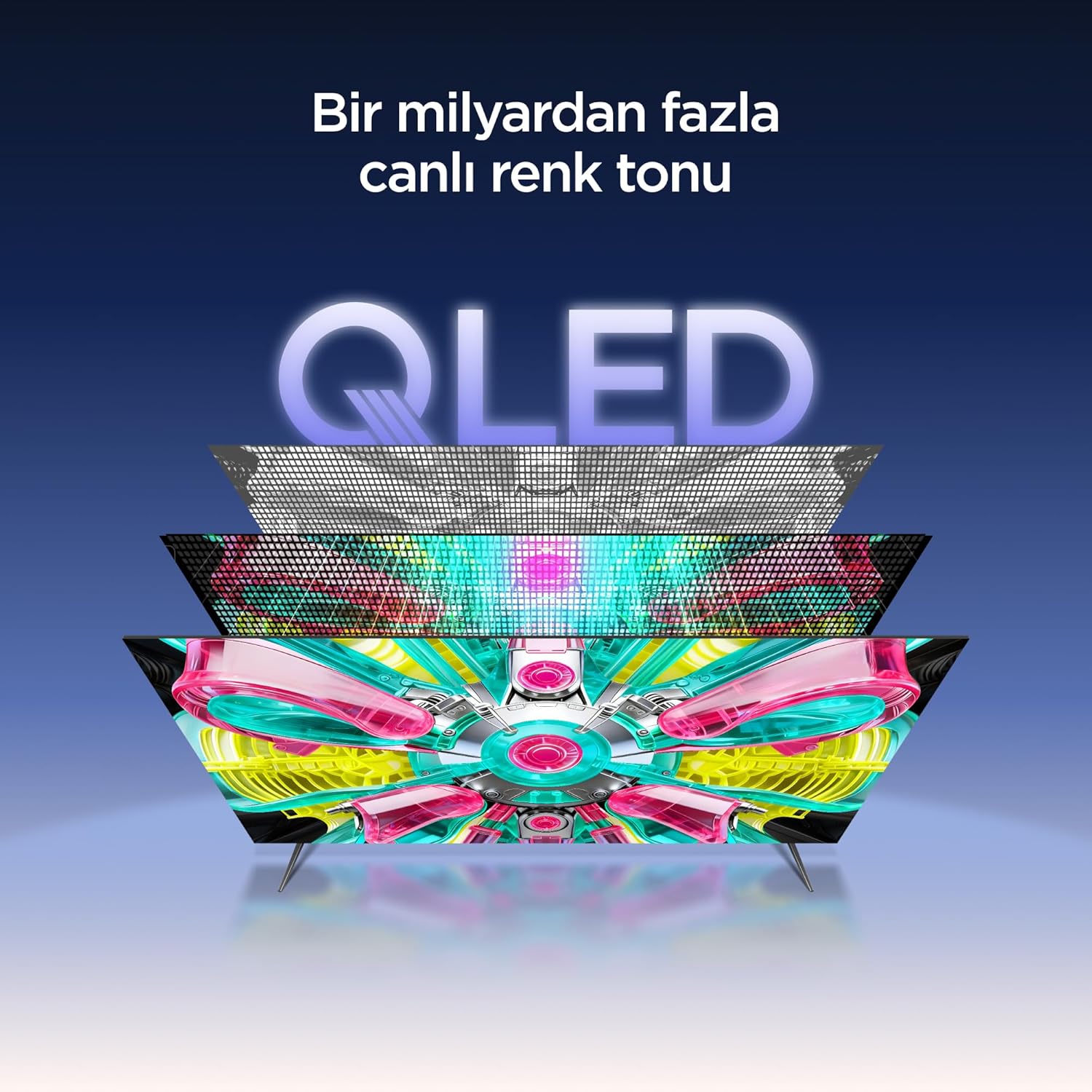
An illustration of the QLED display technology layers, providing over a billion vibrant color tones.
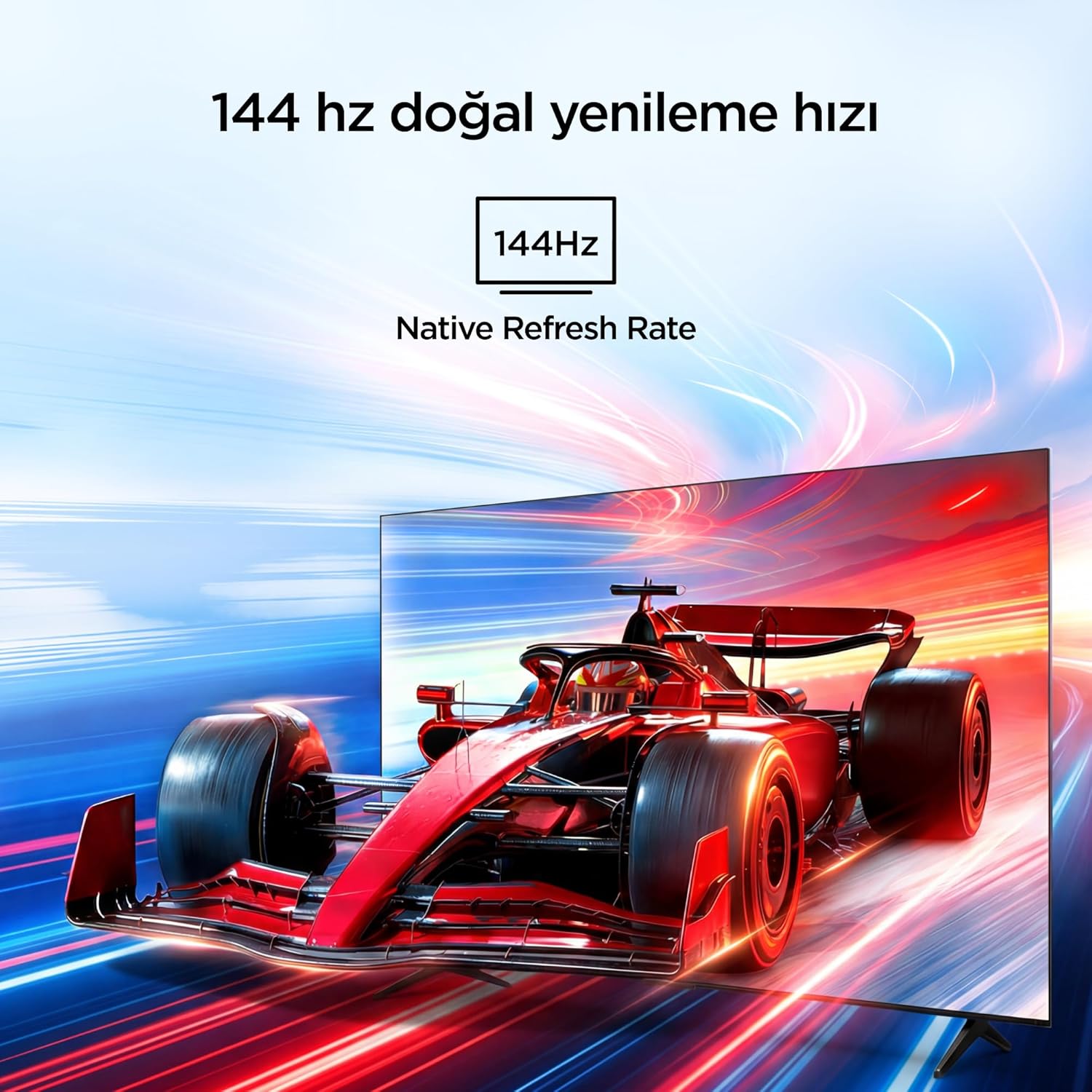
Visual representation of the 144Hz Native Refresh Rate, demonstrating smooth motion for gaming and action.
Audio Experience: Dolby Vision Atmos & DTS Virtual X
Immerse yourself in high-quality audio with Dolby Vision Atmos, delivering rich and captivating sound. DTS Virtual X provides virtual 3D sound, bringing the scene into your room with audio from above, the sides, and behind.

An image depicting the immersive audio experience provided by Dolby Vision Atmos.
Procesor AiPQ Pro
The AiPQ Pro Processor, powered by artificial intelligence, optimizes contrast and color accuracy in every scene. It analyzes visual content and masterfully balances skin tones and color distribution for vivid and realistic visuals.
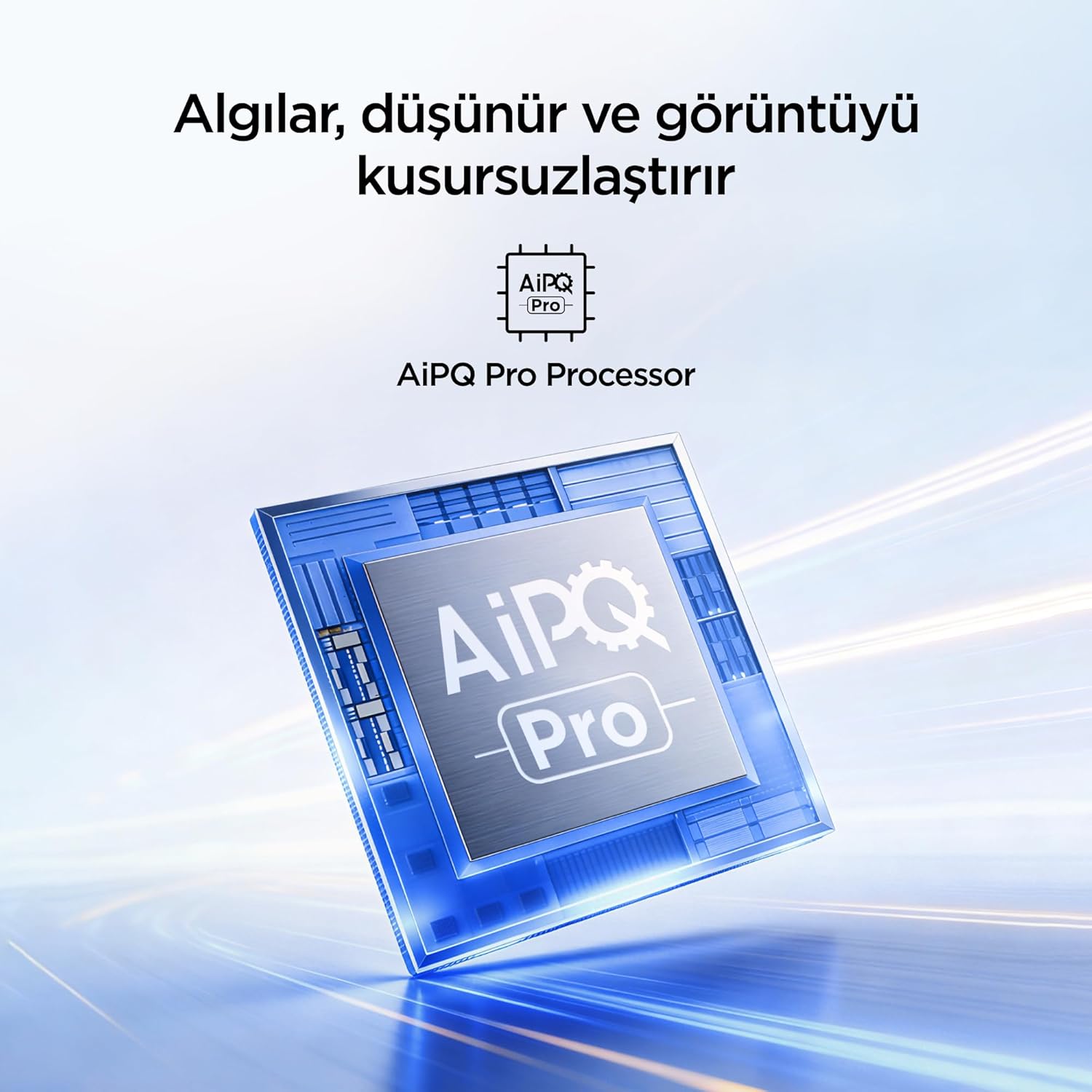
A visual of the AiPQ Pro Processor, highlighting its role in image optimization.
HVA Panel Technology
The HVA Panel offers 5x contrast enhancement, a low reflection film, and a wide viewing angle of over 178°. This technology provides powerful and accurate contrast, delivering sharper and more striking images.

Comparison illustrating the superior contrast and detail of HVA Panel Technology over conventional IPS panels.
Game Master & Gamebar
The Game Master feature, along with the dedicated Gamebar, provides special screen designs for gaming consoles. Comprehensive graphics and game modes allow for personalized settings, giving you an advantage when starting a game.

An image showing the Gamebar interface, designed for optimizing gaming experiences on consoles.
Vícenásobná péče o oči
The TV is equipped with Multiple Eye Care technologies, such as low blue light and natural light optimization, to help reduce eye strain during long viewing sessions, providing a more comfortable experience.

Visual explanation of Multiple Eye Care features like low blue light and flicker-free viewIng.
Údržba
Správná údržba zajistí dlouhou životnost a optimální výkon vašeho televizoru.
- Čištění obrazovky: Jemně otřete obrazovku měkkým hadříkem, který nepouští vlákna. V případě odolných skvrn lehceampOtřete hadřík vodou nebo specializovaným čističem obrazovek (nikdy nestříkejte přímo na obrazovku).
- Čištění skříně: K otření televizní skříňky použijte měkký, suchý hadřík.
- Větrání: Abyste zabránili přehřátí, ujistěte se, že ventilační otvory na zadní straně televizoru nejsou zablokované.
- Napájecí kabel: Pravidelně kontrolujte napájecí kabel, zda není poškozený. Pokud je poškozen, obraťte se na zákaznickou podporu a požádejte o výměnu.
Odstraňování problémů
Pokud narazíte na problémy s televizorem, před kontaktováním podpory si přečtěte následující běžné problémy a jejich řešení.
| Problém | Možné řešení |
|---|---|
| Žádná síla | Check if the power cord is securely plugged into the TV and the power outlet. Ensure the outlet is working. |
| Žádný obraz, ale zvuk je přítomný | Check the input source. Ensure the external device is properly connected and powered on. |
| Žádný zvuk, ale obraz je přítomen | Zkontrolujte nastavení hlasitosti a ztlumení zvuku. Ujistěte se, že jsou audio kabely správně připojeny. |
| Dálkové ovládání nefunguje | Vyměňte baterie. Ujistěte se, že mezi dálkovým ovladačem a infračerveným senzorem televizoru nejsou žádné překážky. |
| Problémy s připojením Wi-Fi | Restart your router and modem. Check TV network settings and ensure the password is correct. |
Specifikace
| Funkce | Detail |
|---|---|
| Velikost obrazovky | 55 palců |
| Značka | iFFALCON |
| Technologie displeje | QLED |
| Rezoluce | 4K |
| Obnovovací frekvence | 144 Hz |
| Klíčové vlastnosti | 144Hz Native Refresh Rate, AiPQ Pro Processor, Bezel-less Design, Google Assistant, HVA Screen, Multi Eye Care, Free Sync |
| Technologie připojení | Bluetooth, HDMI, USB, Wi-Fi |
| Rozměry produktu (D x Š x V) | 7 H x 122.4 Š x 70.8 V cm |
| Název modelu | 55U75A |
| Hmotnost produktu | 13.5 kilogram |
| Celkový počet portů HDMI | 4 |
| Energetická účinnost | A+ |
| Barva | Černý |
| Modelový rok | 2026 |
| Výrobce | iFFALCON |
| Země původu | Čína |
Záruka a podpora
Your iFFALCON 55U75A Smart TV comes with a 2letá záruka výrobce. For warranty claims, technical support, or service inquiries, please contact iFFALCON customer service. Refer to the warranty card included in your package for detailed terms and conditions.
For further assistance, visit the official iFFALCON webnebo se obraťte na jejich autorizovaná servisní střediska.