
Zavedení
The LOFREE Pudding Dual Mode Wireless Mouse (Model OE929) is designed for versatile use across various operating systems and devices. It offers both Bluetooth and 2.4G wireless connectivity, adjustable DPI settings, and a comfortable, ergonomic design. This manual provides instructions for setup, operation, maintenance, and troubleshooting to ensure optimal performance of your device.
Obsah balení
- LOFREE Pudding Dual Mode Wireless Mouse
- USB přijímač (2.4G)
- Charging Cable (USB-C to USB-A, typically)
- Uživatelská příručka
Konec produktuview
The LOFREE Pudding mouse features a unique transparent texture and an ergonomic design for comfortable use. It includes an adjustable ambient light feature and a scroll wheel with integrated button functionality.

Obraz: The LOFREE Pudding mouse showcasing its high transparency texture and sleek design.

Obraz: A hand holding the LOFREE Pudding mouse, illustrating its comfortable, skin-like touch and ergonomic grip.
Nastavení
1. Nabíjení myši
Before first use, ensure the mouse is fully charged. Connect the provided charging cable to the mouse's charging port and to a USB power source. The ambient light may indicate charging status (e.g., breathing light while charging, solid when full).

Obraz: The LOFREE Pudding mouse, highlighting its approximately 100 hours of battery life on a single charge.
2. Dual-Mode Connection
The mouse supports two wireless connection methods: 2.4G via USB receiver and Bluetooth.
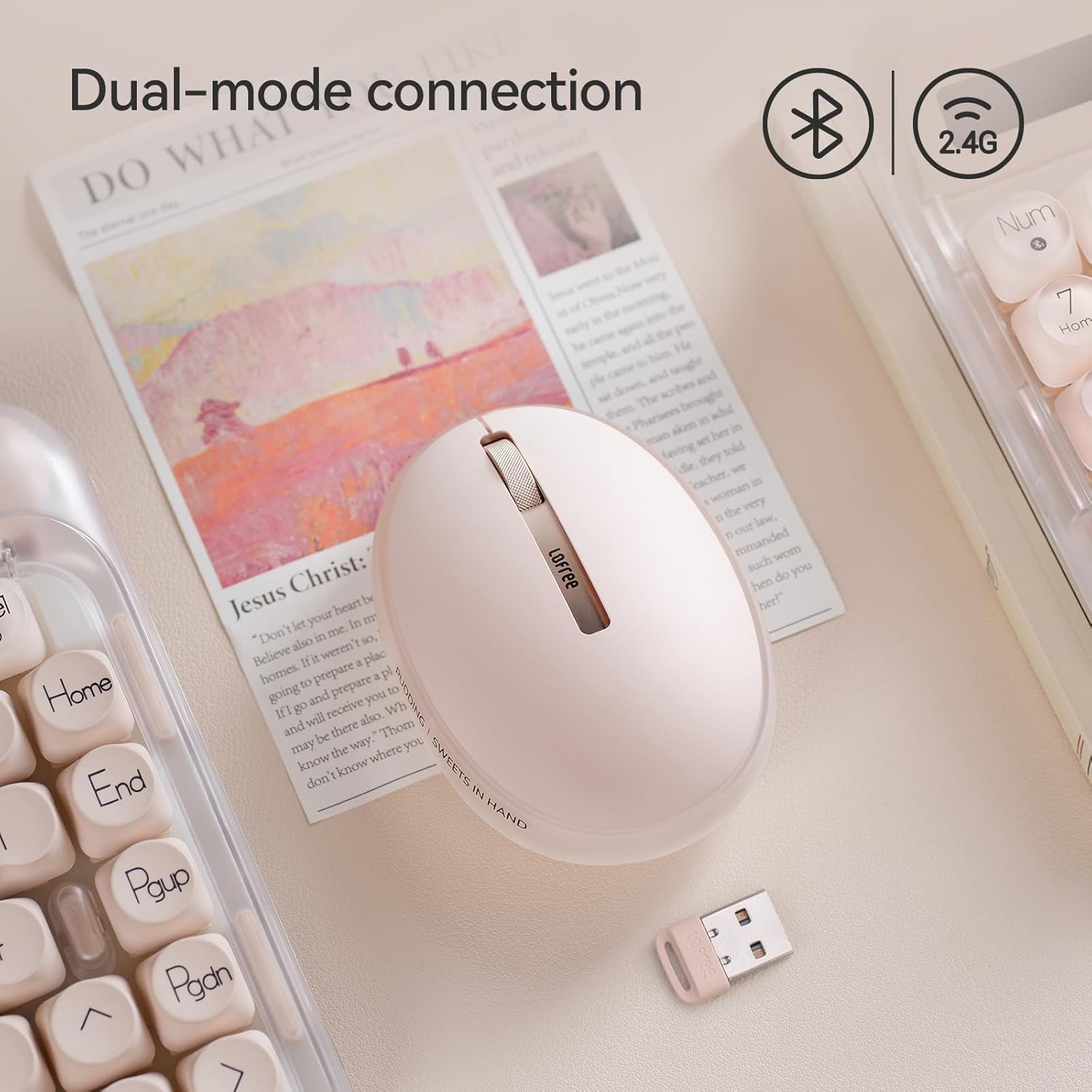
Obraz: The LOFREE Pudding mouse demonstrating its dual-mode connection capability, supporting both Bluetooth and 2.4G wireless technologies.
2.1. Bezdrátové připojení 2.4G
- Locate the USB receiver, typically stored in a compartment on the mouse or in the packaging.
- Zapojte USB přijímač do volného USB portu na vašem počítači.
- Zapněte myš. Počítač by měl automaticky detekovat a nainstalovat potřebné ovladače.
- Poznámka: For systems below Windows 7, the 2.4G connection is recommended as Bluetooth mode may not be supported.
2.2. Připojení Bluetooth
- Ujistěte se, že je na vašem zařízení povoleno rozhraní Bluetooth.
- Switch the mouse to Bluetooth mode (refer to the mouse's bottom switch or button for mode selection).
- On your device, search for Bluetooth devices. The mouse should appear as "LOFREE Pudding Mouse" or similar.
- Vyberte myš pro párování. Postupujte podle pokynů na obrazovce a dokončete proces párování.
3. Kompatibilita
The LOFREE Pudding mouse is compatible with a wide range of operating systems and devices, including:
- Windows (Windows 7 and above for Bluetooth)
- macOS
- iOS
- Android
- PC, Mac, Laptop, and other compatible devices.
Návod k obsluze
1. Adjusting DPI Levels
The mouse features 5 adjustable DPI levels to suit different tasks and preferences. You can cycle through these settings by pressing the DPI button, usually located near the scroll wheel or on the bottom of the mouse.
- Dostupné nastavení DPI: 600, 800, 1200, 1600, 3600.
- Press the DPI button to switch between levels. The mouse cursor speed will change accordingly.

Obraz: A hand demonstrating the adjustment of DPI levels on the LOFREE Pudding mouse, with available settings of 600, 800, 1200, 1600, and 3600.
2. Ambient Light Modes
The mouse is equipped with an adjustable ambient light feature, offering two modes:
- Constant Always On: The light remains steadily illuminated.
- Režim dýchání: The light gently pulses on and off.
To switch between these modes, refer to the dedicated light control button or combination of buttons on the mouse. In dormant state, the ambient light will turn off and can be reactivated by clicking any button on the mouse.

Obraz: The LOFREE Pudding mouse displaying its adjustable ambient light feature, with options for "Always On" or "Breathing" modes.
3. Řízení spotřeby
The mouse is designed to conserve battery life. It will enter a dormant state after a period of inactivity, turning off the ambient light. To wake the mouse, simply click any button.
Údržba
1. Čištění
- Use a soft, dry, lint-free cloth to clean the mouse surface.
- Pro odolnou špínu lehceampnavlhčete hadřík vodou nebo jemným neabrazivním čisticím prostředkem.
- Nepoužívejte agresivní chemikálie, rozpouštědla nebo abrazivní materiály, protože by mohly poškodit povrchovou úpravu myši.
- Zajistěte, aby se do vnitřních součástí myši nedostala žádná tekutina.
2. Péče o baterie
- Myš pravidelně nabíjejte, aby baterie vydržela dobře.
- Vyhněte se častému úplnému vybíjení baterie.
- If storing the mouse for an extended period, charge it to approximately 50% to prevent deep discharge.
Odstraňování problémů
Mouse Not Responding / Disconnecting
- Zkontrolujte baterii: Ensure the mouse is charged. Connect it to a power source.
- 2.4G připojení:
- Ujistěte se, že je USB přijímač bezpečně zapojený do funkčního USB portu.
- Vyzkoušejte jiný port USB.
- Ujistěte se, že je myš přepnuta do režimu 2.4G.
- Připojení Bluetooth:
- Ujistěte se, že je na vašem zařízení povoleno Bluetooth.
- Ujistěte se, že je myš přepnuta do režimu Bluetooth.
- Unpair and re-pair the mouse from your device's Bluetooth settings.
- Ensure your device's operating system supports Bluetooth for mice (e.g., Windows versions below 7 may have limited support).
- Rušení: Move the mouse closer to the receiver/device. Avoid using it near other wireless devices that might cause interference.
DPI se nemění
- Ujistěte se, že stisknete správné tlačítko pro nastavení DPI.
- If the mouse is unresponsive, try restarting it (turn off and on).
Ambient Light Not Working
- Check if the mouse is in a dormant state; click a button to wake it.
- Ujistěte se, že je baterie dostatečně nabitá.
- Verify you are using the correct button or combination to cycle through light modes.
Specifikace
| Funkce | Detail |
|---|---|
| Číslo modelu | OE929 |
| Technologie připojení | Bluetooth, 2.4G Radio Frequency |
| Technologie detekce pohybu | Optický |
| Úrovně DPI | 600, 800, 1200, 1600, 3600 (nastavitelné) |
| Kapacita baterie | 500 XNUMX mAh |
| Životnost baterie | Přibližně 100 hodiny |
| Speciální funkce | LED Lights (Ambient), Lightweight, Rechargeable, Wireless |
| Kompatibilita | Windows, macOS, iOS, Android (PC, Mac, Laptop) |
| Hmotnost položky | 8.9 unce |
| Rozměry balení | 5.2 x 4.13 x 2.4 palce |
Záruka a podpora
LOFREE products are manufactured to high-quality standards. For warranty information, technical support, or service inquiries, please refer to the official LOFREE webwebu nebo se obraťte přímo na jejich zákaznickou podporu. Uschovejte si doklad o koupi pro případ reklamace.
Pro více informací navštivte LOFREE Store on Amazon.