
Gtheos Captain 370
Uživatelská příručka k bezdrátovému hernímu headsetu Gtheos Captain 370
Model: Captain 370 | Brand: Gtheos
Zavedení
This manual provides detailed instructions for the Gtheos Captain 370 Wireless Gaming Headset. It covers setup, operation, maintenance, and troubleshooting to ensure optimal performance and longevity of your headset. The Captain 370 offers versatile connectivity options including 2.4GHz wireless, Bluetooth 5.3, and 3.5mm wired connections, making it compatible with various gaming platforms and devices.
Konec produktuview
Klíčové vlastnosti
- 4 v 1 připojení: 2.4GHz USB (PS5, PS4, laptops, desktops, Switch - mic not supported on Switch), Type-C wireless (PS5, tablets, phones), Bluetooth 5.3 (mobile, work), 3.5mm wired (Xbox, other consoles).
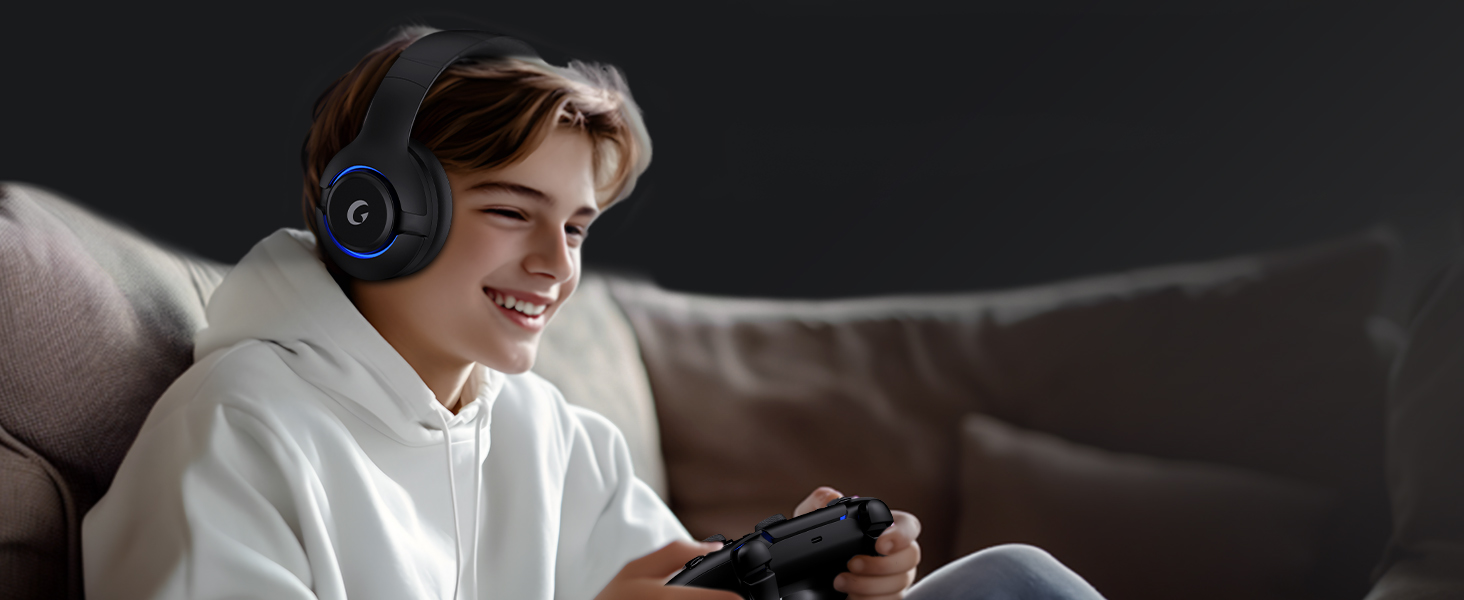
- Vysoce kvalitní zvuk: 50mm drivers with 3D surround sound.
- Mikrofon s potlačením šumu: External mic with ENC technology for clear communication, plus a built-in backup mic.
- Dlouhá výdrž baterie: Up to 45 hours of wireless play, 3-hour Type-C fast charging.
- RGB osvětlení: Customizable RGB breathing lights.
- Pohodlný design: Premium protein material for comfortable, skin-friendly, and breathable wear.
Ovládací prvky a porty
Familiarize yourself with the headset's controls for easy operation.
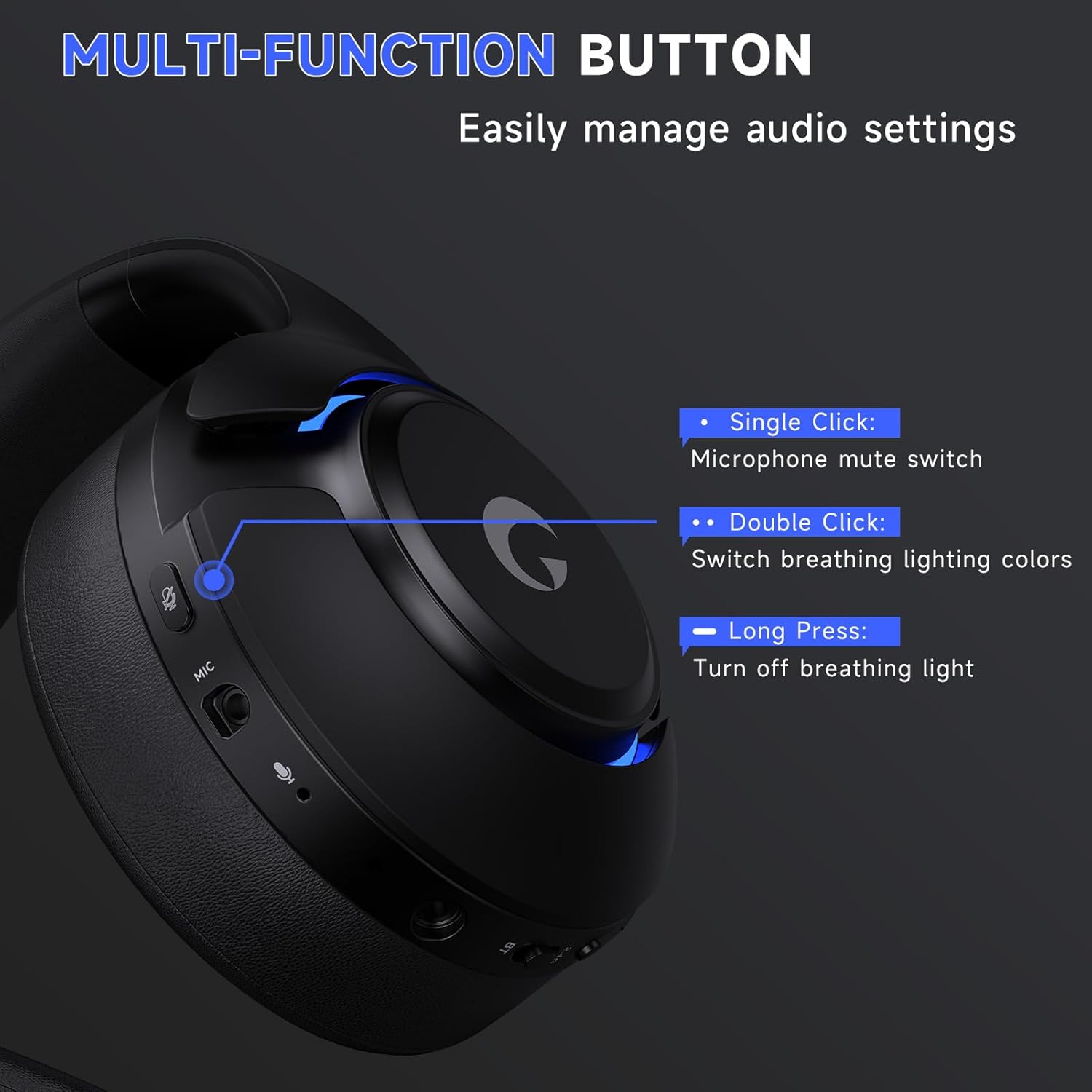
Obraz: Close-up of the headset's multi-function buttons. This image illustrates the controls for microphone mute (single click), RGB light color change (double click), and turning off RGB lights (long press).
- Jedno kliknutí: Vypínač ztlumení mikrofonu.
- Dvojklik: Switch breathing lighting colors.
- Dlouhé stisknutí: Turn off breathing light.
- Váleček objemu: Upravte hlasitost zvuku.
- Přepínač 2.4G/BT: Toggle between 2.4GHz wireless and Bluetooth modes.
- 3.5mm audio port: Pro kabelové připojení.
- Port mikrofonu: For detachable boom microphone.
- Nabíjecí port USB-C: Pro nabíjení náhlavní soupravy.
Nastavení
1. Detachable Microphone Installation
To use the boom microphone, firmly insert it into the microphone port on the headset until you feel a slight 'click'. This indicates a secure connection.
Video: Demonstrates how to properly install the detachable microphone into the Gtheos Captain 370 headset.
2. 2.4GHz Wireless Connection (for PS5, PS4, PC, Mac)
This mode offers low-latency wireless audio for compatible devices.
- Plug the 2.4GHz USB transmitter into an available USB port on your PS5, PS4, PC, or Mac. The transmitter's indicator light will flash blue while waiting for pairing.
- Hold down the power button on the headset for 3 seconds to turn it on. The white indicator light on the headset will flash, indicating it's in pairing mode.
- Once successfully paired, the transmitter's indicator light will turn solid blue, and the headset's indicator light will remain white.
- Pro PS5: Go to the PS5 settings menu. Select "Sound" > "Microphone" > "Input Device" and choose "USB Headset (Captain 370)". Then select "Audio Output" > "Output Device" and choose "USB Headset (Captain 370)". Finally, select "Volume" and adjust the headphone volume to the appropriate level. You can also adjust the microphone level under "Microphone" settings.
- Pro PC: Go to System Settings > Sound. Select "Captain 370" as the output device and adjust the volume. Select "Captain 370" as the input device (microphone) and adjust its volume level.
Video: Shows the 2.4GHz wireless connection method for the Gtheos Captain 370 headset, including pairing and audio setup on a PS5 and PC.
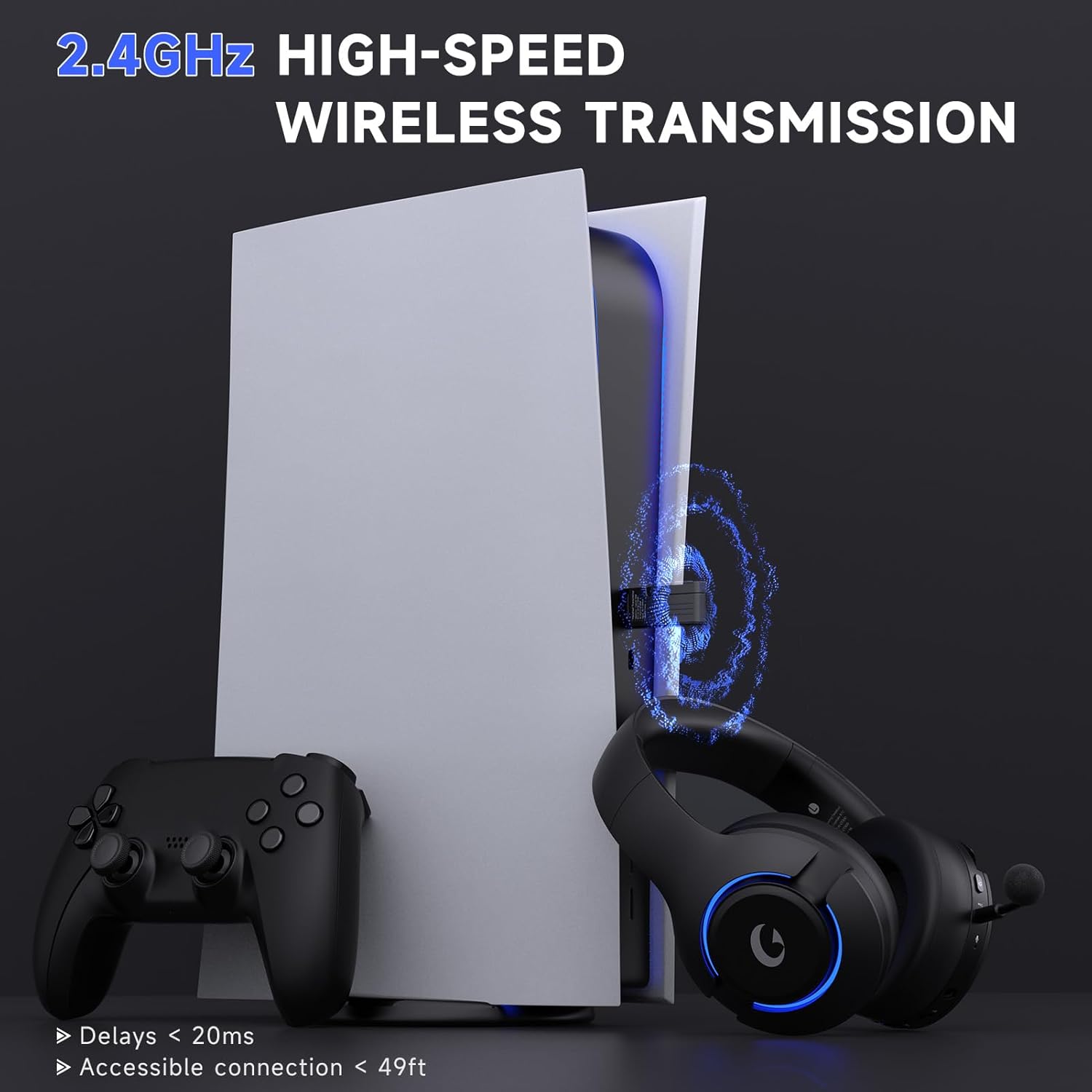
Obraz: The Gtheos Captain 370 headset and its 2.4GHz USB transmitter connected to a PS5 console, highlighting low latency and accessible connection range.
3. Bluetooth 5.3 Connection (for Mobile, Tablets, PS5)
Use Bluetooth for convenient wireless connection with mobile devices and PS5.
- Switch the headset from 2.4GHz mode to Bluetooth mode using the switch on the headset. The white indicator light will flash, indicating it's in pairing mode.
- On your device (phone, tablet, or PS5), go to Bluetooth settings and search for nearby devices.
- Select "Captain 370" from the list to pair.
- Pro PS5: Access the Bluetooth settings on your PS5. Select "Bluetooth Audio" and then "Pair Device". Once "Captain 370" appears, select it to pair.
- Poznámka: Bluetooth audio on Switch is supported, but the microphone is not compatible in this mode.
Video: Demonstrates how to connect the Gtheos Captain 370 headset to a PS5 using Bluetooth wireless connectivity.
4. 3.5mm Wired Connection (for Xbox, PS4, PS5, Switch, PC)
For devices that require a wired connection, use the included 3.5mm audio cable.
- Insert the 3.5mm jack plug into the headset's 3.5mm audio port.
- Connect the other end of the 3.5mm audio cable to your device (e.g., Xbox controller, PS5 controller, Switch, PC).
- Adjust the volume level on your device to the appropriate setting.
- Poznámka 1: When using a 3.5mm audio cable to connect an Xbox controller, an adapter (not included) is required. Audio cables alone are not directly compatible with Xbox controllers.
- Poznámka 2: The microphone of this gaming headset is not compatible with Nintendo Switch in any mode.
Video: Illustrates the wired connection method for the Gtheos Captain 370 headset, specifically connecting to a Nintendo Switch via the 3.5mm jack.
Obraz: A table detailing the compatibility of voice and microphone functions across different connection modes (2.4G, Bluetooth 5.3, 3.5mm Wired) for various devices including PS4/PS5, PC, Switch, Pad/Phone, and Xbox Series.
Návod k obsluze
Zapnutí/vypnutí
- Pro zapnutí stiskněte a podržte tlačítko napájení po dobu 3 sekund.
- Chcete-li přístroj vypnout, stiskněte a podržte tlačítko napájení po dobu 3 sekund.
Ovládání hlasitosti
- Use the volume roller on the headset to adjust the audio output level.
- To reduce echo when using for PS5, keep the volume at around 80%–85%.
Použití mikrofonu
- Ztlumit/Zapnout: Single click the microphone mute switch button.
- The external microphone utilizes advanced ENC (Noise Cancellation) technology to filter out background noise.
- The headset includes a built-in backup microphone for clear calls even when the boom mic is detached.
- If the microphone does not work, check if the "Microphone Button" is muted and switch it to unmute.

Obraz: A close-up of the Gtheos Captain 370 headset's noise-canceling microphone, illustrating its function and the ability to support normal calling even when removed.
RGB osvětlení
- Změnit barvy: Double click the RGB light button to cycle through different breathing light colors.
- Vypnout: Long press the RGB light button to turn off the breathing lights.
- To extend battery usage time, consider turning off the breathing lights.
Údržba
- Čištění: K čištění sluchátek s mikrofonem používejte měkký, suchý hadřík. Nepoužívejte agresivní chemikálie ani abrazivní materiály.
- Skladování: Sluchátka skladujte na chladném a suchém místě mimo dosah přímého slunečního záření a extrémních teplot.
- Péče o baterie: Pro optimální výdrž baterie se vyvarujte častého úplného vybíjení sluchátek. Pravidelně je nabíjejte.
- Péče o mikrofon: When not in use, detach the boom microphone to prevent damage.
Odstraňování problémů
No Audio/Microphone Not Working
- Zkontrolujte připojení: Ensure the 2.4GHz transmitter is securely plugged in, Bluetooth is paired, or the 3.5mm cable is fully inserted.
- Výběr režimu: Verify the headset is in the correct mode (2.4GHz, Bluetooth, or wired) for your device.
- Ztlumení mikrofonu: Check if the microphone is muted via the headset button or device settings.
- Nastavení zařízení: Confirm that "Captain 370" is selected as the input/output device in your console or PC sound settings.
- Xbox Controller: Remember that an adapter (not included) is required for 3.5mm wired connection to Xbox controllers.
- Switch Microphone: The microphone is not compatible with Nintendo Switch in any mode.
Poor Audio Quality/Echo
- Úroveň hlasitosti: Adjust the volume on both the headset and your device. For PS5, keep headset volume at 80%-85% to reduce echo.
- Rušení: Přesuňte se dále od jiných bezdrátových zařízení, která mohou způsobovat rušení.
- Vzdálenost: Ensure you are within the effective range of the 2.4GHz transmitter (up to 49 feet).
Sluchátka se nenabíjejí
- Cable and Port: Check the USB-C charging cable and port for any damage. Try a different cable or power source.
- Doba nabíjení: Vyčkejte až 3 hodin na plné nabití.
Specifikace
| Funkce | Detail |
|---|---|
| Značka | Gtheos |
| Číslo modelu | Kapitán 370 |
| Barva | Černý |
| Konektivita | Bezdrátové připojení 2.4 GHz, Bluetooth 5.3, kabelové připojení 3.5 mm |
| Velikost ovladače | 50 mm |
| Životnost baterie | Až 45 hodin |
| Doba nabíjení | 3 Hours (Type-C) |
| Bezdrátové Dosah | Up to 49 feet (2.4GHz) |
| Latence | Ultra-low 20ms (2.4GHz) |
| Mikrofon | Detachable, Noise-Canceling (ENC), Built-in backup mic |
| Další funkce | RGB Lighting, Comfortable Protein Material Earcups |

Obraz: The Gtheos Captain 370 headset showcasing its 45-hour long-lasting battery life, 1000mAh battery capacity, and 3-hour charging time.
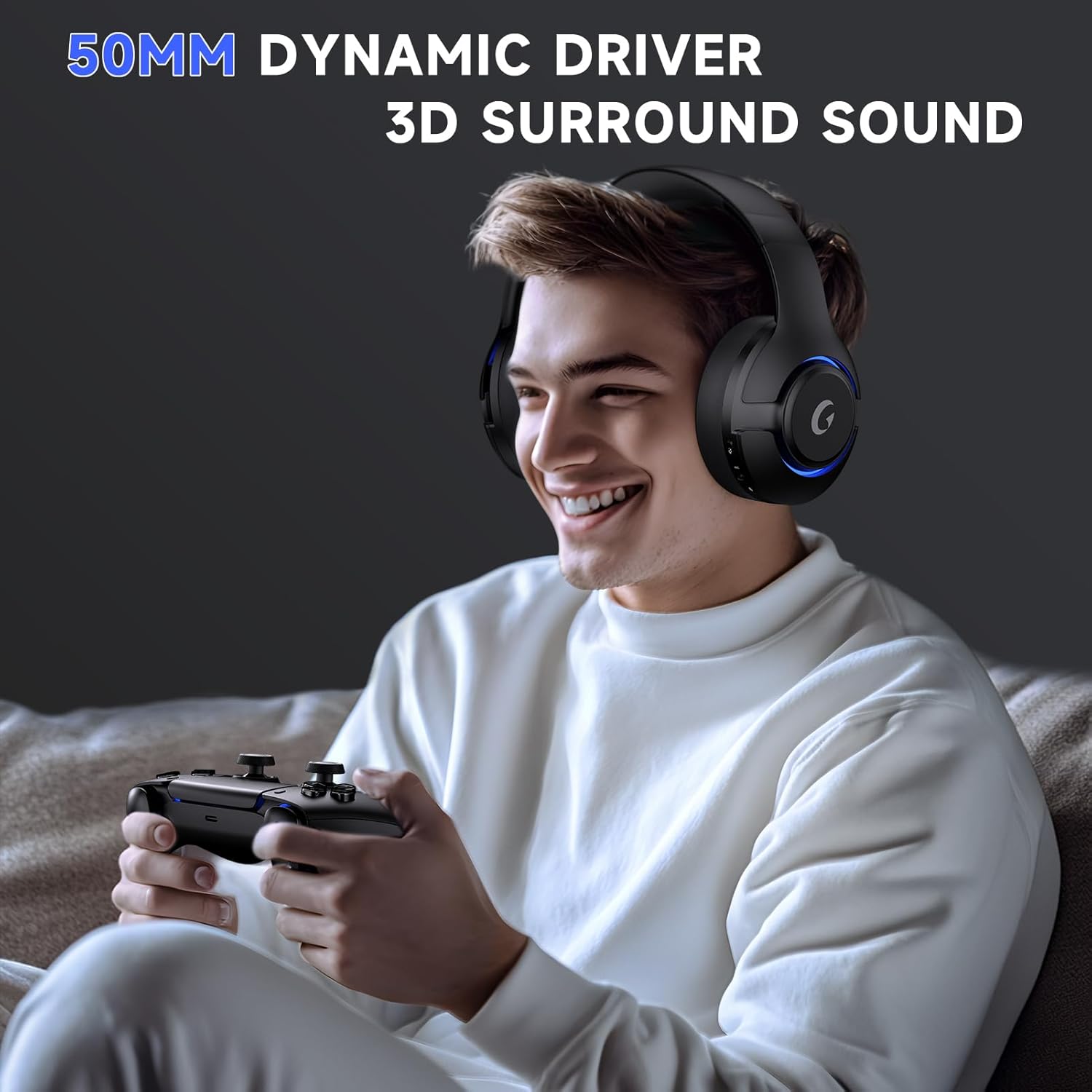
Obraz: A user wearing the Gtheos Captain 370 headset, emphasizing the 50mm dynamic drivers and 3D surround sound for an immersive gaming experience.
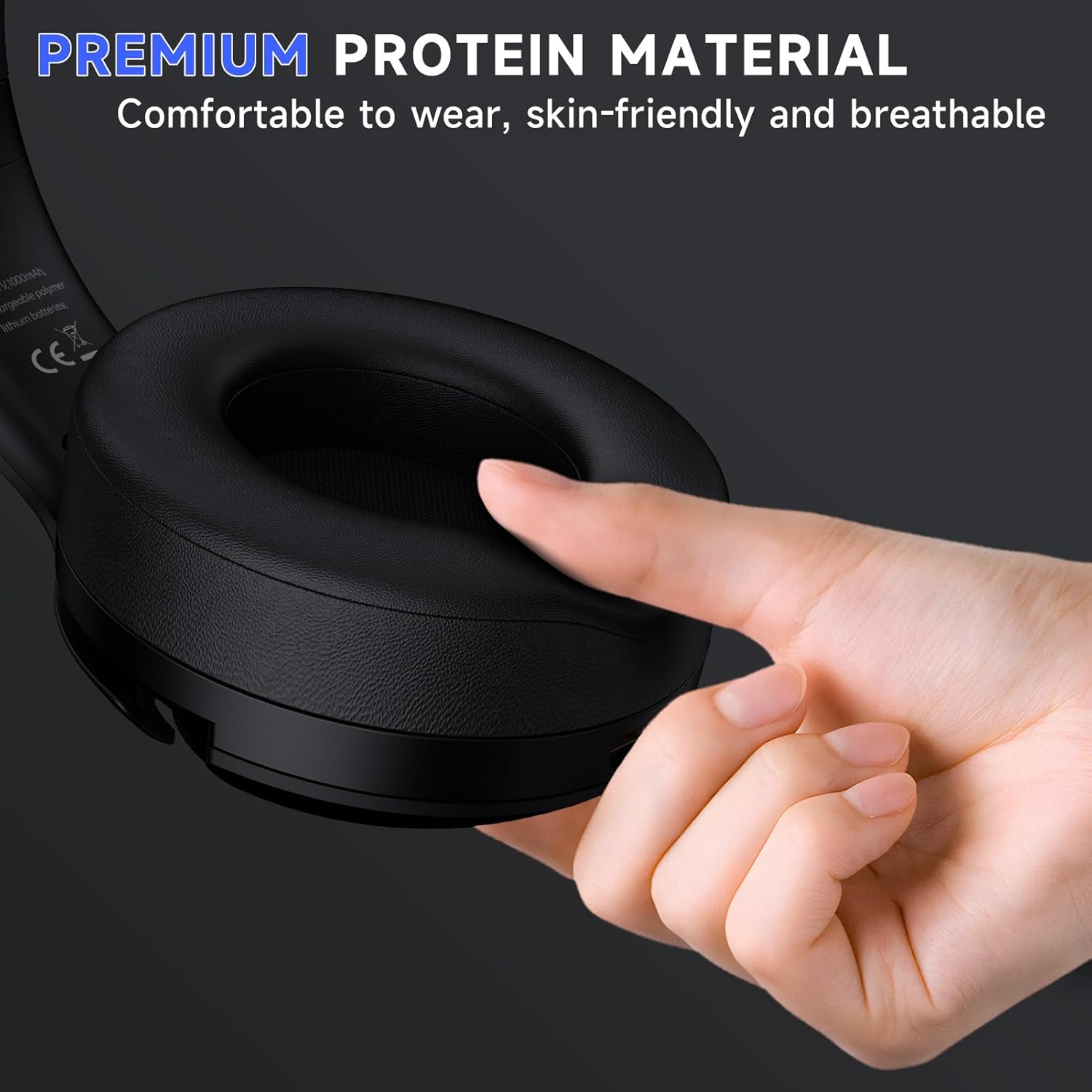
Obraz: A hand pressing the earcup of the Gtheos Captain 370 headset, illustrating the premium protein material for comfortable and breathable wear.
Záruka a podpora
Informace o záruce
The Gtheos Captain 370 Wireless Gaming Headset comes with a 1-letá záruka od data nákupu. Tato záruka se vztahuje na výrobní vady a zajišťuje, že váš výrobek při běžném používání neobsahuje vady materiálu a zpracování.
Technická podpora
Gtheos provides 24/7 Service & Technical Support for all customers. If you encounter any issues or have questions regarding your headset, please contact our support team for assistance. Contact information can typically be found on the product packaging or the official Gtheos webmísto.
Ask a question about this manual
Ask about setup, troubleshooting, compatibility, parts, safety, or missing instructions. Manuals+ will review the question and use this page’s manual context to help answer it.