
1. Úvod a konecview
The WOLFBOX MF60 Compressed Air Duster is a powerful, rechargeable, and cordless electric air blower designed for efficient cleaning across various applications. Featuring a brushless motor capable of reaching up to 110,000 RPM, it provides strong airflow to remove dust, debris, and crumbs from delicate electronics, keyboards, car interiors, and household surfaces. Its compact and lightweight design ensures portability and ease of use, making it a versatile tool for both indoor and outdoor cleaning tasks.
Key features include 3 adjustable speed settings for tailored cleaning, a long-lasting battery providing up to 240 minutes of runtime on the lowest setting, and a fast-charging capability. The MF60 comes with 5 specialized nozzles to enhance its functionality for different cleaning needs.
2. Obsah balení
Please ensure all items are present in your WOLFBOX MF60 package:
- WOLFBOX MF60 Compressed Air Duster Unit
- Nabíjecí kabel USB-A na USB-C
- Uživatelská příručka
- Kulatá tryska
- Plochá tryska
- Dlouhá tryska
- Inflatable Nozzle (for Inflatable Bed)
- Inflatable Nozzle (for Swimming Ring)

3. Nastavení
- Počáteční poplatek: Before first use, fully charge the WOLFBOX MF60 using the provided USB-C cable. Connect the USB-C end to the duster's charging port and the USB-A end to a compatible USB power adapter (not included). The battery indicator lights will show charging progress.
- Připevnění trysek: Select the appropriate nozzle for your cleaning task. Align the nozzle with the air outlet on the duster and twist clockwise until it locks securely into place. To remove, twist counter-clockwise and pull off.
4. Návod k obsluze
The WOLFBOX MF60 features a simple one-button operation for power and speed control.
- Zapnutí/vypnutí: Press and hold the power button (located on the side) for 3 seconds to turn the device on or off.
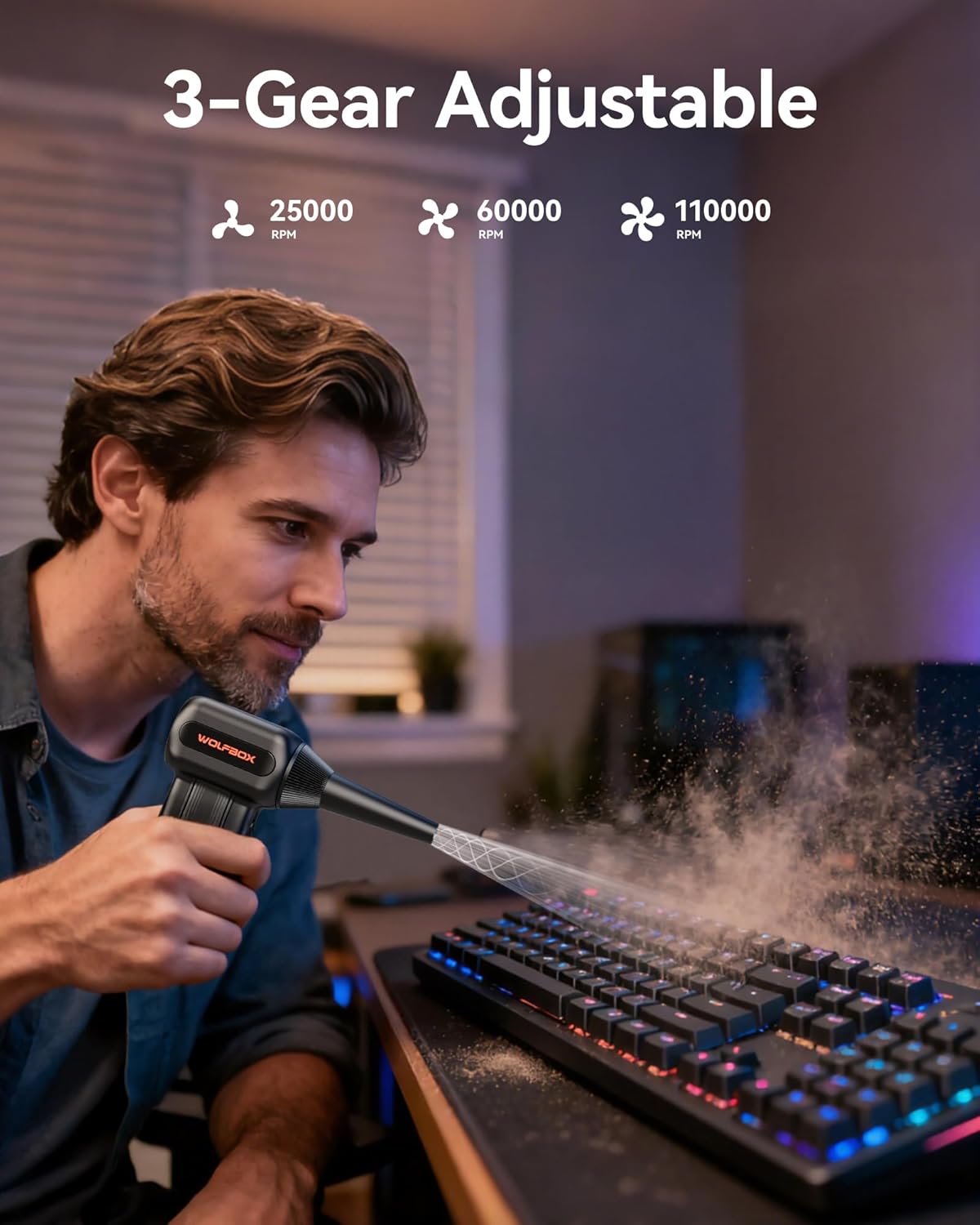
- Nastavení rychlosti: Once powered on, short press the power button to cycle through the 3-speed settings:
- Gear 1 (25,000 RPM): Ideal for delicate electronics and light dusting.
- Gear 2 (60,000 RPM): Suitable for daily dusting and general cleaning.
- Gear 3 (110,000 RPM): Provides maximum power for tough debris and deep cleaning. This mode requires holding the power button down continuously for operation.
- Indikátor baterie: The LED lights on the unit indicate the remaining battery level. Ensure the device is adequately charged before use for optimal performance.
5. Použití trysek
The WOLFBOX MF60 includes 5 specialized nozzles to cater to diverse cleaning requirements:
- Plochá tryska: Best for blowing dust off PC cases, desks, and broad surfaces.
- Dlouhá tryska: Designed for deep cleaning computer keyboards, car vents, and reaching into narrow crevices.
- Round All-Purpose Nozzle: Versatile for general cleaning tasks and household surfaces.
- Inflatable Nozzles (2 types): For outdoor inflation needs such as swim rings, air mattresses, and inflatable toys.

6. Nabíjení a baterie
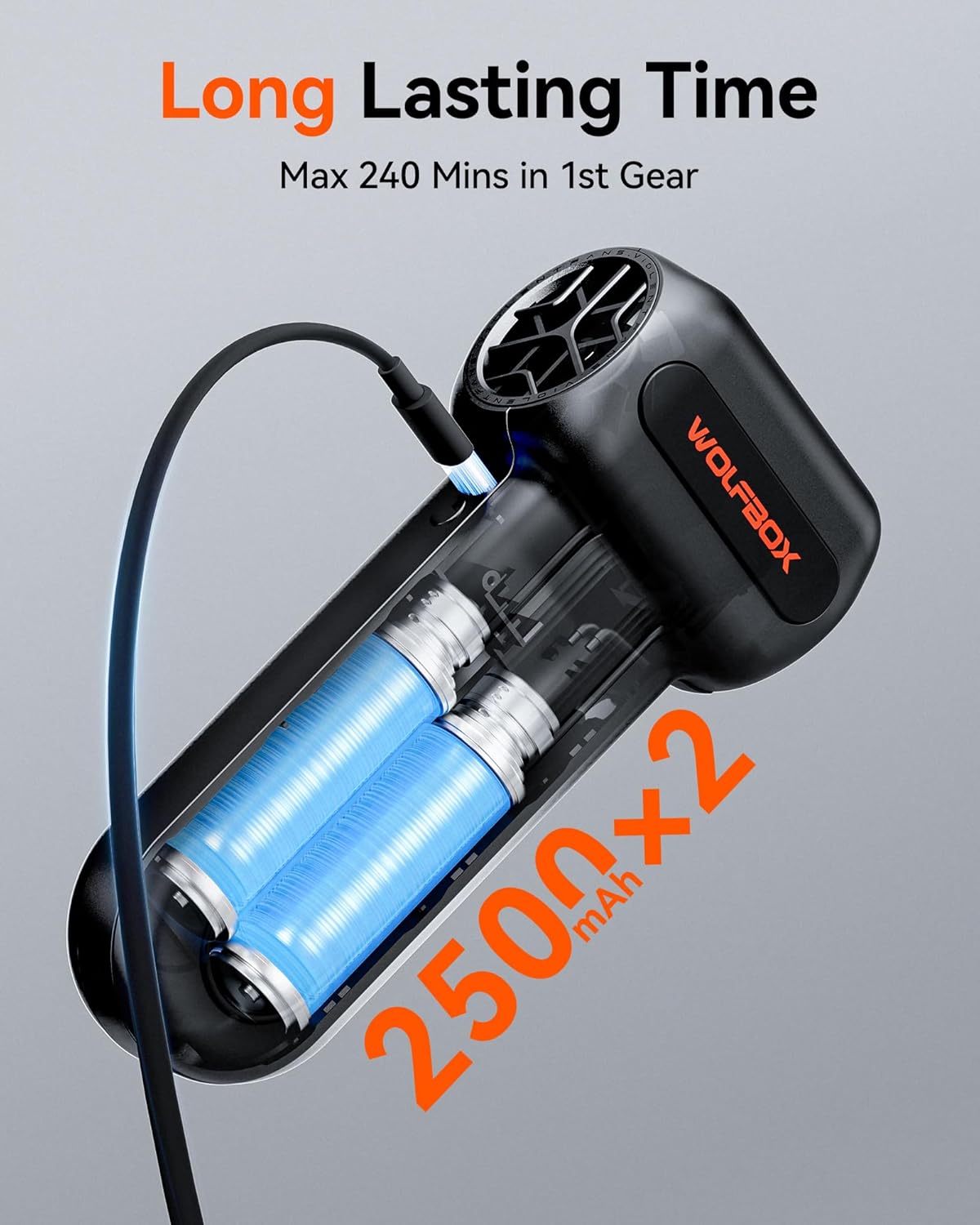
The WOLFBOX MF60 is equipped with 2*2500mAh batteries, offering extended usage and quick recharging.
- Doba nabíjení: Plné nabití trvá přibližně 3.5 hodin.
- Doba běhu: Enjoy up to 240 minutes of continuous operation on Gear 1 (lowest speed setting). Runtime will vary with higher speed settings.
- Nabíjecí port: The device charges via a USB-C port, allowing for convenient charging with standard USB power adapters.
7. Údržba
To ensure the longevity and optimal performance of your WOLFBOX MF60, follow these simple maintenance guidelines:
- Čištění jednotky: Wipe the exterior of the duster with a soft, dry cloth. Avoid using harsh chemicals or abrasive materials.
- Péče o trysku: Clean nozzles regularly to prevent blockages. They can be rinsed with water and thoroughly dried before reattaching.
- Skladování: Store the duster and its accessories in a cool, dry place away from direct sunlight and extreme temperatures.
- Bezkartáčový motor: The brushless motor design requires minimal maintenance, contributing to the device's durability and reliability.
8. Řešení problémů
If you encounter any issues with your WOLFBOX MF60, please refer to the following common troubleshooting steps:
- Zařízení se nezapíná: Ensure the battery is fully charged. Connect the duster to a power source and allow it to charge for at least 30 minutes before attempting to power it on again.
- Slabé proudění vzduchu: Check that the selected nozzle is securely attached and not obstructed. Ensure the battery is sufficiently charged, as low battery can affect performance.
- Neobvyklý hluk: Discontinue use immediately. Check for any foreign objects lodged in the air inlet or outlet. If the issue persists, contact customer support.
9. Specifikace
| Funkce | Specifikace |
|---|---|
| Značka | WOLFBOX |
| Model | MF60 |
| Rychlost motoru | Až 110,000 XNUMX ot./min |
| Nastavení rychlosti | 3 Gears (25K, 60K, 110K RPM) |
| Kapacita baterie | 2 * 2500mAh |
| Doba nabíjení | Přibl. 3.5 hodin |
| Max Runtime (Gear 1) | Až 240 minut |
| Hmotnost položky | 8 unce |
| Rozměry produktu | 3.15 cm Š x 5.51 cm V |
10. Záruka a podpora
The WOLFBOX MF60 Compressed Air Duster comes with a 24-month manufacturer's warranty. For any product, installation, or usage issues, please contact WOLFBOX customer support. Our team is available to assist you with any concerns during this period.
Zákaznická podpora: Refer to your user manual for specific contact details or visit the official WOLFBOX webmísto.


