
GOBOULT Tuff Hawk Smart Watch User Manual
Model: Tuff Hawk
Zavedení
This manual provides essential instructions for setting up, operating, and maintaining your GOBOULT Tuff Hawk Smart Watch. Please read this guide thoroughly before using your device to ensure optimal performance and longevity.

Image: The GOBOULT Tuff Hawk Smart Watch, highlighting its design and features.
Co je v krabici
Ověřte, zda jsou v balení produktu přítomny všechny položky:
- GOBOULT Tuff Hawk Smart Watch
- Nabíjecí kabel
- Uživatelská příručka (tento dokument)
Nastavení
1. Nabíjení chytrých hodinek
Before initial use, fully charge your GOBOULT Tuff Hawk Smart Watch. Connect the provided charging cable to the charging port on the watch and a compatible USB power source. A full charge takes approximately 150 minutes.

Image: The GOBOULT Tuff Hawk Smart Watch connected to its charging cable, illustrating the charging process and battery indicator.
2. Zapnutí/vypnutí
To power on the watch, press and hold the Power button until the screen illuminates. To power off, press and hold the Power button, then select "Power Off" on the screen.
3. Párování s vaším smartphonem
The GOBOULT Tuff Hawk Smart Watch uses Bluetooth 5.3 for connectivity. Follow these steps to pair your watch with your smartphone:
- Ujistěte se, že jsou hodinky nabité a zapnuté.
- Povolte na svém smartphonu Bluetooth.
- Download and install the companion application (refer to the watch screen or packaging for app name) from your phone's app store.
- Otevřete aplikaci a podle pokynů na obrazovce přidejte své zařízení.
- Select "GOBOULT Tuff Hawk" from the list of available Bluetooth devices in the app to establish a one-click connection.

Image: The GOBOULT Tuff Hawk Smart Watch showing an incoming call notification, demonstrating its Bluetooth calling feature with a dedicated speaker and microphone.
Ovládání chytrých hodinek
1. Zobrazení a navigace
The watch features a 1.39-inch TFT HD display with a 240x240 resolution and 450 nits brightness for clear visuals. Navigate the interface using the touchscreen or the working crown.
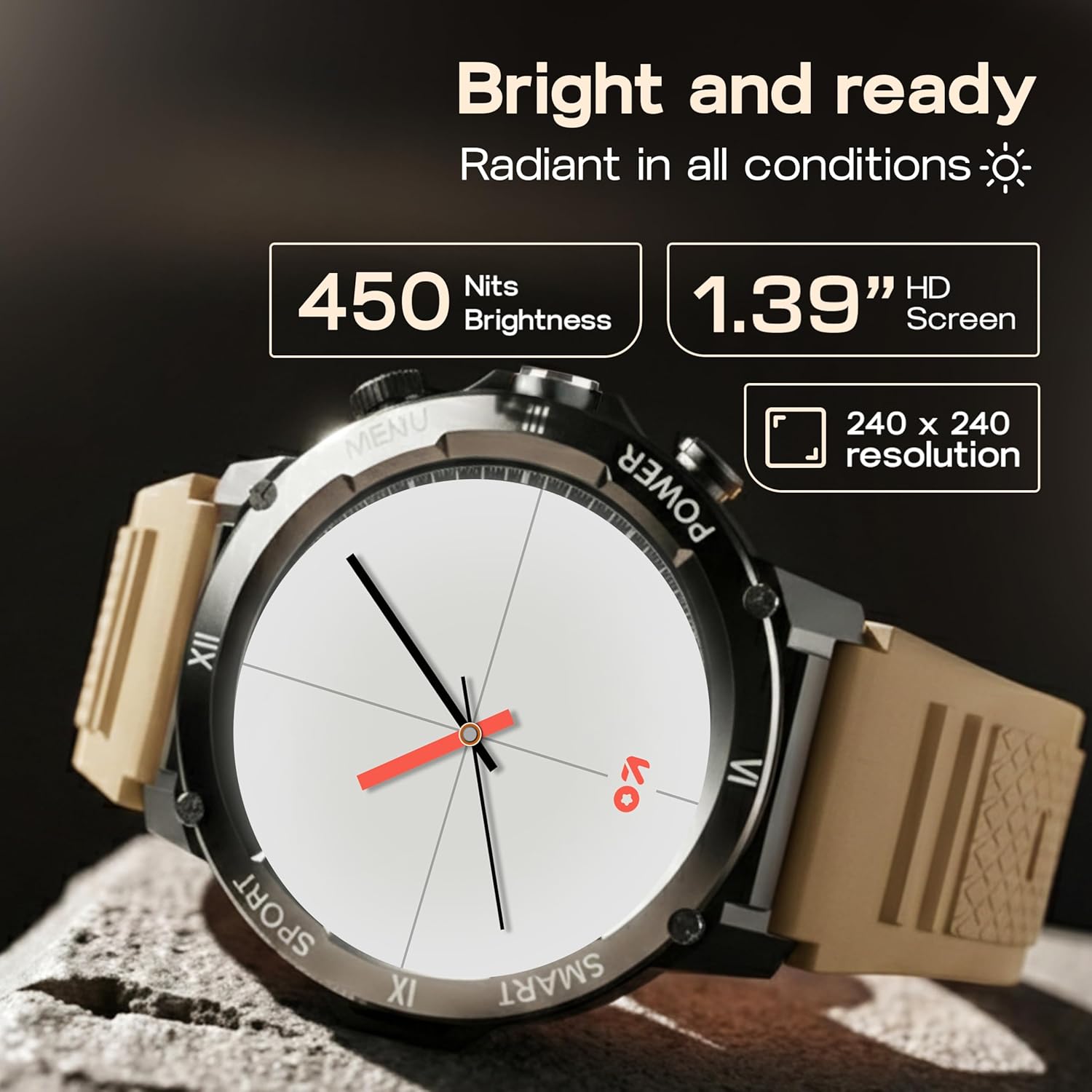
Image: Close-up of the GOBOULT Tuff Hawk Smart Watch display, highlighting its 1.39-inch HD screen, 240x240 resolution, and 450 nits brightness.
2. Using the Working Crown
Rotate the working crown to scroll through menus, lists, and adjust settings effortlessly. Press the crown to select items or return to the home screen.

Image: The GOBOULT Tuff Hawk Smart Watch interface with app icons, demonstrating how to use the rotating working crown for navigation.
3. Volání přes Bluetooth
With Bluetooth 5.3 and a single-chip design, the Tuff Hawk Smart Watch allows you to make and receive calls directly from your wrist. It includes a dedicated speaker and microphone for clear communication.
4. Hlasový asistent s umělou inteligencí
Access your AI Voice Assistant (compatible with Google Assistant and Siri) directly from your watch. Simply activate the feature and speak your commands for hands-free assistance.
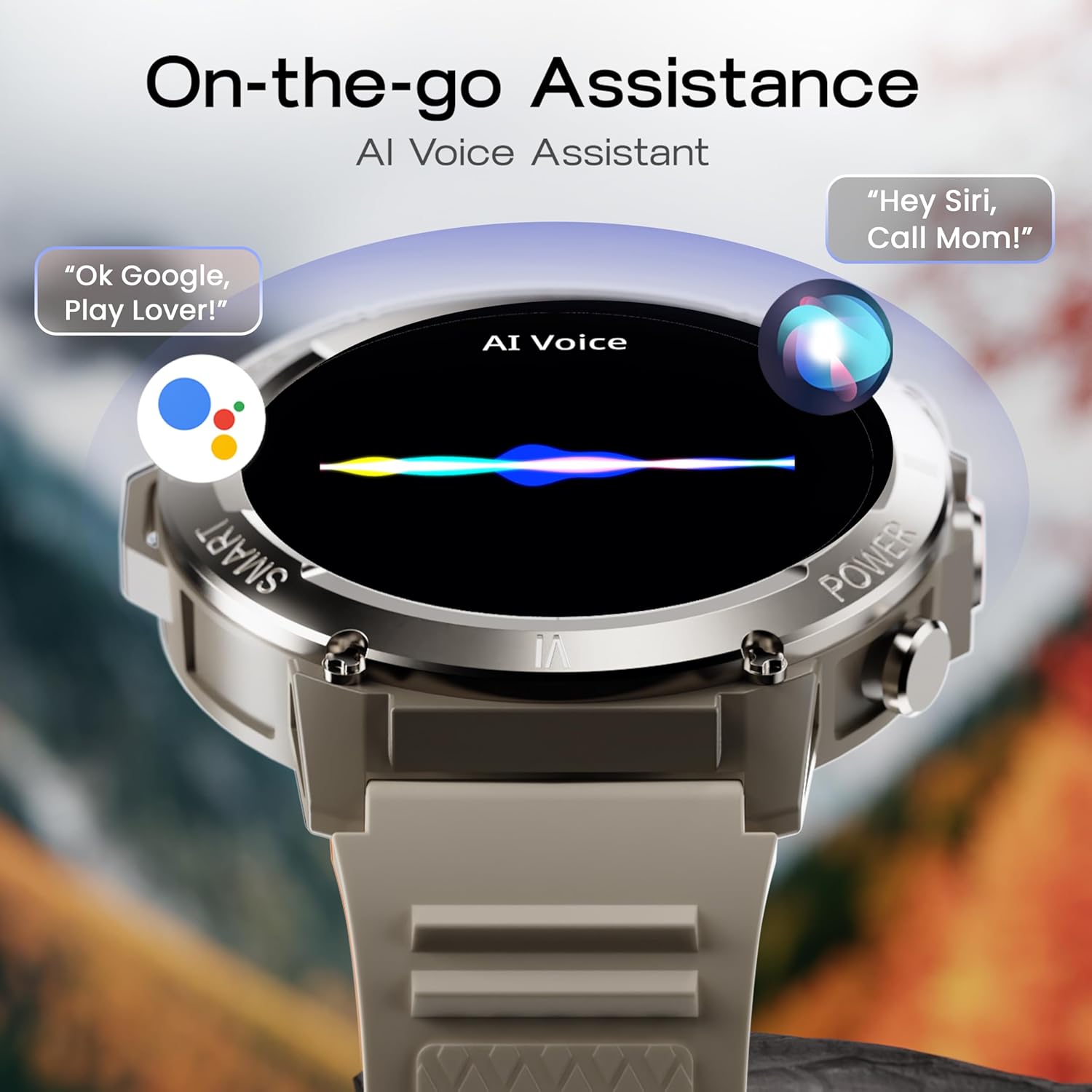
Image: The GOBOULT Tuff Hawk Smart Watch screen showing the AI Voice Assistant in action, with examples of voice commands for Google Assistant and Siri.
5. Sportovní režimy a sledování zdraví
The watch supports over 120 sports modes for various activities. It also provides comprehensive health monitoring features:
- Monitor krevního tlaku: Sledujte hladinu krevního tlaku.
- Monitor srdečního tepu: Neustále sledujte svou tepovou frekvenci.
- Monitor spánku: Analyzujte své spánkové vzorce.
- Monitor SpO2: Změřte si saturaci krve kyslíkem.
- Sledování aktivity: Records steps taken, calories burned, and distance covered.
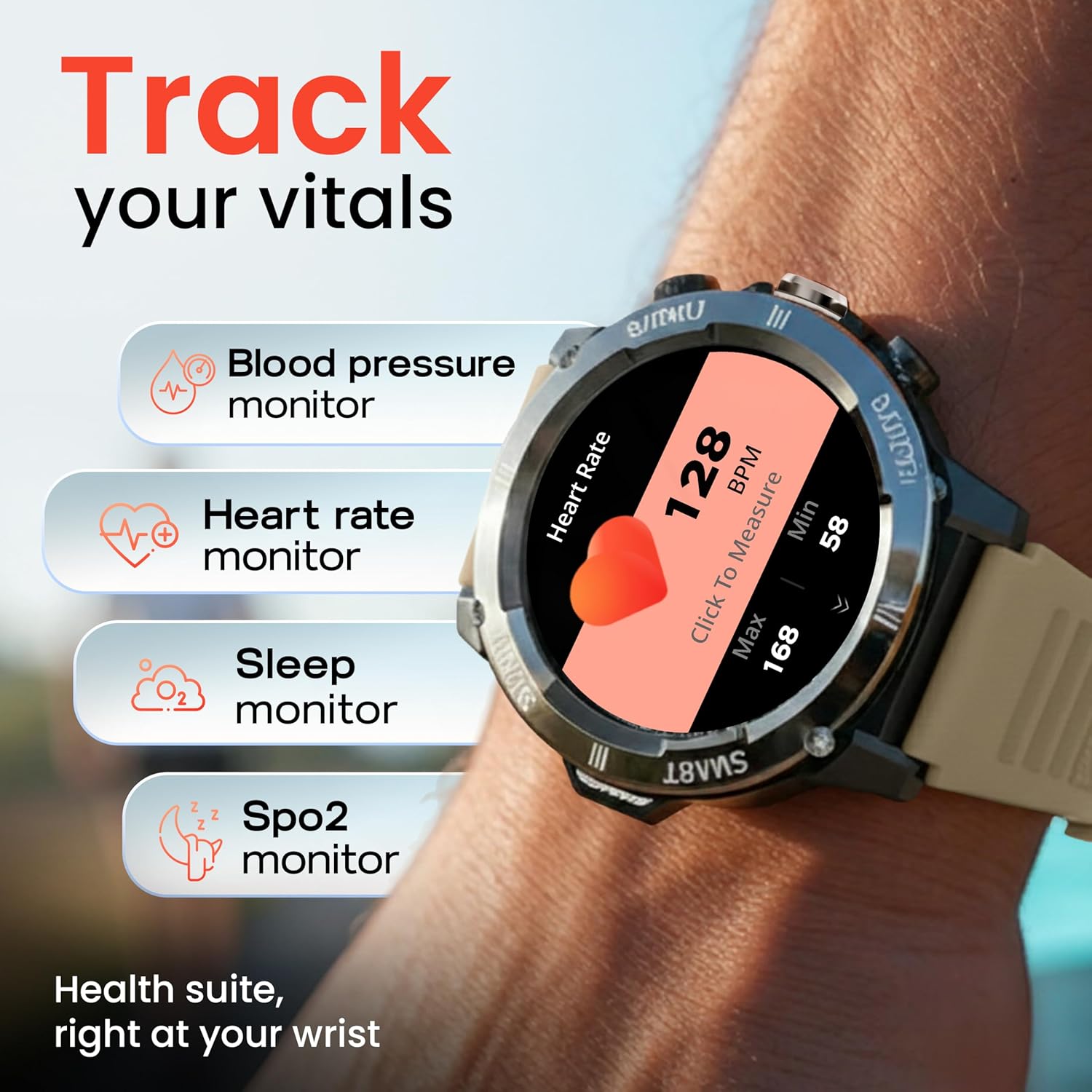
Image: The GOBOULT Tuff Hawk Smart Watch displaying various health tracking features such as blood pressure, heart rate, sleep, and SpO2 monitoring.

Image: The GOBOULT Tuff Hawk Smart Watch on a user's wrist, illustrating the availability of over 120 sports modes for diverse activities.
6. Watch Faces
Personalize your watch with over 150 available watch faces to match your style or activity.

Image: The GOBOULT Tuff Hawk Smart Watch showcasing a selection of over 150 customizable watch faces.
7. Dedicated Flashlight
Activate the quick access flashlight feature for instant illumination when needed.

Obrázek: Detailní záběr view of the GOBOULT Tuff Hawk Smart Watch demonstrating its dedicated flashlight feature, providing instant light.
8. Další funkce
Hodinky obsahují několik užitečných funkcí:
- Najít můj telefon: Vyhledejte spárovaný smartphone.
- Světové hodiny: View time in different time zones.
- Weather Details: Získejte aktuální informace o počasí.
- Dálkové ovládání kamery: Ovládejte fotoaparát telefonu na dálku.
- Kalkulačka: Proveďte základní výpočty.

Image: The GOBOULT Tuff Hawk Smart Watch screen showing the 'Find My Phone' feature, alongside icons for world clock, weather details, remote camera, and calculator.
Údržba
1. Voděodolnost
The GOBOULT Tuff Hawk Smart Watch is IP68 water resistant, making it suitable for rain, dust, and rugged outdoor conditions. It can withstand immersion up to 1.5 meters. Avoid prolonged exposure to hot water or steam.

Image: The GOBOULT Tuff Hawk Smart Watch partially submerged in water, highlighting its IP68 water resistance for protection against rain and dust.
2. Čištění
Hodinky a řemínek pravidelně otírejte měkkým, suchým hadříkem. V případě potřeby použijte lehceamp hadříkem a jemným mýdlem a poté důkladně osušte. Vyhněte se agresivním chemikáliím nebo abrazivním materiálům.
3. Skladování
When not in use for extended periods, store the watch in a cool, dry place. Ensure it is partially charged to prevent battery degradation.
Odstraňování problémů
1. Hodinky se nezapínají
- Ensure the watch is fully charged. Connect it to the charging cable and allow it to charge for at least 30 minutes before attempting to power on again.
- Stiskněte a podržte tlačítko napájení po dobu 10–15 sekund pro provedení vynuceného restartu.
2 Nelze spárovat se smartphonem
- Ujistěte se, že máte na smartphonu i hodinkách povoleno Bluetooth.
- Ujistěte se, že hodinky jsou v dosahu Bluetooth vašeho telefonu (obvykle 10 metrů).
- Restartujte smartphone i hodinky.
- Clear the Bluetooth cache on your phone or forget the device and try pairing again.
- Ujistěte se, že je doprovodná aplikace aktualizována na nejnovější verzi.
3. Nepřesné zdravotní údaje
- Ujistěte se, že hodinky máte na zápěstí pevně utažené, ale ne příliš.
- Vyčistěte senzor na zadní straně hodinek.
- Během měření se vyvarujte nadměrného pohybu.
- Note that the watch is not a medical device; readings are for reference only.
4. Krátká výdrž baterie
- Snižte jas obrazovky.
- Zakažte nepotřebná oznámení.
- Omezte nepřetržité sledování tepové frekvence nebo jiné náročné funkce.
- Ujistěte se, že jsou hodinky pokaždé plně nabité.
Specifikace
| Funkce | Detail |
|---|---|
| Název modelu | Tuff Hawk |
| Velikost displeje | 1.39 palce |
| Typ zobrazení | TFT |
| Rezoluce | 240x240 |
| Maximum Display Brightness | 450 nitů |
| Technologie připojení | Bluetooth 5.3 |
| Složení článků baterie | Lithium Polymer |
| Doba nabíjení baterie | 150 minut |
| Životnost baterie | Až 7 dní |
| Hodnocení odolnosti proti vodě | IP68 (1.5 Metres depth) |
| Materiál pouzdra | Zink Alloy |
| Materiál pásku | Silikon |
| Hmotnost | 48 gramů |
| Vstup lidského rozhraní | Touchscreen, Working Crown |
| Typ ovladače | Asistent Google, Siri |
| Měřené metriky | Blood Oxygen (SpO2), Calories Burned, Sleep Duration, Step Count |
| Kompatibilní zařízení | Android, iOS Smartphones |
| Obsah krabice | Nabíjecí kabel, uživatelská příručka |
Záruka a podpora
Informace o záruce
Your GOBOULT Tuff Hawk Smart Watch comes with a 1letá záruka výrobce od data nákupu. Tato záruka se vztahuje na výrobní vady. Uschovejte si prosím doklad o koupi pro případné reklamace.
Zákaznická podpora
For technical assistance, warranty claims, or product inquiries, please contact GOBOULT customer support. Refer to the product packaging or the official GOBOULT webstránky s nejaktuálnějšími kontaktními informacemi.
Výrobce: Exotic Mile Private Limited, Boult Audio, B-67 Wazirpur Industrial Area, New Delhi 110052