
1. Úvod
The ASHATA USB Barcode Scanner is an omnidirectional desktop device designed for efficient 1D and 2D (QR) code reading. It is suitable for various environments such as supermarkets, retail stores, and banks, providing fast and accurate scanning capabilities for both printed labels and digital displays.
Klíčové vlastnosti:
- Vysoce výkonné skenování: Equipped with advanced decoding technology for superior scanning performance.
- Měkké LED osvětlení: Features an LED light for gentle illumination, designed to reduce eye strain during prolonged use.
- Multi-Feedback System: Provides user feedback through both a buzzer and LED indicator lights.
- Odolná konstrukce: Built with a sturdy ABS structure, IP42 rated, capable of withstanding drops from up to 1.5 meters.
- Všestranná konektivita: Supports USB and RS232 interfaces for broad compatibility with various systems.
2. Obsah balení
Prosím, ověřte, zda jsou v balení přítomny všechny položky:
- 1 x Barcode Scanning Platform
- 1 x Uživatelská příručka

Image: The ASHATA USB Barcode Scanner shown alongside its included user manual.
3. Nastavení
Follow these steps to set up your ASHATA USB Barcode Scanner:
- Připojte kabel USB: Locate the USB cable attached to the barcode scanner.
- Zapojení do zařízení: Connect the USB cable to an available USB port on your computer, POS system, or other compatible device.
- Automatické rozpoznání: The scanner is designed for plug-and-play operation. Your operating system (Linux, Android, Windows 7/8/10) should automatically detect and install the necessary drivers. No additional driver installation is typically required.
- Umístění: Place the omnidirectional scanner on a stable, flat surface such as a desk or counter. The anti-slip base ensures stability during use.
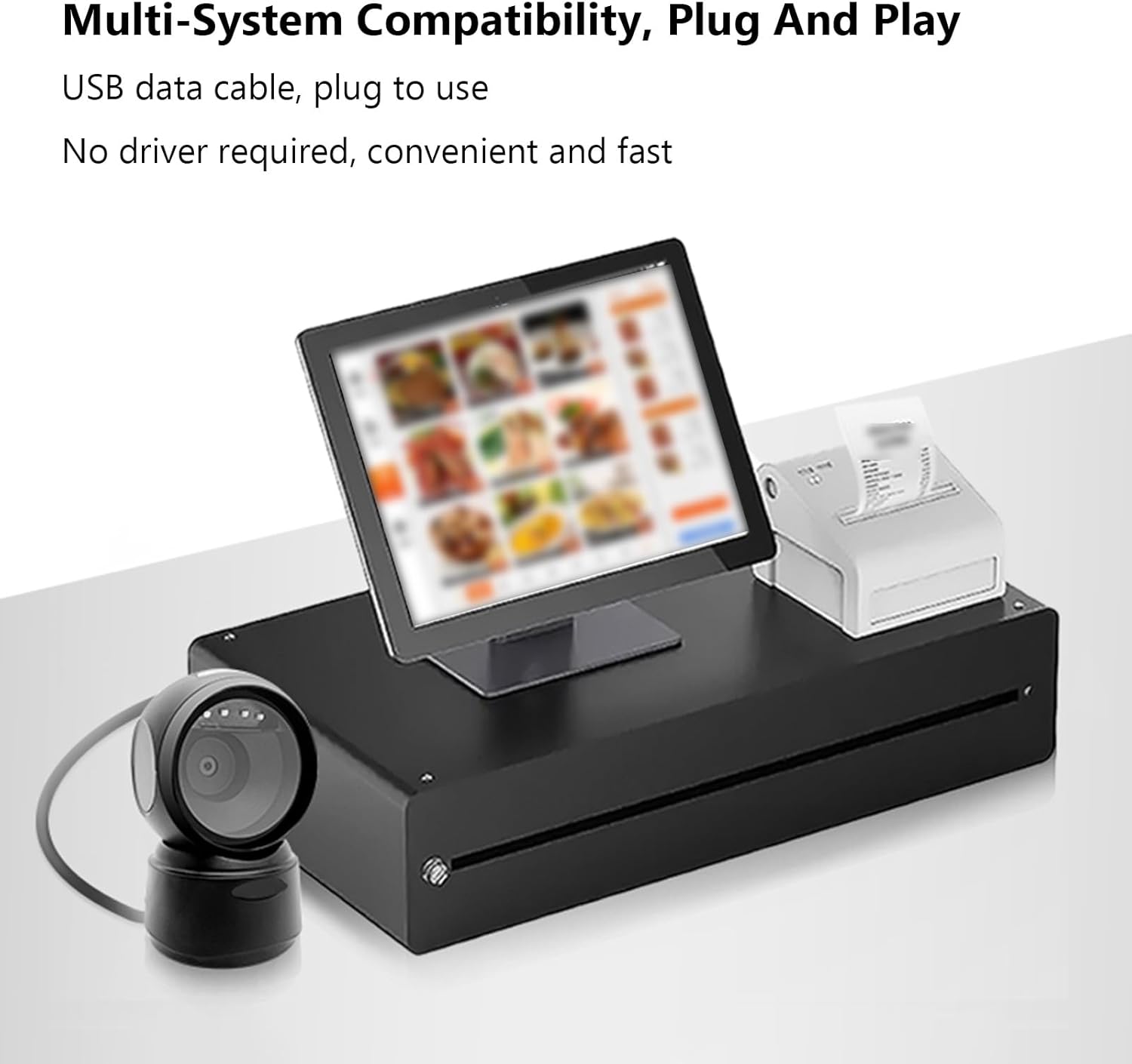
Image: The ASHATA USB Barcode Scanner integrated with a point-of-sale (POS) system, demonstrating multi-system compatibility and plug-and-play functionality.
4. Návod k obsluze
Skenování čárových kódů:
The ASHATA USB Barcode Scanner is designed for hands-free operation, allowing you to simply present items to the scanning window.
- Položka pozice: Hold the item with the barcode facing the scanner's window.
- Automatické skenování: The scanner will automatically detect and read the barcode. A successful scan is indicated by a beep from the buzzer and a flash of the LED indicator lights.
- Podporované čárové kódy: The scanner can read 1D and 2D/QR codes from various surfaces, including labels, paper, and digital displays (mobile phones, computer screens). It can also scan damaged or distorted barcodes.

Image: The ASHATA USB Barcode Scanner positioned on a desk, ready for hands-free scanning of a barcode displayed on a smartphone screen.
Intelligent Sensing and Trigger Modes:
The scanner features intelligent sensing for power efficiency and ease of use.
- Indukční režim: The scanner automatically activates when a barcode is presented to its window.
- Nepřetržitý režim: The scanner remains continuously active, ready to scan.
- Instruction Mode: Specific instructions or configuration barcodes can be scanned to change settings.
- Automatický režim spánku: Upon a period of inactivity, the scanner enters an automatic sleep mode to conserve power. It will automatically wake up when a barcode is detected.

Image: A visual representation of the ASHATA USB Barcode Scanner's intelligent sensing capabilities, illustrating automatic QR code scanning and its power-saving sleep mode during inactivity.
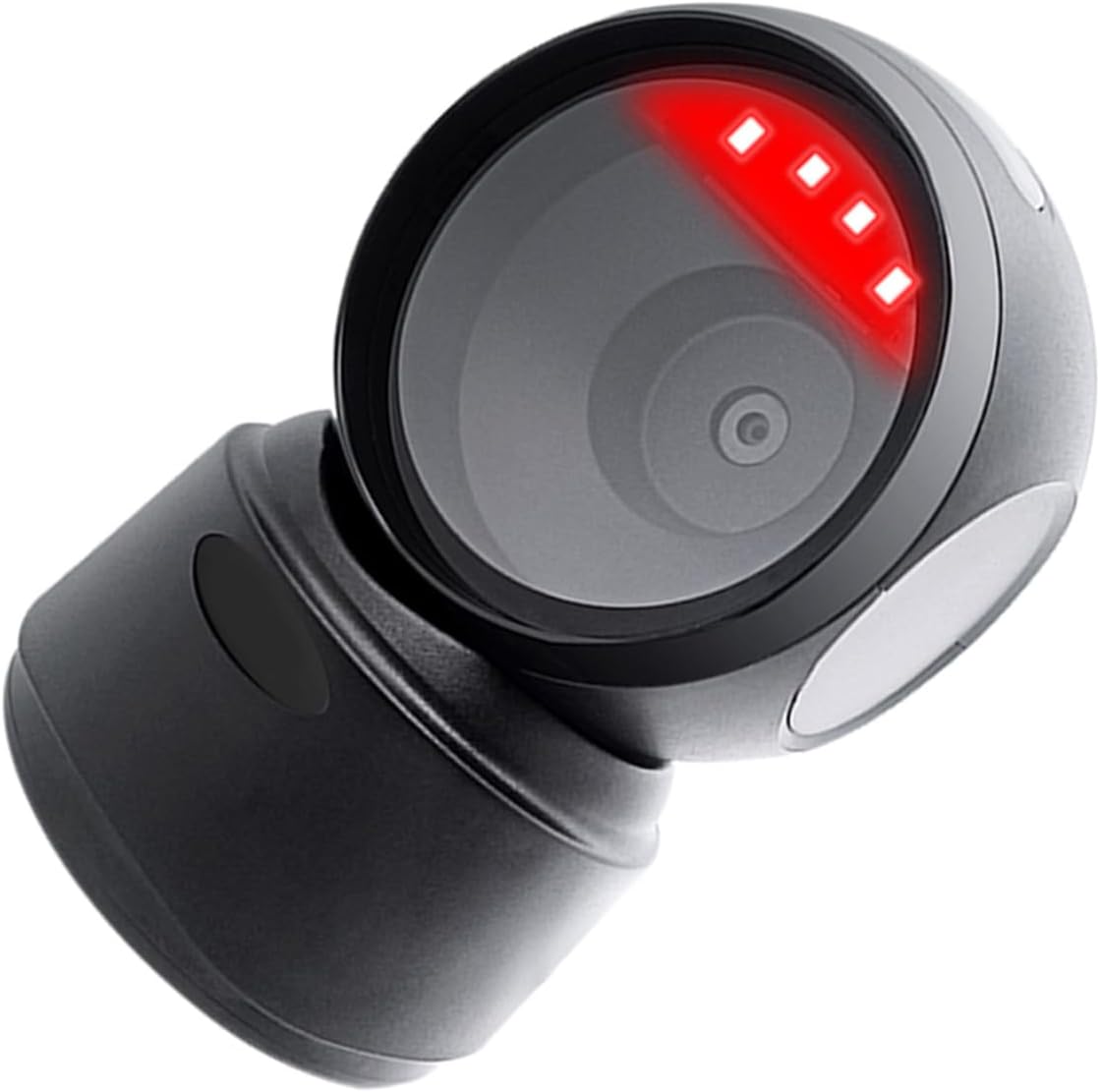
Obrázek: Detailní záběr view of the ASHATA USB Barcode Scanner with its red scanning light active, indicating it is in operation.
5. Specifikace
| Funkce | Popis |
|---|---|
| Typ položky | 1D/2D Barcode Scanner Platform |
| Typ světelného zdroje | 625nm LED Supplementary Light |
| Schopnost dekódování | QRCode, PDF417, MaxiCode, Aztec, DataMatrix(ECC200), Micro QR, Hanxin Code, Micro PDF417, EAN13, EAN8, UPC-A, UPC-E, Code128, Code39, Code93, CodaBar, Interleaved 2 of 5, Industrial 25, Codel1MSIPlessey, Standard 2 of 5, Plessey, ChinaPost 25, etc. |
| Princip skenování | Obrazová CMOS |
| Režim spouštění | Induction Mode / Continuous Mode / Instruction Mode |
| Úhel skenování | Tilt Angle 65°, Rotate Angle 360°, Skew Angle 75° |
| Přesnost skenování | >4.5 mil |
| Hloubka ostrosti při čtení | 5mil (Code39) 2cm-13cm, UPC-13mil 2cm-28cm, 20mil (Code39) 2cm-35cm, 20mil QR Code 2cm-24cm |
| Délka kabelu | 1.5 m / 4.92 stop |
| Kompatibilita | For Linux, for Android, for Windows 7/8/10 |
| Velikost produktu | 13.6 x 8.3 x 8 cm / 5.35 x 3.27 x 3.15 palců |
| Hmotnost produktu | 224 g / 7.9 oz |

Image: A diagram illustrating the dimensions of the ASHATA USB Barcode Scanner: 13.6cm (5.35in) height, 8.3cm (3.27in) width, and 8cm (3.15in) depth.
6. Řešení problémů
If you encounter issues with your barcode scanner, please refer to the following common troubleshooting steps:
- Skener nereaguje:
- Ujistěte se, že je kabel USB bezpečně připojen ke skeneru i hostitelskému zařízení.
- Try connecting the scanner to a different USB port on your device.
- Restart your computer or POS system.
- Nelze číst čárové kódy:
- Ujistěte se, že čárový kód je čistý, nepoškozený a jasně viditelný.
- Adjust the distance and angle between the barcode and the scanner window.
- Verify that the barcode type is supported by the scanner (refer to Decoding Capability in Specifications).
- Check if the scanner is in sleep mode; present a barcode to wake it up.
- No Buzzer Sound or LED Feedback:
- Confirm the scanner is powered on and connected.
- If the scanner is working but without sound, check if the buzzer has been disabled via a configuration barcode (refer to advanced settings in the full user manual if available).
7. Údržba
Proper maintenance ensures the longevity and optimal performance of your ASHATA USB Barcode Scanner:
- Čištění: Use a soft, dry, lint-free cloth to clean the scanner's exterior and scanning window. Do not use abrasive cleaners, solvents, or excessive moisture, as these can damage the device.
- Skladování: Skener skladujte na chladném a suchém místě mimo dosah přímého slunečního záření a extrémních teplot.
- Zacházení: While the scanner is designed to be durable, avoid dropping it or subjecting it to harsh impacts to prevent internal damage.
8. Záruka a podpora
For warranty information, technical support, or service inquiries, please refer to the documentation provided with your purchase or contact ASHATA customer support through their official channels. Keep your purchase receipt as proof of purchase for warranty claims.