
Zavedení
This manual provides detailed instructions for the setup, operation, maintenance, and troubleshooting of your MAGIC-REFINER X2 Superlight Wireless Gaming Mouse. Please read this manual thoroughly before using the product to ensure optimal performance and longevity.
Obsah balení
- MAGIC-REFINER X2 Wireless Gaming Mouse
- Nabíjecí/datový kabel USB-C
- 2.4GHz USB přijímač
- Optional Grip Tape
- Uživatelská příručka
Konec produktuview
The MAGIC-REFINER X2 mouse features a lightweight design and tri-mode connectivity for versatile use.
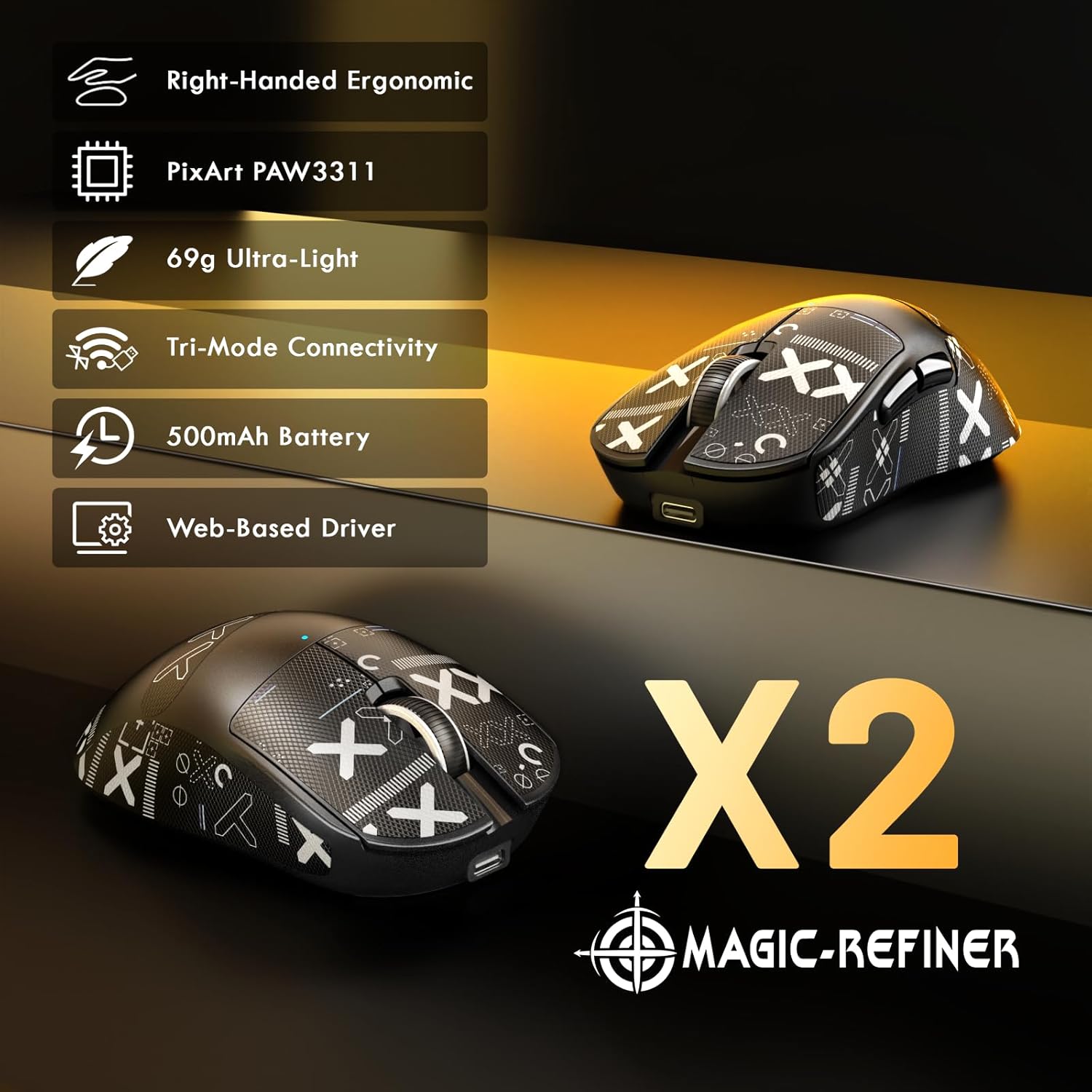
Obrázek: Overview of the MAGIC-REFINER X2 mouse highlighting its main features and ergonomic design.
Mouse Dimensions and Ergonomics

Image: Detailed dimensions and ergonomic design of the X2 mouse, suitable for right-handed users with medium to large hands.
The X2 mouse is designed for right-handed users, offering an ergonomic shape for comfortable use during extended periods. Its dimensions are approximately 122mm (length) x 64mm (width) x 41mm (height).
Nastavení
1. Nabíjení myši
Before first use, it is recommended to fully charge the mouse. Connect the supplied USB-C cable to the mouse's charging port and the other end to a USB power source (e.g., computer USB port, USB wall adapter). The mouse features a 500mAh battery, providing approximately 200 hours of usage on a full charge.
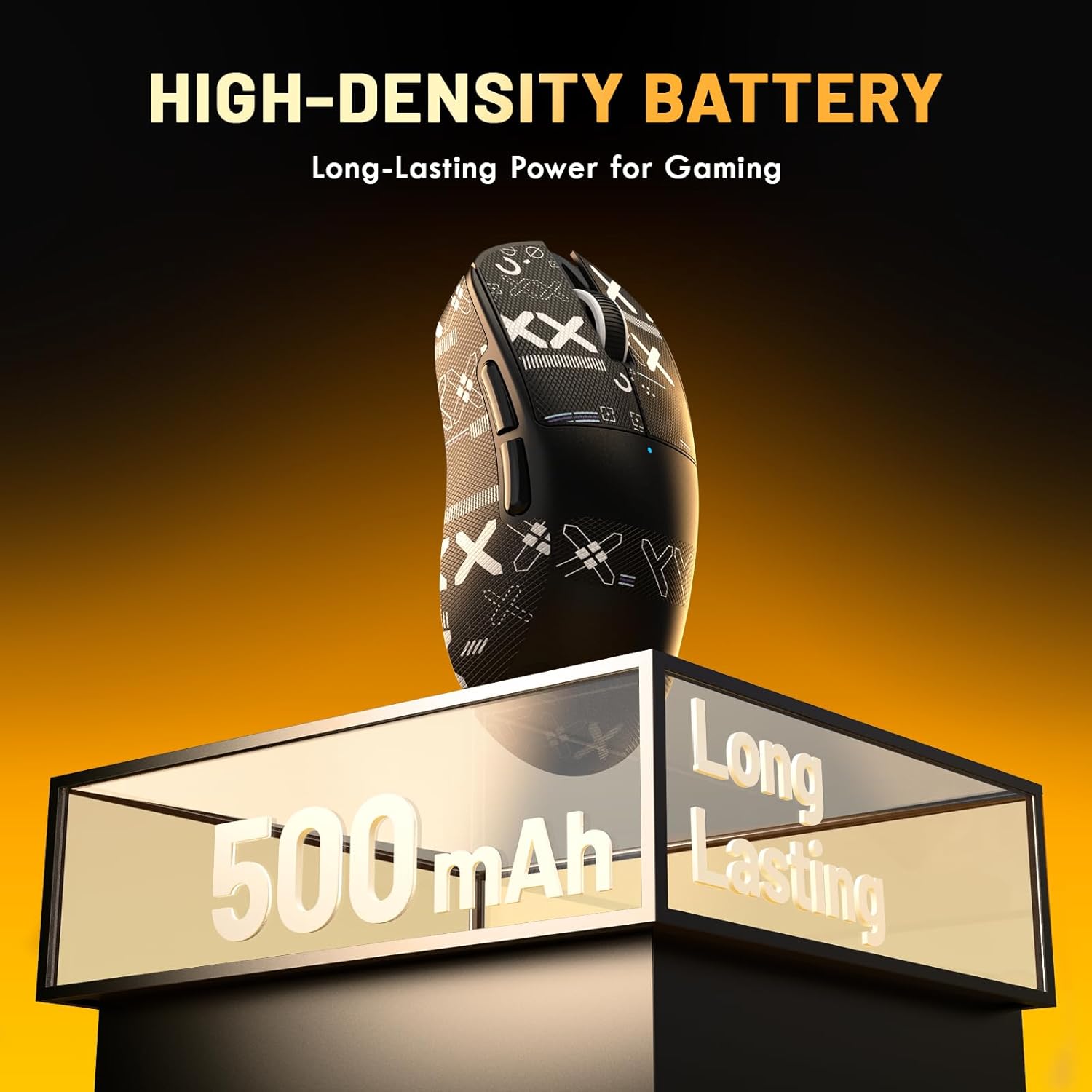
Image: The X2 mouse highlighting its 500mAh high-density, long-lasting battery.
2. Připojení myši
The MAGIC-REFINER X2 supports three connection modes: 2.4GHz Wireless, Bluetooth, and Wired USB-C.
2.1. Bezdrátový režim 2.4 GHz
- Locate the 2.4GHz USB receiver, usually stored in a compartment on the underside of the mouse.
- Zapojte USB přijímač do volného USB portu na vašem počítači.
- Turn on the mouse using the power switch on the underside. Select the 2.4GHz mode (often indicated by a specific switch position or LED color).
- Myš by se měla automaticky připojit k počítači.
2.2. Režim Bluetooth
- Zapněte myš a pomocí přepínače na spodní straně vyberte režim Bluetooth.
- V počítači nebo zařízení otevřete nastavení Bluetooth.
- Initiate the pairing process on the mouse (refer to the mouse's underside or a specific button for pairing mode, usually indicated by a blinking LED).
- Select "MAGIC-REFINER X2" (or similar name) from the list of available Bluetooth devices on your computer and complete the pairing.
2.3. Drátový režim
- Connect the USB-C cable to the mouse and the other end to a USB port on your computer.
- Myš se automaticky přepne do kabelového režimu a začne se nabíjet.

Image: The X2 mouse demonstrating its tri-mode connectivity options, including wired USB-C, 2.4GHz wireless, and Bluetooth.
Ovládání myši
Úprava DPI
The X2 mouse features a PixArt PAW3311 sensor with a maximum DPI of 25,000. DPI settings can be adjusted using the dedicated DPI button on the mouse or through the web-based driver software. The mouse typically cycles through preset DPI levels with each press of the DPI button.

Image: Technical specifications of the PixArt PAW3311 sensor, including IPS, DPI, Polling Rate, and Acceleration.
Úprava rychlosti dotazování
The mouse supports a 1000Hz polling rate. This setting can be configured via the web-based driver software to suit your preferences.
Programmable Buttons and Software
The MAGIC-REFINER X2 mouse is equipped with 5 programmable buttons. To customize button functions, DPI settings, polling rate, and other parameters, download and install the dedicated web-based driver software from the official MAGIC-REFINER website. The software allows for personalized configurations to enhance your gaming experience.

Image: The user interface of the web-based driver software for the X2 mouse, demonstrating customization options for DPI, polling rate, and button assignments.
Applying Grip Tape
The included grip tape can be applied to the mouse for enhanced grip and to reduce hand sweat. Ensure the mouse surface is clean and dry before carefully applying the pre-cut tape to the desired areas.
Údržba
- Čištění: Use a soft, dry cloth to clean the mouse. Avoid using harsh chemicals or abrasive materials. For stubborn dirt, a slightly damp cloth can be used, ensuring no moisture enters the mouse's internal components.
- Skladování: Myš skladujte na chladném a suchém místě mimo dosah přímého slunečního záření a extrémních teplot.
- Péče o baterie: Chcete-li prodloužit životnost baterie, vyhněte se častému úplnému vybíjení myši. Nabijte ji, když indikátor baterie ukazuje nízký stav nabití.
Odstraňování problémů
- Myš nereaguje:
- Ensure the mouse is powered on and the correct connection mode (2.4GHz, Bluetooth, or Wired) is selected.
- Zkontrolujte úroveň nabití baterie a v případě potřeby ji dobijte.
- V režimu 2.4 GHz se ujistěte, že je USB přijímač bezpečně zapojený do funkčního USB portu. Zkuste jiný USB port.
- V režimu Bluetooth se ujistěte, že je na vašem zařízení povoleno rozhraní Bluetooth a myš je správně spárovaná. Zkuste spárování zopakovat.
- V případě kabelového režimu se ujistěte, že je kabel USB-C bezpečně připojen k myši i k počítači.
- Cursor movement is erratic or sluggish:
- Vyčistěte optický senzor na spodní straně myši.
- Ujistěte se, že myš používáte na vhodném povrchu (např. podložce pod myš). Vyhněte se vysoce reflexním nebo průhledným povrchům.
- Upravte nastavení DPI na pohodlnou úroveň.
- Check for interference in wireless modes. Move the receiver closer to the mouse or away from other wireless devices.
- Tlačítka nefungují:
- Ujistěte se, že je myš správně připojena.
- If using programmable buttons, check the settings in the web-based driver software.
Specifikace
| Značka | MAGIC-REFINER |
| Model | X2 |
| Konektivita | Tri-Mode (2.4GHz Wireless, Bluetooth, USB-C Wired) |
| Senzor | Optický senzor PixArt PAW3311 |
| Maximální DPI | 25,000 DPI |
| Míra hlasování | 1000 Hz |
| Akcelerace | 35G |
| IPS | 300 IPS |
| Tlačítka | 5 programovatelná tlačítka |
| Spínače | HUANO Micro Switches (60 Million Clicks) |
| Kodér | TTC kodér |
| Kapacita baterie | 500 XNUMX mAh |
| Životnost baterie | Až 200 hodin |
| Hmotnost | 69g (approx. 0.2 Kilograms total package weight) |
| Orientace rukou | Right-Handed |
| Kompatibilní zařízení | Personal Computer (PC/Mac) |
Záruka a podpora
MAGIC-REFINER products are designed for reliability and performance. This product comes with a standard manufacturer's warranty. For specific warranty terms and conditions, please refer to the warranty card included in your package or visit the official MAGIC-REFINER webmísto.
For technical support, troubleshooting assistance, or inquiries regarding your MAGIC-REFINER X2 mouse, please contact our customer support team through the official webwebu nebo kontaktních informací uvedených v dokumentaci k produktu.
Oficiální Webmísto: www.magic-refiner.com (Poznámka: Toto je zástupný symbol URL. Please refer to your product packaging for the actual support webmísto.)