
Zavedení
Thank you for choosing the GOBOULT Z40 V2.0 True Wireless Earbuds. These earbuds are designed to provide a superior audio experience with advanced features such as 70 hours of total playtime, Quad Mic Environmental Noise Cancellation (ENC), 45ms low latency for gaming, and Bluetooth 5.4 connectivity. This manual will guide you through the setup, operation, maintenance, and troubleshooting of your new earbuds.
Co je v krabici
Zkontrolujte prosím obsah balení, abyste se ujistili, že jsou přítomny všechny položky:
- GOBOULT Z40 V2.0 Earbuds
- Nabíjecí pouzdro
- USB nabíjecí kabel
- Ušní nástavce (různé velikosti)
- Uživatelská příručka
- Záruční list
Konec produktuview
The GOBOULT Z40 V2.0 earbuds offer a range of features for enhanced audio and communication.


Nastavení
Počáteční nabíjení
Before first use, ensure both the earbuds and the charging case are fully charged. Connect the charging case to a power source using the provided USB cable. The LED indicator on the case will show charging status. A 10-minute charge can provide approximately 120 minutes of playtime.

Spárování se zařízením
- Otevřete víko nabíjecího pouzdra. Sluchátka se automaticky zapnou a přejdou do režimu párování.
- Na smartphonu nebo zařízení s podporou Bluetooth přejděte do nastavení Bluetooth.
- Hledat available devices and select 'GOBOULT Z40 V2.0' from the list.
- Once connected, you will hear a confirmation tone, and the LED indicator on the earbuds will change.
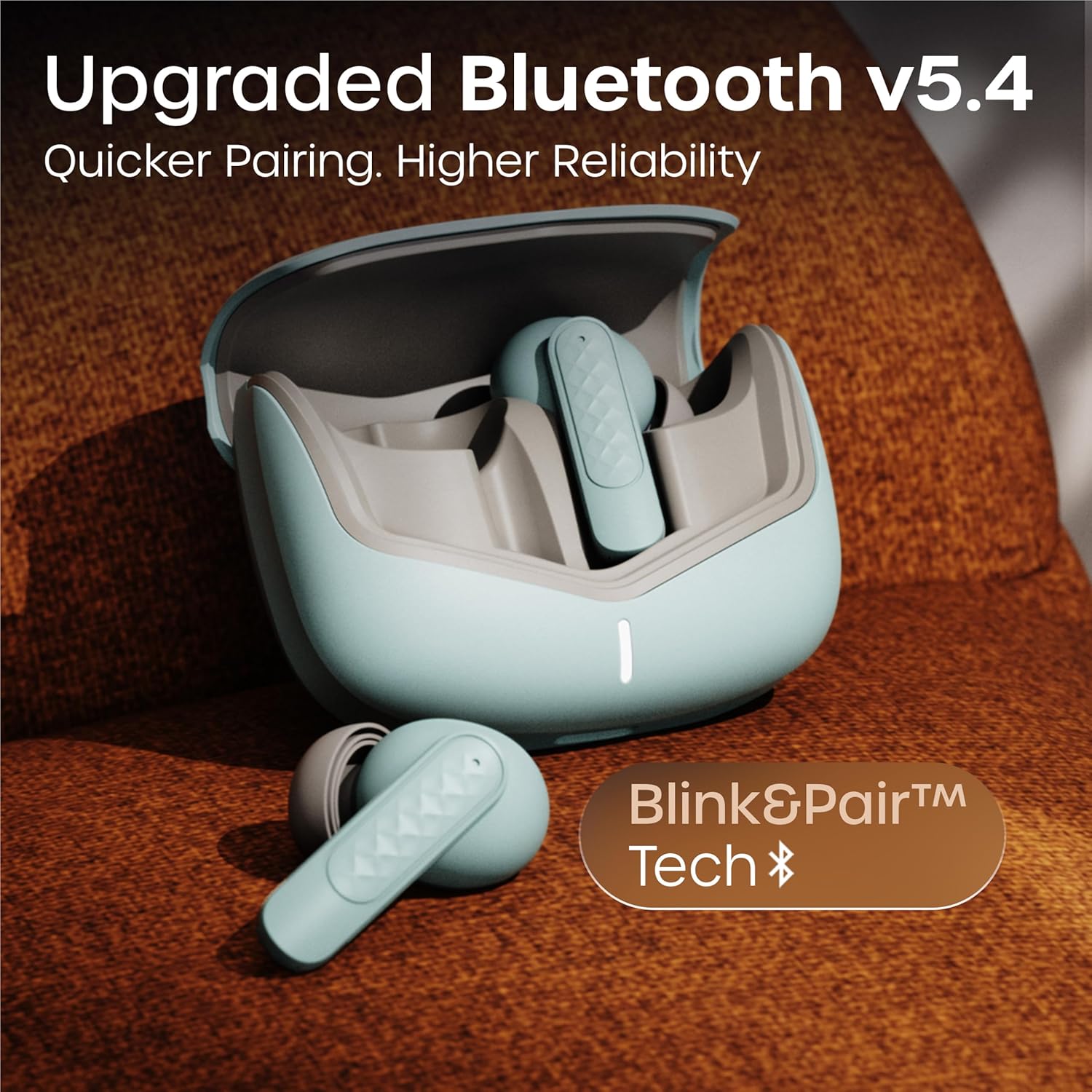
Sluchátka využívají technologii Bluetooth 5.4 pro stabilní a efektivní připojení.
Návod k obsluze
Zapnutí/vypnutí
- Zapnutí: Otevřete nabíjecí pouzdro a sluchátka se automaticky zapnou. Případně můžete dlouze stisknout dotykovou plochu na obou sluchátkách po dobu 3 sekund.
- Vypnout: Vložte sluchátka zpět do nabíjecího pouzdra a zavřete víko. Případně dlouze stiskněte dotykovou plochu na obou sluchátkách po dobu 5 sekund.
Přehrávání hudby
| Akce | Dotykové ovládání |
|---|---|
| Přehrát/Pozastavit | Jediným klepnutím na kterékoli sluchátko |
| Další stopa | Dvojité poklepání na pravé sluchátko |
| Předchozí stopa | Dvojité poklepání na levé sluchátko |
| Zvýšení hlasitosti | Třikrát klepněte na pravé sluchátko |
| Snížit hlasitost | Třikrát klepněte na levé sluchátko |
Správa hovorů
| Akce | Dotykové ovládání |
|---|---|
| Přijmout/ukončit hovor | Jediným klepnutím na kterékoli sluchátko |
| Odmítnout hovor | Dlouze stiskněte libovolné sluchátko po dobu 2 sekund |
The Quad Mic Environmental Noise Cancellation (ENC) ensures clear voice calls by minimizing background noise, making them ideal for office calls and online meetings.

Hlasový asistent
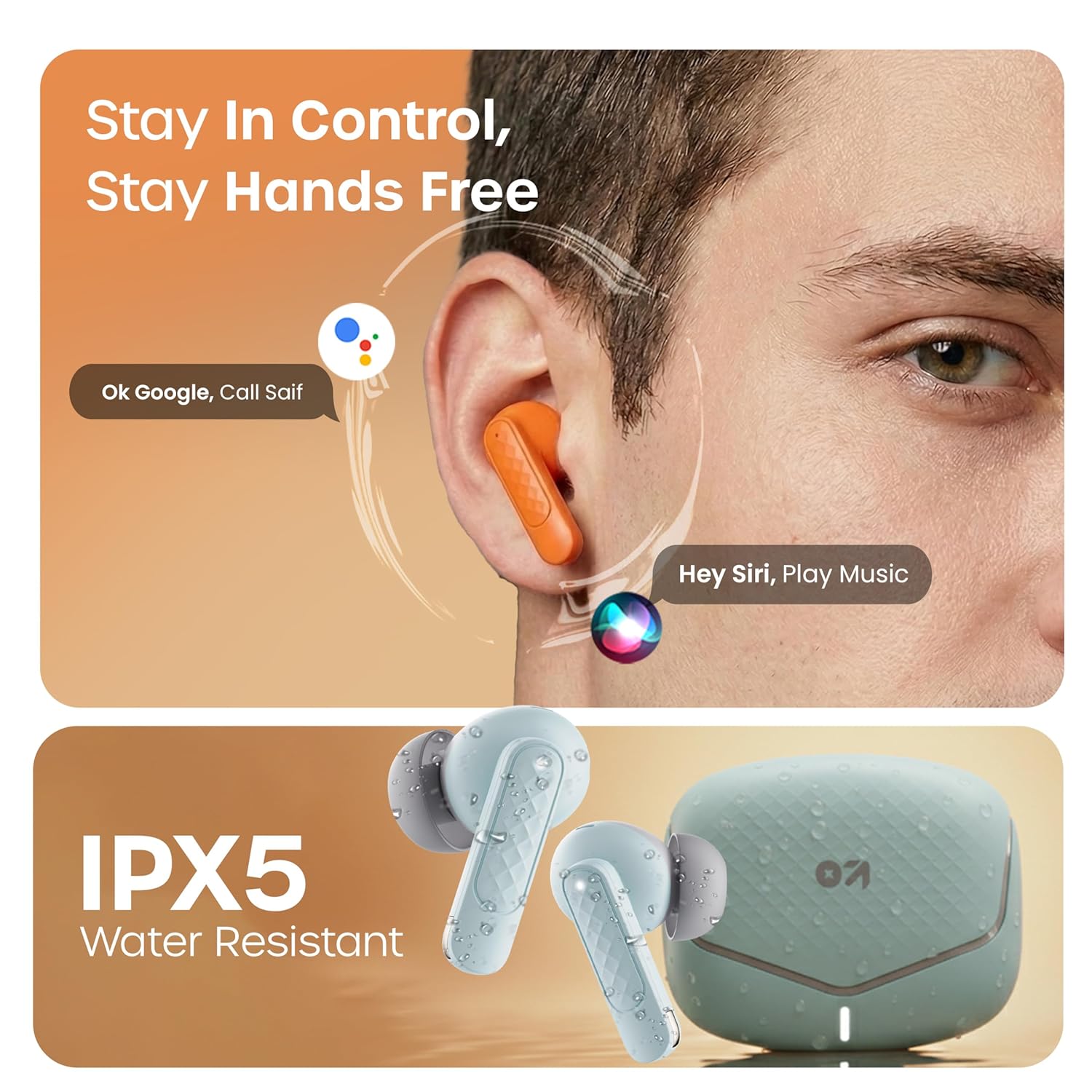
Activate your device's voice assistant (e.g., Google Assistant, Siri) by long-pressing the touch area on either earbud for 2 seconds (when not on a call).
Herní režim
Activate the low latency gaming mode for a synchronized audio experience during gaming. This mode reduces audio delay to 45 milliseconds, providing faster responses and an immersive gaming experience.
- Aktivace herního režimu: Long press the touch area on the left earbud for 2 seconds.
- Deaktivace herního režimu: Repeat the same action.

Údržba
Čištění
Regularly clean your earbuds and charging case to ensure optimal performance and hygiene. Use a soft, dry, lint-free cloth. Do not use abrasive cleaners, solvents, or harsh chemicals. Gently remove any earwax or debris from the eartips and speaker mesh.
Voděodolnost
The GOBOULT Z40 V2.0 earbuds are IPX5 water-resistant, meaning they are protected against sweat and splashes. They are suitable for workouts and outdoor activities. However, they are not designed for swimming or submersion in water. Avoid exposing them to heavy rain or direct water jets.
Odstraňování problémů
If you encounter any issues with your GOBOULT Z40 V2.0 earbuds, please refer to the following common solutions:
- Žádný zvuk:
- Ujistěte se, že jsou sluchátka správně spárována s vaším zařízením.
- Zkontrolujte úroveň hlasitosti na zařízení i ve sluchátkách.
- Make sure the earbuds are seated correctly in your ears.
- Nelze spárovat:
- Ensure the earbuds are charged and in pairing mode (LED blinking).
- Vypněte a poté zapněte Bluetooth na svém zařízení.
- Přibližte sluchátka blíže k zařízení.
- Zapomeňte na zařízení ze seznamu Bluetooth a zkuste spárování znovu.
- Jedno sluchátko nefunguje:
- Vložte obě sluchátka zpět do nabíjecího pouzdra, zavřete víko a poté jej znovu otevřete, abyste resetovali připojení.
- Ujistěte se, že jsou obě sluchátka nabitá.
- Problémy s nabíjením:
- Zkontrolujte, zda je nabíjecí kabel bezpečně připojen k pouzdru i ke zdroji napájení.
- Ujistěte se, že nabíjecí kontakty na sluchátkách a uvnitř pouzdra jsou čisté a bez nečistot.
- Zkuste jiný nabíjecí kabel nebo napájecí adaptér.
Specifikace
| Funkce | Detail |
|---|---|
| Značka | GOBOULT |
| Název modelu | Z40 V2.0 (Airbass) |
| Umístění uší | V uchu |
| Kontrola hluku | Potlačení okolního hluku (čtyři mikrofon) |
| Průměrná životnost baterie | 70 hodin (s nabíjecím pouzdrem) |
| Doba nabíjení baterie | 10 Minutes for 120 Minutes Playtime |
| Velikost zvukového ovladače | 13 milimetrů |
| Zvuková latence | 45 milisekund (herní režim) |
| Kontrolní metoda | Dotek |
| Úroveň odolnosti proti vodě | IPX5 (voděodolný) |
| Typ bezdrátové technologie | Bluetooth |
| Verze Bluetooth | 5.4 |
| Dosah Bluetooth | 10 metrů |
| Hmotnost položky | 0.6 kilogramů (celková hmotnost balení) |
| Obsah krabice | Cable, Eartip, User Manual, Warranty Card, Z40v2.0 Earbuds |
Záruka a podpora
Informace o záruce
The GOBOULT Z40 V2.0 True Wireless Earbuds are backed by a 1letá záruka výrobce from the date of purchase. This warranty covers manufacturing defects. Please retain your purchase receipt as proof of purchase for warranty claims.
Zákaznická podpora
For any technical assistance, warranty claims, or product-related inquiries, please refer to the contact information provided on the warranty card included in your product box. You may also visit the official GOBOULT webweb s dalšími zdroji podpory.