
Zavedení
Thank you for choosing the Salange 2026 Mini Projector. This portable smart projector is designed to deliver a high-quality visual experience with its 4K support, Android 14 operating system, and advanced connectivity features like WiFi 6 and Bluetooth 5.4. This manual provides essential information for safe and efficient use of your device. Please read it thoroughly before operation and retain it for future reference.
Bezpečnostní informace
- Nedívejte se přímo do objektivu projektoru, když je zapnutýamp je zapnuto.
- Zajistěte řádné větrání kolem projektoru, aby nedošlo k přehřátí.
- Používejte pouze napájecí adaptér dodaný s projektorem.
- Chraňte projektor před vodou, vlhkostí a hořlavými materiály.
- Neumisťujte projektor na nestabilní povrchy.
- Nepokoušejte se projektor rozebírat ani opravovat sami. Kontaktujte kvalifikovaný servisní personál.
Nastavení
1. Rozbalení a počáteční umístění
Opatrně vyjměte projektor a veškeré příslušenství z obalu. Umístěte projektor na stabilní, rovný povrch. Pro optimální viewing, position the projector perpendicular to the projection surface. The projector features a 270° rotatable design for flexible placement.
2. Připojení napájení
Connect the power cord to the projector's power input port and then plug it into a power outlet. The projector will typically power on automatically or can be turned on using the power button on the device or remote control.

Obrázek: Zadní view of the Salange 2026 Mini Projector with power, HDMI, and USB ports.
3. Zaostření a korekce lichoběžníkového zkreslení
The Salange 2026 Mini Projector supports manual focus adjustment. Rotate the focus ring on the projector to achieve a sharp image. It also features automatic vertical keystone correction (±45°) to eliminate image distortion, ensuring a rectangular picture even when the projector is not perfectly aligned. For more precise adjustments, 4-point correction may be available in the settings.

Image: Automatic vertical keystone correction and manual focus adjustment.
4. Network Connection (WiFi 6)
Navigate to the settings menu on the projector. Select 'Network' or 'Wi-Fi' and choose your desired network from the list. Enter the password if prompted. The projector supports dual-band (2.4 GHz + 5 GHz) Wi-Fi 6 for stable and fast connections.
5. Párování Bluetooth
To connect Bluetooth audio devices, go to the settings menu and select 'Bluetooth'. Turn on Bluetooth and search for available devices. Select your device from the list to pair. This allows for wireless audio output to speakers or headphones.
Návod k obsluze
1. Zapnutí/vypnutí
Press the power button on the projector or the remote control to turn the device on or off. A short press typically puts the projector into standby mode, while a long press performs a full shutdown.
2. Navigace v rozhraní systému Android 14
The projector runs on Android 14.0, providing access to a wide range of applications. Use the remote control to navigate through the home screen, app drawer, and settings. The interface is similar to a smart TV, allowing for intuitive use.
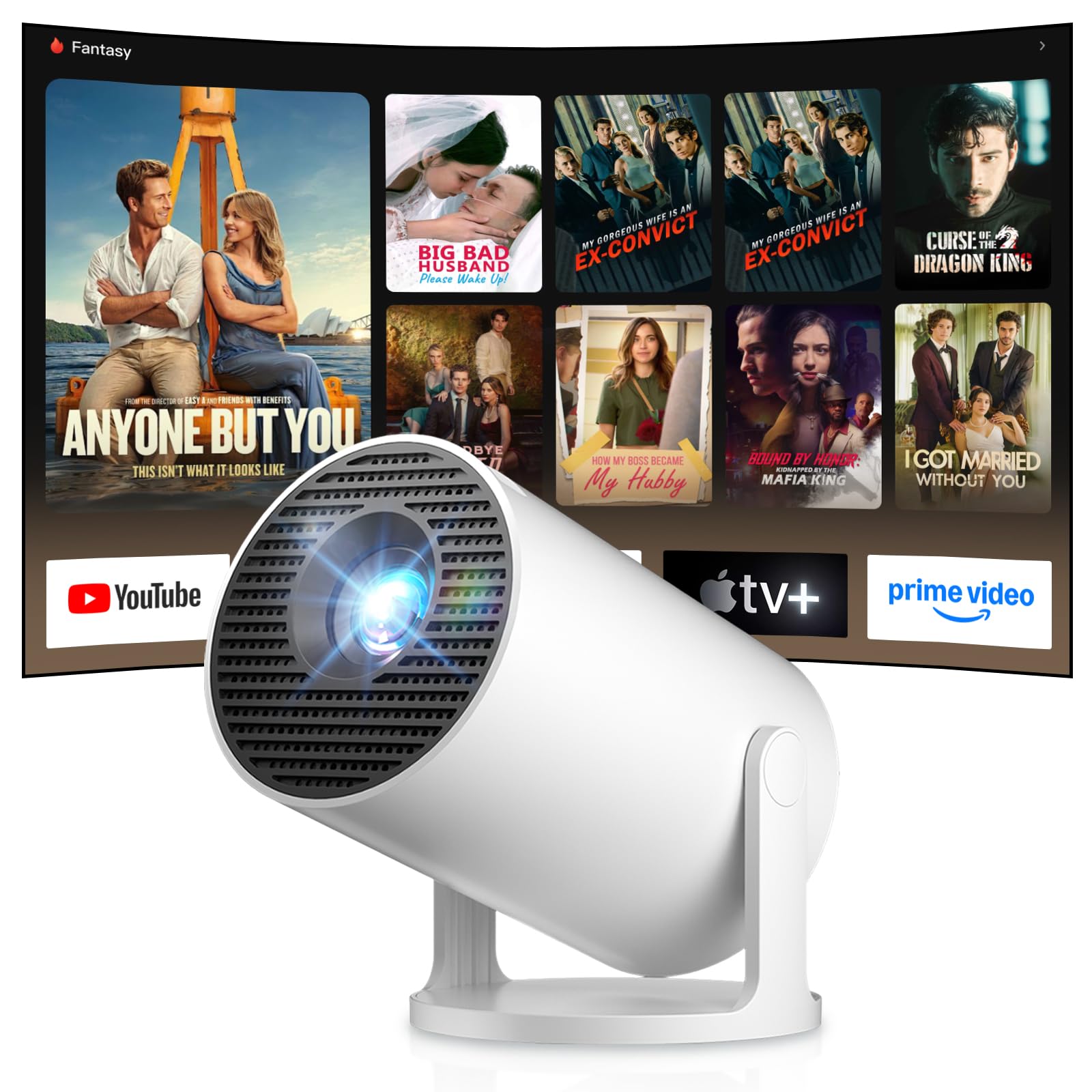
Image: Android TV 14.0 interface with streaming applications.
3. Instalace aplikace
With Android 14, you can install over 8,000 applications directly onto the projector. Access the app store (e.g., Google Play Store) from the home screen, search for desired apps (video players, games, office software), and install them.
4. Zrcadlení obrazovky (iOS/Android)
The projector supports screen mirroring for both iOS and Android devices. Ensure your mobile device and the projector are connected to the same Wi-Fi network. On your mobile device, activate the screen mirroring function (e.g., AirPlay for iOS, Cast for Android) and select the projector from the list of available devices.

Image: Wireless casting from mobile devices to the projector.
5. Connecting External Devices (HDMI, USB)
Use the HDMI port to connect devices such as laptops, game consoles (PS5, Switch), or TV sticks. Use the USB port to connect USB drives for media playback or other peripherals. Select the appropriate input source from the projector's input menu.
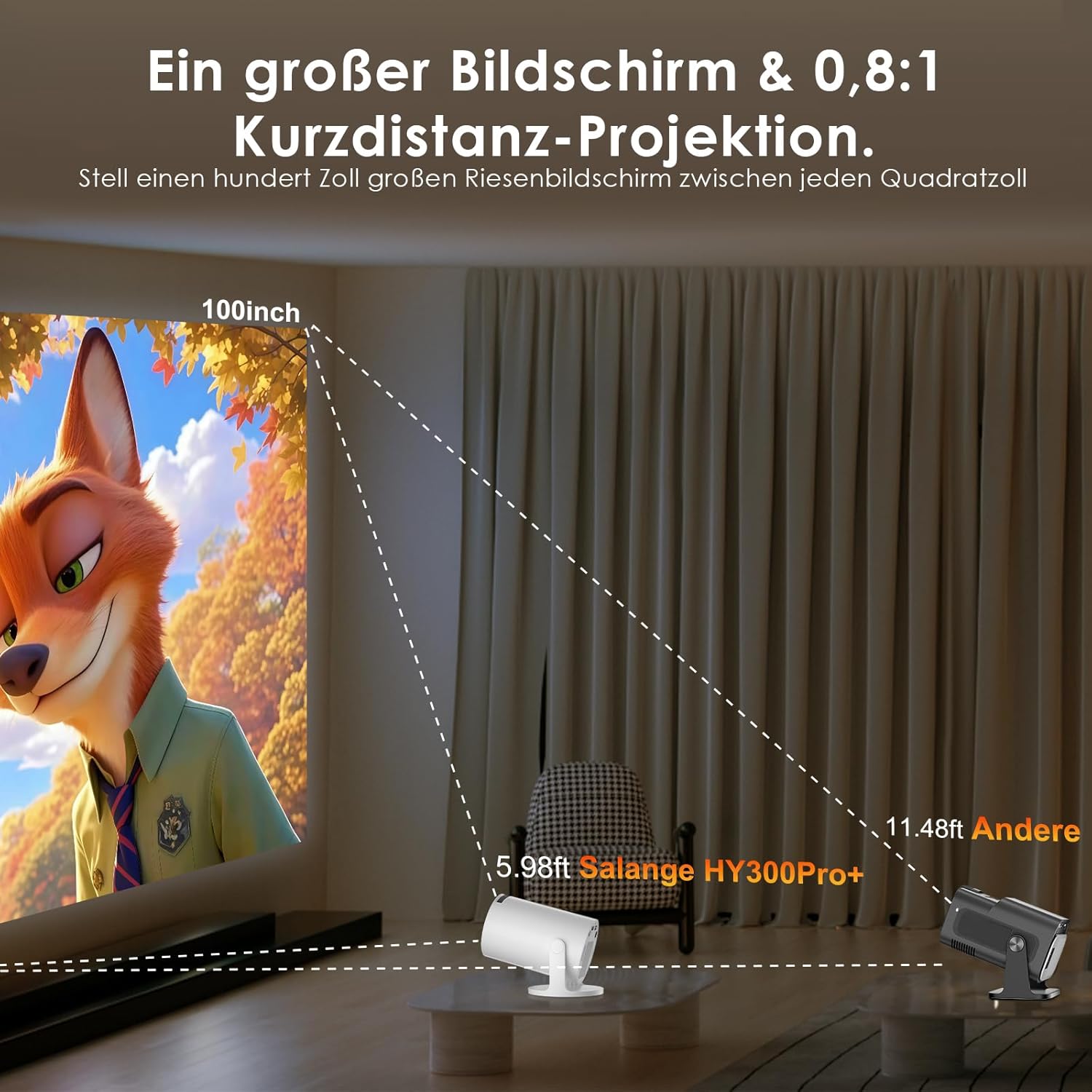
Image: Connectivity options for HDMI, Audio, and USB devices.
6. Zvukový výstup
The projector has built-in speakers. For enhanced audio, connect external speakers or headphones via Bluetooth or the 3.5mm audio jack.
Údržba
1. Čištění čočky
K jemnému otření čočky projektoru použijte měkký hadřík bez žmolků, speciálně určený pro optické čočky. Nepoužívejte abrazivní čisticí prostředky ani nadměrný tlak, které by mohly čočku poškrábat.
2. Čištění exteriéru
Otřete vnější povrch projektoru měkkým, suchým hadříkem. V případě odolných nečistot použijte lehceamp Lze použít hadřík a poté suchý hadřík. Nepoužívejte agresivní chemikálie ani rozpouštědla.
3. Skladování
Pokud projektor delší dobu nepoužíváte, skladujte jej na chladném, suchém a bezprašném místě. Abyste předešli poškození, použijte originální obal nebo ochranné pouzdro.
Odstraňování problémů
- Bez napájení: Ujistěte se, že je napájecí kabel bezpečně připojen k projektoru i k elektrické zásuvce. Zkuste jinou zásuvku.
- Bez obrázku: Check if the projector is powered on. Verify the input source is correctly selected (e.g., HDMI 1, USB). Ensure the lens cap is removed.
- Rozmazaný obrázek: Adjust the manual focus ring until the image is sharp. Check if the projector is too close or too far from the screen.
- Image Distortion (Trapezoid): The projector has automatic keystone correction. If manual adjustment is needed, check the display settings for keystone correction options.
- Žádný zvuk: Check the volume level on both the projector and the connected source device. Ensure external audio devices are correctly connected and selected as the output.
- Problémy s připojením Wi-Fi/Bluetooth: Ensure the projector is within range of your router or Bluetooth device. Restart the projector and your network devices. Re-pair Bluetooth devices.
- Dálkové ovládání nereaguje: Zkontrolujte baterie v dálkovém ovladači. Ujistěte se, že mezi dálkovým ovladačem a infračerveným přijímačem projektoru nejsou žádné překážky.
Specifikace produktu
| Funkce | Specifikace |
|---|---|
| Výrobce | Salange |
| ASIN | B0G43FF84L |
| Země původu | Čína |
| Doporučená použití | Obchod, Domácí kino, Hraní her, Vzdělávání |
| Speciální funkce | Wi-Fi Compatible, Digital Keystone Correction, Lightweight, Portable |
| Technologie připojení | Bluetooth, HDMI, USB, Wi-Fi |
| Nativní rozlišení displeje | 1280 x 720 pixelů |
| Maximální rozlišení displeje | 3840 x 2160 pixels (4K supported) |
| Typ zobrazení | LCD |
| Rozměry produktu (D x Š x V) | 10.1 x 10.1 x 17 cm |
| Form Factor | Přenosný |
| Typ montáže | Stolní držák |
| Jas | 8000 XNUMX lumenů |
| Barva | Bílý |
| Kompatibilní zařízení | Game Console, Speaker, Laptop, Smartphone, Television |
| Kontrastní poměr | 1500:1 |
| Maximální velikost obrázku | 150 palce |
| Minimální velikost obrázku | 30 palce |
| Kódování videa | H.265 |
| Technologie vylepšení obrazu | HDR |
| Obsah krabice | 1 Projector, 1 Power Cord, 1 Remote Control, 1 User Manual |
Informace o záruce
The Salange 2026 Mini Projector comes with a standard manufacturer's warranty. Please refer to the warranty card included in your product packaging for specific terms, conditions, and duration. Keep your proof of purchase for warranty claims.
Zákaznická podpora
For technical assistance, troubleshooting, or any questions regarding your Salange 2026 Mini Projector, please contact Salange customer support. Contact details can typically be found on the official Salange website or in the warranty information provided with your product.