
1. Úvod
This manual provides essential information for setting up, operating, maintaining, and troubleshooting your Sharp Aquos QLED 55 Inch 4K Ultra HD Xumo Smart TV. Please read this manual thoroughly before using your television and retain it for future reference.
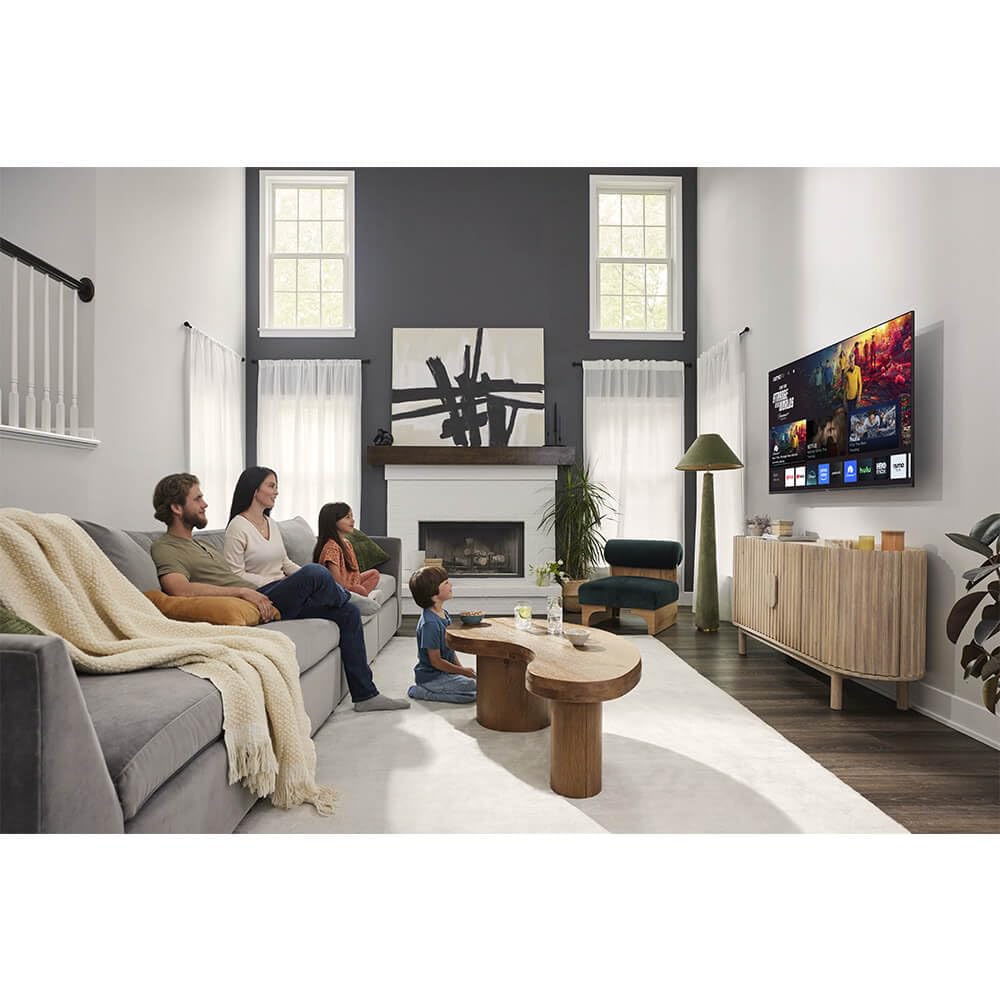
Obrázek: Přední strana view of the Sharp Aquos QLED 55 Inch 4K Ultra HD Xumo Smart TV.
2. Bezpečnostní informace
Always follow basic safety precautions when using this television to reduce the risk of fire, electric shock, and injury. Keep the television away from moisture, direct sunlight, and heat sources. Ensure proper ventilation and do not block any ventilation openings. Use only the power cord and accessories specified by the manufacturer. Refer to the full safety guidelines in the included printed manual.
3. Co je v krabici
Your Sharp Aquos QLED 55 Inch 4K Ultra HD Xumo Smart TV package includes:
- Sharp Aquos QLED 55 Inch 4K Ultra HD Xumo Smart TV
- Hlasové dálkové ovládání
- TV stolek (2 kusy)
- Šrouby pro televizní stojan
- Napájecí kabel
- Uživatelská příručka (tento dokument)
- Rychlý průvodce
4. Nastavení
4.1 Připevnění televizního stojanu
- Televizor opatrně položte obrazovkou dolů na měkký, rovný povrch, abyste předešli jeho poškození.
- Zarovnejte každý kus stojanu s odpovídajícími otvory pro šrouby na spodní straně televizoru.
- Každý díl stojanu zajistěte pomocí dodaných šroubů. Ujistěte se, že jsou pevně utaženy.
4.2 Montáž na stěnu (volitelné)
If you choose to wall mount your TV, ensure you use a VESA-compatible wall mount kit (sold separately) that supports the 55-inch screen size and weight. Follow the instructions provided with your wall mount kit. Remove the TV stand before mounting.
4.3 Připojení zařízení
Connect your external devices (cable box, gaming console, soundbar, etc.) to the appropriate ports on the back of the TV. The Sharp Aquos QLED TV features multiple HDMI inputs for versatile connectivity.

Obrázek: Zadní view of the Sharp Aquos QLED TV showing cable management through the stand.
4.4 Připojení napájení
Plug the power cord into the TV's power input, then into a wall outlet. The TV is now ready for initial setup.
5. Návod k obsluze
5.1 Počáteční nastavení a síťové připojení
Upon first power-on, the TV will guide you through the initial setup process. This includes selecting your language, connecting to your Wi-Fi network (dual-band Wi-Fi supported for reliable streaming), and agreeing to terms and conditions. Follow the on-screen prompts.
5.2 Funkce dálkového ovládání
The included voice remote allows for intuitive navigation. Use the directional pad to move through menus, the OK button to select, and dedicated buttons for popular streaming services. The built-in voice search feature provides hands-free control for launching apps, adjusting volume, and switching inputs.
5.3 Xumo Smart TV Platform
The Xumo Smart TV system offers fast and intuitive access to your favorite streaming applications. The clean home screen allows for easy navigation and personalized content recommendations.
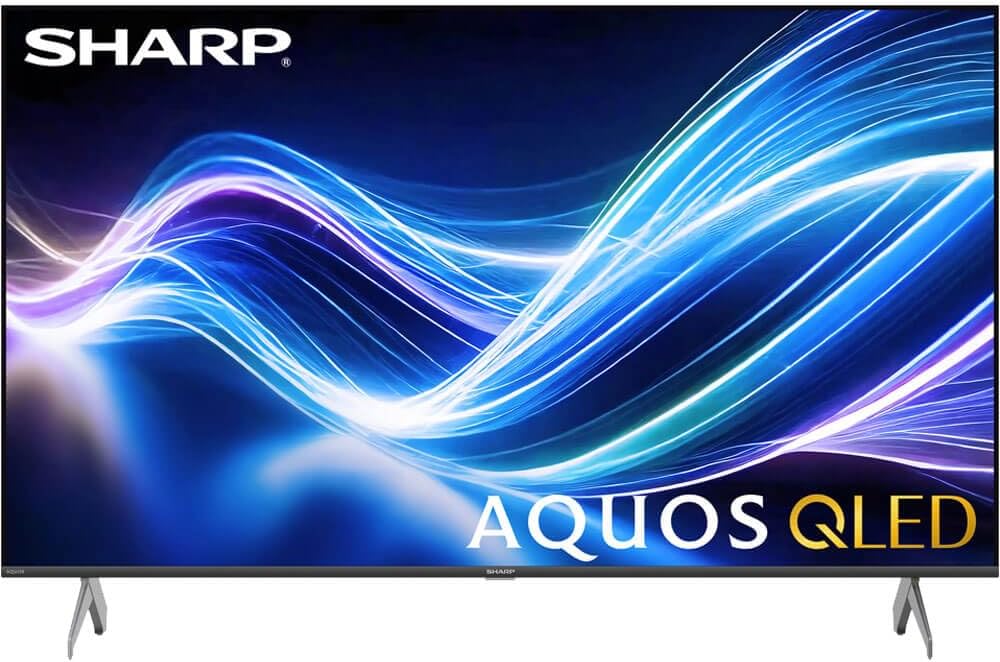
Image: The Xumo Smart TV home screen displaying various streaming apps and voice search functionality.
5.4 Nastavení obrazu a zvuku
Your Sharp Aquos QLED TV supports advanced picture and sound technologies:
- 4K QLED displej: Enjoy vibrant, lifelike images with Quantum Dot color and enhanced brightness.
- Dolby Vision a HDR10: These premium HDR formats optimize contrast, depth, and clarity for cinematic picture quality. Access picture settings via the TV menu to fine-tune brightness, contrast, color, and sharpness.
- Pohlcující zvuk: The TV features optimized sound processing for clear dialogue and enhanced bass. Connect Bluetooth headphones or speakers for wireless listening. Adjust audio modes (Standard, Music, Movie, Speech, Custom) in the sound settings.
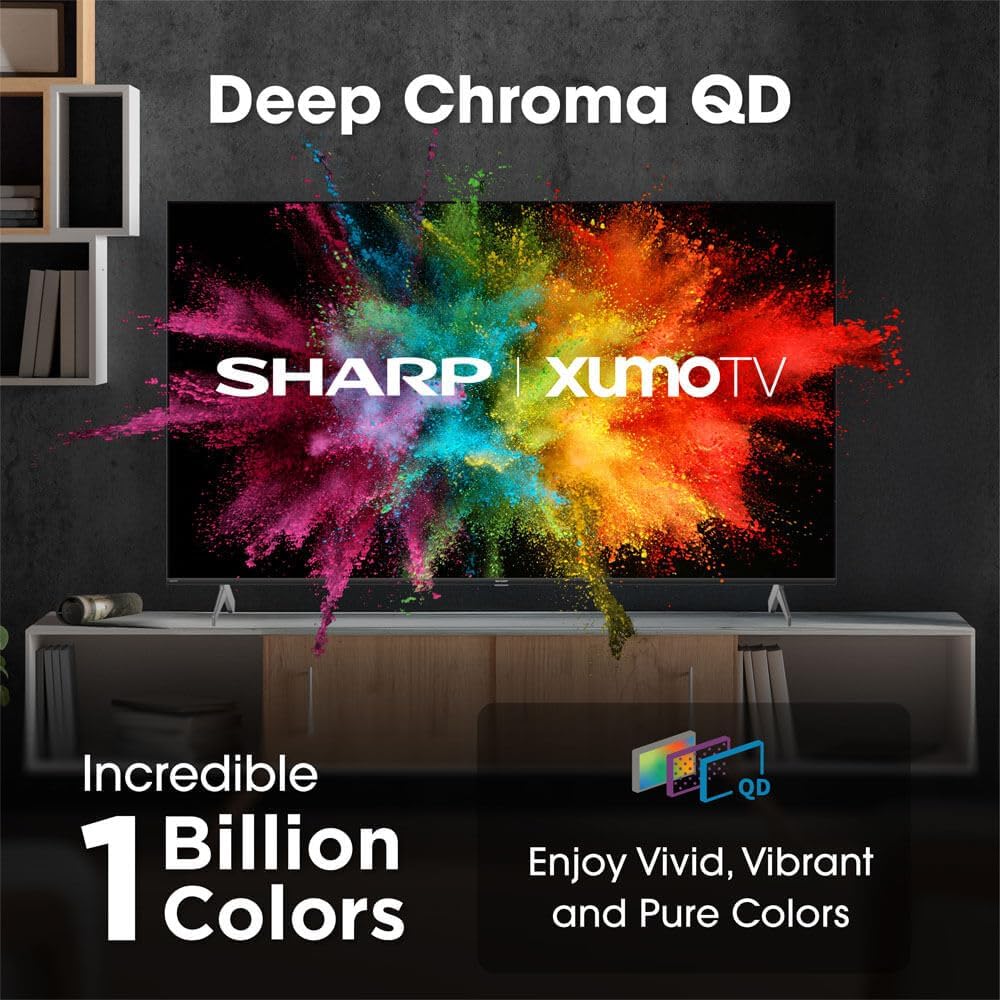
Image: Comparison of Dolby Vision enhanced picture quality against a standard display.

Image: Visual representation of Dolby Atmos creating immersive sound in a living room setting.
6. Údržba
6.1 Čištění televizoru
Obrazovku jemně otřete měkkým hadříkem, který nepouští vlákna. V případě odolných skvrn ji lehce otřete.ampen the cloth with water or a screen-cleaning solution. Never spray liquid directly onto the screen. Clean the TV's exterior with a soft, dry cloth.
6.2 Aktualizace softwaru
Váš televizor může dostávat automatické aktualizace softwaru pro zlepšení výkonu a přidání nových funkcí. Pro získání těchto aktualizací se ujistěte, že je váš televizor připojen k internetu. Aktualizace můžete také ručně zkontrolovat v nabídce nastavení televizoru.
7. Řešení problémů
| Problém | Možná příčina | Řešení |
|---|---|---|
| Žádná síla | Power cord not connected, power outlet not working. | Zkontrolujte připojení napájecího kabelu, zkuste jinou zásuvku. |
| Žádný obraz/zvuk | Incorrect input selected, external device off/disconnected. | Verify input source, check device power and connections. |
| Dálkové ovládání nefunguje | Batteries low/dead, obstruction between remote and TV. | Vyměňte baterie, odstraňte překážky, v případě potřeby opravte spárování dálkového ovladače. |
| Problémy s připojením Wi-Fi | Router issues, incorrect password, weak signal. | Restart router, re-enter Wi-Fi password, move TV closer to router or use Ethernet. |
8. Specifikace
- Značka: Ostrý
- Číslo modelu: 4TC55HP7050U
- Velikost obrazovky: 55 palce
- Technologie displeje: QLED Smart
- Rezoluce: 4K Ultra HD
- Obnovovací frekvence: 60 Hz
- Speciální vlastnosti: Flat, Dolby Vision, HDR10, Xumo Smart TV, Voice Remote, Bluetooth, Dual-band Wi-Fi
- Technologie připojení: RCA, HDMI (multiple ports)
- Podporované internetové služby: Netflix, Hulu, Amazon Prime Video (and more via Xumo platform)
- Hmotnost položky: 32 libry
- Barva: Černý
9. Záruka a podpora
Informace o záruce a technickou podporu naleznete v záručním listu dodaném s vaším produktem nebo navštivte oficiální webové stránky společnosti Sharp. webUschovejte si účtenku jako doklad o koupi pro případ reklamace.